
When you’re running a small business, trying to stand out from the crowd and stay afloat can be a real challenge.
The ecommerce platform you choose is a big decision, and one that can either make or break your growth. I’ve spent over 200 hours testing out the top options for 2026 and have put together this guide to help you find the best fit for your needs.
Whether you’re just starting out or looking to upgrade from a basic setup, these are my top five picks for ecommerce platforms that are a cut above the rest this year.
Our Top 5 for 2026:
- Shopify – the one stop shop for product-focused stores
- Wix – the all-in-one platform for website and ecommerce needs
- Squarespace – perfect for businesses with a focus on design and services
- WooCommerce – for WordPress users who want total control
- Square Online – ideal for businesses using Square POS and looking to sell online too
Quick Comparison: What You Need to Know
| Platform | Starting Price | Free Plan | Best For | Key Features |
| Shopify | $19/mo | No | Product-focused small businesses | Multichannel selling, powerful apps |
| Wix | $29/mo | Yes | Website + ecommerce all-in-one | AI builder, templates, bookings |
| Squarespace | $16/mo | No | Design-first brands and services | Templates, scheduling, memberships |
| WooCommerce | Free plugin | No | WordPress users with dev skills | Customization, full control |
| Square Online | Free plan | Yes | Local shops using Square POS | POS + online sync, fast setup |
1. Shopify: The Best Ecommerce Platform for Small Business
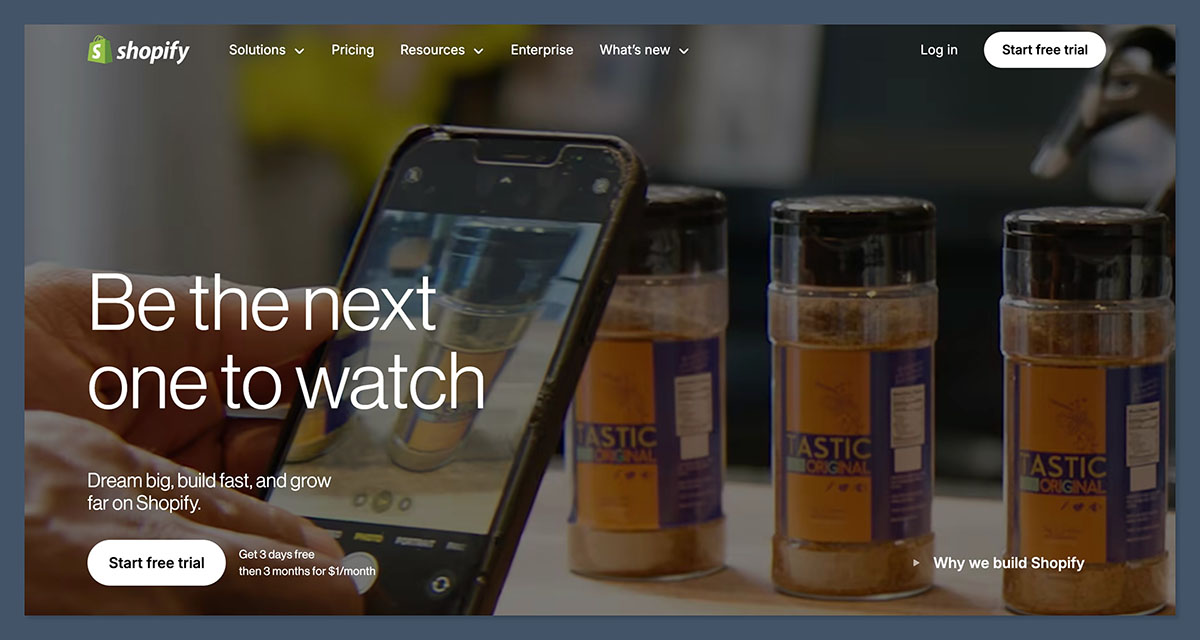
Starting from: $19/month (billed annually)
Free trial: 3 days
Best for: Small businesses selling physical or digital products and looking to scale
AI tools: Shopify Sidekick
Shopify is still at the top of the ecommerce game for small businesses in 2026. It’s perfect for stores that need to sell lots of different products, and has some amazing sales features built right in.
Whether you’re just starting out or looking to scale a brand, Shopify has the tools to help you every step of the way.
I’ve built several stores using Shopify and I always come back to it because of how well it handles inventory, payments and fulfillment.
It’s built to sell, and the app store is full of thousands of add-ons to help you grow. Want to add reviews, upsells, loyalty programs and more? The Shopify app store has got you covered.
What I Love About Shopify:
- Fast setup with real sales features out of the box
- Amazing support and documentation
- Handles large inventories and multichannel sales like a pro
- App store is a goldmine for add-ons
What Could Be Better:
- Paid apps can add up quickly
- You need to pay extra for some of the more advanced features
Key Features:
- Shopify Payments, POS, and abandoned cart recovery
- Sell on multiple channels like Amazon, Instagram and Facebook
- Print-on-demand integrations like Printful and Printify
- Shopify Sidekick – your new store management best friend
Pricing:
| Plan Name | Price (per month, billed annually) | Best For | Key Features |
| Basic | $19 | New small businesses | Basic store features, limited staff accounts |
| Shopify | $49 | Growing businesses | More reports, more staff accounts |
| Advanced | $299 | Scaling brands | Advanced reports, better shipping discounts |
Shopify’s Basic plan is a great entry point at just $19 a month, and comes with unlimited products, discount codes and basic reports. It’s perfect for new businesses just starting out.
The Shopify plan is next up and unlocks better analytics, more inventory locations and additional staff accounts. If you’re seeing regular sales and want more visibility into performance, this is the plan to go with.
The Advanced plan is for big brands looking to scale aggressively or manage complex shipping and tax setups. You get advanced reports and third-party shipping rate calculations.
Don’t be surprised if you need to pay extra for paid apps, themes (some are $150 to $350 one-off) or use payment gateways other than Shopify Payments.
The Bottom Line: If you’re serious about selling products online, Shopify is the way to go. It’s built to grow with you, no matter how big your business gets.
2. Wix: Best Website + Store Combo
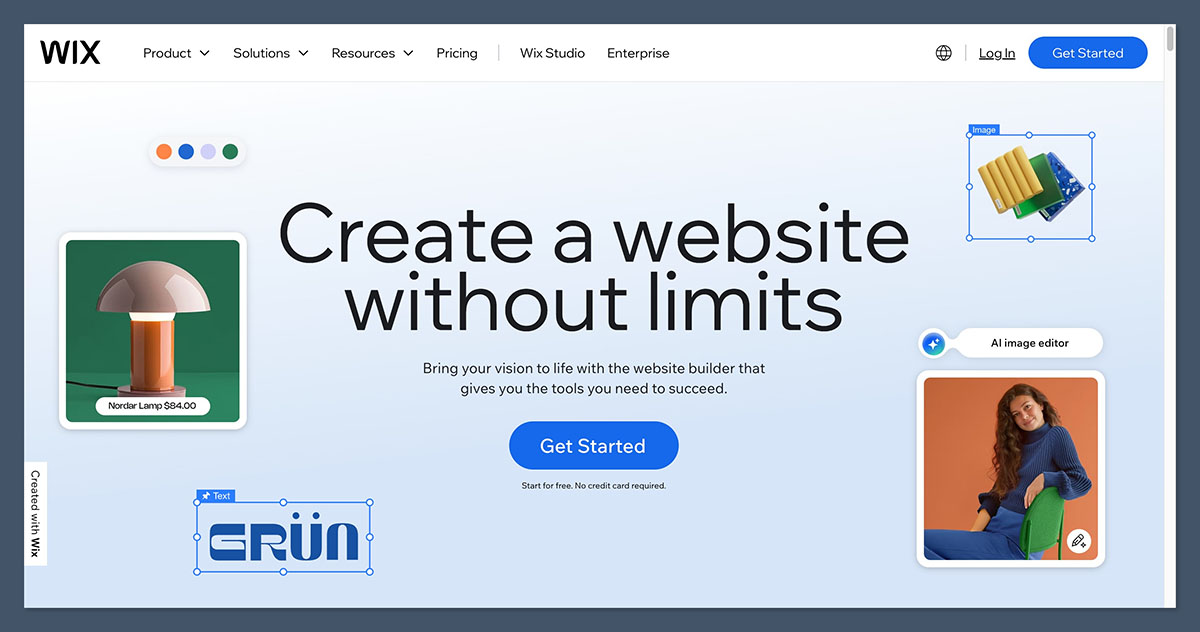
Starting from: $29/month (Core Plan)
Free plan available: Yes
Best for: Businesses that need a full website and ecommerce features in one place
AI tools: Wix ADI, product description generator
Wix is more than just an ecommerce platform, it’s a full website builder with ecommerce tools built right in.
Need a website, blog, booking system and storefront all in one place? Wix is one of the top choices.
What really stood out for me during testing was just how flexible Wix is. You get total design freedom with drag-and-drop tools, and you don’t need to touch a single line of code.
It’s perfect for service providers who want to sell products or offer digital downloads, or for anyone who needs a one-stop-shop for their business.
✔️ Pros
- Over 2,000 design templates to choose from
- Some built-in booking and service tools to take the pain out of setup
- AI product descriptions to help drive sales
- Easy to use even for complete beginners – no need to be a tech wizard
❌ Cons
- Can end up feeling cluttered as you start to add more features
- Switching templates means you have to rebuild your pages from scratch – not ideal
Key Features:
- Wix’s AI-powered store builder (ADI) to help get you online fast
- All the email marketing and automation tools you need to stay in touch
- Thousands of app integrations for dropshipping & print-on-demand
- Blogging, SEO, and social tools to help drive traffic
Pricing:
| Plan Name | Price (per month, billed annually) | Best For | Key Features |
| Light | $17 | Simple business websites | No ecommerce, basic site features |
| Core | $29 | Small online stores | Ecommerce features, basic analytics, 24/7 support |
| Business | $39 | Growing ecommerce businesses | Advanced ecommerce tools, marketing integrations |
| Business Elite | $159 | High-volume sellers | Priority support, custom reports, better performance |
Wix has got a range of plans to suit your needs, starting with Light, which is fine for personal sites or service pages with no ecommerce.
For selling products, you’ll want to start at the Core plan, which includes the standard ecommerce features like product pages, payments and a shopping cart.
The Business plan adds some more oomph – stronger analytics, abandoned cart recovery, and more marketing tools.
If you’re running a high-traffic store or need super fast loading times with priority support, Business Elite is the top-tier plan – complete with VIP-level services.
All plans come with Wix’s easy to use drag-and-drop builder and access to templates – and you can upgrade as your business takes off.
The Bottom line: Wix is one platform to rule them all – whether you need a website or a shop, it’s the most flexible all-in-one solution. No need to mess with plugins or code.
3. Squarespace: Perfect for Creatives & Service Providers
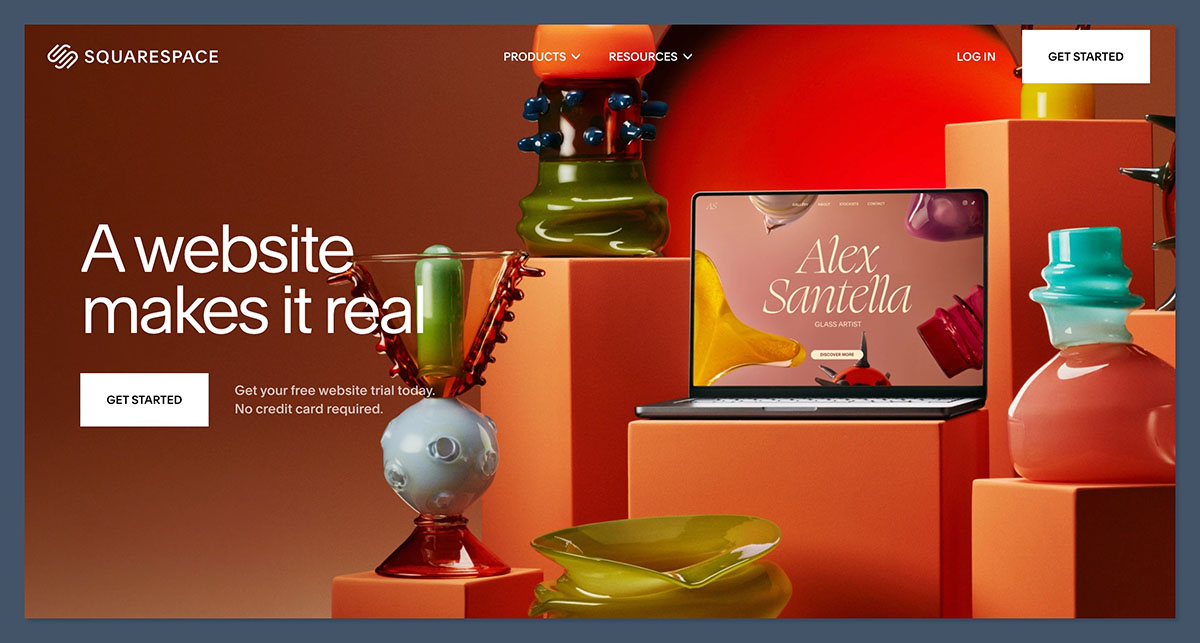
From just: $16/month (billed annually)
Free trial: 14 days
Best for: Brands who are all about visuals and services
Some AI tools: Squarespace’s Blueprint and Email Campaigns AI
Squarespace is still the top choice for service-based businesses, creatives, and visual brands. Their templates are simply some of the best out there – especially if you’re a photographer, consultant or stylist who wants a strong brand presence online.
In my testing, I loved how easy it was to manage appointments, memberships, and subscriptions without needing third-party tools.
It’s grid layout system helps you create well-aligned, elegant pages in no time – and their new Blueprint tool walks you through setup based on your business goals.
✔️ Pros
- Absolutely stunning templates and typography to make your brand shine
- Scheduling & appointment tools right in the platform
- Built-in email marketing with personalisation options
- Easy to use even for total beginners
❌ Cons
- There’s no autosave when you’re editing – that’s just a bit frustrating
- Some ecommerce features are locked away on higher-tier plans
Key Features:
- Get online bookings sorted with Acuity Scheduling
- Email marketing with AI-powered personalisation to boost engagement
- Sell digital products and subscriptions easily
- Inventory management and checkout customisation tools
Pricing:
| Plan Name | Price (per month, billed annually) | Best For | Key Features |
| Personal | $16 | Simple websites | No ecommerce, website builder only |
| Business | $23 | Small stores and service providers | Basic ecommerce with 3% transaction fee |
| Commerce Basic | $27 | Online stores | No transaction fees, product merchandising |
| Commerce Advanced | $49 | Growing ecommerce brands | Abandoned cart, subscriptions, advanced shipping |
Squarespace’s pricing structure is pretty clear and flexible – starting with the Personal plan which doesn’t support ecommerce.
If you’re ready to sell, the Business plan is the first tier that allows product selling – but with a 3% transaction fee and no deeper analytics.
Commerce Basic is the sweet spot for most online stores – no transaction fees and all the inventory tools you need.
Commerce Advanced is designed for stores that need serious scale – features like abandoned cart recovery, advanced shipping and subscription selling.
Booking tools (via Acuity Scheduling) and email marketing can be added as extras.
The Bottom line: Squarespace is perfect for design-focused sites and service providers – it’s not ideal for large stores, but for branding-led sites, it delivers beautifully.
4. WooCommerce: For WordPress Control Fanatics
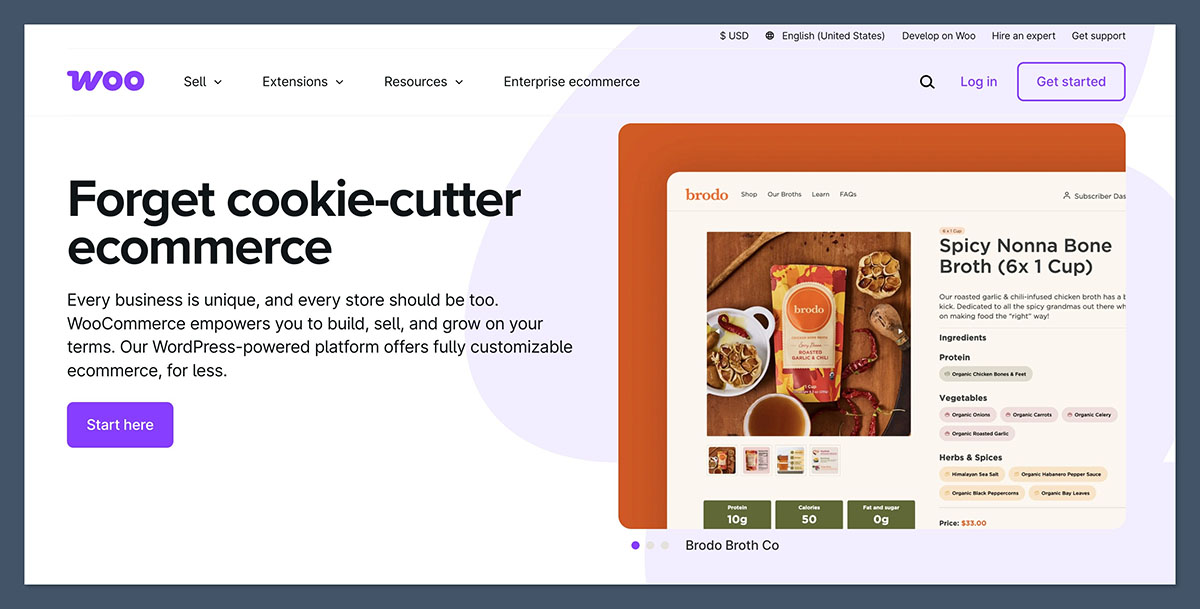
Starting from: Free plugin
Free trial: Not needed
Best for: Developers and WordPress site owners
Some AI tools: Available via extensions
WooCommerce is the top choice for developers and WordPress site owners – and it’s free to use out of the box.
WooCommerce is an open-source plugin for WordPress that lets you turn any website into an online store – and it’s absolutely free to install, making it a popular choice for people who want all the control in the world over design, hosting, and features.
I think WooCommerce is a great choice for store owners who already use WordPress or are happy to get their hands dirty with the code. It’s the most flexible option on the list, but also the most technical.
✔️ The Good Stuff
- No platform fees or monthly ecommerce costs to worry about
- You can make it look however you like with thousands of plugins to choose from
- It’s got great SEO out of the box thanks to WordPress integration
- And it’s a great choice for international stores with language plugins to hand
❌ The Not-So-Good Stuff
- You’ll need to sort out your own hosting and do regular maintenance
- It does have a bit of a steeper learning curve if you’re new to the world of ecommerce
The Cool Features
- Unlimited products and customization to get creative with
- Full control over your theme, layout and design
- No transaction fees, ever – just you and your customers
- Integration with all the major payment processors, print-on-demand tools and more
Pricing
| Component | Estimated Cost (per month) | Required? | Notes |
| WooCommerce Plugin | Free | Yes | Base plugin includes essential store features |
| Hosting | $5 to $30 | Yes | Shared or managed WordPress hosting |
| Premium Theme | $0 to $100+ (one-time or annual) | Optional | Popular themes include Astra, Kadence, or Storefront |
| Extensions & Plugins | Varies (some free, some paid) | Optional | SEO, shipping, tax, subscriptions, etc. |
WooCommerce itself is free, but of course the cost can add up – you’ll need to pay for hosting and a domain, and possibly premium plugins and themes.
If you’re the type of person who’s happy to get their hands dirty with WordPress or just want the ultimate level of control over their platform, then WooCommerce gives you the keys to the kingdom.
Just don’t forget that with great power comes great responsibility – you’re on the hook for updates, plugins and performance tuning.
Extensions like subscription management, advanced shipping and integrations with services like Stripe and PayPal will cost extra too.
It’s a powerful solution – but not the easiest to get started with, unless you’re already familiar with WordPress.
The Bottom Line: WooCommerce is the way to go if you’re already on WordPress or just want to build a fully customised store. Just be prepared to handle all the maintenance and technical stuff.
5. Square Online: Best for In-Person and Online Selling
Starting from: Free plan – yes, really!
Free trial: Not needed if you already have a Square POS
Best for: Local businesses who need to sync in-person and online sales
AI tools: Just not something you get out of the box
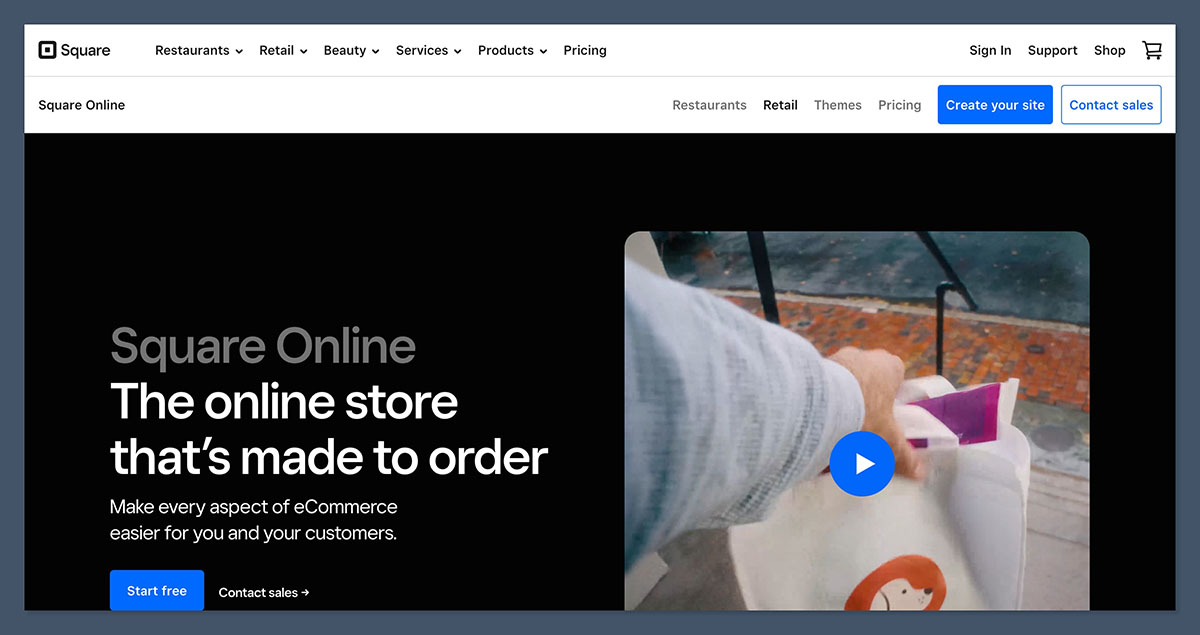
Square Online is designed for businesses that are already using Square’s POS system.
If you run a retail store, café or salon and want your in-person and online sales to sync up automatically, this is a pretty neat, simple and efficient platform.
I set up a test store with Square Online and was pretty impressed with how quickly inventory and payment tools synced up.
If you’re a retail owner who’s already using Square hardware, there’s almost no setup required to get started with online sales.
✔️ The Good Stuff
- Built to sync with Square POS
- Easy to get started with and super-fast to set up
- Accepts appointments, pickups and delivery
- And there’s a free plan available to get you started
❌ The Not-So-Good Stuff
- Limited design flexibility
- It’s really more suited to smaller product catalogs
What’s in the Box?
- Automatic syncing with Square POS
- Support for physical and digital goods
- Customer data unified across online and offline sales
- And there are built-in tools for restaurants, services and retail
The Costs
| Plan Name | Price (per month) | Best For | Key Features |
| Free | $0 | New sellers, testing the store | Square branding, basic features, online checkout |
| Plus | $49 | Small to medium retail stores | Custom domains, advanced items, customer accounts |
| Premium | $149 | High-volume sellers | Lower processing fees, real-time shipping, advanced reports |
The Free plan is pretty generous and lets you start selling online with no upfront cost. You’ll have Square branding on your site, and your domain will use a Square subdomain.
The Plus plan is ideal for most brick-and-mortar businesses. It gives you access to custom domains, advanced item management and customer accounts. And if you’re already using Square POS, this plan will tie everything together.
The Premium plan is aimed at high-volume businesses and includes things like advanced reporting tools and the ability to offer real-time shipping rates. You’ll also get lower payment processing fees compared to the Free and Plus plans.
These plans are tightly integrated with Square’s hardware and payments system, making them a great fit for physical stores that want to expand online.
The Bottom Line: If you already use Square POS, Square Online is a no-brainer. It connects your store, hardware and payments in one platform with minimal effort.
Final Verdict: Which Platform Should You Choose?
There’s no one-size-fits-all ecommerce platform. It all depends on how you sell, where you sell and what level of control you’re after.
Here’s a quick rundown to help you decide:
- Shopify is generally the go-to choice for small businesses who need an e-commerce platform to list and sell their physical products.
- Wix is probably the way to go if you’re looking for a one-stop-shop sort of platform to host your entire website and online store.
- Squarespace is often a good fit for creatives, service providers, or anyone with a strong visual brand – those types of folks tend to love it.
- WooCommerce is basically the most flexible option if you’re already using WordPress and want to add a shopping cart to your site.
- Square Online is a great choice for people who are already selling in-person and want to quickly set up an online shop to reach a wider audience.
Ultimately, the right platform comes down to what works best for your workflow, your customers, and your long-term plans.
Start with what matters most to your business right now, and choose the platform that makes that easier, not harder. You can always upgrade or adapt as you grow.



