If you think the creator economy is old news, or that the space is overcrowded, I’ve got good news for you. Creators are still thriving, enough that Grandview Research estimates the market will be worth more than $1345 billion by 2033.
What tends to hold these innovators back isn’t a lack of ideas, or opportunity. More often, it’s just finding the platform that can help them turn their imaginative streak into a real, profitable brand.
Sure, there are plenty of marketplaces you can list on, plus ecommerce platforms you can use if you want your own “controlled” storefront, but every route comes with obstacles to get past, as well as endless opinions that can actually make it harder to decide what you need.
So this is the simple shortlist, the five creator economy platforms I’d choose if I was launching a business today.
The Best Creator Economy Platforms: My 5 Top Picks
I told you I’d keep this simple, and I will, with five platforms chosen because they each have something valuable to offer a different kind of creator.
I judged about twenty options based on the things you’d expect: how easy it is to get started, how many revenue avenues you can explore, plus how much the monthly fees are, and ended up with this straightforward (but hopefully helpful) list.
1. Fourthwall: Best Overall Creator Economy Platform
Starting price: Free
Platform fee: 5% on digital products on the free plan, 0% on digital products with Pro, 5% on memberships
Merchandise fulfillment: Yes, through built-in print-on-demand, custom products, and self-sourced selling
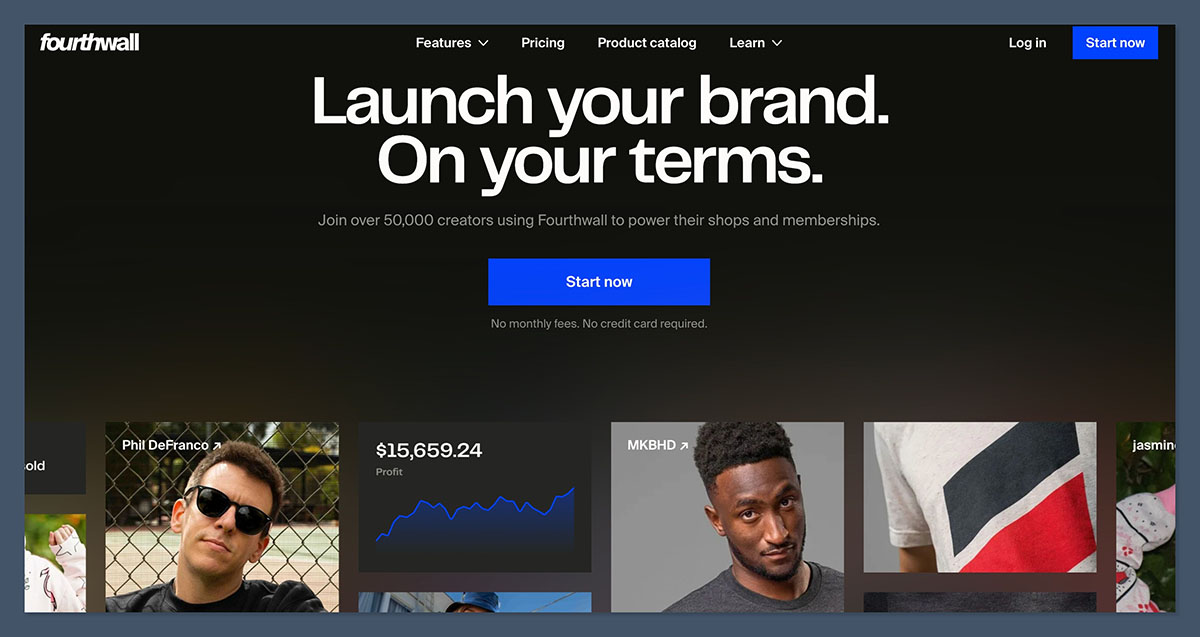
Starting with one of my absolute favorite platforms right now, we have Fourthwall: the all-in-one toolkit for anyone who wants to build and monetize a brand without taking on the standard pile of ecommerce operator work.
Fourthwall is brilliant because it gives you all the stuff you need in one place: a custom storefront, checkout, plus fulfillment options if you want to use the company’s amazing print-on-demand catalog. The company even handles customer support for POD products, and acts as your Merchant of Record for tax details.
Beyond that, it gives you way more options for how you’re going to make money than most alternatives. Alongside custom merch, you can sell privately sourced products, memberships and subscriptions, and accept donations. You can even bundle things, so a musician can sell a physical disc with a download, and so on.
I love how easy the whole setup is, and how you still get to own your brand home, and connect instantly to social selling channels without going through the headache of using something like Shopify or WooCommerce.
Pros:
- Full storefront and checkout you can customize to suit your brand
- Print on demand, custom-sourced physical merch, and digital products in one
- Merchant of Record support and customer support for POD products
- Great integrations with social media selling channels
Cons:
- Not as much storefront customization as Shopify or Squarespace
- POD products are premium (not the cheapest)
- Limited free plan
Recent Updates:
- Creators can now dynamically edit shipping day ranges
- New “You may also like” section for discovery
- Expanded digital upload limit (to 2GB per file)
How much does Fourthwall cost?
- Free to sign up
- Pro plan starts at $19 per month
- 5% fee on digital products and memberships (removed for digital products on Pro plan)
- No fee on self-fulfilled products
Why use Fourthwall in 2026?
Fourthwall is the easy option for creators who want the freedom to sell whatever they want, and create a custom digital home base, without having to deal with unnecessary extra admin work. It’s affordable, straightforward, and it’s scalable.
Fourthwall is suitable for:
- Creators selling merch, digital products, and memberships
- Musicians, streamers, YouTubers, nonprofits, schools, and small businesses
- Sellers looking to start fast and keep admin work low
Fourthwall isn’t suitable for:
- Creators just looking for a tip button
- Large sellers that need wholesale, B2B, or complex checkout rules
- Extremely cheap POD products
2. Patreon: Best for Membership Content and Fan Community

Starting price: Free
Platform fee: 10% for new creators, plus payment processing, currency conversion, payout fees, and applicable taxes
Membership tools: Tiers, gated content, and community features
Some platforms in this economy stay popular for a reason, and Patreon is one of them. It’s the go-to site for people with fans who want regular access to something unique. YouTubers use it to sell access to extra episodes, niche educators use it to sell extra courses, and podcasters use it to build communities. It’s accessible, and it gives you a decent amount of control.
You won’t get to run your own “storefront”, or build a brand in the same way you can with Fourthwall, but you can create membership tiers, share gated content, and come up with all kinds of perks for your biggest fans. There’s also direct messaging and native video hosting included. Plus, you can integrate quickly with tools like Discord or Spotify.
A few of the recent updates to the platform make it trickier to use, though. There are new limits on creators that remove legacy billing models like per-creation. Also, Patreon now takes about 10% of all the income you’ve earned, which is harsh for people trying to scale.
Pros:
- Brilliant for tiered subscriptions and fan clubs
- Easy to find a market, because fans already know how Patreon works
- Good native tools for livestreaming, chats, comments, and video
- Works with the kind of tools creators use, like Discord
Cons:
- High 10% platform fee
- No ownership over your brand or storefront
- New iOS purchasing headaches make life difficult
- Limited merch options
Recent Updates:
- New 10% platform fee applied to all creators on the platform
- Creators using legacy billing now need to move to subscription billing
- New 30% Apple App Store fee on digital products bought outside of the US
How much does Patreon cost?
- Free to join and create your page
- 10% fees on all of your monthly earnings
- Stripe and PayPal fees also apply
- Potential extra costs for tax and VAT handling
Why use Patreon in 2026?
Even with the new hurdles, Patreon is still a great tool. If you want to give your audience access to exclusive content regularly, and build a consistent income stream, Patreon is fantastic. It’s easy to use, and it makes it surprisingly easy to find and nurture a community.
Patreon is suitable for:
- Creators selling exclusive content
- Artists, educators, writers, and video creators with a fan base
- Users happy to list on a marketplace-style platform, rather than building a store
Patreon isn’t suitable for:
- Creators focusing on merch sales
- Anyone who wants full control over branding and storefront design
- Sellers looking to sell one-off downloads or products
3. Whop: Best for Paid Communities, Courses, and Digital Access
Starting price: Free
Platform fee: 2.7% + $0.30 for domestic card transactions, with extra fees for international cards and currency conversion
Marketplace access: Massive marketplace with over one million users
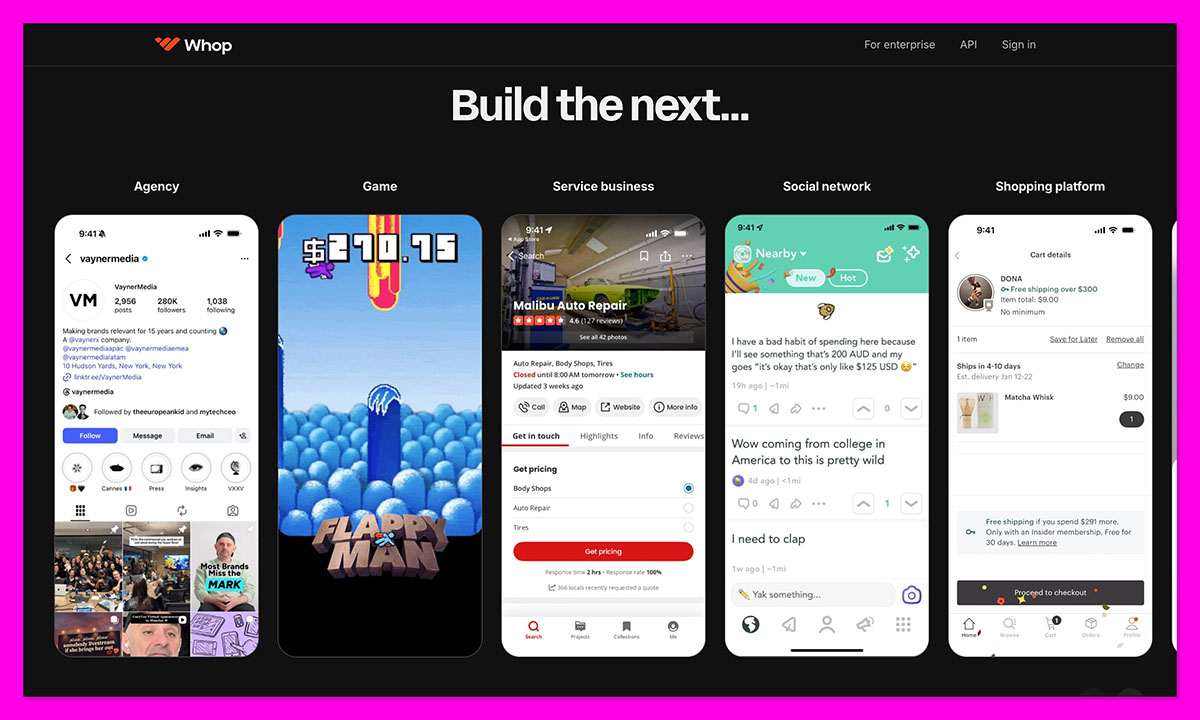
Whop might seem a bit like the surprise entry on this list, because it’s still building muscle in the industry, but I like it. It’s not quite the same as Patreon, or Gumroad. Whop’s less about asking people to support your art, and more about finding an audience fast, and selling digital products to them.
The platform is pretty comprehensive. You list your products on the marketplace, and those products can include courses, downloads, or exclusive content. Plus, you get affiliate marketing built-in, access management, payment processing, as well as community tools like chat and forums.
I think this would be a great tool for an educator or a creator that wants to run a coaching hub, trading group, or a system where they sell access to private tools or downloads. It’s not really the platform you’d use for selling merch, though.
Plus, like Patreon, it gives you virtually no control over your online presence. You’re locked into a specific template layout.
Pros:
- Free to start, with a low 3% platform fee
- Supports all kinds of digital products, from software to courses
- Good community tools like forums and chats
- Affiliate marketing options built-in, and a marketplace where you can find buyers
Cons:
- No real support for selling physical merch
- Bit of a learning curve compared to some alternatives
- The fee stack can add up pretty quickly with international payments or currency conversion
- Very limited for customization
Recent Updates:
- Businesses can now get business-native cards to use on the platform
- Full affiliate marketplace for help with promotion
- Dedicated tax service available for sellers
How much does Whop cost?
- Free to start
- Average platform fee of around 3%
- Extra fees for currency conversion, ACH/Direct debit, and international cards
- Add-ons like tax handling and billing cost extra
- Apple adds 30% fees for in-app purchases
Why use Whop in 2026?
Whop is a good option if you’re selling something like courses or software, and you want to build things around it, like a forum, chat systems, and affiliate marketing campaigns. It’s also great if you’re targeting a mobile audience. It’s not so great if you want to sell merch, or own your own branded website.
Whop is suitable for:
- Creators hoping to build a paid community
- Course creators and coaches
- SaaS and software sellers
Whop isn’t suitable for:
- Creators interested in selling merch
- Anyone who wants a simple branded shop
- Smaller sellers who want to avoid extra fees
4. Gumroad: Best for Quick and Easy Digital Product Sales
Starting price: Free
Platform fee: 10% + $0.50 on direct/profile sales, 30% on Gumroad Discover sales
Built-in tools: Automated product delivery, affiliate management, and email marketing
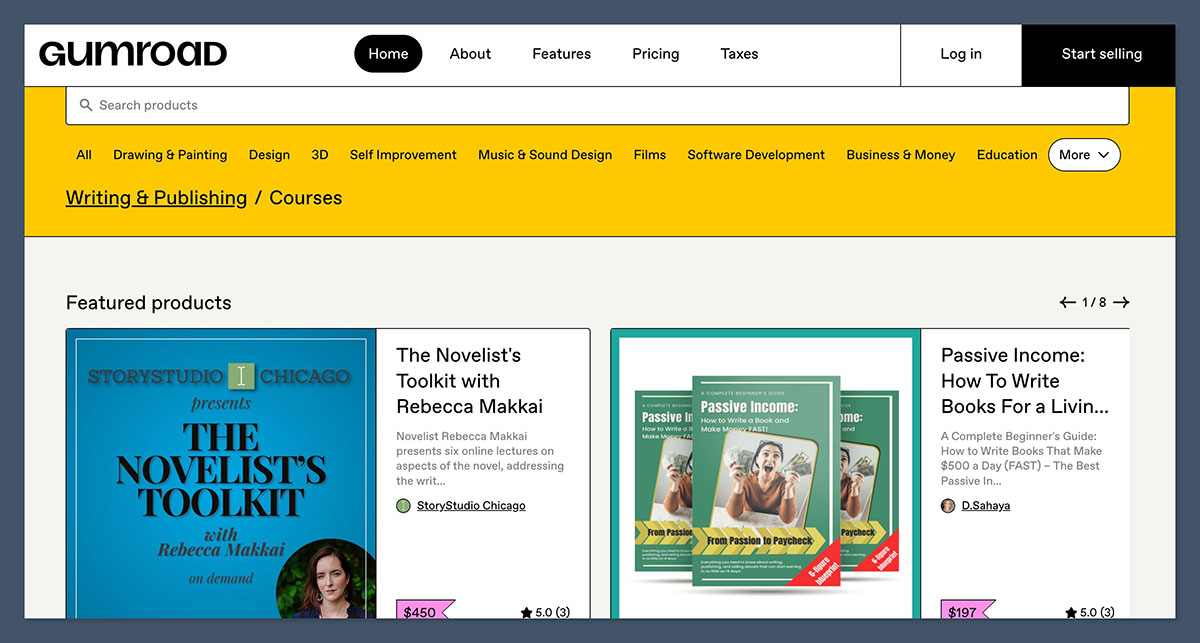
Gumroad is another option that a lot of creators trust because it understands its market, and it serves them well. This isn’t a place where you build your whole online brand. You just sign up, list digital products, subscriptions, or physical items, and wait for the opportunities to roll in.
It gives you a lot of variety if you’re not sure what you want to sell, with options to offer everything from software to courses. Still, it misses out on the merch part that alternatives like Fourthwall do extremely well.
What I love about it is how quickly it cuts through the distractions and headaches that would hold a creator back from selling online. You can get a product page ready, a file uploaded, and a live checkout link generated in less than five minutes.
Still, like Patreon, Gumroad has some hefty fees, starting at around 10% for profile and direct sales links. Then there’s a 30% charge if you’re using Gumroad Discover. I will say that the Merchant of Record setup is helpful, if taxes keep you up at night.
Pros:
- Fastest setup for digital product sellers
- No monthly fee (though keep the platform fee in mind)
- Supports subscriptions, license keys, courses, templates, and more
- Useful Merchant of Record support
Cons:
- High fees, especially if you’re using Gumroad Discover
- Very little control over branding
- Not ideal for selling physical products
Recent Updates:
- New Merchant of Record support for all sellers struggling with tax
- PayPal returns as a new payment option
- UTM link tracking and review responses now available
How much does Gumroad cost?
- Free to sign up and create your page
- 10% platform fees, plus $0.50 per transaction
- 30% fees for creators using Gumroad Discover
Why use Gumroad in 2026?
Even though the fees on Gumroad are higher than I’d like, I still think it’s a good option for a creator with a handful of digital products and an audience ready to buy. If you don’t need a full store, but you want lots of product options, and Merchant of Record support, Gumroad is great.
Gumroad is suitable for:
- Developers, designers, musicians, and writers selling digital items
- Users who want a quick and easy setup with no monthly fees
- Creators testing digital product demand
Gumroad isn’t suitable for:
- Creators hoping to sell custom merch
- Membership-led businesses
- Sellers who want control over design and branding
5. Stan Store: Best for Social-First Creators Selling from a Bio Link
Starting price: $29/month
Platform fee: 0% platform transaction fee, standard Stripe or PayPal fees still apply
Creator features: Calendar integrations for coaching calls, automated product delivery, and email collection
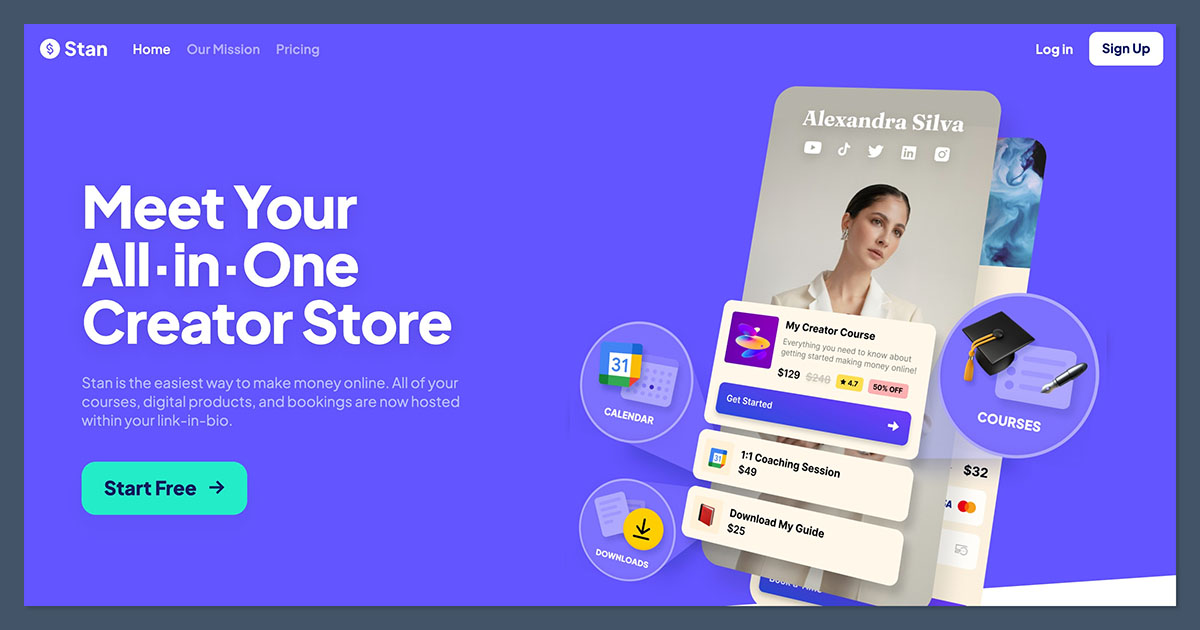
If you’re building your entire creator economy business around a “link in bio” offer, Stan Store is probably the easiest option here. It’s ideal if you’ve already got attention from a community, and you’re ready to turn your fans into actual buyers.
You can set up a store in less than 20 minutes (and it’s also completely mobile-first), plus you get useful extras, like a calendar for booking coaching calls. The platform mostly focuses on digital products, like courses and subscriptions, so don’t expect to see print on demand here.
Still, if you’re looking for something speedy and convenient, Stan Store is more than enough. It’s even growing up with new AI features like “Stanley”, and Instagram AutoDM tools.
Pros:
- Designed for social-first sellers with great tools like Instagram Auto-DM
- 0% fees on your sales
- Supports digital products, bookings, courses, and downloads
- Useful creator features like a built-in booking calendar
Cons:
- No completely free plan
- The customization options are limited
- No support for physical products
Recent Updates:
- New AI-driven Instagram growth coach (Stanley) and Instagram AutoDM
- Access to advanced funnel marketing and affiliate marketing for Pro users
- Fully customizable order bumps during checkout
How much does Stan Store cost?
- $29 per month for the Creator Plan
- $99 per month for the Creator Pro plan
- No fees on your sales
- Standard payment processing fees still apply
Why use Stan Store in 2026?
I’d still tell creators to consider Stan when their traffic comes from social media, and they’re offering something that customers will be able to happily buy on their phone. It’s convenient, there are no platform fees on sales, and the social selling features just keep getting better.
Stan Store is suitable for:
- Creators who usually sell through social media
- Coaches, educators, consultants, and UGC creators
- Beginners who want an active storefront in 20 minutes or less
Stan Store isn’t suitable for:
- Anyone selling physical products
- Creators that want branding and design control
- Comprehensive membership sites
Which Creator Economy Platform Should You Choose?
You’ll notice that all of these platforms will appeal to one kind of creator or another. I love Stan Store for link-in-bio sellers, and Whop is great if you’re selling courses, or building a digital membership area for your fans.
Patreon is fantastic if people want to pay for regular access to your work, and Gumroad gets you started with digital product sales fast, without asking you to set up a full store.
Fourthwall is still my favorite overall though. It’s one of the easiest systems to set up that still gives you full control over your brand. It helps you with tax issues and customer support for POD. Plus, it gives you more ways to sell, whether you’re interested in premium print on demand, custom-sourced merch, digital downloads or memberships.
If you want a system that you can experiment and scale with, without having to start from scratch every time you discover a new opportunity, Fourthwall is the way to go.