
I’ve tested the top platforms that support print on demand so you don’t have to. Whether you’re launching a brand or testing a product idea, the right ecommerce builder makes a huge difference.
From Shopify to Etsy, this guide ranks each platform based on what it’s best at, with detailed comparisons, pros, cons, and pricing.
Our Top Picks:
- Shopify – Best for serious ecommerce and brand building
- Wix – Best for creative beginners
- Etsy – Best for instant access to shoppers
- WooCommerce – Best for control and SEO
- Squarespace – Best for clean designs
- BigCommerce – Best for scaling with built-in features
Quick Comparison: Best Ecommerce Platforms for POD
| Platform | Best For | Starting Cost | POD Integrations | Notable Drawbacks |
|---|---|---|---|---|
| Shopify | Scaling a serious brand | $29/month | Printful, Printify | App costs add up |
| Wix | Beginners and visual builders | ~$27/month | Printful, Printify | Limited for large stores |
| Etsy | Getting fast access to shoppers | No monthly fee | Printful, Printify | High per-sale fees |
| WooCommerce | Full control and SEO | Free (plus hosting) | Printful, Printify | Technical setup required |
| Squarespace | Beautiful branding | $23/month | Printful | Only one POD integration (Printful) |
| BigCommerce | Growing ecommerce businesses | $39/month | Printful, Printify | Pricing increases with higher revenue |
Key Takeaways
- Shopify is the best platform for selling print on demand products at scale, with robust ecommerce features, great multichannel support, and deep integrations with Printful and Printify.
- Wix is the most beginner-friendly option, combining a visual editor, Printful integration, and AI tools to help you get started fast. It’s ideal for creatives launching their first store.
- Etsy is the fastest way to get your products in front of customers without needing your own website. It’s perfect for testing designs but comes with high per-sale fees and limited brand control.
- WooCommerce is ideal if you want full control over your site and plan to drive traffic with content and SEO. It’s a good fit for bloggers, publishers, and tech-savvy sellers.
- Squarespace is the best-looking option out of the box, with stunning templates and a smooth editing experience. It’s best for small POD brands focused on design.
- BigCommerce offers advanced ecommerce features straight out of the box, making it a great fit for scaling stores that don’t want to rely on a stack of third-party apps.
1. Shopify: Best for Building a Scalable Brand
Starting price: $29/month (billed annually)
POD integrations: Printful, Printify
Free trial: 3 days + $1 for first 3 months
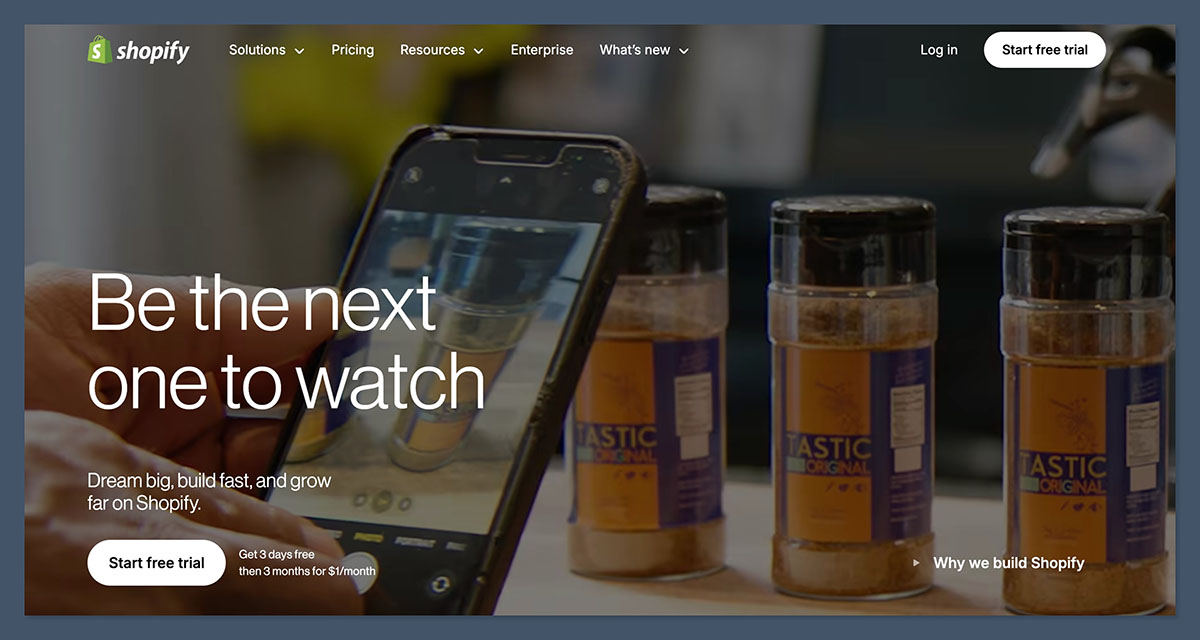
Shopify is the platform I recommend for anyone serious about building a long-term print on demand business. It’s designed specifically for ecommerce, which makes the process of setting up and managing a product catalog straightforward.
You’ll also find it integrates seamlessly with every major print on demand supplier.
Why I Recommend Shopify
Shopify gives you a solid ecommerce infrastructure with reliable performance, hundreds of customizable themes, and a powerful app ecosystem.
Once you link up with Printful or Printify, your product sync and order management is completely automated.
Shopify also supports abandoned cart recovery, detailed analytics, and email marketing, all in one place.
Key Pros
- Clean, scalable interface made for ecommerce
- Best-in-class integrations with POD apps
- Trusted by over 4 million stores globally
- Supports custom domains, discount codes, multi-channel selling
Key Cons
- Apps and premium themes add to your monthly cost
- Fewer free themes compared to competitors
- Learning curve for complete beginners
Shopify Pricing
| Plan | Monthly Cost | Features |
|---|---|---|
| Basic | $29 | Online store, 2 staff accounts, basic reports |
| Shopify | $79 | More detailed reports, better shipping discounts |
| Advanced | $299 | Full analytics, custom reports, third-party shipping |
Bottom line: Shopify is the best option for users ready to treat their POD store like a business. You’ll get the tools needed to scale and the flexibility to grow across multiple channels.
2. Wix: Best for Easy Website Building
Starting price: ~$27/month (Business Basic plan)
POD integrations: Printful, Printify
Free plan available: Yes (limited features)
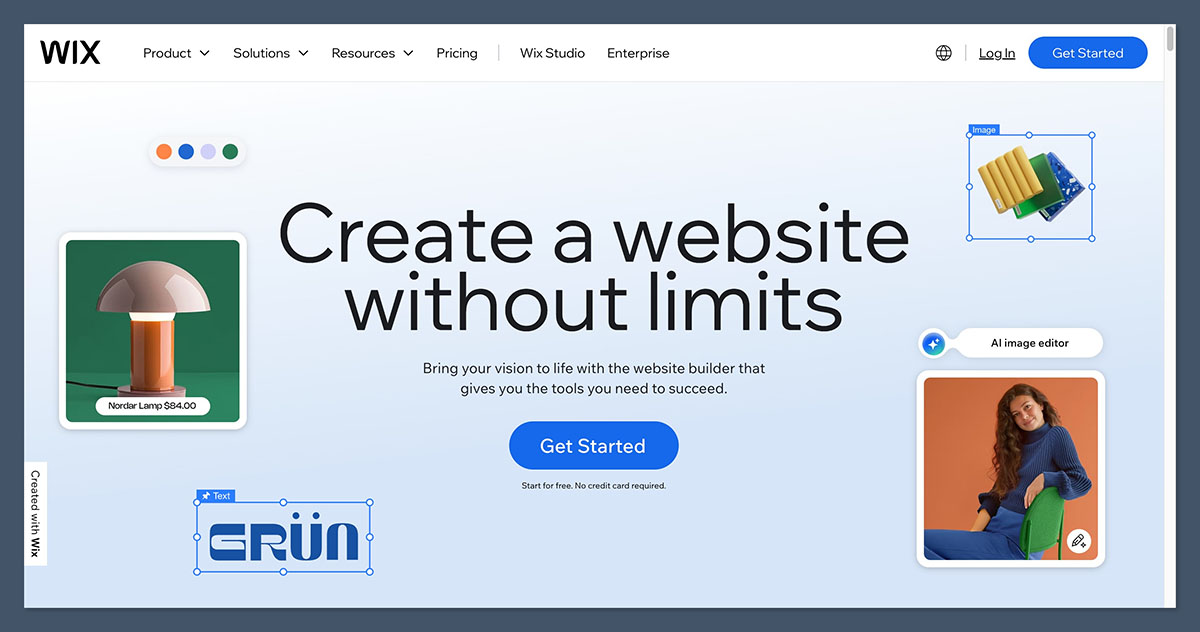
Wix is ideal for creatives and beginners who want full visual control of their store without diving deep into code or configurations.
It uses a true drag-and-drop editor, which makes the building experience straightforward and accessible.
Why I Recommend Wix
If you’re launching a small POD business or want to get your designs online quickly, Wix can be the easiest path.
You can start with a free plan to test things out, then upgrade when you’re ready to accept payments. Printful and Printify can both be connected via apps in the Wix App Market.
Key Pros
- Visual editor requires no coding knowledge
- Over 800 customizable templates
- Flexible design tools and mobile preview
- Built-in marketing and SEO tools
Key Cons
- Ecommerce features require a paid plan
- Limited flexibility for growing catalogs
- Some features locked behind higher-tier pricing
Wix Pricing
| Plan | Monthly Cost | Features |
|---|---|---|
| Business Basic | ~$27 | Accepts online payments, 20GB storage |
| Business Unlimited | ~$32 | Increased storage, logo maker, basic analytics |
| Business VIP | ~$59 | Priority support, full analytics, 50GB storage |
Bottom line: Wix is perfect for small shops or personal brands who want to create a beautiful site with minimal technical overhead.
3. Etsy: Best for Reaching Buyers Instantly
Starting price: Free to open a shop
POD integrations: Printful, Printify
Per-sale fees: Yes
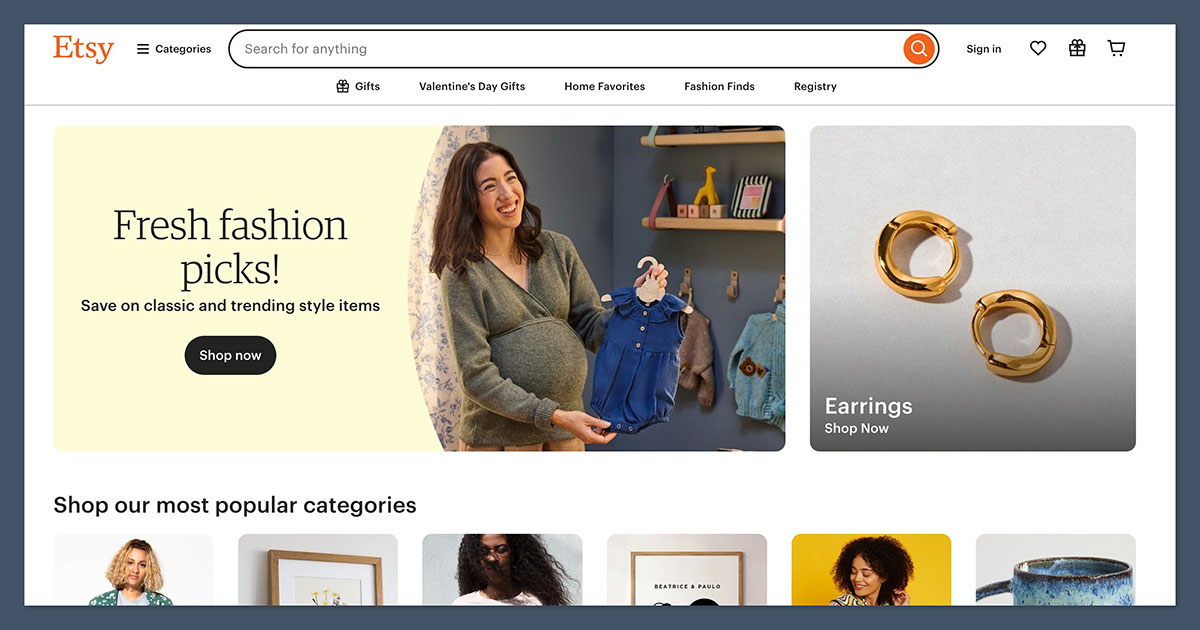
Etsy is a great platform for getting your products in front of real buyers without worrying about driving traffic to your site.
You’re selling in an established marketplace where shoppers are already searching for unique and handmade goods.
Why I Recommend Etsy
You don’t need to build a website or handle complicated integrations. Once you connect Etsy to Printful or Printify, new orders flow automatically.
Etsy also gives you built-in buyer trust, which can help you make early sales while you build your brand.
Key Pros
- Zero monthly fees to start
- Fast access to a global audience
- Great for testing new designs
- Easy integration with Printful and Printify
Key Cons
- Etsy takes a cut of every sale
- You don’t own the customer relationship
- Limited design and branding control
Etsy Pricing
| Fee Type | Cost |
|---|---|
| Listing Fee | $0.20 per item |
| Transaction Fee | 6.5% of the sale price |
| Payment Processing | ~3% + $0.25 per order |
Bottom line: Etsy is a strong choice for new sellers who want quick exposure, but the fees can cut into your profits if you’re not careful.
4. WooCommerce: Best for Full Control and SEO
Starting price: Free plugin for WordPress
POD integrations: Printful, Printify
Hosting cost: Varies by provider
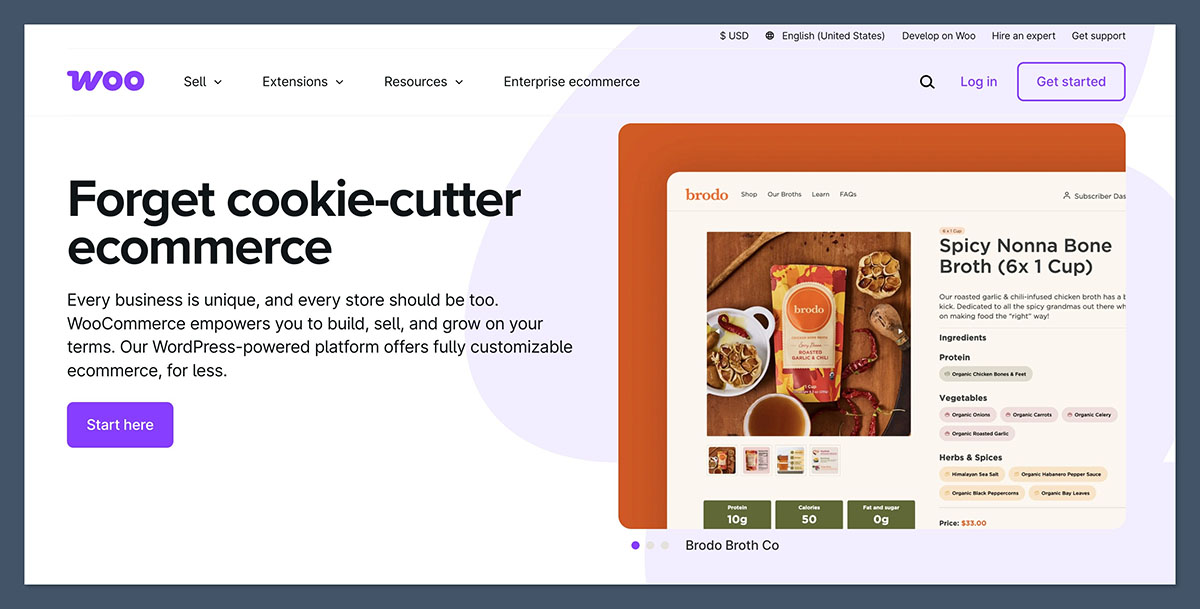
WooCommerce is the go-to platform for anyone with WordPress experience or those who want full control over their online store.
Because it’s built on WordPress, you can also take advantage of some of the best SEO tools available for free.
Why I Recommend WooCommerce
WooCommerce is flexible, open-source, and completely customizable.
You can run a blog, optimize every page for SEO, and build a fully branded store. Printful and Printify offer official plugins that make integrating your catalog easy.
Key Pros
- No platform fees (just pay for hosting)
- Full design control and customization
- Great for content-driven businesses
- Massive library of plugins and themes
Key Cons
- You need to manage your own hosting and site performance
- Security and backups are your responsibility
- Some technical knowledge required
Typical WooCommerce Costs
| Item | Estimated Cost |
|---|---|
| Hosting | $5–$30/month |
| Domain name | ~$10/year |
| Premium theme | $30–$100 (one-time) |
| Plugins (optional) | Varies widely |
Bottom line: WooCommerce is a smart option if you want more SEO power and customization and don’t mind getting your hands dirty.
5. Squarespace: Best for Beautiful Storefronts
Starting price: $23/month (Business Plan)
POD integrations: Printful only
Free trial: 14 days
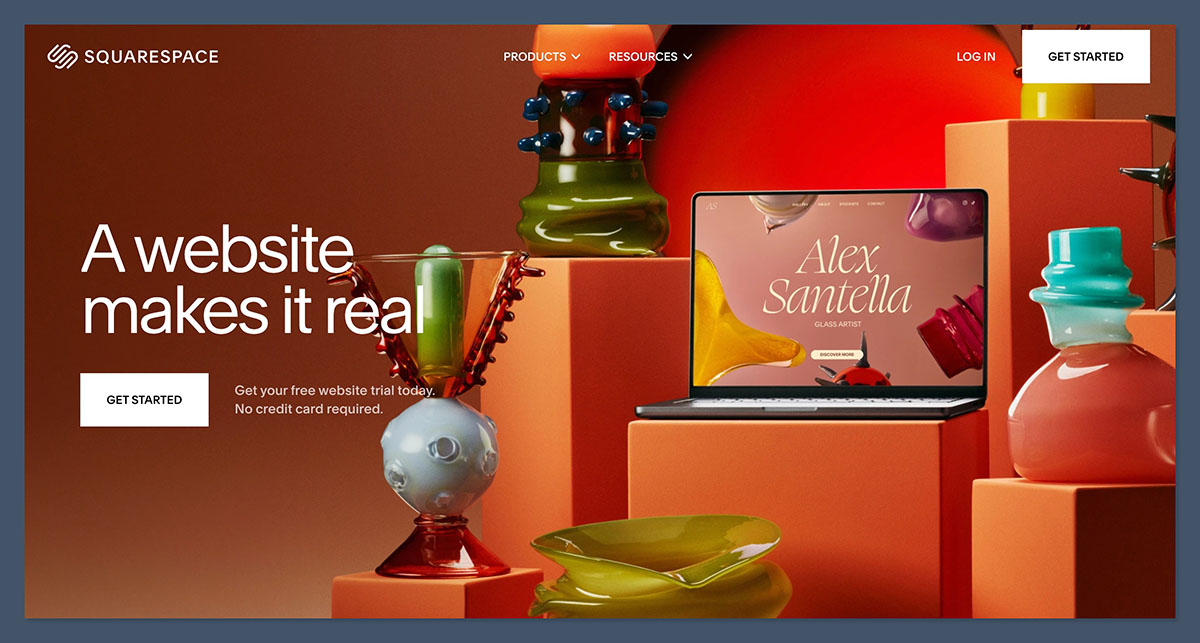
Squarespace is known for its sleek templates and design-first approach.
If you’re a creative with a small catalog of print on demand products, this is a strong choice that delivers a professional look right away.
Why I Recommend Squarespace
Squarespace makes it easy to create a modern site that feels polished without hiring a designer.
The backend is simple to navigate, and the editor keeps you aligned to its built-in grid system for a consistent experience. It’s best suited to brands with a focused product line rather than massive catalogs.
Key Pros
- Stunning design templates
- Clean, intuitive interface
- Built-in email marketing and analytics
- Easy Printful integration
Key Cons
- Fewer ecommerce features than Shopify
- Only supports Printful (no Printify)
- No app store for extensions
Squarespace Pricing
| Plan | Monthly Cost | Notes |
|---|---|---|
| Business | $23 | Basic ecommerce, includes transaction fees |
| Commerce Basic | $27 | No transaction fees, more commerce features |
| Commerce Advanced | $49 | Subscriptions, advanced shipping, better reports |
Bottom line: If design matters more than complexity, Squarespace is a great fit. Just keep in mind its ecommerce flexibility is more limited.
6. BigCommerce: Best for Advanced Ecommerce Features
Starting price: $39/month
POD integrations: Printful, Printify
Free trial: 15 days
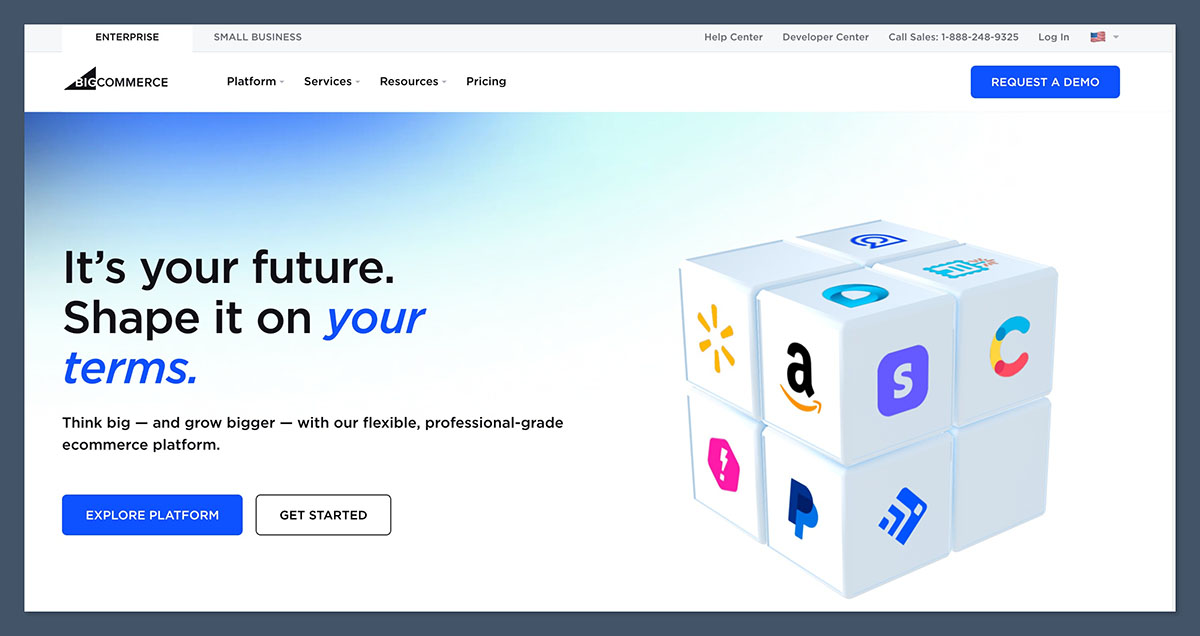
BigCommerce is built for fast-growing ecommerce stores that want advanced features without relying on dozens of apps.
It includes more out-of-the-box functionality than most platforms and is used by both small and large brands.
Why I Recommend BigCommerce
If you’re thinking big and want a platform that can handle complexity, BigCommerce is a strong alternative to Shopify.
It handles SEO well, allows more product variants, and has fewer hidden costs from apps.
Key Pros
- No transaction fees on any plan
- Advanced features like product filtering and custom pricing
- Strong SEO tools
- Native multi-channel selling
Key Cons
- Interface isn’t as beginner-friendly as Shopify
- Higher learning curve
- Pricing auto-upgrades based on sales volume
BigCommerce Pricing
| Plan | Monthly Cost | Features |
|---|---|---|
| Standard | $39 | Online store, unlimited products, no transaction fees |
| Plus | $105 | Customer segmentation, abandoned cart saver |
| Pro | $399 | Google Shopping reviews, custom filtering, advanced tools |
Bottom line: BigCommerce is built for businesses that want to grow quickly without stacking on extra app costs.
What to Look for in an Ecommerce Platform for My Print on Demand Business?
Before picking a platform, it’s worth knowing what actually matters when running a print on demand store. Not every ecommerce builder is built with POD sellers in mind, and choosing the wrong one can slow you down or cost more than it should.
Here are the core things I always look for when choosing a platform for print on demand:
1. Direct Integrations with Print on Demand Apps
Your platform should connect directly with providers like Printful, Printify, or Gooten. Without that, you’ll be stuck manually syncing orders, which defeats the point of automation.
Look for:
- Official Printful/Printify apps or plugins
- Auto-syncing of products, orders, and tracking info
- Real-time product push and inventory management
2. Zero or Low Transaction Fees
Some platforms take a cut of each sale on top of credit card processing fees. For POD sellers working with tighter margins, this eats into your profit fast.
- Etsy charges 6.5% per transaction plus listing and processing fees
- Shopify, BigCommerce, and Squarespace have no additional transaction fees (on higher tiers or when using in-house payment gateways)
3. Ease of Use and Setup
If you’re not a developer, avoid platforms that need technical configuration. Your platform should be easy to navigate, add products to, and customize — especially if you’re managing everything solo.
Ask yourself:
- Can I launch a product in minutes?
- Is the dashboard simple to understand?
- Do I need a developer to make changes?
4. Scalability
What works for a 10-product store may not work once you hit 100+. Make sure the platform can grow with you.
Things to check:
- Does it support product variants?
- Can you add discount codes, upsells, and reviews easily?
- Are there tools for abandoned carts and email marketing?
5. Cost Over Time
Don’t just look at the base plan. Consider how much you’ll spend monthly when you add apps, themes, and plugins.
Break down the full cost:
| Cost Type | Typical Range |
|---|---|
| Platform plan | $0–$299/month |
| POD fulfillment | Varies per item |
| Transaction fees | 0–6.5% |
| Apps & add-ons | $10–$100/month |
6. SEO and Marketing Tools
If you’re building your own site (not on Etsy), you’ll need traffic. SEO tools like meta title editing, clean URLs, and blog features are essential.
Prioritize platforms that:
- Let you customize product URLs
- Allow blog creation (for organic content)
- Integrate with email and social media tools
Final Thoughts
The best ecommerce platform for print on demand really depends on your goals, budget, and how much control you want over your site. Here’s a quick recap:
- Shopify: Best for serious sellers who want a scalable business
- Wix: Best for beginners building their first online store
- Etsy: Best for fast access to a large customer base
- WooCommerce: Best for SEO, customization, and content creators
- Squarespace: Best for visual brands with small catalogs
- BigCommerce: Best for growing stores needing more built-in tools
Try out the free trials, explore the integrations, and choose the platform that matches your business needs today.



