
Selling online as a YouTuber no longer means setting up a complicated storefront or juggling multiple tools. Whether you’re launching merch, selling digital downloads, or turning your channel into a full-time business, the right ecommerce platform can simplify your entire process.
But here’s the thing, the best ecommerce platform for you won’t be the same for someone else. It all depends on what you’re selling, how you want your audience to buy from you, and how much control you need over the process. That’s why we tested and reviewed the most popular options with real YouTube creators in mind.
We looked at platforms that support the YouTube Shopping integration, tools that make selling digital products easier, and systems that can power courses or coaching programs. Our recommendations reflect actual use cases, not just feature lists or pricing pages.
Quick Comparison
| Platform | Best For | Monthly Cost (USD) | YouTube Shopping Integration | Supports Digital Products | Great for Courses |
|---|---|---|---|---|---|
| Shopify | Scalable brands and full online stores | From $39 | Yes | Via apps | With integrations |
| Spring | Simple merch and YouTube Shelf access | Free, with product margins | Yes | No | No |
| Gumroad | Fast digital product setup | Free, 10% per sale | No | Yes | No |
| Sellfy | Branded stores for digital and merch | From $22 | No | Yes | No |
| Kajabi | Courses, coaching, and full creator biz | From $149 | No | Yes | Yes |
| WooCommerce | WordPress users who want ecommerce | Free plugin, paid hosting | No | Yes | With plugins |
We tested all seven based on ease of use, pricing transparency, and how well they support the typical YouTuber business models in 2026. From fast merch drops to full-fledged education businesses, there’s an option here for everyone.
#1. Shopify – Best for Long-Term Brand Building
Starting from: $39 per month
YouTube Shopping: Yes
Digital Products: Yes (via apps)
Course Support: With integrations
Why it stands out:
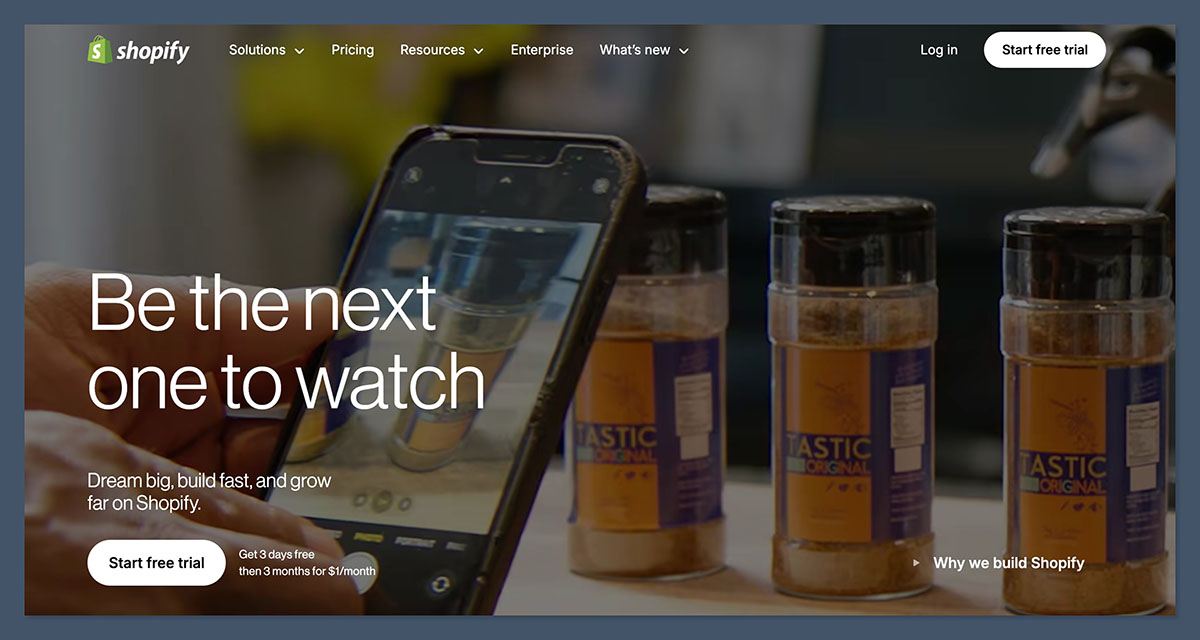
Shopify is the gold standard when it comes to building a real ecommerce brand. It offers the deepest customization, the most powerful app ecosystem, and the scalability to grow alongside your YouTube channel. If you’re thinking beyond a merch drop and want to build a store you could eventually sell or run as a standalone business, Shopify is your best bet.
Through YouTube Shopping, you can connect your Shopify store and display products beneath your content, though you’ll need to meet YouTube’s eligibility criteria. Shopify also supports print-on-demand through integrations like Printful and Printify, plus digital product delivery via apps such as Digital Downloads and SendOwl.
Key Features:
- Massive app ecosystem for every type of product or business
- Supports subscriptions, bundles, and upsells
- Enterprise-grade analytics and reporting
- Great for SEO and long-term content monetization
Shopify Pricing
| Plan | Monthly Fee (USD) | Transaction Fees | Best For |
|---|---|---|---|
| Basic | $39 | 2.9% + 30¢ | New stores, full Shopify features |
| Shopify | $105 | 2.6% + 30¢ | Growing stores, professional reporting |
| Advanced | $399 | 2.4% + 30¢ | High-volume stores, advanced analytics |
How it works:
Shopify pricing starts at $39 per month for the Basic plan, which includes everything you need to launch and manage a store. Higher-tier plans offer better reporting and lower processing fees. Many features, like digital downloads or print-on-demand, require apps, some of which come with their own fees.
Consider if:
You want to build a full ecommerce business around your channel and are okay with managing some operational complexity.
Skip if:
You’re just starting out and want to avoid monthly fees or app fatigue.
2. Spring – Best for Fast and Free Merch Setup
Starting from: Free
YouTube Shopping: Yes
Digital Products: No
Course Support: No
Why it stands out:
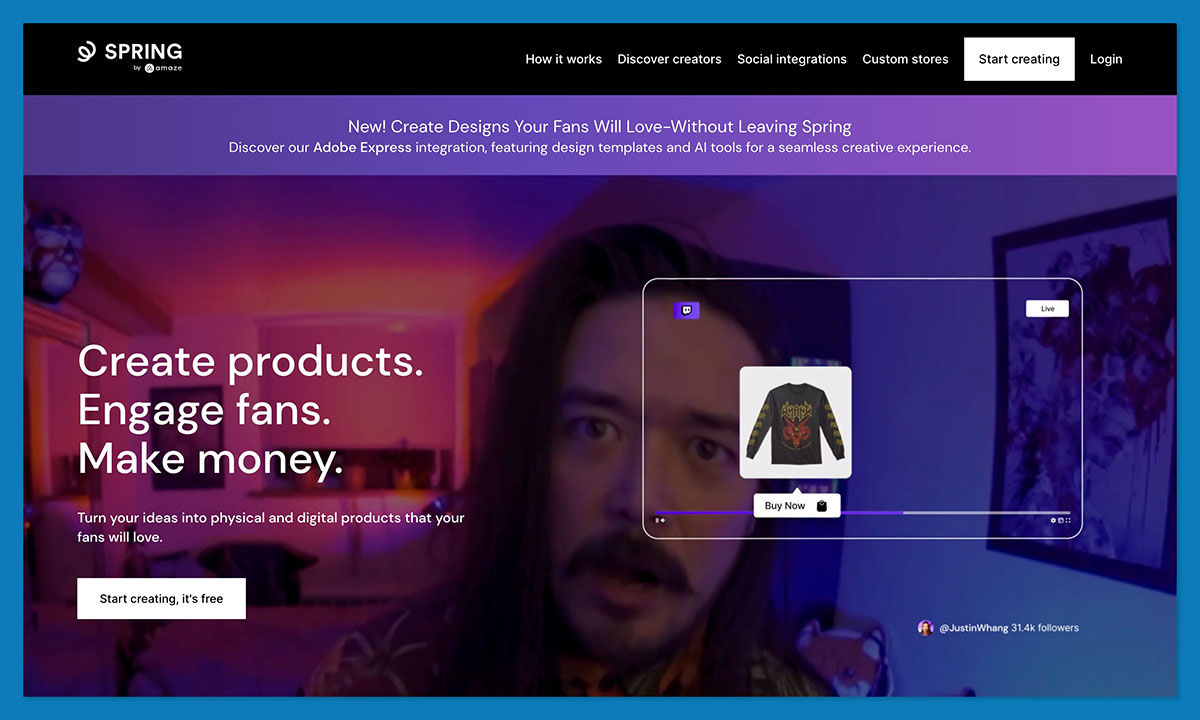
Spring (formerly Teespring) is another YouTube-approved platform that allows creators to quickly design, launch, and sell merch. It takes care of printing, shipping, and customer service, so you can focus on making content. Like Fourthwall, Spring supports native YouTube Shopping, which makes it easy to showcase your products without having to send users off-platform.
While the platform does take a cut of each sale, the lack of setup or monthly costs makes it a good starting point. You can customize your storefront, test out different product types, and even integrate with other platforms like Instagram and TikTok.
Key Features:
- Free to use
- No upfront investment
- Supports YouTube product shelf
- Automatic fulfillment
Spring Pricing
| Plan | Monthly Fee | Fees Per Sale | Features Included |
|---|---|---|---|
| Free | $0 | Base product + platform margin | Merch store, YouTube Shopping, fulfillment |
How it works:
Spring doesn’t charge a subscription fee. Instead, they set base prices for each product, and you set the retail price. The difference is your profit. Fulfillment, shipping, and support are handled automatically, which makes it easy to test product ideas with no upfront cost.
Consider if:
You want a no-cost way to try selling merch and display it under your videos.
Skip if:
You want more control over the brand experience or plan to sell other product types.
3. Gumroad – Best for Simple Digital Products
Starting from: Free, 10% per sale
YouTube Shopping: No
Digital Products: Yes
Course Support: Light support
Why it stands out:
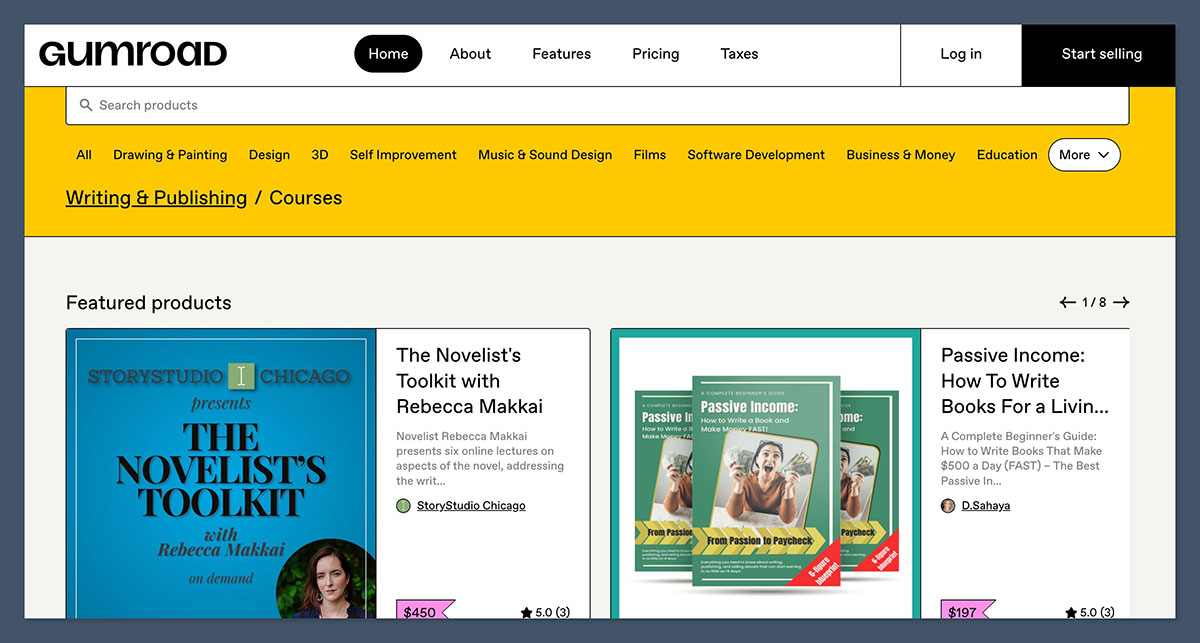
Gumroad has become a favorite among creators who want to start selling quickly without worrying about monthly plans or setup. Whether you’re offering a Notion template, Lightroom preset, eBook, or audio file, Gumroad lets you publish a sales page in under an hour.
It isn’t the most customizable platform, but it is one of the most straightforward. With its minimal learning curve and clean checkout, it’s a great fit for channels with warm traffic from tutorials or educational videos.
Key Features:
- No monthly fee
- Accepts one-time and subscription payments
- Simple product page builder
- Instant product delivery
Gumroad Pricing
| Plan Type | Monthly Fee | Gumroad Fee per Sale | Payment Processing Fee (US) |
|---|---|---|---|
| Free Plan | $0 | 10% | 2.9% + 30¢ |
How it works:
Gumroad charges no monthly fees. Instead, it takes 10% of every sale, plus standard payment processing. This makes it ideal for creators who want to start selling digital downloads with zero upfront investment. You only pay when you make a sale.
Consider if:
You want to test your first digital product and need something fast and easy.
Skip if:
You want a more branded storefront or plan to scale into multiple offerings.
4. Sellfy – Best for Branded Digital Stores
Starting from: $22 per month
YouTube Shopping: No
Digital Products: Yes
Course Support: No
Why it stands out:
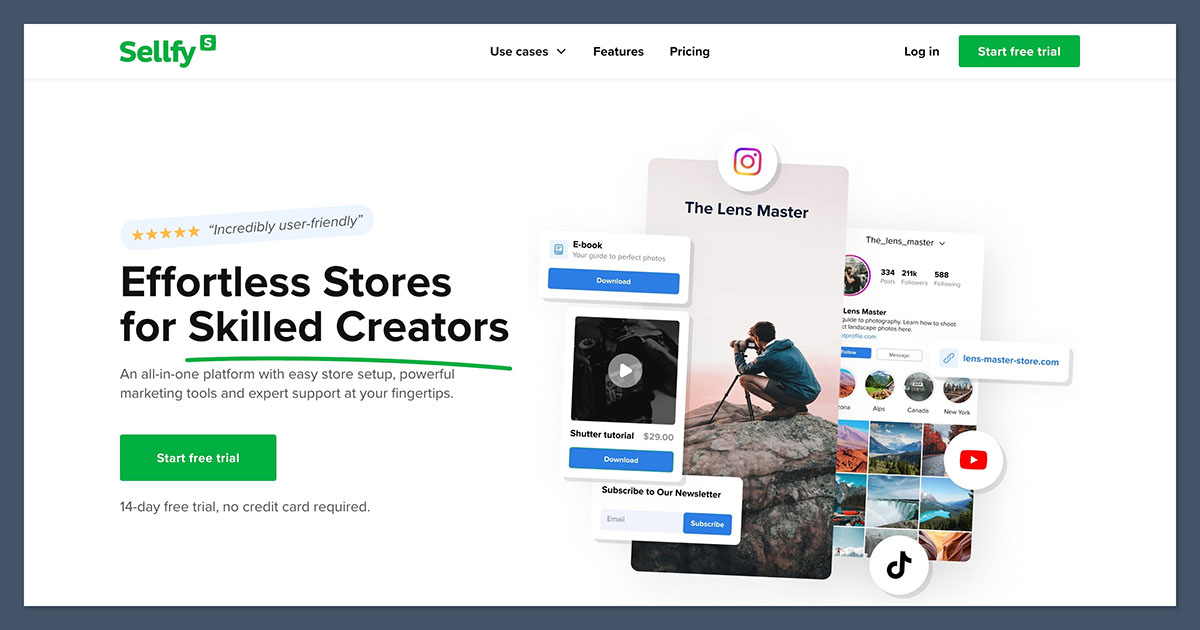
If you’re ready to move beyond Gumroad but aren’t quite ready for Shopify, Sellfy strikes a nice middle ground. You can sell both digital and physical products from a branded storefront, and the platform includes email marketing features to help nurture your audience over time.
Sellfy is especially useful if your YouTube channel promotes downloadable assets or educational material. It supports unlimited products, subscriptions, and even pay-what-you-want pricing — ideal if you’ve built a loyal community.
Key Features:
- Digital and physical product support
- Subscription and one-time payments
- Built-in email campaigns
- Custom domains and branding options
Sellfy Pricing
| Plan | Monthly Fee (Annual Billing) | Sales Limit / mo | Features Included |
|---|---|---|---|
| Starter | $22 | $10k | Unlimited products, digital and physical sales |
| Business | $59 | $50k | Email marketing, upsells, cart abandonment |
| Premium | $119 | $200k | Full features, priority support |
How it works:
Sellfy offers three plans with tiered monthly limits based on your expected sales. The Starter plan gives you everything you need to launch a store, while Business and Premium add advanced features like email automation and cart recovery. There are no additional transaction fees, just payment processing.
Consider if:
You’re building a digital product business and want more control than Gumroad provides.
Skip if:
You need YouTube Shopping integration or plan to sell complex physical products.
5. Kajabi – Best for Courses and Coaching
Starting from: $149 per month
YouTube Shopping: No
Digital Products: Yes
Course Support: Yes
Why it stands out:
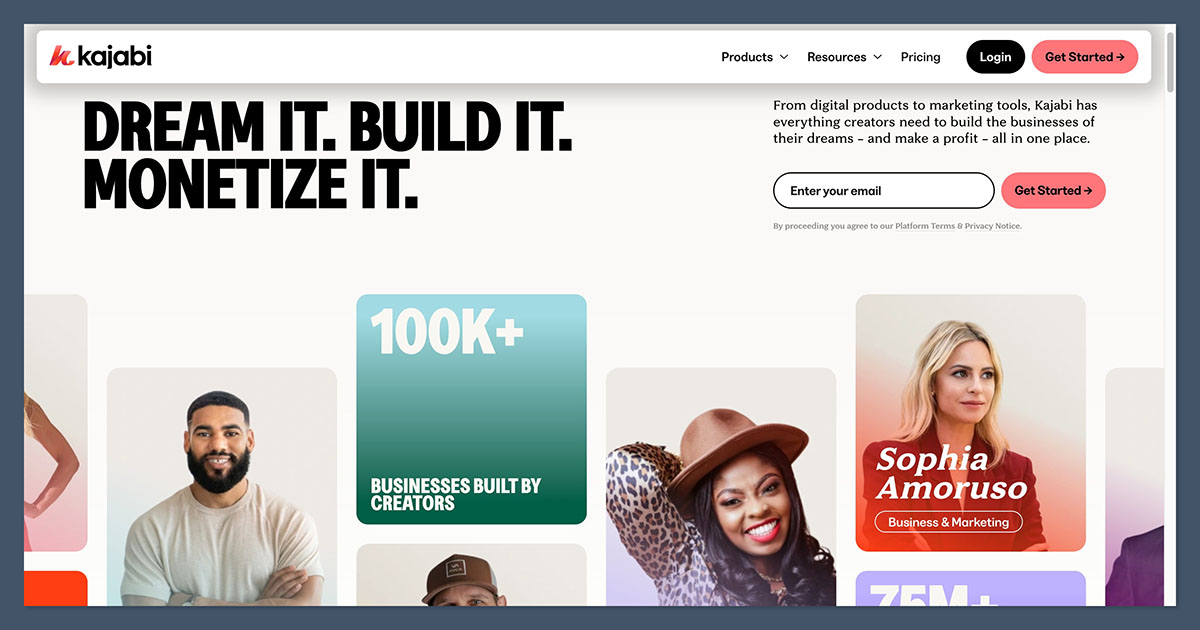
Kajabi is built for creators who sell transformation, courses, coaching, memberships, and educational programs. It replaces tools like Teachable, Mailchimp, WordPress, and SamCart, all in one place. If your YouTube content teaches something and you want to take that a step further, Kajabi is the most robust solution.
The platform lets you build landing pages, gated course areas, automated email sequences, and member communities. While it’s priced higher than other platforms, it can actually be more cost-effective than piecing together multiple tools.
Key Features:
- Full course builder with assessments and drip content
- Membership sites and paywalled communities
- Built-in CRM and email marketing
- Affiliate and upsell tools
Kajabi Pricing
| Plan | Monthly Fee | Products Allowed | Contacts / Members | Key Features |
|---|---|---|---|---|
| Basic | $149 | 3 Products | 10,000 contacts, 1,000 members | Courses, email, website, funnels |
| Growth | $199 | 15 Products | 25,000 contacts | Advanced automations, affiliates |
| Pro | $399 | 100 Products | 100,000 contacts | Full access, white labeling |
How it works:
Kajabi is a premium platform designed for course creators and coaches. Its pricing reflects the fact that it’s replacing multiple tools in one. Each plan limits how many courses, members, and contacts you can have, so you’ll want to choose based on your expected audience size and scale.
Consider if:
You run an educational channel and want to build a premium, structured product.
Skip if:
You’re focused on merch or quick product launches, or want to avoid high fixed costs.
6. WooCommerce – Best for WordPress Users
Starting from: Free plugin, plus hosting and extensions
YouTube Shopping: No
Digital Products: Yes
Course Support: With plugins
Why it stands out:
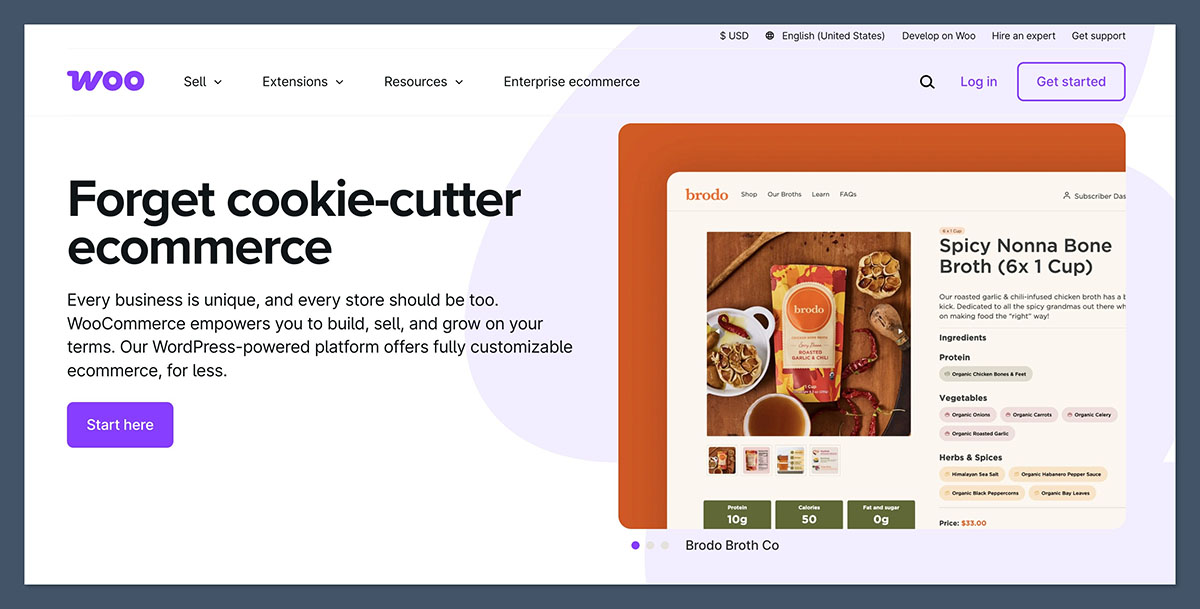
WooCommerce is the ecommerce extension for WordPress. If your site already runs on WordPress and you want full ownership of your store, WooCommerce gives you that. It’s a great option for creators who prioritize SEO and long-form content and want to integrate commerce into an existing blog or website.
The plugin itself is free, but you’ll need to pay for hosting, security, and any additional features like subscriptions, bookings, or advanced analytics. WooCommerce is also highly customizable, which means you can tailor it to exactly what you need — if you’re willing to do a little more work upfront.
Key Features:
- Total control over design and functionality
- Supports all product types with the right extensions
- Great for SEO and long-form content
- Full ownership of customer data
WooCommerce Pricing (Estimated)
| Item | Estimated Monthly Cost | Notes |
|---|---|---|
| WooCommerce Plugin | $0 | Free core plugin |
| Hosting (e.g., SiteGround) | $10–$30 | Required to run WordPress site |
| Theme | $0–$100 (one-time) | Free or premium themes available |
| Extensions / Add-ons | Varies | Optional features like subscriptions or bookings |
How it works:
WooCommerce itself is free, but to run a fully functional store, you’ll need to pay for WordPress hosting, a domain name, and possibly a few premium plugins or extensions. Costs can vary depending on your needs. This setup is ideal for creators who already have a content-heavy WordPress site and want to add ecommerce.
Consider if:
You already use WordPress or have an established content website.
Skip if:
You want a hosted, all-in-one solution or dislike managing plugins.
How to Choose the Right Platform for You
Here’s a quick guide based on what you’re selling and how far along you are:
- First-time merch drop: Use Fourthwall or Spring for free setup and YouTube integration
- Growing brand or business: Choose Shopify for long-term scalability and customization
- Simple digital product sales: Start with Gumroad, move to Sellfy as you grow
- Running a course or community: Use Kajabi to manage content, members, and revenue in one place
- Existing WordPress site: Add WooCommerce for flexible ecommerce within your own domain
Think about how you want your audience to interact with your offer. Do you want products under your videos, or do you want to build a standalone brand? Is speed more important than customization right now?
Choosing the right tool isn’t about picking the “most popular” platform — it’s about choosing the one that helps you take the next step without creating friction.



