If you’re a creator running an ecommerce or print-on-demand business, chances are you’ve come across Ko-fi as a platform for collecting tips, selling digital products, or offering simple memberships. It’s a solid starting point, especially when you’re just getting your feet wet. But as your store grows, or your audience starts expecting more than just a tip jar, you’ll quickly find that Ko-fi can feel a bit limiting.
I’ve spent months testing and comparing the best Ko-fi alternatives for 2026. From platforms that support digital downloads and print-on-demand integrations to full-blown creator commerce stacks, I’ve narrowed it down to the seven best tools you can use to monetize your audience, streamline your sales, and take control of your brand.
Whether you’re selling merch, digital products, offering exclusive memberships, or building a writing-based community, there’s an option on this list that fits your needs, and likely does it better than Ko-fi ever could.
Quick Comparison Table
| Platform | Best For | Starting Price | Platform Fee | Merch Support | Memberships | Storefront |
|---|---|---|---|---|---|---|
| Fourthwall | Print-on-demand and merch sellers | Free | 5% on digital | Yes | Yes | Yes |
| Payhip | Digital product sales | Free | 5% | No | Yes | Yes |
| Buy Me a Coffee | Tips and casual support | Free | 5% | No | Yes | Basic |
| Gumroad | Quick digital product launches | Free | 10% | No | No | Yes |
| Patreon | Recurring content memberships | Free | 10% | No | Yes | Limited |
| Memberful | Memberships on your own site | Free (Stripe fees) | 4.9% | No | Yes | With CMS |
| Substack | Paid newsletters | Free | 10% | No | Yes | Blog-style |
1. Fourthwall: Best for Print-on-Demand and Creator Merch
Starting price: Free to start, pay-as-you-earn with 5% fee on digital products and memberships
Merch pricing model: No platform fee on physical merch, just pay base cost per item
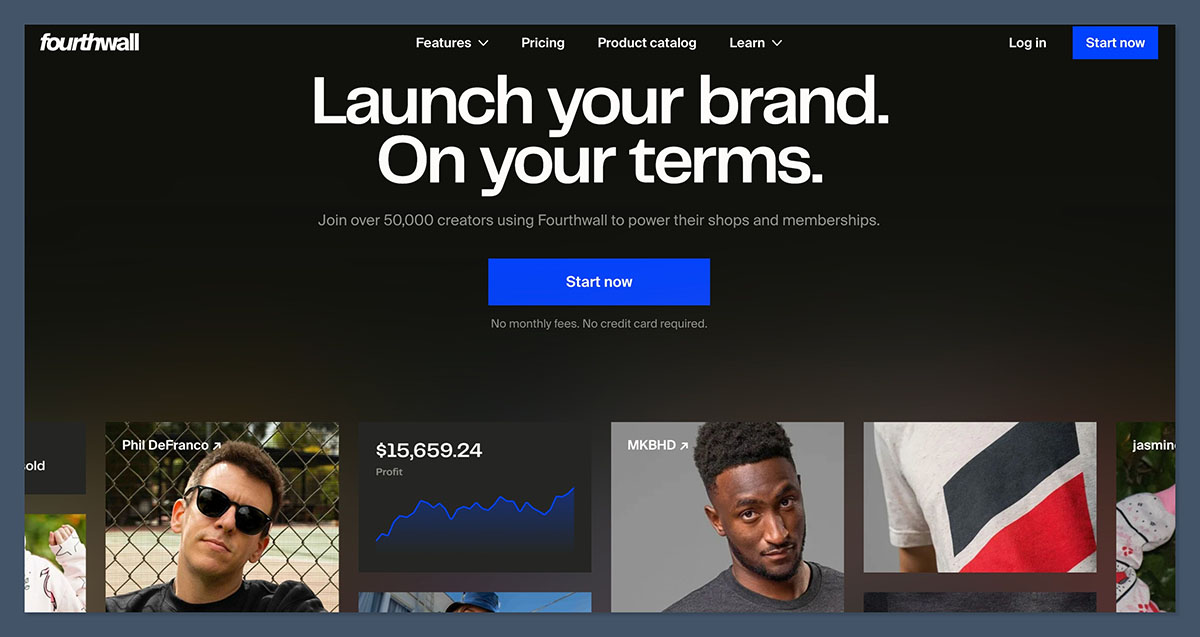
Fourthwall is the best Ko-fi alternative I’ve tested for ecommerce creators, especially those selling print-on-demand products. It stands out because it offers everything in one place, merchandise fulfillment, digital downloads, memberships, and a customizable storefront that feels built for modern creator brands.
Unlike traditional ecommerce platforms, Fourthwall doesn’t expect you to become a store manager. It’s built around creator workflows, not corporate ones. You can start for free, sell merch without upfront costs, and add digital products or member content as your audience grows. Everything is managed through one dashboard, and it feels like it was made by people who understand the modern creator economy.
Fourthwall’s storefront is designed for creators, not retailers.
You can manage product pricing, customize the design to match your brand, and connect with tools like YouTube Merch Shelf or TikTok Shop to sell directly where your audience already hangs out.
Pros
- Free to start with no platform fee on merch sales
- Supports print-on-demand, digital products, and memberships
- Fully branded storefront with custom domain support
- Built-in integrations with YouTube, TikTok, and Discord
- Custom margin control across all product types
Cons
- Not ideal if you only need tipping or basic donations
- Digital product delivery is simpler than what you’d get on platforms like Payhip
- Learning curve for advanced customization, especially if you want a more complex storefront
Latest Fourthwall Updates:
- YouTube Shopping integration now supports direct merch listings under creator videos
- Expanded payment methods include Apple Pay and Google Pay for faster checkouts
- New product types allow for bundled merch and digital combos
- Creator payout dashboard now includes tax-friendly reporting for US and EU sellers
My Experience Using Fourthwall
When I set up my store on Fourthwall, I didn’t need to worry about fulfillment or shipping. I uploaded designs, chose from dozens of high-quality apparel and accessory options, and set my prices with just a few clicks. I also appreciated how easy it was to upload a digital download as a bonus item and offer exclusive content to members through tiered subscriptions.
The storefront editor is drag-and-drop in some areas, but more structured in others. This balance worked well for me, I could create a sleek, branded store without spending hours fussing over layout choices. Connecting my YouTube account also took just a couple of minutes, which meant my merch was automatically shown to viewers on eligible videos.
Overall, it took about 30 minutes to go from signup to launching my first product, and I didn’t have to touch a third-party fulfillment app or code anything myself.
How Much Does Fourthwall Cost?
- Free to start with no subscription or monthly platform fee
- 5% platform fee on digital product and membership sales
- 0% platform fee on physical merch (you only pay base item cost)
- Example base cost: $14.50 for a hoodie, $8.90 for a t-shirt, $3.00 for stickers
- You set your own prices and keep the profit margin
Unlike platforms that take a cut of everything, Fourthwall’s fee structure is ideal for creators who want to earn more per sale and grow sustainably.
Why Use Fourthwall in 2026?
Fourthwall is purpose-built for creators who want to monetize without managing a separate storefront, fulfillment service, and checkout flow. It handles all of that for you under one roof. If you’re a print-on-demand seller, a YouTuber with merch, or a creator looking to combine products with paid memberships, this is the most seamless option I’ve found.
Fourthwall has continued to expand its ecosystem in 2026 with deeper integrations, better analytics, and more customization tools, without making the experience feel bloated or overwhelming. It strikes a rare balance between simplicity and scale, which is why I recommend it so strongly.
Fourthwall is suitable for:
- Creators launching or scaling merch collections
- YouTubers, artists, and streamers with engaged audiences
- Sellers combining digital products, physical merch, and memberships
- Ecommerce beginners looking for an all-in-one solution
Fourthwall isn’t suitable for:
- Creators who only need basic tipping or one-off donations
- Sellers with highly technical storefront needs
- Brands that want advanced email marketing or CRM tools built-in
2. Payhip: Best for Selling Digital Products
Starting price: Free
Digital delivery and memberships: Included on all plans
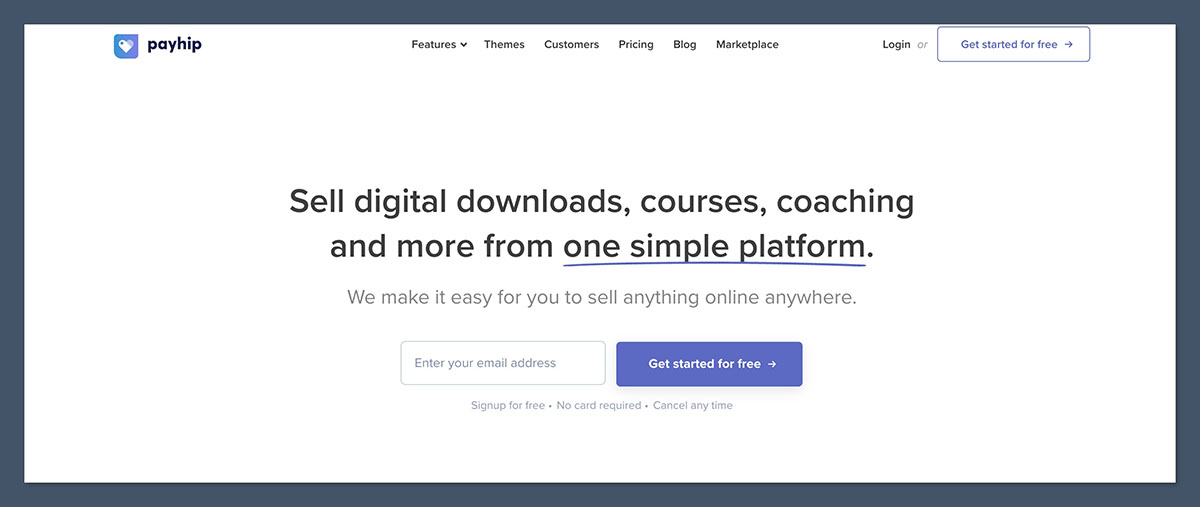
Payhip is one of the most affordable and scalable platforms available for creators who sell digital downloads, courses, and memberships. It’s an excellent step up from Ko-fi if your business revolves around files, templates, guides, or other downloadable content. Payhip gives you a clean storefront, flexible product options, and payment processing without requiring a monthly subscription, unless you want to reduce fees as you scale.
What stood out to me about Payhip was how seamless the onboarding was. From creating product listings to customizing the storefront, it only took minutes. The layout is minimal yet modern, and the shopping experience is frictionless.
Payhip gives you more flexibility than Ko-fi with better checkout control, upgradeable plans, and tools for growing your customer base, all while keeping your brand front and center.
Pros
- Free to start with low transaction fees
- Sell digital products, courses, or memberships
- VAT and sales tax handled automatically
- Custom domain and storefront themes available
- Upselling, coupons, affiliates, and analytics included
Cons
- No built-in support for physical product fulfillment
- Email tools are basic unless integrated with another service
- Customization is somewhat limited on free plan
Recent Payhip Updates:
- Added support for bundle deals and subscription-based digital products
- Enhanced PDF stamping for anti-piracy protection
- Improved product analytics dashboard
- Stripe and PayPal checkout now supports multiple currencies
My Experience Using Payhip
Setting up a product was as easy as uploading a file, writing a product title and description, and clicking publish. I created a storefront with my own branding and domain, connected PayPal and Stripe, and within an hour I was accepting payments globally.
The platform feels focused and efficient. I could add upsells, run discounts, and even track which products were performing best, all from a simple dashboard. Payhip didn’t overwhelm me with features I didn’t need, but still offered advanced options when I was ready.
How Much Does Payhip Cost?
- Free plan: 5% platform fee
- Plus plan: $29/month with 2% fee
- Pro plan: $99/month with 0% fee
- Processing: Standard Stripe/PayPal fees apply (e.g., 2.9% + $0.30)
You can upgrade plans based on your revenue. If you’re earning $2,000 or more per month, the Plus or Pro plans can save you money compared to percentage-based models.
Why Use Payhip in 2026?
If you’re selling digital products or memberships, Payhip offers everything Ko-fi does, and more, while giving you full storefront control. It’s especially valuable for international sellers, thanks to its built-in tax support. Whether you’re a solo creator or scaling up a product-based business, Payhip gives you the tools to grow while keeping your margins healthy.
Payhip is suitable for:
- Digital creators selling templates, eBooks, or guides
- Online educators offering courses or memberships
- Print-on-demand brands that supplement with digital offers
- Budget-conscious sellers who want flexible fees
Payhip isn’t suitable for:
- Creators focused on physical product sales
- Those who want robust email or CRM features built-in
- Creators relying on discovery marketplaces
3. Buy Me a Coffee: Best for Casual Tips and Light Memberships
Starting price: Free
Support options: Tips, donations, memberships, digital shop
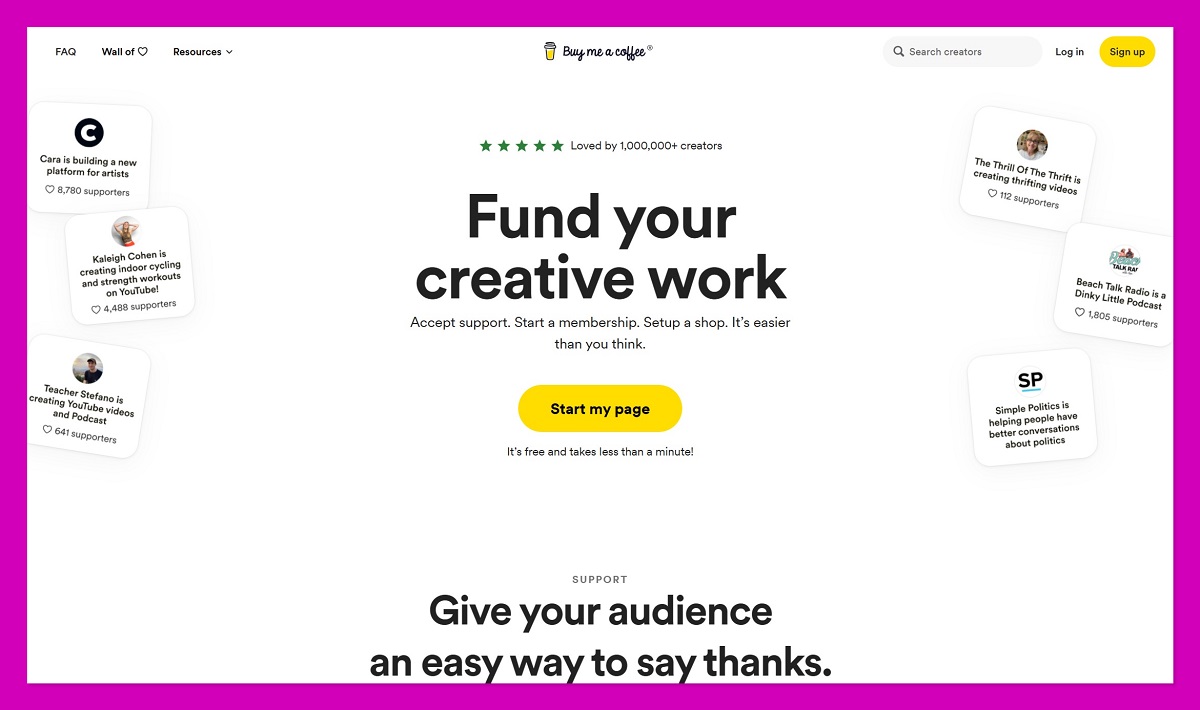
Buy Me a Coffee is the closest alternative to Ko-fi when it comes to tone, layout, and simplicity. It allows your audience to support you through one-off tips, subscribe to memberships, or purchase small digital products. For creators who don’t need a full storefront or advanced tools, Buy Me a Coffee is one of the most user-friendly platforms available.
It’s a great fit if you want to add a link-in-bio style hub that collects donations or offers supporters simple rewards, without managing a full ecommerce experience.
Buy Me a Coffee is built for creators who prioritize ease of use and direct support, rather than storefront complexity.
Pros
- Clean interface and minimal setup
- Accept tips, offer memberships, and sell small products
- No monthly fees
- Great link-in-bio monetization for social platforms
- Stripe and PayPal payments supported
Cons
- Limited storefront customization
- No native support for merch or print-on-demand
- Not ideal for scaling digital product sales
Recent Buy Me a Coffee Updates:
- Creator analytics dashboard redesigned
- Supporter-only posts and downloadable content added
- Improved mobile support and notifications
- New page themes with more color and layout options
My Experience Using Buy Me a Coffee
I was able to set up a page, connect my Stripe account, and start accepting tips in under 10 minutes. I added a few digital downloads for supporters and set up a low-tier membership option. It worked well as a passive income stream, especially when paired with social media or email links.
The platform isn’t meant to be a full shop, but for what it does, taking tips and offering basic rewards, it does it very well.
How Much Does Buy Me a Coffee Cost?
- Platform fee: 5% per transaction
- No monthly fee
- Processing fees: Stripe or PayPal standard rates
You only pay when you earn, making this a good choice for casual creators or small-scale support models.
Why Use Buy Me a Coffee in 2026?
If you want something quick, friendly, and low-maintenance, Buy Me a Coffee is one of the easiest platforms to monetize on. It keeps things casual and accessible without locking you into complex plans. If Ko-fi feels too cluttered or outdated, this is a cleaner, modern option that still covers the basics.
Buy Me a Coffee is suitable for:
- Creators accepting casual tips and donations
- Artists, streamers, and writers offering memberships
- Those looking for a “support me” page without ecommerce complexity
- Creators monetizing through social media links
Buy Me a Coffee isn’t suitable for:
- Sellers needing advanced digital product features
- Merch or print-on-demand brands
- Creators with growing storefront needs
4. Gumroad: Best for One-Off Digital Product Launches
Starting price: Free
Fee model: 10% per sale (plus $0.30 for US purchases)
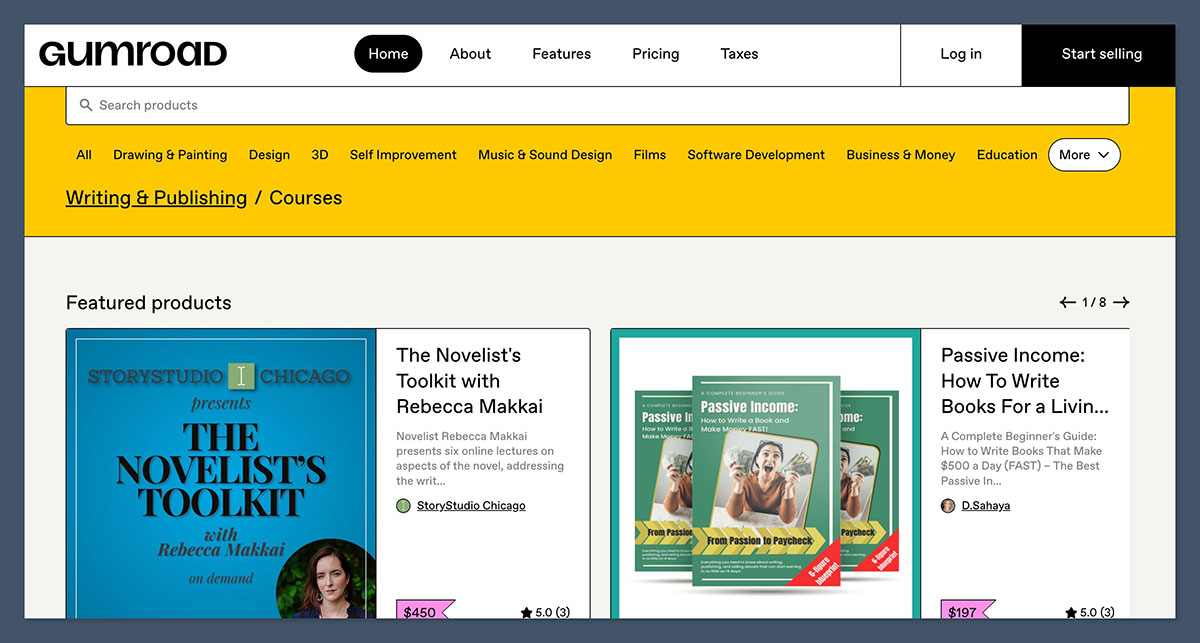
Gumroad remains a go-to tool for launching digital products quickly. With its minimal interface and instant checkout, it’s well suited to creators who just want to get a product up and start making sales—without dealing with themes, plug-ins, or storefront customization.
While Gumroad doesn’t support physical products or advanced store layouts, it works incredibly well for selling digital files, PDFs, videos, and one-time offers.
If your goal is to launch fast, test a product, and keep the setup light, Gumroad is still one of the best platforms out there.
Pros
- Very quick setup
- Clean product page and checkout experience
- No monthly subscription required
- Optional exposure via Gumroad Discover marketplace
- Supports license keys, videos, PDFs, and courses
Cons
- 10% fee is high compared to other platforms
- Limited storefront branding options
- Marketplace discovery cuts 30% from those sales
- No recurring memberships
Recent Gumroad Updates:
- Improved creator analytics and earnings tracking
- New product page customization options
- Embedded checkout updated for better mobile support
- Advanced license key generation for software sellers
My Experience Using Gumroad
I uploaded an eBook and created a sales page in under 15 minutes. The platform handled file delivery, payment processing, and receipts automatically. I used a coupon code for early subscribers and promoted the product through my newsletter. It was fast, effective, and completely self-contained.
The fee structure isn’t ideal for high-volume sales, but for limited product launches or MVP testing, Gumroad delivers exactly what you need with very little friction.
How Much Does Gumroad Cost?
- Free to start
- 10% platform fee per direct sale
- 30% fee if sale comes through Gumroad Discover marketplace
- Processing fee: 2.9% + $0.30 per transaction in the US
This pricing model works best for small launches or creators without heavy traffic.
Why Use Gumroad in 2026?
Gumroad remains a top choice for testing products or building a basic digital storefront quickly. It’s not meant for scaling or complex storefronts, but if you need to launch and validate ideas, it offers a direct path from file upload to first sale.
Gumroad is suitable for:
- Creators testing product ideas
- Digital-only sellers launching ebooks, guides, or courses
- Indie makers who prefer a minimal toolset
- Anyone wanting a simple and fast sales page
Gumroad isn’t suitable for:
- Creators looking to build a brand or custom storefront
- Sellers offering recurring memberships or subscriptions
- Print-on-demand or physical goods
5. Patreon: Best for Recurring Memberships and Community

Starting price: Free
Revenue share: 10% platform fee (Standard Plan)
Patreon is still the most recognized platform for recurring memberships and continues to be one of the most reliable ways to earn monthly income from exclusive content. Unlike platforms focused on one-time purchases, Patreon is designed to help you build a long-term relationship with your audience by offering gated content, direct access, and tiered rewards.
While it isn’t ideal for digital product storefronts or merch sellers, it’s a great alternative to Ko-fi if your value lies in community engagement and regular content delivery.
Patreon works best for creators who consistently produce content and want to offer exclusive access in exchange for recurring support.
Pros
- Fans understand the membership model intuitively
- Tools for posting videos, audio, livestreams, and updates
- Built-in messaging and email newsletter support
- Tiers and benefits are easy to set up and customize
- Discovery features can attract new patrons
Cons
- 10% fee is high at scale
- Checkout experience on mobile can be disrupted by Apple/Google policies
- Limited storefront or ecommerce functionality
- Harder to offer one-off products or services
Recent Patreon Updates:
- Native video and livestreaming now included (no need for external hosting)
- New group chat and member-only community features
- Creator dashboard now supports revenue forecasting tools
- Expanded support for merch through Patreon’s native fulfillment partner
My Experience Using Patreon
I set up a tiered membership structure with early access to my digital products, bonus videos, and behind-the-scenes content. The setup was smooth and familiar to most fans. I could post directly inside Patreon and notify members automatically.
The platform shines when you post regularly, offer value in return for monthly pledges, and build community. But for ecommerce-style stores, it doesn’t offer enough storefront flexibility.
How Much Does Patreon Cost?
- Lite Plan: 5% fee (limited features)
- Standard Plan: 10% fee (most popular)
- Pro Plan: 12% fee (adds merch integration and analytics)
- Processing fees: 2.9% + $0.30 per transaction (plus VAT where applicable)
The 10% platform fee adds up, especially as your revenue grows, but in exchange you get recurring billing, member management, and exclusive content delivery all in one place.
Why Use Patreon in 2026?
Patreon is the most widely recognized membership platform with strong community features and a fanbase that understands how it works. If your business model depends on consistency and delivering value through content, Patreon’s infrastructure is hard to beat. But it’s best for creators building a community, not those selling merch or one-off downloads.
Patreon is suitable for:
- Podcasters, YouTubers, and artists with loyal followings
- Creators who post frequently and want recurring income
- Communities based on exclusive content or access
- Anyone building around memberships rather than sales
Patreon isn’t suitable for:
- Product-based sellers or those with one-time offers
- Creators worried about high percentage fees
- Ecommerce businesses needing storefront control
6. Memberful: Best for Running Memberships on Your Own Website
Starting price: Free with 4.9% fee on paid subscriptions
Site integration: Works with WordPress and static sites
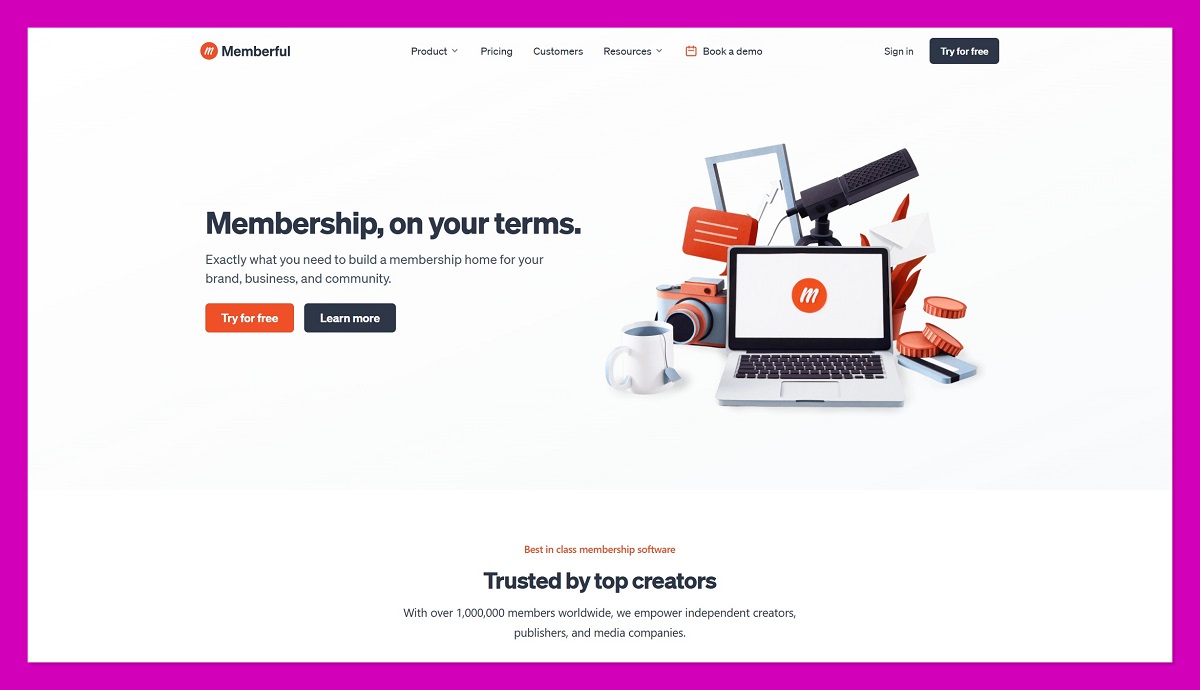
Memberful is a more advanced solution for creators who want full control over their brand, website, and memberships. Rather than hosting your content on someone else’s domain like Patreon, Memberful plugs into your existing site, allowing you to sell memberships, restrict content, and build an email list—without giving up control.
It requires more setup than other platforms on this list, but the tradeoff is flexibility and ownership.
For creators who want to grow their site and build recurring revenue without relying on third-party branding, Memberful is one of the strongest tools available.
Pros
- Sell memberships directly from your own website
- Full brand control with custom domain
- Strong integration with WordPress and CMS platforms
- Email list, content gating, and Stripe payments built-in
- Better for scaling and owning your business
Cons
- Requires technical setup and basic site management skills
- Not ideal if you don’t already have a website
- Doesn’t support merch or physical products
- Fees plus Stripe cut can add up at lower volume
Recent Memberful Updates:
- Integrated analytics with Stripe reporting
- Advanced subscription controls (free trials, coupons, upgrade paths)
- Support for gifting memberships
- More flexible content protection features for WordPress
My Experience Using Memberful
I connected Memberful to a basic WordPress site and set up gated blog posts, paid resources, and private newsletters. The interface gave me a lot of control over how my content was delivered, and members could easily manage their subscriptions through a branded portal.
The level of polish here is impressive, but it’s definitely aimed at creators who are ready to invest more effort into their setup.
How Much Does Memberful Cost?
- Free core plan: 4.9% fee per transaction
- Premium plans: Pricing available upon request (typically for larger sites)
- Payment processor: Stripe required (standard 2.9% + $0.30 per transaction)
Memberful gives you a lot of freedom, but with that comes responsibility. You’ll need to host and manage your site or blog separately, though the plugin-based model keeps integration clean.
Why Use Memberful in 2026?
If you’re building a long-term brand and want to keep your content, audience, and payments under your control, Memberful is the best membership tool out there. It doesn’t rely on a third-party ecosystem, so you won’t lose audience access if a platform changes its rules. That’s a huge advantage for anyone thinking long term.
Memberful is suitable for:
- Content creators with existing websites
- Newsletter writers, course creators, and community builders
- Creators who prioritize brand ownership and control
- Sellers who want advanced subscription models
Memberful isn’t suitable for:
- Creators who don’t have a site or want quick setup
- Sellers looking for a simple storefront
- Merch or print-on-demand integrations
7. Substack: Best for Newsletter-Driven Income
Starting price: Free
Revenue model: 10% platform fee on paid subscriptions
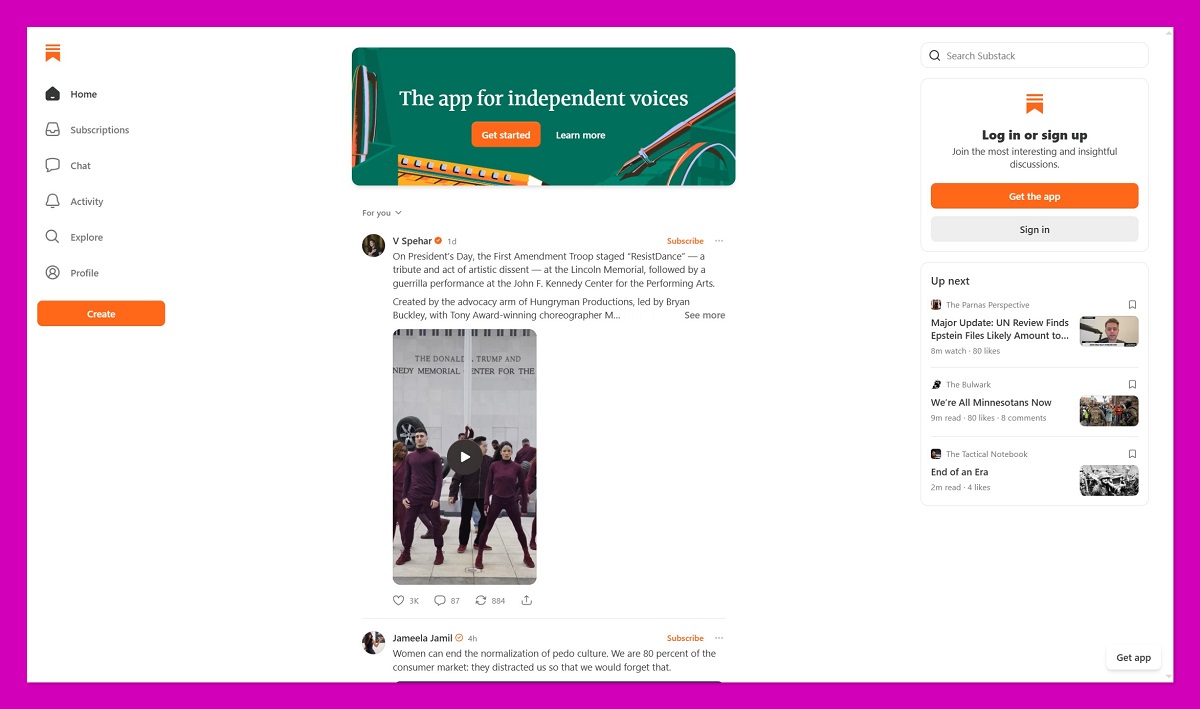
Substack has grown into one of the most popular ways for writers and creators to monetize their content through paid newsletters. It’s designed for email-first publishing, offering tools to build an audience, charge for access, and send both free and premium issues.
Unlike Ko-fi or Payhip, Substack isn’t focused on selling products or files. It’s designed around regular communication through writing, and it excels at that.
If your brand is built on content, especially serialized posts, essays, or insights, Substack offers a direct way to turn readers into paying subscribers.
Pros
- Built-in newsletter and blog publishing
- Seamless payment and subscription system
- Discovery tools to grow your audience
- Custom domains now supported
- Simple editor for fast publishing
Cons
- No support for digital downloads or merch
- Limited customization and branding
- No upsells, checkout funnels, or storefront features
- Not designed for ecommerce-style monetization
Recent Substack Updates:
- Custom domains available on all paid accounts
- Group chats and private subscriber threads introduced
- Notes feature offers a short-form writing space
- Creator referral programs and network effects improved
My Experience Using Substack
I set up a free newsletter, sent out a few issues, and converted a segment to paid subscriptions within two weeks. The onboarding is fast, the editor is distraction-free, and everything feels focused on helping writers succeed.
It doesn’t offer storefront features or product sales, but for someone whose content is writing-first, it’s the most natural platform I’ve used.
How Much Does Substack Cost?
- Free to publish
- 10% fee on paid subscriptions
- Stripe processing fee: 2.9% + $0.30 per transaction
Substack only makes money when you do, and their cut is relatively high—but that comes with built-in tools to grow your reader base, including referral systems and platform discovery.
Why Use Substack in 2026?
Substack is the best Ko-fi alternative for writers who want to build and monetize a loyal subscriber base through email. While it doesn’t replace an ecommerce store, it’s perfect for recurring income based on content and community. It’s also one of the fastest-growing platforms for independent writers in 2026.
Substack is suitable for:
- Writers, journalists, and essayists
- Creators who publish regularly via email
- Niche content creators with engaged audiences
- Those building community through writing and insights
Substack isn’t suitable for:
- Product sellers, ecommerce stores, or merch brands
- Creators needing advanced storefront features
- Sellers who want checkout control or customization
Final Verdict: Which Ko-fi Alternative Should You Use?
Ko-fi is great when you’re starting out, but if you’re looking to grow, there are better tools out there. The right platform depends entirely on how you’re monetizing and what kind of experience you want to offer your audience.
Here’s a quick breakdown:
| Your Main Focus | Recommended Platform |
|---|---|
| Selling merch | Fourthwall |
| Selling digital downloads | Payhip or Gumroad |
| Taking tips and small donations | Buy Me a Coffee |
| Offering memberships | Patreon or Memberful |
| Writing and newsletters | Substack |
If you’re unsure which one to start with, Payhip and Fourthwall offer the best all-around flexibility for ecommerce creators. And since most of these platforms are free to try, there’s no harm in setting up a few to see which one fits your business best.