
If you’re a member of the creator economy, you’ve probably dabbled with the idea of selling merch before. It makes sense. It’s one of the easiest ways to monetize the reach and attention you already have, particularly now that print on demand platforms make it easy to customize and ship products without doing the grunt work yourself.
Lately though, I’ve noticed a lot of creators doing the same thing. They launch a merch collection, get a few sales, then abandon the whole idea a few months later. It’s not usually because print-on-demand didn’t work. It’s because they picked a platform for selling their merch that didn’t actually fit.
The problem is the platforms all look interchangeable on the surface. Same hoodies. Same mugs. Same promises. Very different outcomes once you’re ten, fifty, or five hundred orders in.
Some sites are built for reach. Others are built for control. A few try to do both and mostly succeed. Quite a lot end up gradually taking ownership of your customers while you’re busy uploading designs. Here’s how you find the ones that give you the room to scale.
The Quick Verdict: My Top Picks
A lot of people still pick a POD site based on simple things, like how easy it is to upload a design, or how many product variations they offer. That’s backwards. Designing a collection is usually the easy part, no matter what you choose. The tough stuff comes later, when you’re trying to increase reach, handle more orders, and do it all without admin work.
These days, I honestly try to nudge people away from most of the “obvious” beginner-friendly platforms (like Spring), and towards options that fit what they’re actually looking for.
The quick short list:
- Best all-in-one merch shop: Fourthwall
- Best free “instant store link” if you use Printify: Printify Pop-Up Store
- Best marketplace reach for merch: Amazon Merch on Demand
- Best “upload and let it sell” marketplaces: Redbubble, TeePublic
The POD Sites for Selling Merch: Common Options Side by Side
A quick thing to note about this comparison table: it’s just here to give you a view of the overall market. It’s not a full list of platforms I’d actually recommend.
| Platform | Category | Best for | Typical fee model | You own the customer? |
|---|---|---|---|---|
| Fourthwall | Creator storefront | Premium creator merch brands | No added fee on physical goods, platform fee on memberships/digital + payment processing | Yes |
| Spring | Creator storefront | Selling from social links fast | Profit = price minus base cost; digital has processing + per-transaction fee | Partial |
| Printify Pop-Up Store | Store link | Fast launch, no monthly fees | You pay production, you keep margin | Yes |
| Etsy + POD partner | Marketplace | Search-driven buyers for certain niches | Listing + transaction fees + processing | Partial |
| Amazon Merch | Marketplace | Amazon traffic | Royalties formula | No |
| Redbubble | Marketplace | Passive catalogue selling | Base price + your markup, account fee system | No |
| TeePublic | Marketplace | Simple earnings per sale | Fixed earnings by product/category | No |
| Threadless Artist Shops | Hybrid | Branded shop + optional marketplace | Base cost + processing fee; marketplace royalty | Partial |
| Zazzle | Marketplace | Highly customizable products | Royalty range + program fees | No |
| Bonfire | Campaign merch | Fundraisers and launches | Profit = price minus base cost; contributions have processing fee | Partial |
The Best POD Sites to Sell Merch (Side-By-Side Reality Check)
Before getting lost in individual platforms, it helps to see the trade-offs laid out cleanly. Most POD guides dodge this part because it exposes how different these tools really are once money and ownership enter the picture.
A quick observation before we dive in:
- Storefronts ask you to bring the audience, but reward you with control.
- Marketplaces bring the audience, then keep them.
- Hybrids try to split the difference, with mixed results.
None of these models are “wrong.” Plenty of people make money on all of them. You just need to understand what you’re signing up for, before you pick a direction.
1. Fourthwall (best all-in-one creator storefront)
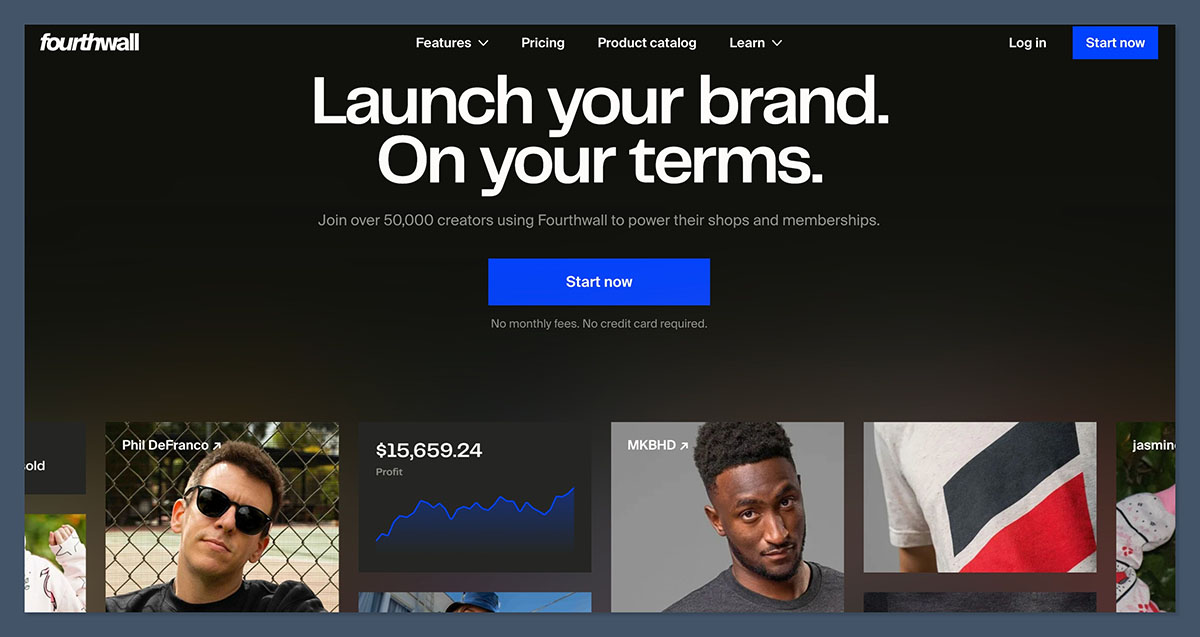
I honestly think Fourthwall exists because creators got tired. Tired of running Shopify for merch, Patreon for memberships, Gumroad for downloads, and then gluing it all together with a link-in-bio page. Especially tired of having to handle it all themselves, or hire a massive team to make it all work.
Fourthwall is for anyone with an audience who already have people paying attention on YouTube, Twitch, Instagram, Facebook, and so on, and want one place where they can sell high-quality merch, subscriptions, memberships, and digital products without the headaches.
Pricing and Fees
| Cost type | What you pay |
|---|---|
| Monthly fee | Free plan available |
| Physical merch | No added platform fee |
| Digital products | 5% on free plan, 0% on Pro plan |
| Memberships | 5% Platform fee |
| Payments | Standard processing fees |
The important bit: Fourthwall doesn’t take a cut of physical merch revenue. You pay the product cost, shipping, and card fees. That’s it. Fees show up when you add digital or memberships, which is usually where margins are higher anyway.
Product and fulfillment notes
The catalog here is versatile. More versatile than you’ll find anywhere else. Start with the print on demand products. There are hundreds to choose from, and Fourthwall actually works with print providers to make sure they turn their machines up to the max settings for better quality.
Fourthwall has also sourced premium streetwear blanks to let you make premium fashion without holding inventory. That’s just the beginning. Fourthwall can source custom products for you (like plushies), and lets you sell digital products, memberships, and subscriptions alongside. You can even accept donations.
On top of that, Fourthwall deals with more of the work on your behalf. Fourthwall handles customer support for catalog products, works as a merchant and record to support you with taxes, simplifies logistics on your behalf: all the stuff you don’t want to do.
Branding and store control
You get an actual storefront. Pages, domains, bundles, upsells, gift cards. It feels like a site you’d confidently link to, not a merch page you hope people don’t judge too hard. There are even headless commerce options, if you want to go that far.
Pros and cons
Pros
- No platform fee on physical merch
- Strong brand ownership
- Customizable storefronts
- Merch, digital, memberships together
- Less admin as sales grow
- Genuinely high-quality products
- Powerful integrations (YouTube, Twitch, IG/FB Shopping, etc.)
Cons
- Smaller catalogue than Printify
- Focus on quality over low prices
Bottom line: Fourthwall makes sense when merch is part of a creator business, not a quick cash grab. If you value ownership and sanity over endless product choice, it’s one of the cleanest setups around.
2. Printify Pop-Up Store (best free “instant store link”)
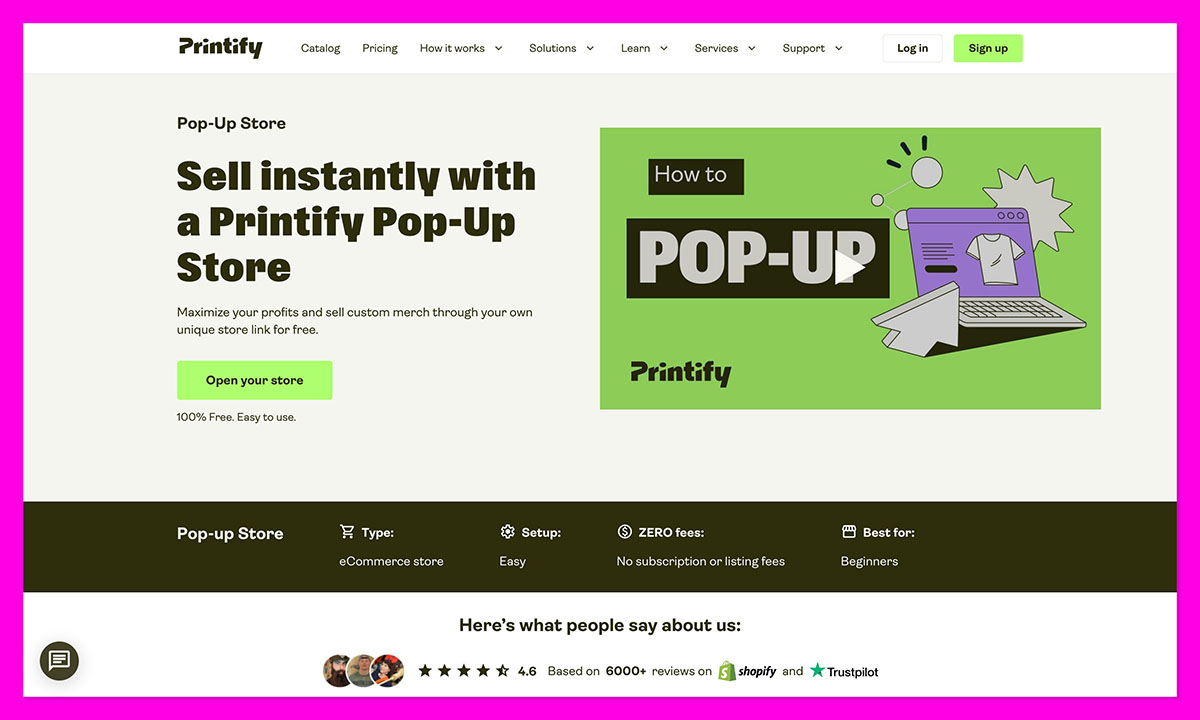
Printify’s Pop-Up Store is exactly what it sounds like: a fast, lightweight way to sell designs without committing to a full ecommerce setup. It’s for people who want to test ideas, run quick drops, or answer one honest question: will anyone actually buy this?
Pricing and fees
| Cost type | What you pay |
|---|---|
| Monthly fee | None |
| Platform fees | None (unless you upgrade to Printify Premium $29 per month) |
| Production | Base product + shipping |
| Payments | Built into checkout |
No subscriptions. No listing fees. You cover production costs and keep whatever margin you price in.
Product and fulfillment notes
The Pop-Up Store uses Printify’s full supplier network, which means a massive catalogue and global fulfillment. Quality depends heavily on which supplier you choose, so samples matter more here than anywhere else. One quick note, you do get more control over handling customer support with Printify Connect, which is included in the Premium Plan, but you still have to manage it all yourself.
Branding and store control
You get a simple branded page with a unique URL. That’s it. No blog, no custom pages, no SEO ambitions. It’s a selling link, not a brand home.
Pros and cons
Pros
- Zero commitment
- Fastest way to test designs
- Huge product range
Cons
- Limited branding
- Easy to outgrow
- Supplier quality varies
Bottom line: The Printify Pop-Up Store is brilliant for testing and short runs. Just don’t mistake it for a long-term store. It’s a proving ground, not a foundation.
3. Etsy + POD partner (best for marketplace search in specific niches)
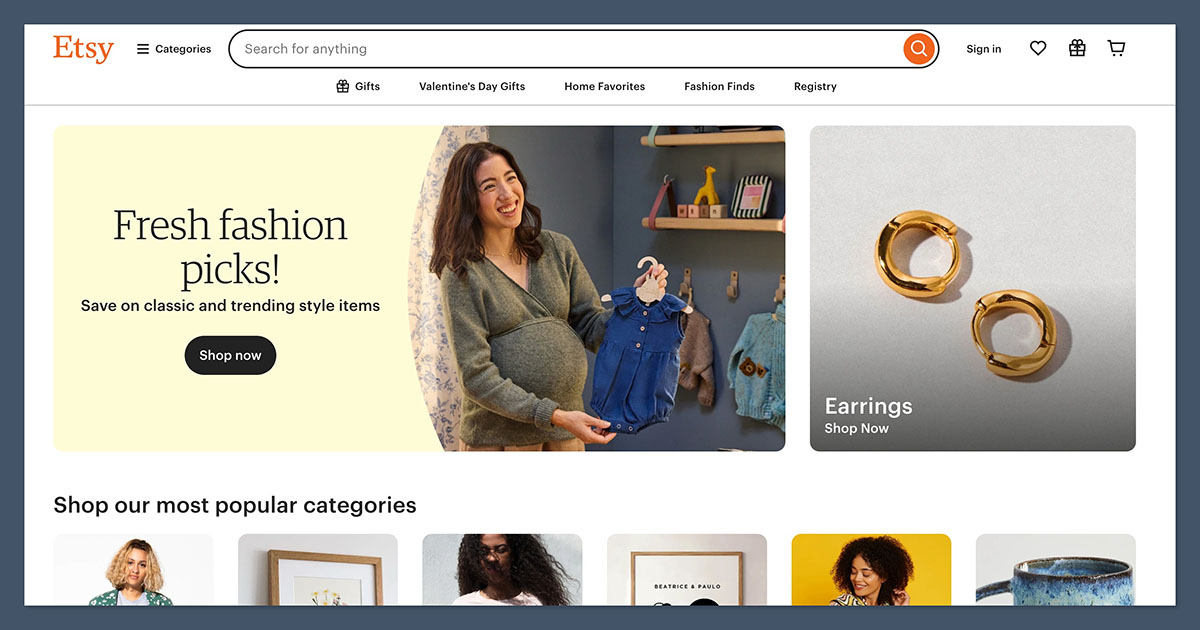
Etsy is where people go when they already want to buy something. That’s the whole appeal. You’re not warming up an audience or teaching anyone what merch is, you’re stepping into a marketplace full of shoppers typing things like “funny gift for new dad” or “custom teacher mug”.
Pair Etsy with a POD partner like Printful or Printify, or even a more comprehensive system like Fourthwall, and you’ve got a search-driven merch setup that can work surprisingly well in the right niche.
Pricing and fees
| Cost type | What you pay |
|---|---|
| Listing fee | $0.20 per product |
| Transaction fee | 6.5% of item price + shipping |
| Payment processing | Country-dependent |
| POD production | Base product + shipping |
This is where people get caught out. The fees don’t look scary individually, but stacked together they eat margin fast if you don’t price properly.
Product and fulfillment notes
Your POD partner does the heavy lifting here. That means product range, print quality, and shipping speed all depend on who you connect. Etsy itself stays hands-off once the order is placed.
Branding and store control
You get a shop page, a logo, banners, and listings, but Etsy owns the checkout, the customer data, and the rules. Repeat buyers are possible, but they’re never really yours.
Pros and cons
Pros
- Built-in buyer intent
- Strong for gifts and niche products
- No need to drive traffic
Cons
- Fees stack quickly
- Heavy competition
- Limited brand ownership
Bottom line: Etsy works when your listings are dialed in and your niche is clear. It’s great for discovery, but risky as a single long-term channel.
4. Amazon Merch on Demand (best marketplace reach)
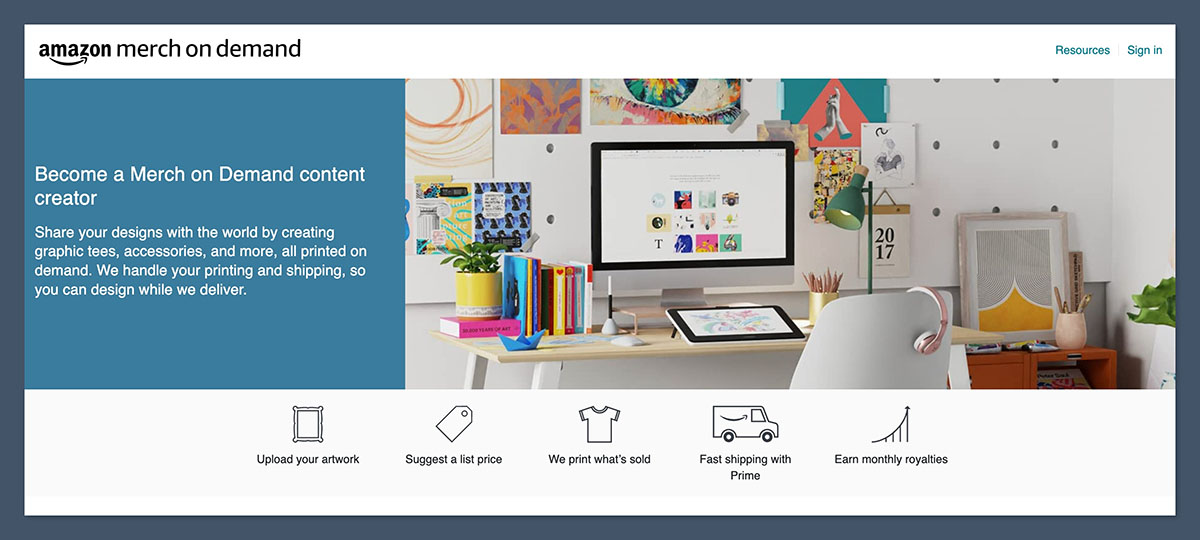
Amazon Merch on Demand is merch with a very specific promise: massive reach, zero marketing. Your designs live inside Amazon, alongside everything else people are already buying. The trade-off is obvious. You’re playing by Amazon’s rules, on Amazon’s turf, with no real brand presence.
Pricing and fees
| Cost type | What you pay |
|---|---|
| Upfront fees | None |
| Production & fulfillment | Included |
| Earnings | Royalty based on Amazon pricing |
You don’t set a clean “profit”. Amazon calculates royalties after production, fulfillment, and other costs. It’s simple, but not flexible.
Product and fulfillment notes
Product selection is mostly apparel. Quality and shipping are solid because Amazon controls the entire pipeline. That consistency is a big reason people stick with it.
Branding and store control
There isn’t much. No email list. No custom checkout. No way to follow up with buyers. Your designs sell, but your brand stays invisible.
Pros and cons
Pros
- Huge built-in traffic
- No customer service work
- Trusted checkout
Cons
- No customer ownership
- Limited product range
- Royalty math you can’t tweak
Bottom line: Amazon Merch is a distribution channel, not a business foundation. It’s great for exposure and extra income, but it won’t build you anything you can take elsewhere.
5. Redbubble (best for broad marketplace catalogue selling)
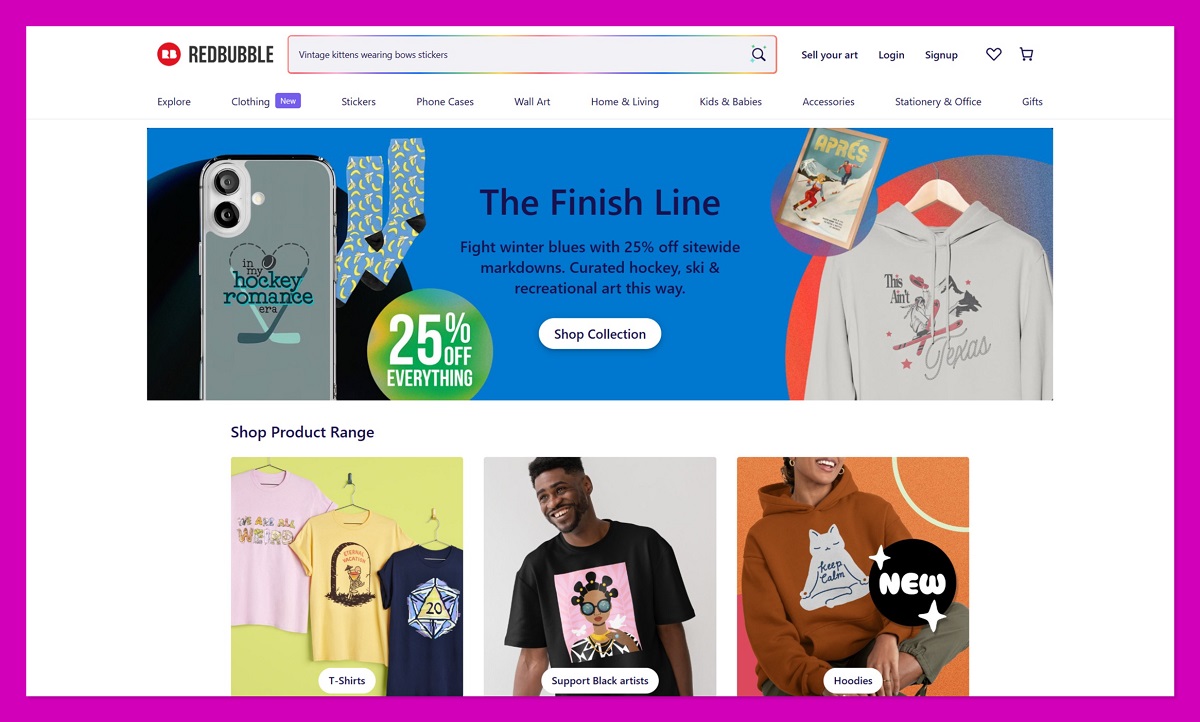
Redbubble is the purest version of “upload it and walk away” in the POD world. You add designs, choose a markup, and Redbubble handles everything else. No store to build. No traffic to drive. It’s popular with artists who want their work out in the world without turning merch into a second job.
Pricing and fees
| Cost type | What you pay |
|---|---|
| Monthly fee | None |
| Base product cost | Set by Redbubble |
| Earnings | Base price + your markup |
| Account fees | Tier-based, deducted monthly |
Redbubble’s account fee system catches people off guard. You still earn your markup, but platform fees can reduce take-home earnings depending on your account tier and monthly sales.
Product and fulfillment notes
The catalogue is massive. Apparel, stickers, wall art, phone cases, and homeware. If it can be printed, it’s probably there. Fulfillment is handled globally, and quality varies by product type. Apparel is usually fine, but rarely great. Some novelty items feel exactly like novelty items.
Branding and store control
Minimal. You get a profile and a grid of products. That’s it. Redbubble owns the customer, the checkout, and often the discounting.
Pros and cons
Pros
- True passive setup
- Huge product range
- No customer support workload
Cons
- Thin margins
- Platform fees reduce earnings
- No brand ownership
Bottom line: Redbubble works best as a passive income channel. It’s not where you build a brand, but it can quietly tick along in the background.
6. TeePublic (best “simple earnings” marketplace)
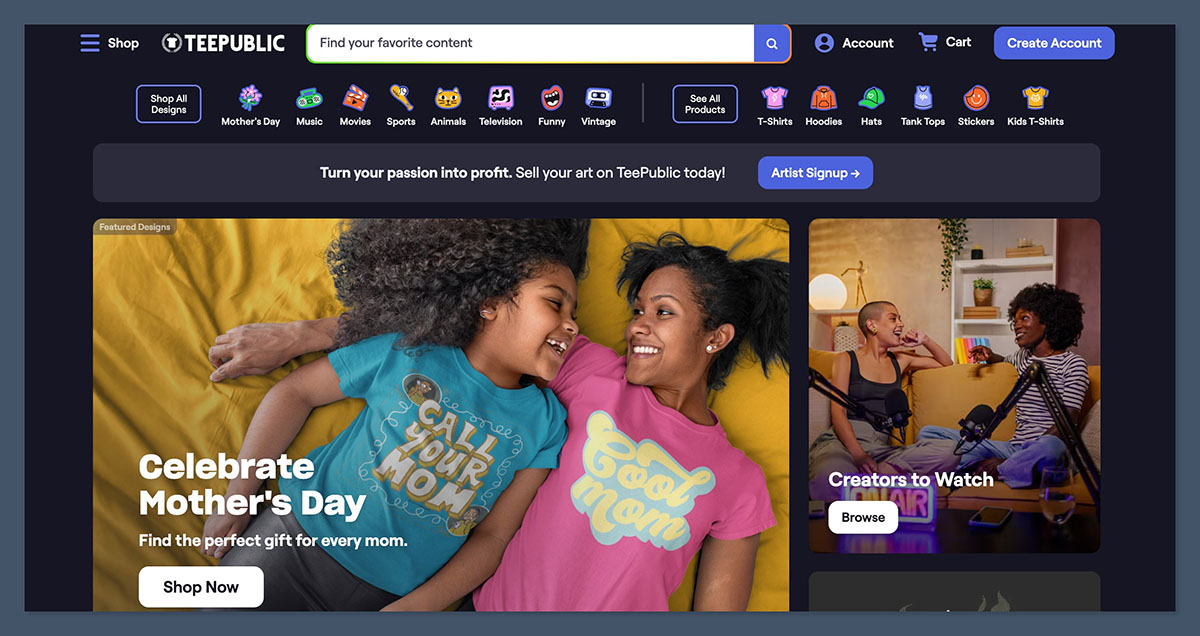
TeePublic strips marketplace selling down to something very basic. You upload designs, pick products, and earn a fixed amount per sale depending on category and account type. It’s calmer, simpler, and far less customizable than most alternatives.
Pricing and fees
| Cost type | What you pay |
|---|---|
| Monthly fee | None |
| Earnings model | Fixed payout per product |
| Payout schedule | Monthly |
You don’t control margins here. TeePublic decides what each sale is worth, and you accept it or move on. A lot of people just move on.
Product and fulfillment notes
Product range leans heavily toward apparel, with a few extras layered in. Fulfillment is consistent, shipping is predictable, and quality is acceptable; rarely exciting, rarely disastrous.
Branding and store control
Almost none. Your store page exists, but TeePublic’s brand is front and center. Customer data never reaches you, so honestly, you don’t own anything.
Pros and cons
Pros
- Predictable earnings
- Very low effort
- No pricing decisions
Cons
- Capped upside
- No customer ownership
- Limited product control
Bottom line: TeePublic is fine if you want simplicity and zero admin. Just don’t expect it to grow into something bigger than what it is.
7. Threadless Artist Shops (best hybrid of branded shop + marketplace)
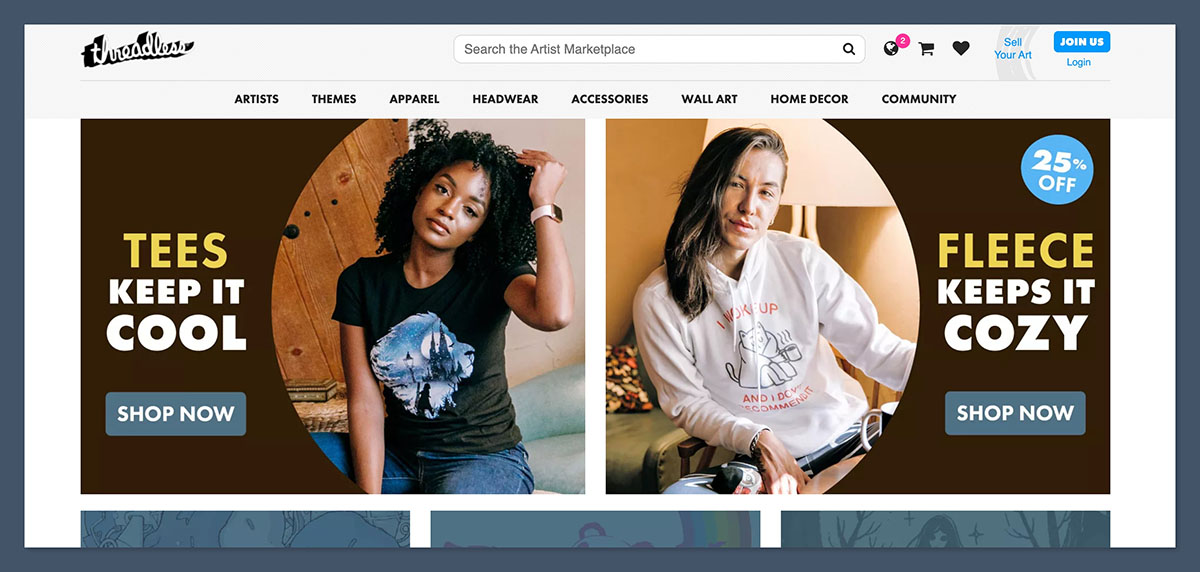
Threadless sits in the middle ground. It gives you a branded shop you can point people to, plus optional exposure through Threadless’ own marketplace. It’s for artists who want more control than Redbubble, but don’t want the full “run an ecommerce stack” lifestyle either.
Pricing and fees
| Cost type | What you pay |
|---|---|
| Monthly fee | None |
| Earnings (Artist Shops) | Retail price − base cost |
| Processing | Included in base-cost model |
| Marketplace sales | Royalty-style earnings |
The maths is refreshingly clear: set your retail price, Threadless takes base cost + processing, you keep the difference.
Product and fulfillment notes
Product range is strong for apparel and art prints. Fulfillment is handled for you. The big win is you can sell like a brand without managing production logistics.
Branding and store control
The branding opportunities here are better than what you get on most marketplaces: branded shop pages, more control over presentation, and a cleaner “this is my store” feeling. Still not full customer ownership in the way an independent storefront gives you.
Pros and cons
Pros
- Hybrid reach + branded shop
- Clear earnings model
- Low admin
Cons
- Not full ownership
- Less flexibility than a standalone store
Bottom line: Threadless is a solid compromise if you want a shop that feels like yours, without taking on the complexity of running everything yourself.
8. Zazzle (best for highly customizable products)
Zazzle is for people who lean into personalization. If you want to sell wedding invites, business cards, mugs with names, weirdly specific gifts, Zazzle has you covered. It’s not “streetwear brand energy.” It’s “someone needs 40 matching invitations by next week” energy.
Pricing and fees
| Cost type | What you pay |
|---|---|
| Monthly fee | None |
| Earnings | Royalty percentage you set (within limits) |
| Extra costs | Program/marketing fees can apply |
You can set royalties, but the net outcome can get fuzzy once fees and promotions enter the picture. It’s worth doing a little planning before you commit.
Product and fulfillment notes
There’s a huge catalog, and the customization tools are the point. Fulfillment is handled, but this is a marketplace, so you don’t control the full customer experience.
Branding and store control
Very limited. Your storefront exists, but Zazzle is the brand customers remember.
Pros and cons
Pros
- Best-in-class personalization
- Enormous product variety
- Great for gift-driven niches
Cons
- Fee complexity
- Weak brand ownership
Bottom line: Zazzle is brilliant when personalization is the product. For “creator merch”, it’s usually the wrong vibe.
9. Bonfire (best for campaign merch, fundraisers, launches)
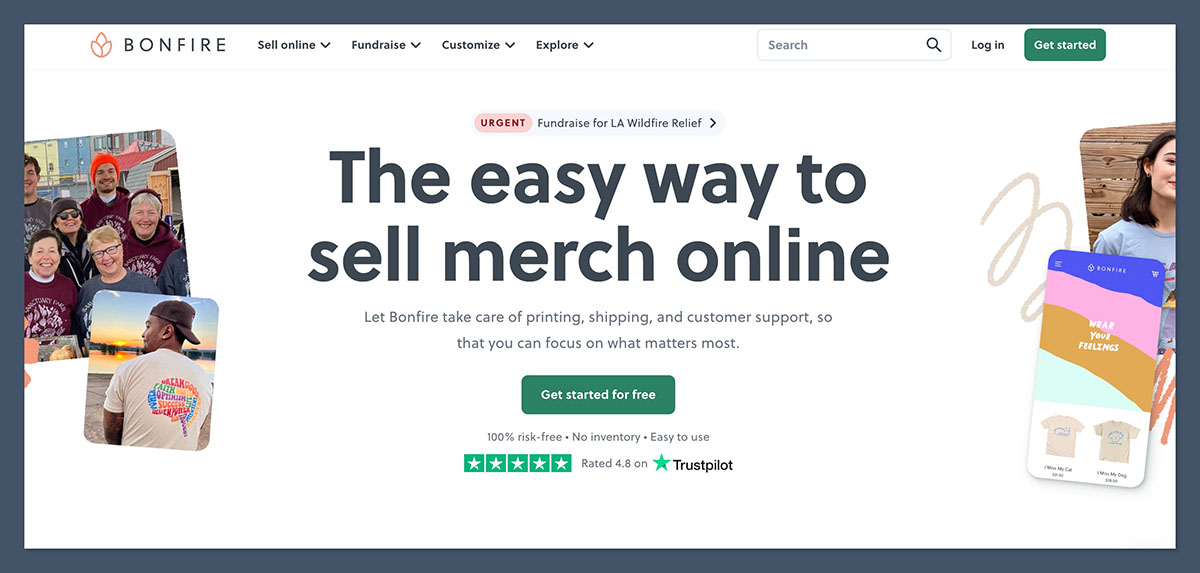
Bonfire is built for moments. Fundraisers. Events. Launches. Community drops. It’s not trying to be your forever storefront. It’s trying to make it easy to sell a run of merch without inventory stress and without turning fulfillment into your problem.
Pricing and fees
| Cost type | What you pay |
|---|---|
| Monthly fee | None |
| Earnings | Price – base cost |
| Donations | Processing fees apply |
Bonfire’s model is clean: set your price, base cost covers production/fulfillment, you keep the margin.
Product and fulfillment notes
Bonfire is apparel-heavy, and campaign-focused. Fulfillment is handled automatically after the campaign flow. Base costs can drop with higher volumes, which matters if you’re pushing a big community launch.
Branding and store control
Campaign pages are the center of gravity. You get decent branding on the page, but it’s not a full “build a site and grow an email list” setup.
Pros and cons
Pros
- Perfect for fundraisers and timed drops
- No fulfillment admin
- Simple pricing model
Cons
- Not built for evergreen stores
- Limited long-term customer relationship
Bottom line: Bonfire is the best option here for campaign-style merch. If you’re trying to build a long-term merch brand, you’ll outgrow it.
Why I Don’t Recommend Spring (TeeSpring)
Spring is deliberately missing from the list above, because I don’t think it’s “best” for anyone. It used to be the default answer for creators who wanted to sell merch fast. You just uploaded a design, set a price, and dropped a link for your customers on social media.
Honestly though, it’s just not trustworthy anymore. There are way too many horror stories out there if you’re willing to pay a bit of attention to Reddit or social media. People have complained about ultra-along shipping times, horrible product quality, and terrible customer service more times than I can count. One Reddit user even said that they ended up with a bunch of orders stuck in “printing” or “shipped” for months.
When problems like that happen, your customers don’t blame your supplier, they blame you. That’s a risk you can’t afford to take.
Choosing your Platform for Selling POD Merch
I don’t think there really is a single best platform for selling merch. It all comes down to what you’re trying to build, and how much control (and work) you want.
If your goal is a real merch brand, where customers come back, recognize your site, and don’t feel like they bought from a random marketplace listing, start with a creator storefront.
Fourthwall is honestly the best one I’ve found. It keeps merch, digital products, and memberships in one place, stays out of your physical merch margins, and removes a lot of background admin that burns people out.
If you’re in the very simple “starter” stages, things like Printify’s Pop-Up store are fine. If you want discovery without marketing, marketplaces do that job. Etsy works when your niche is tight and your listings are dialed in. Amazon Merch gives you reach at the cost of identity. Redbubble and TeePublic are passive channels, useful, but limited.
Every channel has its place. It’s just about finding what works for you.



