
HubSpot Service Hub is the best service software for small manufacturing companies with 20 employees, offering CRM-integrated ticketing, SLA management, and Breeze AI without requiring IT support. Zendesk leads for heavy ticket volume; Freshdesk and Zoho Desk are the top budget alternatives.
You don’t learn how to ace customer support from textbook. You learn it through long days staring at a bursting inbox for your print-on-demand store and wondering how you’re ever going to get through it all. I’ve worked with dropshipping brands where “customer service” was basically me, Slack, and endless caffeine. That’s why I treat reviewing service tools (like HubSpot’s Service Hub) with the respect they deserve.
Manufacturing service feels familiar. Same chaos, different nouns. Instead of “Where’s my order?” it’s “The press is down, we need parts.” Instead of carrier delays, it’s machine downtime. Instead of refunds, it’s warranties, technicians, and production lines on pause.
I’m here to help you find the tools that will actually make your life easier and improve your customer’s experience, without causing complexity headaches. Let’s get started.
What Small Manufacturing Teams Need from Service Software
Most 20-person manufacturers don’t have a “support department.” They have one or two staff members with a shared inbox, and one overwhelmed engineer who knows everything but documents nothing. That works until it doesn’t. Then it explodes.
The real breakdowns aren’t technical. They’re logistical. The machine fails, but the system fails harder. Tickets get lost in email. Parts requests land in personal DMs. Warranty claims become detective work. Everyone “remembers” the last fix differently.
So, when I started looking at service software, here’s what I focused on:
- Setup speed: no onboard consultants, no PhDs
- Ticket + SLA depth: priority queues, breach tracking, escalation
- Asset/part/warranty tagging: machines are not “customers”
- Internal collaboration: notes, handoffs, context sharing
- Automation quality: fewer steps, fewer humans, fewer errors
- AI usefulness: routing, summaries, insight, not noise
- Scalability: from 5 phones on the floor to 25 in the field
- Manufacturing fit: grease-tested, not boardroom-tested
If a platform felt like it was built for call centers instead of concrete floors, it lost points.
Service Software for Manufacturing Teams: Quick Comparison
| Platform | Best for | Ticketing | SLAs | AI / automation strength | Internal collaboration | Knowledge base / portal |
|---|---|---|---|---|---|---|
| HubSpot Service Hub | All-in-one service + CRM + automation | Yes | Yes | High (Breeze AI, smart routing, summaries, inbox automation) | Shared inbox, mentions, internal notes | Customer portal + KB |
| Zendesk | Ticket-first support teams | Yes | Yes | High (AI agents, sentiment + intent routing, AI drafts) | Internal threads, side conversations | Help center + portal |
| ServiceNow | Enterprise ITSM + field service | Yes | Yes | Very high, but complex | Enterprise workflow & approvals | Advanced, heavy setup |
| Kustomer | Long service timelines + history | Yes | Workflow-based | High (timeline AI, AI agents for reps + customers) | Shared timelines, collaboration | Customer portal |
| Bitrix24 | Most complete free suite | Yes | Basic | Medium (rules + automation) | Chat, tasks, docs, boards | Basic |
| LiveAgent | Lightweight multi-channel helpdesk | Yes | Basic | Medium | Light internal notes | Portal + KB |
| Freshdesk | SLA-structured support teams | Yes | Yes | High (agentic AI, auto-resolution) | Team collaboration | KB + portal + CSAT |
| Zoho Desk | Best low-cost automation | Yes | Yes | High (AI roles, predictions, workflows) | Team feeds + assignments | Help center |
| Hiver | Gmail-first support | Yes (inside Gmail) | Limited | Low–medium (rules + tagging) | Notes + tasks in Gmail | No true portal |
The Best Service Software for Manufacturing Teams
I tested every platform like an overcaffeinated ops lead would: under pressure, with messy data, real routing rules, and zero patience for nonsense. Here’s what I learned.
1. HubSpot Service Hub: Best Overall for Small Manufacturing Teams
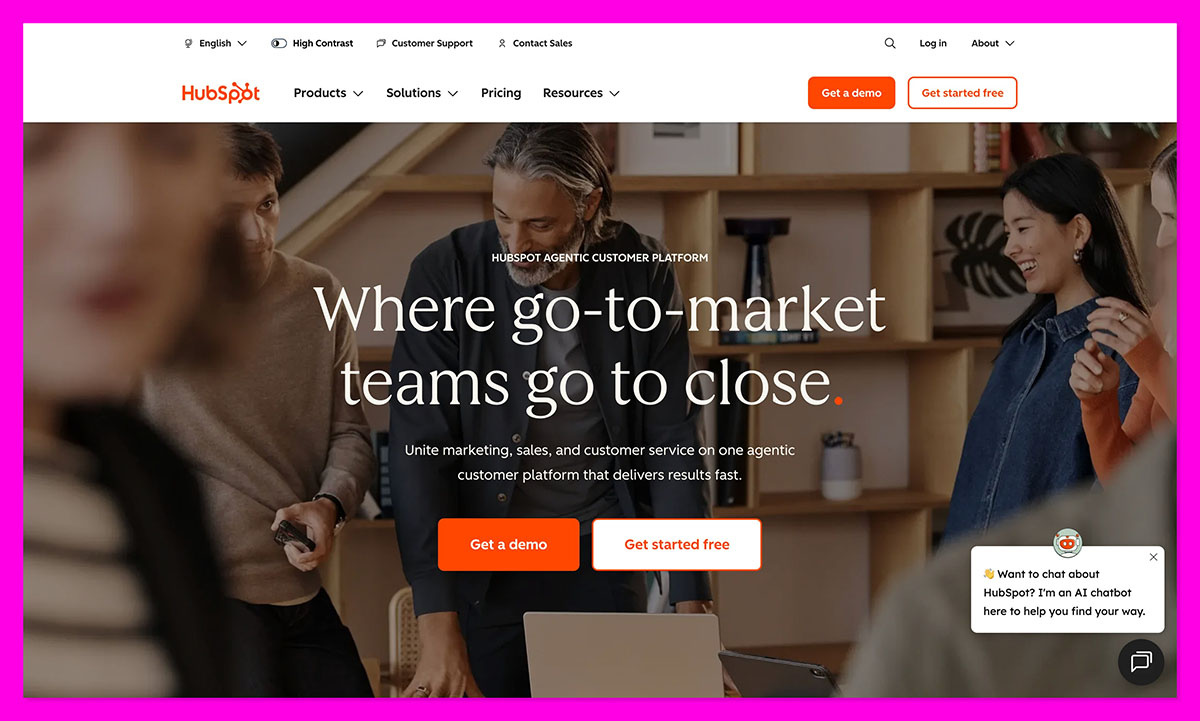
If you want a service system that behaves like your most organized engineer, HubSpot Service Hub is it. It pulls tickets, machine history, internal notes, SLAs, and routing into one screen and actually keeps them tied together.
HubSpot pushed updates that matter on the floor in 2025. In May, real-time formatting and validation for custom fields landed, which is a win when you’re tagging part numbers and machine IDs at speed. They also launched stage-calculated ticket properties and expanded Marketplace integrations to 77+ apps.
The big one? Breeze AI upgrades (summaries, routing, assistance) and a ChatGPT connector to slash admin time.
Why it works for 20-person manufacturers
Most small manufacturers collapse under tool sprawl. HubSpot’s platform avoids that by uniting CRM software, ticketing, SLAs, portals, and automation in one place.
You can tag assets, parts, warranty claims, and escalate downtime tickets without leaving the dashboard. Manufacturing teams use it to route breakdowns, track repeat faults, triage parts requests, and keep dealer communications auditable.
Real use cases
- Auto-route downtime tickets by machine type and severity
- Track warranty clusters tied to serial numbers
- Build a self-serve knowledge base to deflect repeat issues
- Centralize dealer + field tech communication
Pros
- Fast to deploy with no IT
- Shared inbox kills service silos
- Clear SLA tracking
- Portal + knowledge base reduce repeat tickets
Cons
- Some advanced features are paid tiers
- Deep customization takes planning
2. Zendesk: Best for Manufacturers Who Want Ticketing Muscle
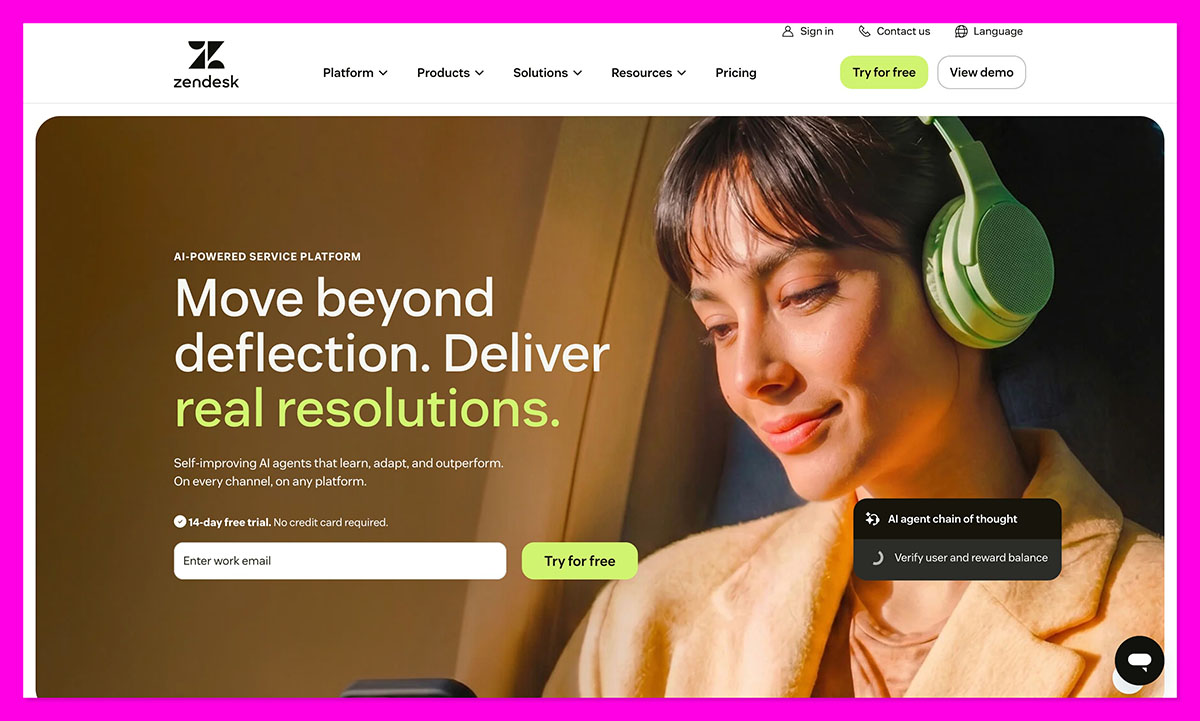
Zendesk is the control room console of helpdesks. If HubSpot is the calm, organized plant manager, Zendesk is the engineer who loves dashboards, triggers, and conditional logic.
In 2025, Zendesk rebuilt its Resolution Platform with 30+ upgrades focused on AI. The system can now classify intent and sentiment, auto-suggest replies, and draft emails with AI. It also rolled out smarter routing and agent-assist tools to reduce manual handling.
Why it works for 20-person manufacturers
Zendesk is brilliant when support is the product, or when you live and die by tickets. Manufacturers use it to build deeply customized queues, escalation paths, and automation trees. If you want to segment tickets by factory, region, machine type, severity, warranty status, and then apply different SLA timers to each, Zendesk will happily do it.
The catch? Most 20-person manufacturers don’t enjoy building it. It’s Lego for adults, but someone has to read the manual.
Real use cases
- Route “line down” tickets to mobile techs instantly
- Flag warranty claims vs spare-part purchases
- Auto-apply SLA breach warnings by severity tier
- Build parallel queues for dealers vs internal maintenance
Pros
- Ticketing is elite
- SLA logic is granular
- AI assistance is improving fast
Cons
- Takes real configuration time
- Can feel heavyweight for small teams
- Seat costs climb quickly
3. ServiceNow: The Most Powerful, The Least Practical
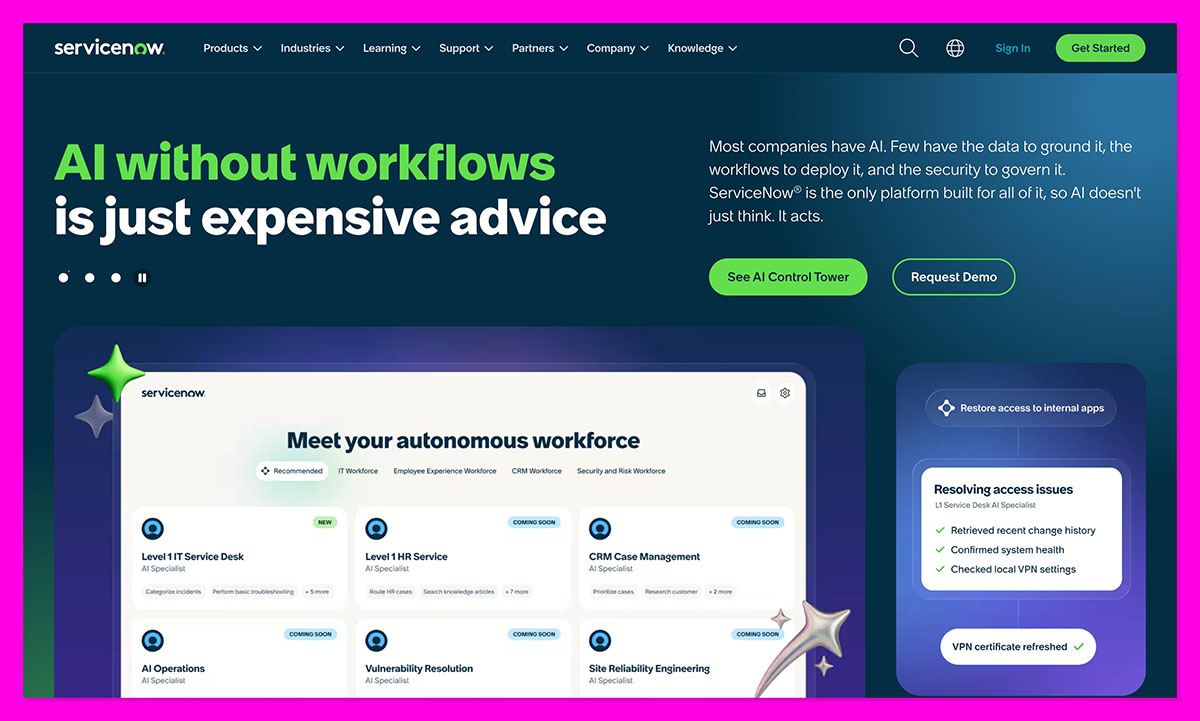
ServiceNow is what happens when NASA designs a helpdesk. Its power is hard to argue with, but the real question is whether a 20-person manufacturing team needs software built for global enterprises.
This year, ServiceNow deepened AI orchestration for ITSM and field service, pushing predictive workflows, automated resolution, and cross-team orchestration. It’s also moving even further into enterprise-wide operational intelligence.
Why it doesn’t work for 20-person manufacturers
You don’t implement ServiceNow. You deploy it. With a plan. And stakeholders. And consultants. It assumes process maturity, IT governance, and dedicated system owners. Most small manufacturers just want uptime, routing, and answers, not ecosystem architecture.
It’s also built for complexity first, usability second. If your voting committee has more people than your factory floor, sure, assess it. Otherwise, you’ll spend more time configuring ServiceNow than servicing machines.
Real use cases
- Unified IT + field service orchestration at scale
- Global plant standardization
- Predictive maintenance tied into enterprise data lakes
Pros
- Incredibly powerful
- World-class automation and orchestration
- Excellent enterprise SLA tooling
Cons
- Heavy implementation lift
- Requires dedicated admins
- Not cost-effective for 10–30 users
4. Kustomer: Best for Long Service Histories and Timeline Clarity
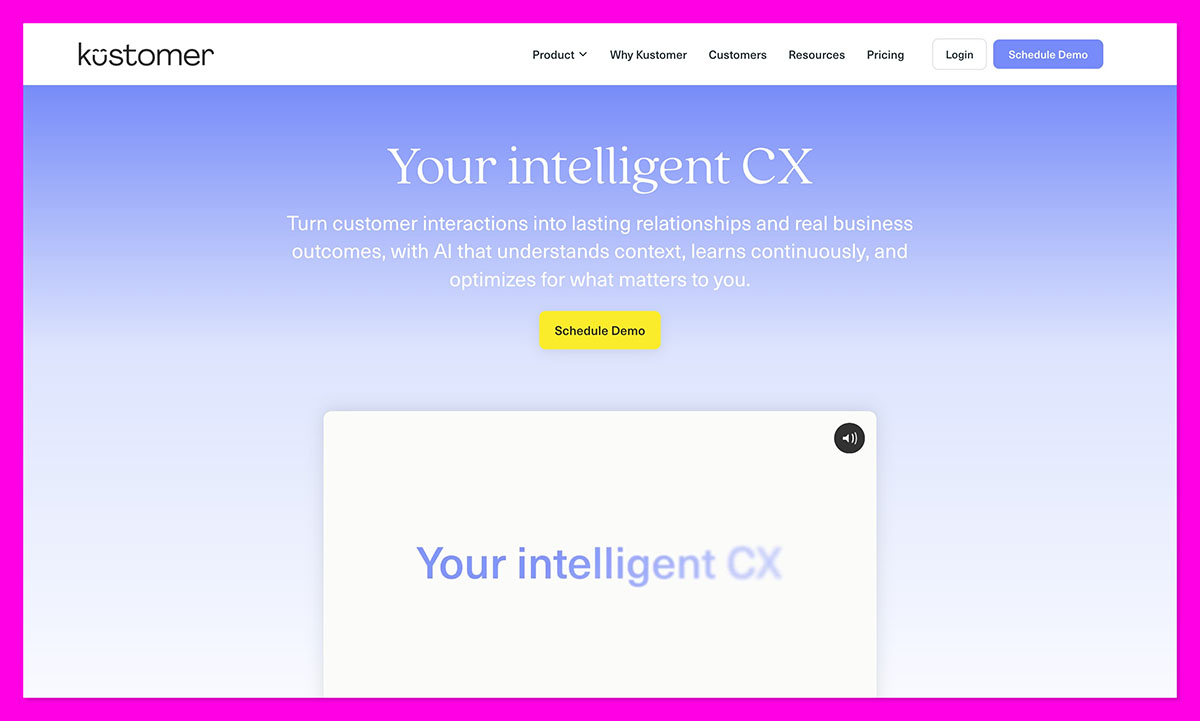
If you want every part swap, warranty claim, and “we fixed this three months ago” moment logged in a single timeline, Kustomer is your candidate. It treats service like a story, not a spreadsheet.
Kustomer rolled out AI Agents for Reps and Customers in Fall 2025, adding automated responses, summaries, and queue assistance. It also added deeper integration with commerce data, like Shopify order lookups directly inside conversation timelines.
Why it works for 20-person manufacturers
Manufacturers don’t just fix problems, they fix recurring problems. Kustomer shines at connecting the dots between multiple touchpoints: parts, serial numbers, field tech notes, dealer chatter, repeat failure patterns. Instead of digging through emails, your service team gets a chronological “case file” for each machine, customer, or distributor.
It’s especially strong if your support cycles are long, technical, or layered with back-and-forth approvals, photos, root cause analysis, and onsite follow-ups.
Real use cases
- Track entire warranty lifecycles in one shared timeline
- Log machine behavior across multiple service calls
- Unify distributor, technician, and internal conversations
- Spot repeat issues before they escalate into product problems
Pros
- Timeline-based clarity beats inbox chaos
- Strong for multi-touch technical support
- AI agents now reduce admin load
Cons
- SLA tooling isn’t as native as HubSpot or Zendesk
- Better with integrations than as a standalone system
- Can feel support-history-heavy, not routing-heavy
5. Bitrix24: The Most Capable Free Platform You’ll Ever Argue With
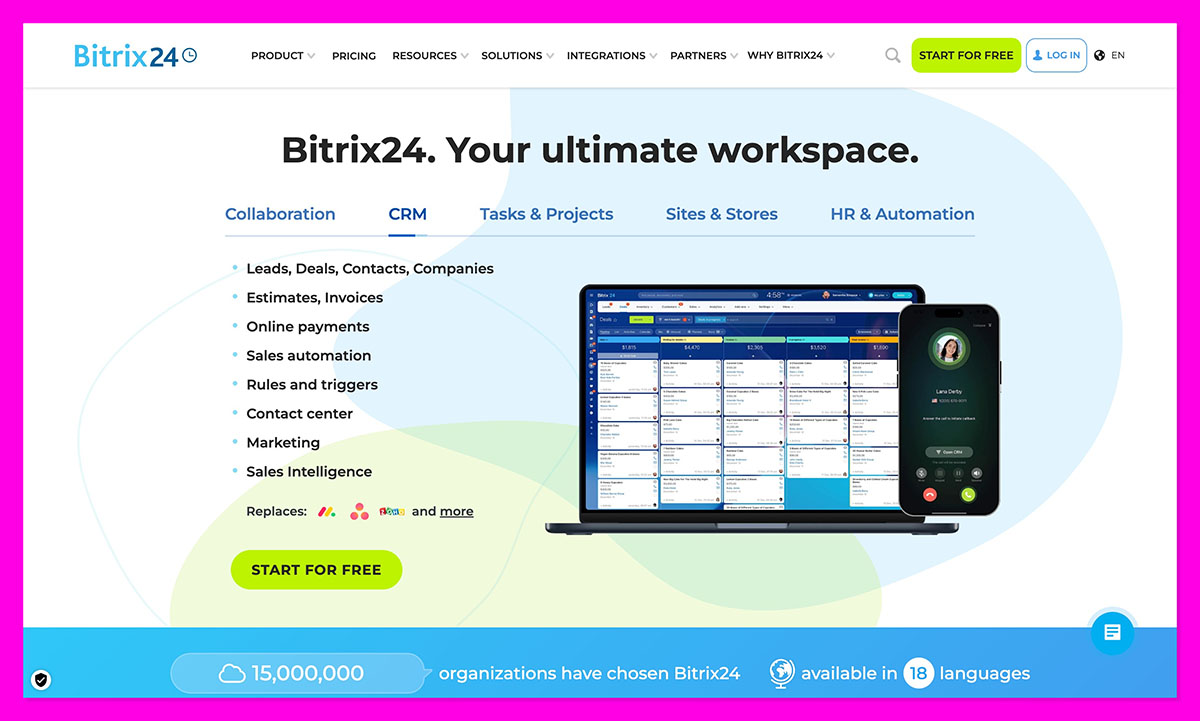
Bitrix24 is the ultimate “Yes, it can… but you’ll need to build it” tool. Free price tag. Infinite knobs. Zero guardrails. If IKEA made a helpdesk, this is it.
Major upgrades in 2025, hit mobile security (including screenshot blocking for sensitive data), improved BIBuilder datasets, inventory enhancements, and better mobile access for boards, workflows, and task tracking.
Why it works for 20-person manufacturers
Bitrix24 can technically run your service desk, your chat, your tasks, your CRM, your portals, your docs, your automation, and probably your coffee machine if you try hard enough. It supports ticketing, pipelines, asset tagging, and internal collaboration.
The tradeoff? It does nothing out of the box the way a small manufacturer needs it. You configure it. Then reconfigure it. Then train everyone and troubleshoot why a workflow broke. It rewards patience, not urgency.
Real use cases
- Build a free internal service desk with routing rules
- Track parts requests alongside internal tasks
- Manage both support and internal maintenance pipelines
- Store service manuals, diagrams, and SOPs
Pros
- Massive feature set for $0
- One unified workspace for ops + support
- Strong internal collaboration tools
Cons
- Slow to deploy properly
- Steeper learning curve than competitors
- Can overwhelm non-technical teams
6. LiveAgent: Best for Lightweight, No-Drama Support
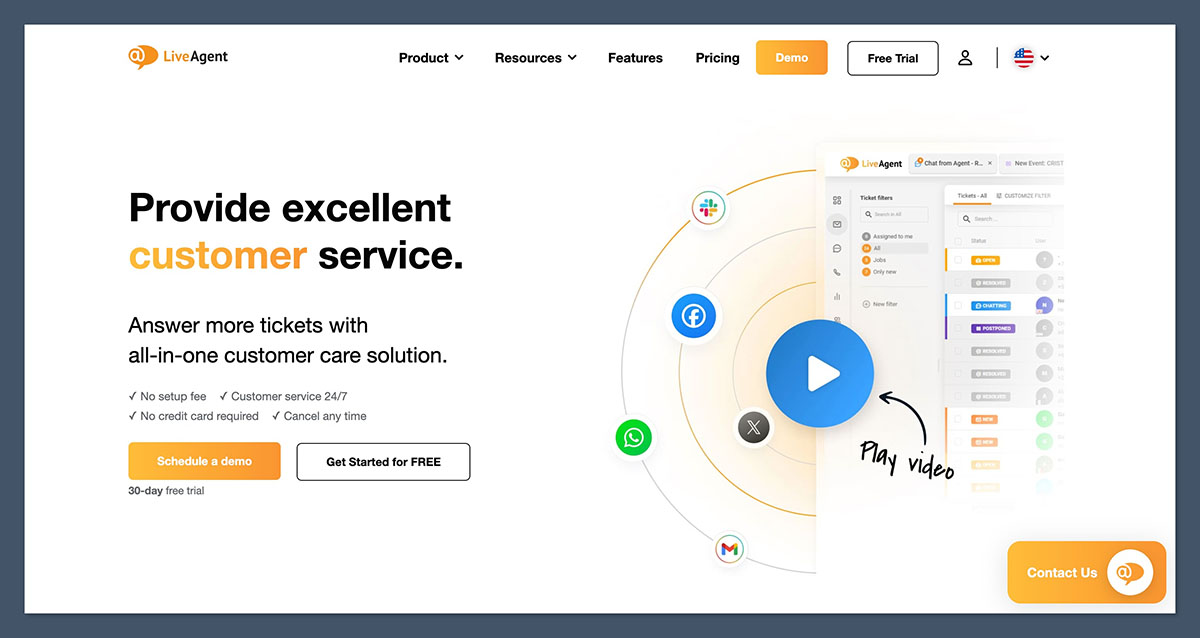
LiveAgent is the no-nonsense service desk equivalent of duct tape and zip ties. It’s fast, cheap, and won’t demand an 8-hour onboarding marathon. If you want inboxes unified and tickets answered without ceremony, this is a safe pick.
LiveAgent hasn’t swung big on splashy AI headlines lately, but it’s continued strengthening multichannel stability: email, chat, voice, and portals without overcomplication.
Why it works for 20-person manufacturers
The appeal isn’t sophistication. It’s speed. You can plug in support, route tickets, fire up live chat, and be operational before lunch. For small manufacturers who need basic ticket assignment, internal notes, and a simple knowledge base, LiveAgent is refreshingly straightforward. There’s no labyrinth of workflows, just a clean helpdesk that keeps internal threads visible and customers answered.
But manufacturing support rapidly outgrows “simple” the moment you need: part-level tagging, warranty tracking, failure pattern logs, conditional SLAs, or internal escalation chains. LiveAgent hits its ceiling early there.
Real use cases
- Centralize email + chat support into one queue
- Add internal notes on parts or service context
- Publish a small support knowledge base
- Handle machine questions without full CRM complexity
Pros
- Fast setup for beginners
- Low cost (compared to some alternatives)
- Clean interface
Cons
- Light on SLA and automation depth
- Not built for asset or part tracking
- Limited manufacturing context tools
7. Freshdesk: Best for SLA Discipline + Scalable Service Structure
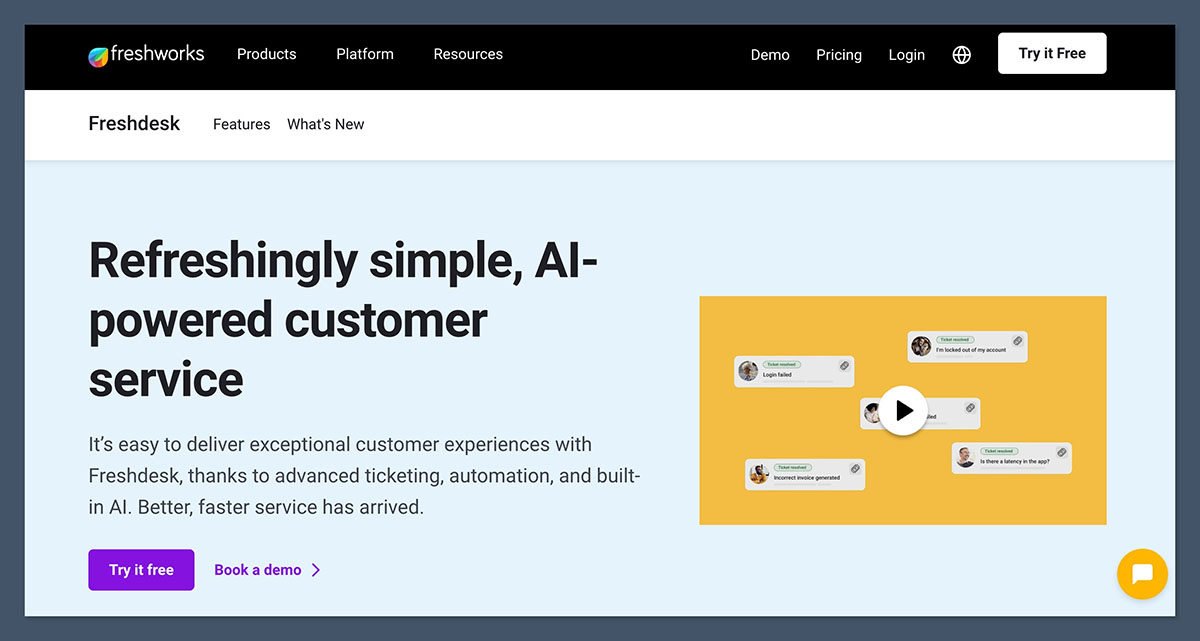
Freshdesk is where casual support becomes legit support ops. It balances usability with structure in a way that feels built for teams who are starting to measure response times and enforce standards.
Recently, Freshdesk launched agentic AI capabilities that can resolve some tickets autonomously, not just assist replies. Its parent company, Freshworks, also reported 18% revenue growth in Q2 2025, with service AI adoption called out as a key driver, meaning the investment here isn’t slowing down.
Why it works for 20-person manufacturers
Freshdesk treats service like an engine, not an inbox. You get SLAs, escalation trees, collision detection (no duplicate work), ticket status discipline, portal building, and clear ownership flows, all without feeling enterprise-bloated. Manufacturers use it to prioritize downtime, enforce response contracts, and create accountability between shop floor, field techs, and distributors.
It’s also great at process enforcement, which matters when you’re trying to get a small team to behave like a bigger one.
Real use cases
- Auto-prioritize machine-down tickets with SLA breach alerts
- Create escalation layers: tech → lead → vendor
- Build a customer + dealer support portal
- Deflect repeat questions with a structured knowledge base
Pros
- Strong SLA and escalation tools
- Clean support portal + self-serve options
- AI now resolving low-complexity tickets
Cons
- Some advanced features require higher tiers
- Still more support-desk than asset-management
8. Zoho Desk: Best Low-Cost Automation
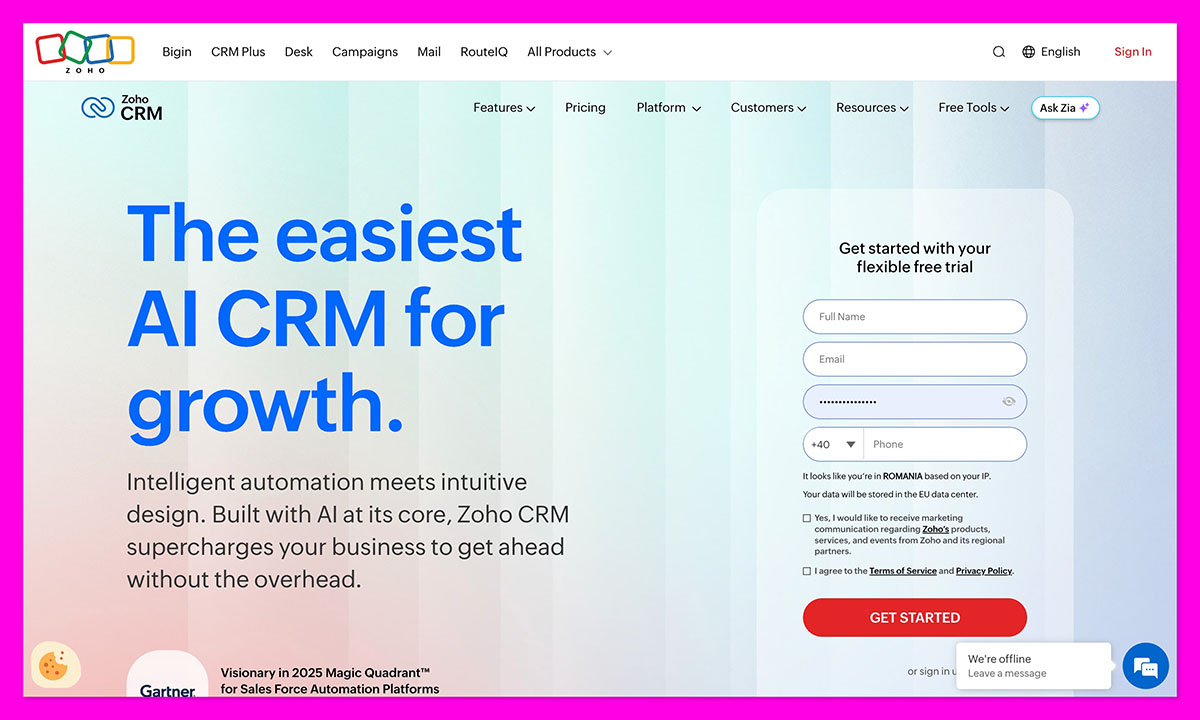
Zoho Desk is the budget tool that behaves like it costs more than it does. It doesn’t try to be fancy. It tries to be useful. And for a 20-person manufacturer juggling downtime, parts, and warranty claims, that matters more than bells and whistles.
Like many competitors, Zoho has rolled out new AI tools like Resolution Expert and Support Specialist, added smarter Help Center controls, and improved data governance. Translation: it’s giving small teams more automation muscle without asking them to hire a system admin.
Why it works for 20-person manufacturers
This is where automation meets reality. Zoho Desk lets you build rules like: If machine type = press AND downtime = true → alert maintenance lead + start SLA countdown + tag parts team. It handles routing, escalation, internal notes, knowledge base building, and ticket context without drowning you in configuration hell. SLA tracking is built-in, not bolted on, which helps manufacturers who measure success in uptime, not inbox zero.
It also integrates cleanly with other Zoho tools, email, and external data, which makes it useful for tracking parts requests, repeated failure patterns, or dealer communications in one place.
Real use cases
- SLA timers activated by failure type or severity
- Auto-tag parts requests by machine model
- Internal ownership rules for plant vs field tech tickets
- Self-serve knowledge base to reduce repeat calls
Pros
- Surprisingly strong automation for the price
- Clean SLA management
- Easy escalation logic
Cons
- UI can feel dense to new users
- AI features still growing, not industry-leading
9. Hiver: Best If Your Manufacturing Support Lives Entirely in Gmail
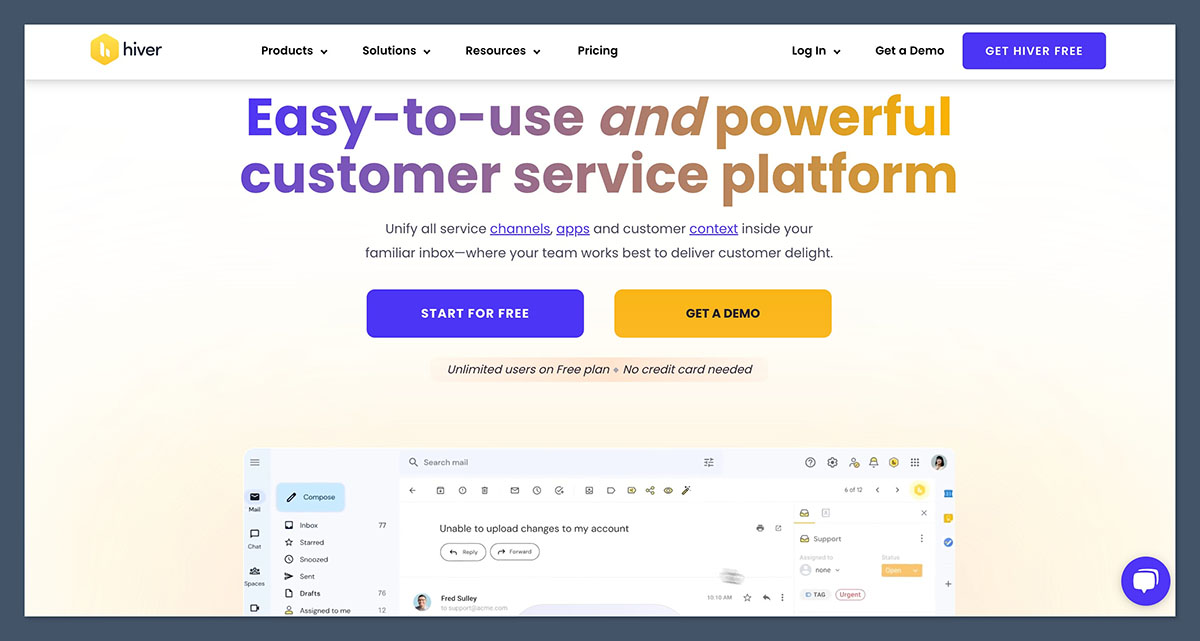
Hiver doesn’t replace your inbox. It weaponizes it. If your service system is currently “support@ + chaos + hope,” Hiver lets you stay exactly where you are and still look organized.
This year, Hiver has doubled down on its Gmail-native model, improving shared labels, assignments, collision alerts, and basic automation, without trying to become a full service desk platform.
Why it works for 20-person manufacturers
If you refuse to leave Gmail, Hiver is the cleanest upgrade path. It lets you assign emails as tickets, track ownership, add internal notes, and stop colleagues from unknowingly answering the same customer twice. For small manufacturing teams handling parts inquiries, warranty emails, or distributor questions manually, this alone is a major step up.
Where it falls apart is asset intelligence, SLA rigor, portals, or structured escalation. There’s no machine history, no downtime categorization, no parts tagging, no self-serve knowledge center, no repeat failure tracking. It organizes communication, not service operations.
Real use cases
- Assign parts request emails to the right team
- Prevent duplicate replies with collision detection
- Add internal context without forwarding chains
- Track responsibility inside Gmail
Pros
- Lives inside Gmail, zero workflow disruption
- Easy for non-technical teams
- Fast to deploy
Cons
- Not a real helpdesk
- No asset, part, or SLA structure
- No portal or self-serve layer
The Best Service Software for Small Manufacturing Teams
If there’s one thing this testing sprint hammered home, it’s that small manufacturers don’t fail because service is hard. They fail because support becomes scattered, undocumented, slow, and reactive. The winners weren’t just the tools that absorbed chaos, they were the ones that routed it, tracked it, and learned from it.
HubSpot Service Hub consistently landed top for one reason: it behaved like an extra operator, not an extra job. It merged tickets, SLAs, internal notes, asset context, portals, automation, and CRM logic into one system that didn’t collapse when tested with real-world noise.
If you’re still struggling to manage customer service with little more than inbox, it’s definitely worth giving HubSpot a try.
FAQs
What is the best service software for small manufacturing companies?
HubSpot Service Hub is the best service software for small manufacturing companies. It combines ticketing, SLAs, automation, and CRM context without requiring dedicated IT support, and can be deployed in hours.
Do small manufacturers need SLAs in a help desk?
Yes. Without SLAs, downtime tickets get treated like sometime later tickets. SLA timers enforce urgency, ownership, and accountability.
How does service software reduce factory downtime?
By routing the issue instantly, assigning owners, enforcing SLAs, surfacing machine history, and eliminating back-and-forth questions that slow repairs.
Do service platforms integrate with ERP or inventory systems?
Many do. HubSpot integrates via Marketplace apps and custom connectors. Zoho, Zendesk, and Bitrix24 also support ERP and inventory linking depending on setup.
What’s the fastest service software to deploy without IT?
HubSpot, Hiver, and LiveAgent deploy in hours, not months. HubSpot offers the best balance without losing depth.



