Whether you’re printing your first batch of business cards or looking for consistent, brand-friendly print materials to support your ecommerce store, finding the right print partner can make all the difference.
Vistaprint is still one of the most widely used printing platforms globally, offering a wide range of products with competitive prices. But over the last few years, newer tools and platforms have emerged—each with its own strengths. If you’re looking for better quality, more customization, or a simpler design-to-print experience, it might be time to explore the top alternatives to Vistaprint.
After comparing print quality, pricing, product variety, design experience, and speed, here are the seven top Vistaprint alternatives worth considering in 2026.
Quick Comparison Table
| Service | Starting Price (USD) | Strength | Best For |
|---|---|---|---|
| MOO | $22 for 50 cards | Premium paper, finishes | High-end brand feel |
| Canva | $14.50 for 50 cards | Design and print in one | Fast workflow, teams |
| GotPrint | $11.55 for 100 cards | Budget pricing | Cost-effective basics |
| UPrinting | $0.07 per card | Wide product catalogue | Full-scale print needs |
| PrintRunner | $25.46 for 100 cards | Quick shipping | Bulk orders, agencies |
| Staples | $21.99 for 250 cards | Local pickup availability | Urgent print jobs |
| Zazzle | $23.20 for 100 cards | Creative templates | One-off projects, events |
1. MOO: Best for Premium, Design-Forward Cards
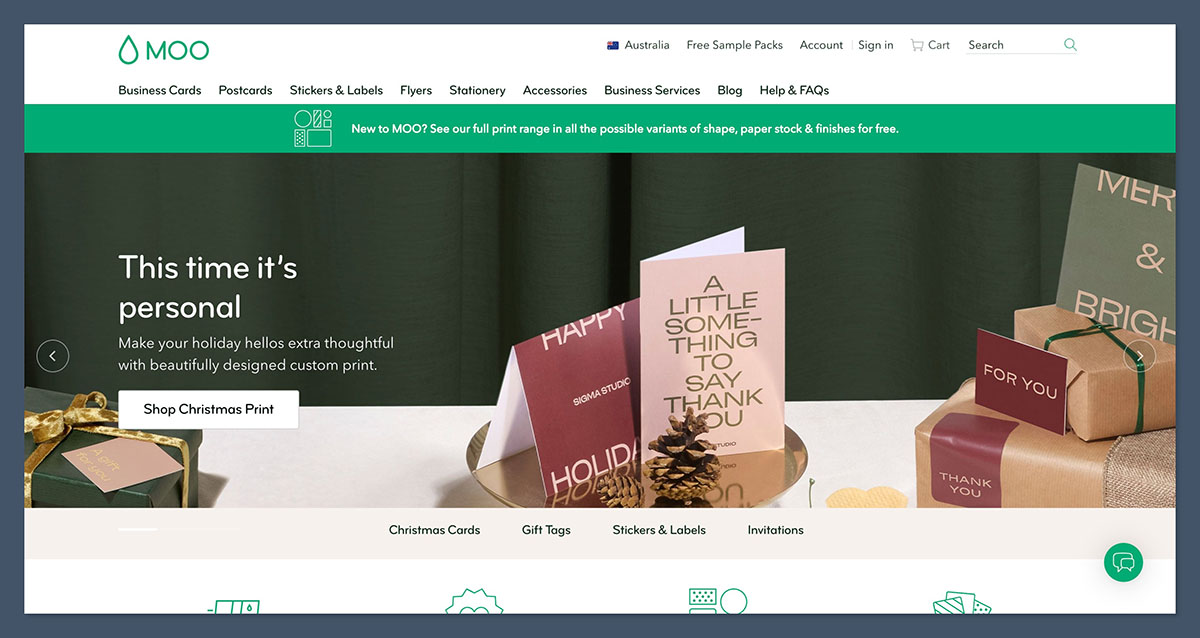
Starting price: $22 for 50 cards
Card finish options: Luxe, Cotton, Soft Touch, Gold Foil
MOO is the highest-quality business card printer I’ve tested, and it easily takes the top position for premium branding. The print quality is noticeably superior to more budget-focused providers, and the materials have the kind of weight and texture that immediately give off a polished, professional feel.
While MOO is more expensive than most alternatives, its design-first approach makes it a strong investment for anyone who cares about presentation. Their cards are ideal for consultants, creative professionals, boutique ecommerce brands, and any business where perception matters.
You can choose from several luxury paper stocks, including Super, Luxe, and Cotton, and MOO also offers specialty finishes like spot gloss and gold foil. The entire process feels curated, from design to delivery. There’s less emphasis on bulk discounts, but the quality speaks for itself.
Pros
- Exceptional print quality and thick, luxe paper options
- Professional design templates and layout tools
- Ideal for high-end brands and creative professionals
- Excellent packaging and unboxing presentation
Cons
- Pricing is high compared to budget printers
- Fewer volume-based discounts for bulk orders
- Longer turnaround times depending on finish type
Recent Updates
- MOO launched a new MiniCard size designed for creative industries
- Luxe paper range now includes recycled options
- Orders now ship in upgraded, recyclable packaging for better sustainability
I used MOO to print a set of Luxe cards for a client-facing project, and the difference in feel compared to standard prints was obvious. The paper is thick, the colors are rich, and the finishing had that subtle shine that helps a card stand out without looking flashy. It’s not the fastest option if you’re in a rush, but when you’re aiming for quality, it’s hard to beat.
How Much Does MOO Cost?
- MOO’s pricing starts at $22 for 50 standard cards
- Luxe and specialty finishes can raise the price to $35 or more for the same quantity
- Bulk pricing available, but the savings aren’t as steep as with budget providers
- Shipping times vary depending on finish type and location
Why Use MOO in 2026?
If you’re focused on brand quality, MOO offers unmatched design, print, and material excellence. It’s more than just business cards—every part of the experience, from ordering to delivery, reinforces the premium feel. MOO is particularly well suited for ecommerce brands that prioritize presentation, whether you’re handing cards to clients, including them in packaging, or sending out influencer mailers.
MOO is suitable for:
- Brands where premium presentation is a key part of the experience
- Designers, creatives, or consultants looking to impress
- Businesses that include cards in luxury packaging
MOO isn’t suitable for:
- Users focused on high-volume, low-cost printing
- Businesses that need fast, cheap cards for events or daily operations
- Teams with tight print budgets who value price over presentation
2. Canva: Best for Seamless Design-to-Print Workflow
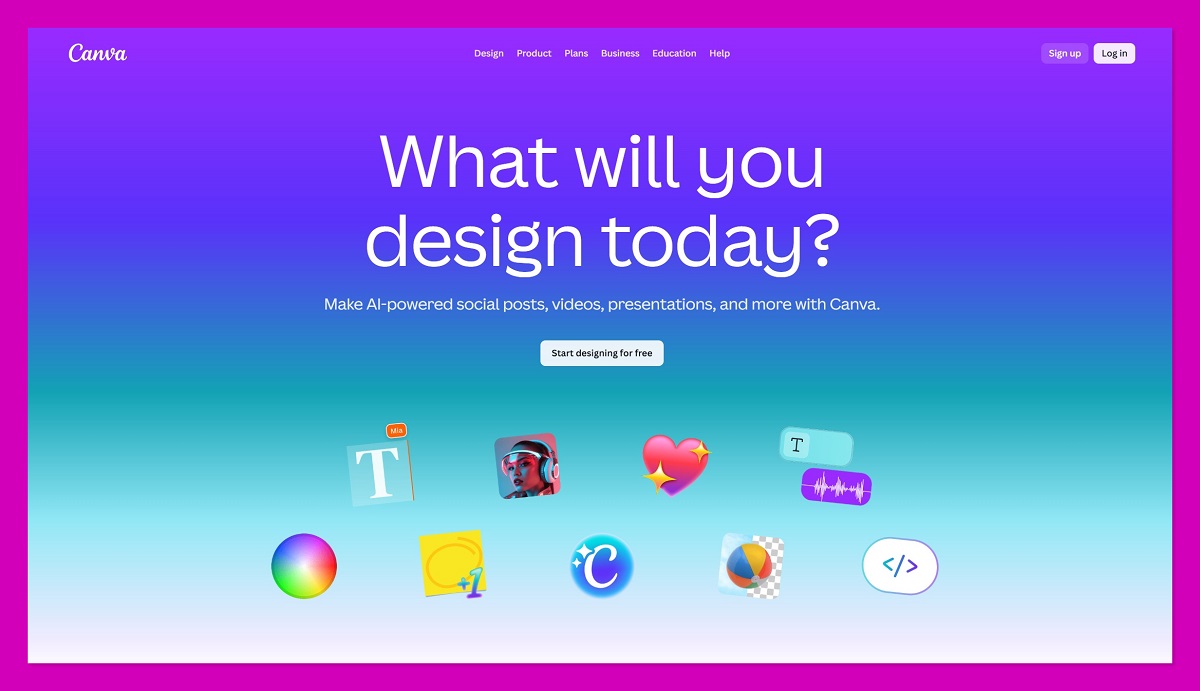
Starting price: $14.50 for 50 matte cards
Design tools included: Yes, with drag-and-drop editor and brand kit support
Canva is my top recommendation for anyone who wants to simplify the entire process of designing and printing business cards. It’s ideal for ecommerce founders, small teams, and freelancers who don’t want to switch between tools or hire a designer. Canva’s strength lies in speed, convenience, and consistency, and it’s one of the only platforms where design and print truly live in the same workflow.
Once your brand kit is set up, it’s easy to reuse your logos, colours, fonts, and layout templates across products. Canva’s print integration makes it possible to go from concept to printed card in just a few clicks.
The printing side of Canva is more streamlined than specialist printers—fewer paper types, finishes, or trim options—but that’s part of the appeal. You’re trading deep customisation for convenience and clarity.
Pros
- Intuitive drag-and-drop editor
- Built-in brand kit and template system
- Great for teams who want to standardise designs
- Reliable pricing with fast reorders
Cons
- Fewer finish and paper options compared to print-focused services
- Premium templates and brand kit features require a paid Canva Pro plan
- Not ideal for highly tactile or luxury card needs
Recent Updates
- Canva Print now includes multi-page support, ideal for brochures or folded cards
- Canva Teams allows multiple users to collaborate on branded assets
- New integrations added for ecommerce platforms like Etsy and Shopify
When I used Canva to print business cards, I had the entire process finished within half an hour—including design. The print quality was solid, the order arrived quickly, and I could easily reorder from the dashboard. While I didn’t get the same tactile richness I’d expect from a premium printer, the ease of use made up for it.
How Much Does Canva Cost?
- Starting price is $14.50 for 50 matte cards
- Glossy finish and double-sided print are available for a slightly higher cost
- Delivery typically takes 5–7 days
- Canva Pro costs $14.99 per month if you want access to the full design toolkit
Why Use Canva in 2026?
Canva is a smart choice for fast-moving teams, ecommerce founders, or service providers who value design consistency and speed. It won’t impress on paper thickness alone, but it will save time and reduce design stress, especially for those managing multiple products or client-facing materials.
Canva is suitable for:
- Teams that want easy brand consistency
- Entrepreneurs who want to design and print without complexity
- Ecommerce sellers printing inserts, cards, and labels quickly
Canva isn’t suitable for:
- Users needing fine-grain control over print materials
- Businesses that want ultra-luxury paper stocks or foil printing
- High-volume printers looking for bulk discounts
3. GotPrint: Best Budget Option for Basic Business Cards
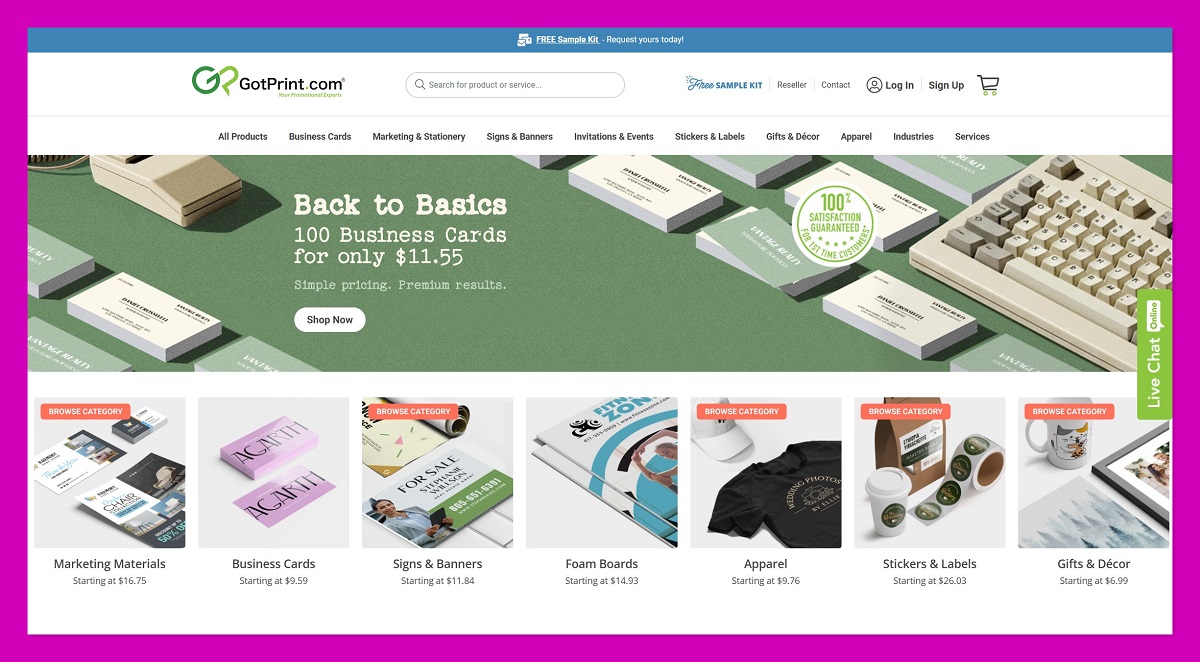
Starting price: $11.55 for 100 cards
Finishes available: Glossy, matte, recycled, UV
GotPrint offers the lowest starting prices of any major print service I’ve tested. Their platform focuses on affordability and volume, making it a strong fit for businesses that need basic cards, marketing inserts, or flyers in bulk. While the user interface isn’t the most modern, the value is hard to beat.
GotPrint’s product range includes a broad selection of sizes, coatings, and paper types, including eco-friendly options. Design tools are available, though they’re more functional than creative. This service is better suited to users uploading a finished design than building one from scratch.
Pros
- Extremely low pricing on business cards and other basics
- Multiple paper and coating types at affordable rates
- Good choice for regular bulk ordering
- Reliable print turnaround
Cons
- Older user interface with limited design support
- Fewer high-end finishes or premium branding options
- Limited flexibility with design templates
Recent Updates
- GotPrint now offers recycled paper and soy ink options for eco-conscious businesses
- Additional trim sizes have been added for square and mini cards
- Updates to the proofing tool improve design preview accuracy
When I tested GotPrint for an ecommerce thank-you card run, I was surprised by how inexpensive the final order was—even with colour on both sides and a thicker card stock. While the design workflow lacked polish, the end result was solid and consistent. If you’re focused on output and budget, this is one of the strongest options available.
How Much Does GotPrint Cost?
- $11.55 for 100 cards, with discounts for larger volumes
- Standard matte or gloss finishes are included in base pricing
- Upgrades like rounded corners or recycled paper are available at a small extra cost
- Shipping options include economy, standard, and expedited
Why Use GotPrint in 2026?
GotPrint is the clear budget winner for straightforward business printing. It’s ideal for startups, ecommerce brands, and agencies that print marketing materials regularly and don’t need elaborate design or luxury stocks. It’s about efficiency, not aesthetics.
GotPrint is suitable for:
- Businesses focused on keeping print costs low
- Brands needing large volumes of cards or inserts
- Agencies managing multiple small print runs
GotPrint isn’t suitable for:
- Designers or creatives seeking unique textures or finishes
- Brands where print quality is tied to perceived value
- Users needing hands-on design help
4. UPrinting: Best for Variety and Custom Print Products
Starting price: $0.07 per card (bulk pricing)
Customization depth: High – control over size, stock, finish, and more
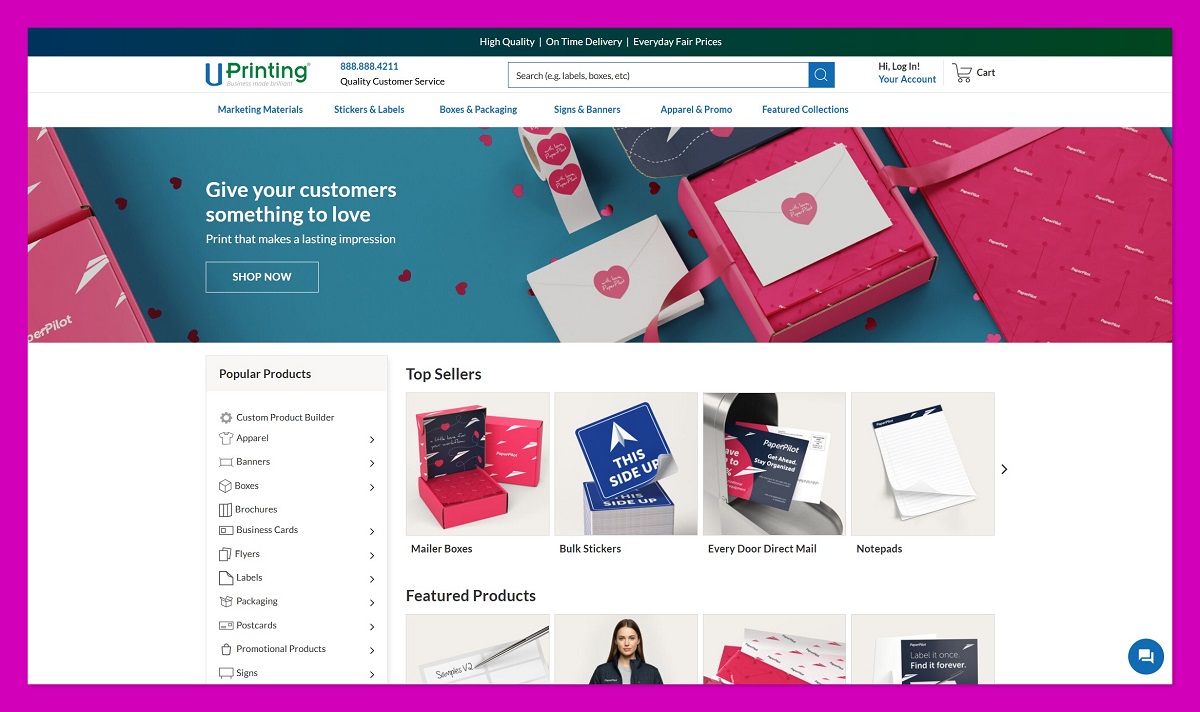
UPrinting stands out as the most flexible and scalable option for ecommerce businesses that need more than just cards. With a product catalogue that includes packaging inserts, menus, labels, hang tags, stickers, and even custom die-cut items, it’s a one-stop shop for high-volume, varied print needs.
Their interface leans more technical—think dropdowns, specs, and calculators rather than drag-and-drop—but that’s the tradeoff for the level of control you get. Once you’ve set up your specs, UPrinting gives you a real-time quote and estimated delivery time.
Pros
- Vast product catalogue beyond business cards
- Excellent range of sizes, finishes, and paper weights
- Ideal for ecommerce teams scaling up printed collateral
- Reliable production speeds with optional rush delivery
Cons
- Not the most beginner-friendly interface
- Price visibility requires full configuration
- Customisation can be overwhelming if you’re in a hurry
Recent Updates
- UPrinting added variable data printing for personalized mailers
- New rush delivery options offer 1-day turnaround on selected products
- Improvements to the quote system give faster price visibility
I used UPrinting for a print run that included flyers, round stickers, and two types of business cards. The ordering process took a bit of time to configure, but once it was in, the results were excellent. Everything arrived well-packed and printed exactly to spec. This is a serious platform for businesses doing regular, multi-type print orders.
How Much Does UPrinting Cost?
- Pricing varies by size, stock, and quantity
- As low as $0.07 per card on high-volume runs
- Quote system gives accurate pricing at the spec level
- Turnaround options range from next-day to standard delivery
Why Use UPrinting in 2026?
UPrinting is the best choice for businesses that have ongoing, complex printing needs and want to manage everything from one dashboard. It offers deep flexibility across formats, products, and specs, which helps reduce vendor switching and setup time.
UPrinting is suitable for:
- Brands that need cards, packaging inserts, stickers, and labels
- Operations teams managing ongoing campaigns
- Ecommerce stores preparing kits, launches, or bulk orders
UPrinting isn’t suitable for:
- Users looking for quick one-off card runs
- Beginners unfamiliar with print specifications
- Teams that want all-in-one design and print simplicity
5. PrintRunner: Best for Fast Shipping and Reliable Turnaround
Starting price: $25.46 for 100 cards
Delivery speed: 2–4 business days (rush options available)
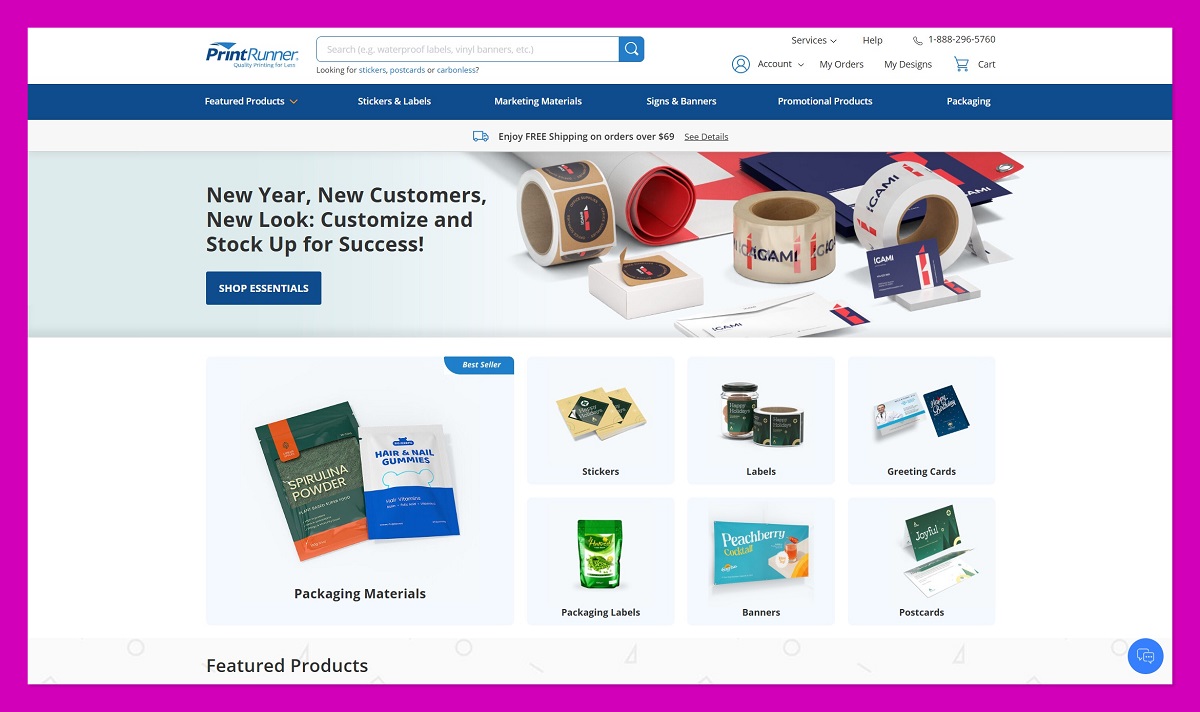
PrintRunner offers one of the most balanced print experiences I’ve tested—especially when speed, pricing, and reliability all matter. If you’re managing multiple deadlines or handling last-minute client work, PrintRunner gives you the ability to print and ship quality materials fast without needing to sacrifice control or clarity.
What sets PrintRunner apart is its transparent pricing system and intuitive quote calculator. You’ll see your total costs change in real time as you tweak quantity, finish, paper stock, or delivery time. This removes the guesswork that still plagues a lot of print providers.
Although the design tool is fairly minimal, that’s not really the point of this platform. It’s built for users who already have their designs ready and want to get print jobs completed quickly and reliably.
Pros
- Transparent pricing with instant quote tools
- Strong production speed with rush options
- Clean interface that makes ordering fast
- Good variety of formats and finishes
Cons
- No standout design features or templates
- Slightly more expensive at smaller quantities
- Not as modern in presentation compared to design-led platforms
Recent Updates
- PrintRunner added laminated business cards for increased durability
- Instant proofing tools have improved for better visual accuracy
- Expanded product line now includes custom labels and folders
I used PrintRunner for a time-sensitive client order, and it delivered exactly as promised. The quote calculator helped me plan my pricing upfront, and I was able to configure specs and submit the order in under ten minutes. The print quality wasn’t luxurious, but it was consistent, sharp, and professionally finished.
How Much Does PrintRunner Cost?
- Starting from $25.46 for 100 standard cards
- Discounts apply for 250+ quantities or longer delivery timelines
- Rush production and shipping are available for an added fee
- Online quote calculator shows real-time updates
Why Use PrintRunner in 2026?
PrintRunner is a practical and dependable option if you need marketing materials fast and don’t want to waste time navigating confusing order systems. It’s not fancy, but it gets the job done quickly and clearly—making it a smart choice for busy teams or recurring orders.
PrintRunner is suitable for:
- Freelancers and agencies handling client print jobs
- Ecommerce businesses with regular flyer or card reorders
- Users who already have designs ready to go
PrintRunner isn’t suitable for:
- Brands looking for highly tactile or premium finishes
- Users needing hands-on design help
- Those printing very small volumes with tight budgets
6. Staples: Best for Local Pickup and Last-Minute Printing
Starting price: $21.99 for 250 cards
Pickup availability: Same-day at select store locations
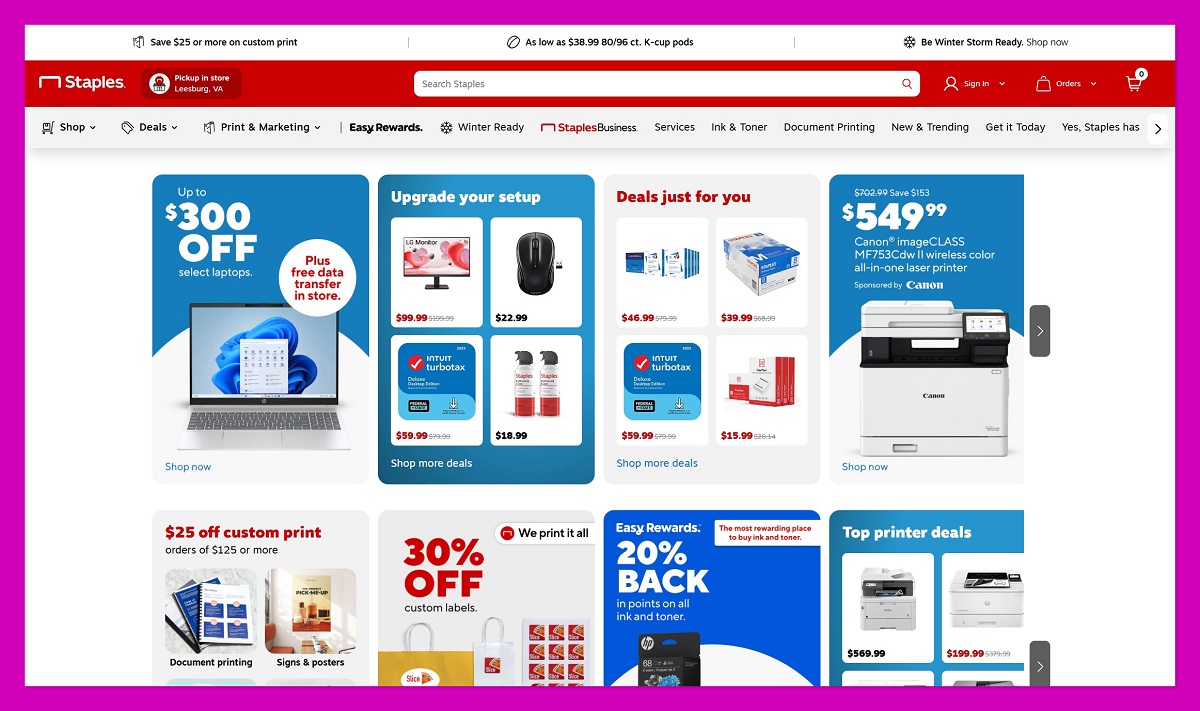
Staples offers one of the most convenient solutions for printing business cards when you’re short on time. If you have a store nearby, you can often design and pick up your business cards the very same day. That level of turnaround makes Staples an excellent fallback when you’re working on short notice or need fast, functional materials.
The platform itself is straightforward and easy to use. You can choose from templates or upload your own design, select your quantity, and get a preview before submitting the job. While it’s not the most feature-rich in terms of finishes or card stocks, it covers all the essentials well enough.
Pricing is also fair—starting at $21.99 for 250 standard cards—and you get added peace of mind knowing you can collect them in person without shipping delays.
Pros
- Same-day pickup available in many areas
- Budget-friendly pricing for standard quantities
- Easy-to-use online editor
- Accessible in-store help for beginners
Cons
- Fewer finish and stock options than online specialists
- Limited design customization
- Branding feels less premium than boutique printers
Recent Updates
- Staples upgraded its online card editor with better template controls
- New pickup locations added across several US cities
- Expanded support for eco-friendly paper options
When I ordered through Staples, the process was simple from start to finish. The templates were fine for basic use, and the ability to pick up the finished product on the same day was a major convenience. I wouldn’t use Staples for a luxury brand experience, but for functional business materials, it’s a reliable and local option.
How Much Does Staples Cost?
- Starting from $21.99 for 250 standard business cards
- Additional finishes and shapes available at an added cost
- Same-day pickup depends on location and order time
- Delivery also available within 3–5 business days
Why Use Staples in 2026?
Staples is ideal when you need business cards printed fast and don’t want to wait for shipping. It’s one of the few services where you can handle everything online and still have in-person customer support at a nearby store. For standard business needs, it delivers speed and convenience.
Staples is suitable for:
- Local businesses needing print materials quickly
- Freelancers preparing for meetings or events on short notice
- Ecommerce stores restocking basic thank-you cards or handouts
Staples isn’t suitable for:
- Users seeking luxury materials or finishes
- Brands where visual branding and print quality are key differentiators
- High-volume orders with complex specs
7. Zazzle: Best for Creative Templates and Themed Cards

Starting price: $23.20 for 100 cards
Design focus: Marketplace of independent artists and templates
Zazzle isn’t a traditional printer—it’s more of a design marketplace, and that’s exactly why it stands out. Instead of building your card from scratch, you can browse thousands of templates created by independent designers, then customise them with your own details.
This makes Zazzle a great fit for events, side projects, creative businesses, or anyone who wants something unique without hiring a professional. The trade-off is limited control over card materials and print specifications, but if the design is your top priority, Zazzle makes it simple and fun.
You’ll find everything from minimalist and modern templates to quirky, illustrated designs that don’t feel corporate or templated. If your brand skews playful or visual, Zazzle is a refreshing option.
Pros
- Massive variety of card designs and styles
- Simple customization with no design experience needed
- Good pricing for basic formats
- Perfect for themed events, pop-up shops, or artist brands
Cons
- Print finish and paper choices are limited
- Inconsistent brand control across product types
- Not suitable for high-volume reordering
Recent Updates
- Zazzle expanded its design marketplace with more business-specific templates
- New foil options and die-cut shapes added for select templates
- Improved support for matching branded sets (stickers, labels, and cards)
I used Zazzle for a creative project and was impressed by how quickly I could find a style that matched the tone I was going for. The customisation was easy, and while I didn’t have full control over paper weight or finish, the final result looked polished and intentional.
How Much Does Zazzle Cost?
- Starting from $23.20 for 100 business cards
- Premium templates or finishes cost extra
- Shipping times typically range from 5–7 business days
- Bulk discounts are minimal compared to specialist printers
Why Use Zazzle in 2026?
Zazzle is a creative-first option that focuses more on design than deep print control. It’s ideal if you want a visually distinct card and don’t mind trading some of the paper or finish flexibility. For event branding, artist projects, or side hustles, it offers a fast and visual approach to getting print-ready materials.
Zazzle is suitable for:
- Creatives and designers looking for themed templates
- Event-based businesses or pop-up shops
- Brands with a light, fun, or personal tone
Zazzle isn’t suitable for:
- Businesses that require precise brand alignment
- Users needing control over every element of the print process
- High-volume printers seeking efficiency and repeatability
Summary: Which Print Provider Should You Choose?
The right print provider depends on your business size, brand style, and budget. While Vistaprint remains a viable option, these alternatives offer better solutions depending on your needs:
| Need | Best Option |
|---|---|
| Premium branding and quality | MOO |
| Fast design-to-print workflow | Canva |
| Budget-friendly basic cards | GotPrint |
| Diverse product types | UPrinting |
| Speed and reliability | PrintRunner |
| Local pickup and convenience | Staples |
| Creative templates | Zazzle |
If you’re running an ecommerce store, managing multiple campaigns, or simply want better control over the quality of your materials, exploring these alternatives could help you save money, time, and creative energy.