
When I first discovered Redbubble, I thought it was just another art platform.
Upload a few designs, cross your fingers, and maybe make a sale. But after digging deeper, I realized that making money on Redbubble is more like running a lean ecommerce store – only without the inventory, shipping, or customer service headaches.
In this guide, I’m breaking down exactly how I learned to earn consistently on Redbubble, what works, what doesn’t, and how you can start building passive income from your designs.
Whether you’re a designer, artist, or just someone looking to tap into the print-on-demand world, this walkthrough will give you a clear game plan.
1. Understanding How Redbubble Works
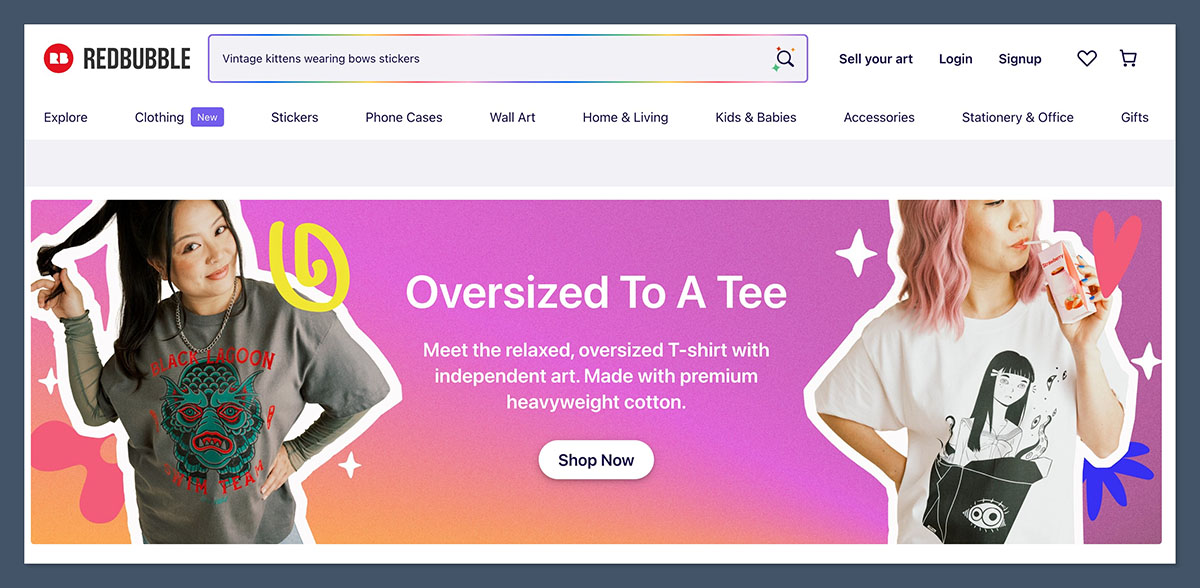
Redbubble is a print on demand marketplace. You upload your artwork, and Redbubble handles everything else: printing, fulfillment, customer service, returns, and payment.
Each time someone buys a product with your design, you get a cut of the sale. That cut is determined by the markup you set over Redbubble’s base price.
Here’s how it works step-by-step:
- Upload your design (JPG, PNG, or transparent PNG for apparel).
- Apply it to multiple products like t-shirts, mugs, stickers, phone cases, etc.
- Set your markup for each product.
- Redbubble lists it in their marketplace.
- When someone buys, Redbubble prints and ships it.
- You receive a royalty payment, usually once a month.
Redbubble’s business model at a glance:
| Feature | Description |
|---|---|
| Marketplace Traffic | Over 30 million visits per month (mostly US, UK, CA, DE) |
| Number of Artists | Over 700,000 |
| Payment Schedule | Monthly (via PayPal or bank deposit) |
| Product Range | 70+ products (shirts, stickers, mugs, home decor, etc.) |
| Base Pricing | You set your markup above Redbubble’s base price |
| Popular Niches | Memes, fandoms, political humor, pets, hobbies, aesthetic art |
Redbubble gives you access to millions of potential buyers without needing your own website. The key is learning how to stand out in a crowded marketplace by understanding what people are already searching for.
2. Setting Up for Success: Account + Niche Strategy
Before uploading anything, you need a clear plan. Random uploads won’t make you money. You need to focus on the right niches, trends, and evergreen designs.
Step 1: Choose the Right Niche
Not every niche is profitable. Some are too saturated. Others are too obscure. I found the sweet spot by focusing on low-to-medium competition niches that still had demand.
Examples of profitable niches:
- Pet humor (e.g., “Dog mom” shirts)
- Teachers and school staff gifts
- Mental health and self-care
- Aesthetic or minimalist designs
- Trending memes and viral phrases
- Astrology and witchy art
- Political satire (careful with copyright)
Step 2: Research What’s Selling
Before creating a design, I always check what’s already selling. Redbubble doesn’t publish exact sales data, but you can reverse-engineer it by looking at search results and sorting by “Best Selling.”
I also use:
- Google Trends
- TikTok trends
- Merch Informer (for keyword volume)
- Redbubble autocomplete (type a word and see what comes up)
Step 3: Create Your Redbubble Account
Once you’ve picked your niche, sign up and set up your shop. Make sure to:
- Write a clean, SEO-optimized shop description
- Upload a profile banner and image
- Link to your social media accounts or portfolio
- Turn on mature content filter if applicable
3. Creating Winning Designs
You don’t need to be a professional designer to make money on Redbubble, but your work does need to be clear, clean, and appealing.
Design Requirements
| Requirement | Details |
|---|---|
| File Type | PNG (transparent for shirts), JPG for prints |
| Resolution | At least 300 DPI |
| Size | 4500 x 5400 px for apparel, varies by product |
| Background | Transparent for apparel, colored for prints/mugs |
| Format | RGB color mode |
Tools I Use to Design:
- Canva Pro: Great for beginners. Use custom dimensions and transparent backgrounds.
- Affinity Designer or Photoshop: For more complex designs.
- Procreate (iPad): For hand-drawn art.
- Remove.bg: To strip image backgrounds.
Tips That Work for Me:
- Bold, easy-to-read fonts sell better on t-shirts
- Avoid over-detailing; simpler graphics often win
- Use contrast – light text on dark backgrounds or vice versa
- Make sure designs are centered and sized correctly on all products
- Use mockup generators to preview how it’ll look in real life
These tools make the design process smoother, even if you’re not a professional.
As long as your visuals are clear, well-placed, and relevant to your niche, you’re in a good position to make consistent sales.
4. Optimizing Listings for SEO
If you don’t get this part right, nothing else matters. Redbubble is like a search engine.
People type keywords in the search bar. If your listings don’t match those keywords, they won’t get seen.
My SEO Optimization Checklist:
- Title: Include 1–2 relevant keywords
- Bad: “Cool Shirt”
- Good: “Funny Dog Dad Shirt for Pet Owners”
- Tags: Use all 50, keep them relevant
- Include: main keyword, synonyms, buyer-intent phrases
- Description: Add a short paragraph with 2–3 related keywords. Write it for humans.
Examples of Good Tags for a Cat Meme Shirt:
- funny cat shirt
- sarcastic cat shirt
- cat mom gift
- pet humor tee
- black cat lover
- feline funny apparel
Tools to Help:
- Redbubble Tag Generator (multiple free ones online)
- Google Keyword Planner
- EtsyHunt (good for crossover POD platforms)
- Ubersuggest or Ahrefs for keyword research
Using these tools helps me find keywords that real buyers are searching for. It takes the guesswork out of tagging and improves the chances of my designs getting found.
5. Uploading and Managing Listings
Once your design is ready, you’ll apply it to multiple products.
I focus on the best-selling product types:
| Product | Notes |
|---|---|
| Stickers | Cheapest item, high volume, great for trends |
| T-Shirts | Most competitive, but high potential |
| Mugs | Great gift item, good for text-based designs |
| Posters & Wall Art | Good for aesthetic or quote designs |
| Phone Cases | Niche, but decent margins |
My upload workflow:
- Apply the design to 6–10 core products first.
- Customize the placement (Redbubble’s auto-placement isn’t always perfect).
- Disable products where the design doesn’t look right.
- Use a consistent title and tag strategy.
- Set markups manually. I usually aim for:
| Product | My Markup |
|---|---|
| T-Shirts | 40% |
| Stickers | 50% |
| Mugs | 35% |
| Posters | 30% |
| Phone Cases | 25% |
The goal is to stay competitive while still earning a decent profit on each sale.
6. Promoting Your Redbubble Designs
Redbubble’s internal search can only take you so far. If you want more sales, you need to drive traffic yourself.
Here’s where I focus my promotion:
Pinterest (most underrated tool):
- Create lifestyle pins with mockups
- Use relevant hashtags and keywords
- Pin consistently – 10–15 pins per day
- Link directly to your Redbubble listing
Instagram:
- Focus on niches with strong communities (like “book lovers” or “plant moms”)
- Post mockups and behind-the-scenes design content
- Use stories and reels for reach
- Follow niche hashtags to engage with potential buyers
Blog or Website:
- Write blog posts targeting your niche
- Example: “Best Gifts for English Teachers” linking to your Redbubble mugs or shirts
- Use SEO and internal linking to build traffic over time
Email Marketing:
- Build an email list of fans or followers
- Send out product drops or seasonal gift guides
- Use ConvertKit, MailerLite, or even free Substack
7. Tracking, Tweaking, and Scaling
Once your shop is running, don’t just let it sit. The money comes from constant optimization.
What I Do Weekly:
- Check Redbubble stats for views/sales
- Update listings with poor impressions
- Refresh tags or titles on underperforming designs
- Re-upload best sellers on new products
- Create spin-offs of popular designs
What Makes a Design a Winner:
- It ranks for multiple search terms
- It gets pinned/shared off-platform
- It sells consistently over time
- It works on multiple product types
How I Scale:
- I batch-upload new designs weekly (3–5 at a time)
- I test variations of winning designs (color swaps, slight tweaks)
- I build mini-collections (e.g. “Witchy Fall 2025” drop with 10 designs)
- I run a seasonal calendar (Christmas, Back to School, Pride Month, etc.)
8. Realistic Income Expectations
Let’s be honest. Most creators won’t get rich off Redbubble alone.
But if you put in consistent work, treat it like a business, and learn the system, you can earn decent passive income.
Here’s what I’ve learned about income levels:
| Monthly Uploads | Avg. Monthly Income |
|---|---|
| 10–20 Designs | $30–$100 |
| 50–100 Designs | $150–$500 |
| 200+ Designs (niche focus) | $500–$2,000 |
| Top 1% Sellers | $5,000+ per month |
Tips to Boost Sales:
- Focus on high intent keywords (e.g. “gift for new mom”)
- Improve design previews and thumbnails
- Stick to a consistent posting schedule
- Double down on designs that already sell
These small actions compound over time and lead to more visibility and conversions. The more intentional I am with what I upload and how I present it, the better the results.
9. Avoiding Mistakes That Cost Sales
I made a lot of mistakes early on. Avoid these if you want to succeed faster.
Common Pitfalls:
- Copying copyrighted designs (you’ll get banned)
- Using random, unrelated tags
- Not researching trends
- Uploading only one design type (e.g. only stickers)
- Pricing too low or too high
- Ignoring product previews (poor mockups = no clicks)
Final Thoughts
Making money on Redbubble isn’t just about art. It’s about strategy, timing, and consistency.
If you treat it like a real business, optimize for search, and stay on top of what people want, you can absolutely earn passive income.
Start small, upload often, and keep learning. Over time, your shop can become a reliable side income-and even something bigger.



