
If you run a small online store, you probably know the feeling: tabs everywhere, customer emails mixed with invoices, and a spreadsheet that somehow became your sales system. I’ve been there.
That’s when I started testing CRM tools built for small businesses. Not just reading reviews, but actually plugging them into live stores focused on print-on-demand, dropshipping, and a couple of side projects that got out of hand. I wanted to know which ones made life easier and which ones just made more noise.
I tried everything from Pipedrive’s simple pipelines to Salesforce’s over-the-top customization. Zoho surprised me with how much it can do for the price. Monday.com turned out to be a dream for visual thinkers. But HubSpot CRM really stood out for pulling everything together without feeling like work.
This guide is the result of all that testing. If you’re running a growing online business and want a CRM software that fits your scale, this will save you a lot of trial and error.
Quick Comparison: Best CRMs for Small Businesses
| CRM platform | Best for | Key features | Starting price* | Standout strength |
|---|---|---|---|---|
| HubSpot CRM | Best overall small-business CRM | Marketing + sales + commerce + data hubs | Free tier | End-to-end automation & inbound marketing |
| Pipedrive | Simple pipelines | Visual deal tracking, AI sales assistant | ~£12.50/user | Fast and intuitive onboarding |
| Salesforce | Complex scaling | Customisable, AI-driven, enterprise grade | ~£20+/user | Enterprise-level control |
| Monday.com CRM | Collaboration + visuals | Boards + workflows + automations + CRM | ~£10/user | Workflow-centric CRM hybrid |
| Freshsales (Freshworks CRM) | Speed & value for small teams | Built-in phone/email, lead scoring, AI insights | ~£9–12/user | Fast setup + AI-assist |
| Zoho CRM | Budget-conscious teams | Multichannel automation, AI (Zia) | ~£14/user | Affordable + flexible |
| Agile CRM | Tech-savvy small teams | API-first, email campaigns, custom workflows | ~£9.99/user | Cost-effective customisation |
| Sugar CRM | Data/forecast-driven businesses | Predictive insights, workflow depth | ~£35/user | Deep analytics and reporting |
Deep Dive Reviews: The Best Small Business CRMs (Hands-On Testing)
I ran every CRM on this list through real scenarios, connecting stores, syncing leads, sending campaigns, and tracking deals until something broke or clicked. Each one taught me something different about what matters when you don’t have a 20-person sales team or an endless ad budget.
Let’s start with the one that handled almost everything I threw at it.
1. HubSpot CRM: Best Overall for Growing Businesses
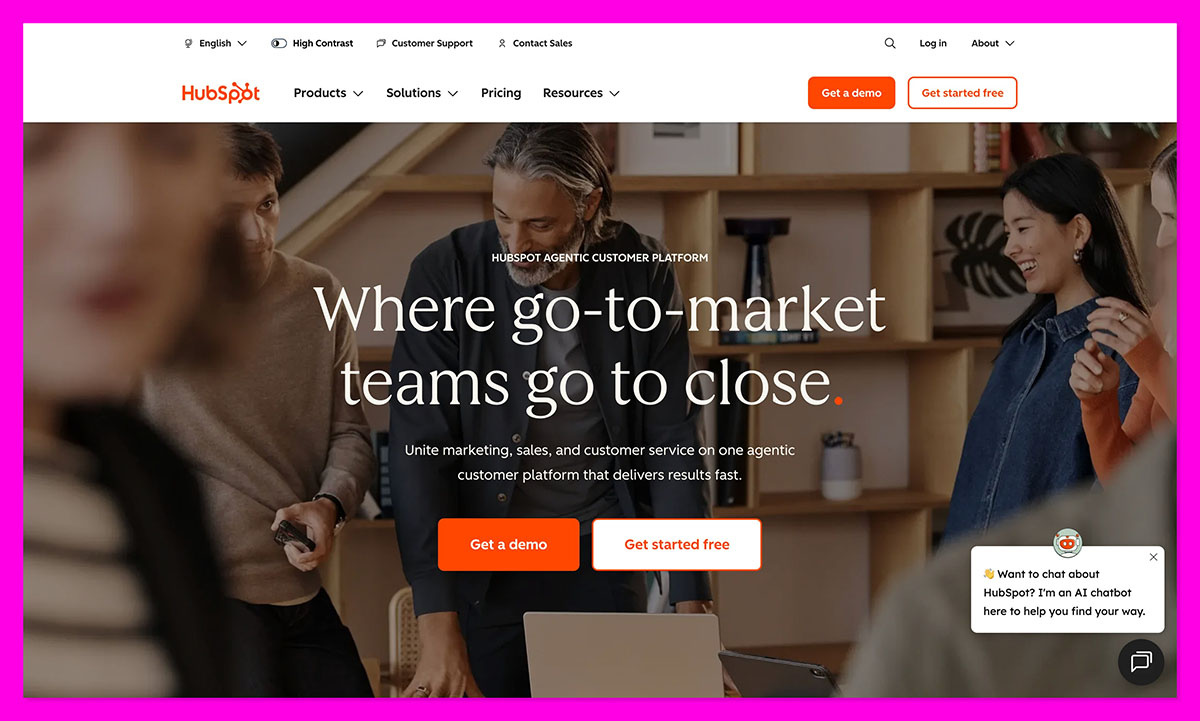
If I had to recommend one CRM to a small business that wants to grow without drowning in tools, it’d be HubSpot CRM. It does nearly everything, and more importantly, it does it without confusing you.
You set it up with a Shopify store in about ten minutes. The platform automatically pulls in products, customers, and sales data. Within an hour, you’ll have automated emails, live chat, and a proper sales pipeline running, all from the free tier.
Key Features for Small Businesses:
- Commerce Hub: Handles quotes, payments, and subscriptions directly.
- Marketing Hub: Automates follow-ups, email sequences, and inbound campaigns.
- Data Hub: Cleans up contacts, merges duplicates, and keeps everything accurate.
- Breeze AI Agents: Write follow-up emails and summarize deals automatically.
Pros:
- Free plan is surprisingly powerful.
- Easy setup and intuitive design.
- Real inbound marketing tools built in.
- Scales with paid hubs, no migration headaches.
Cons:
- Some advanced automation locked behind paid tiers.
- Reporting can feel dense at first.
2. Pipedrive: The CRM That Gets Out of the Way
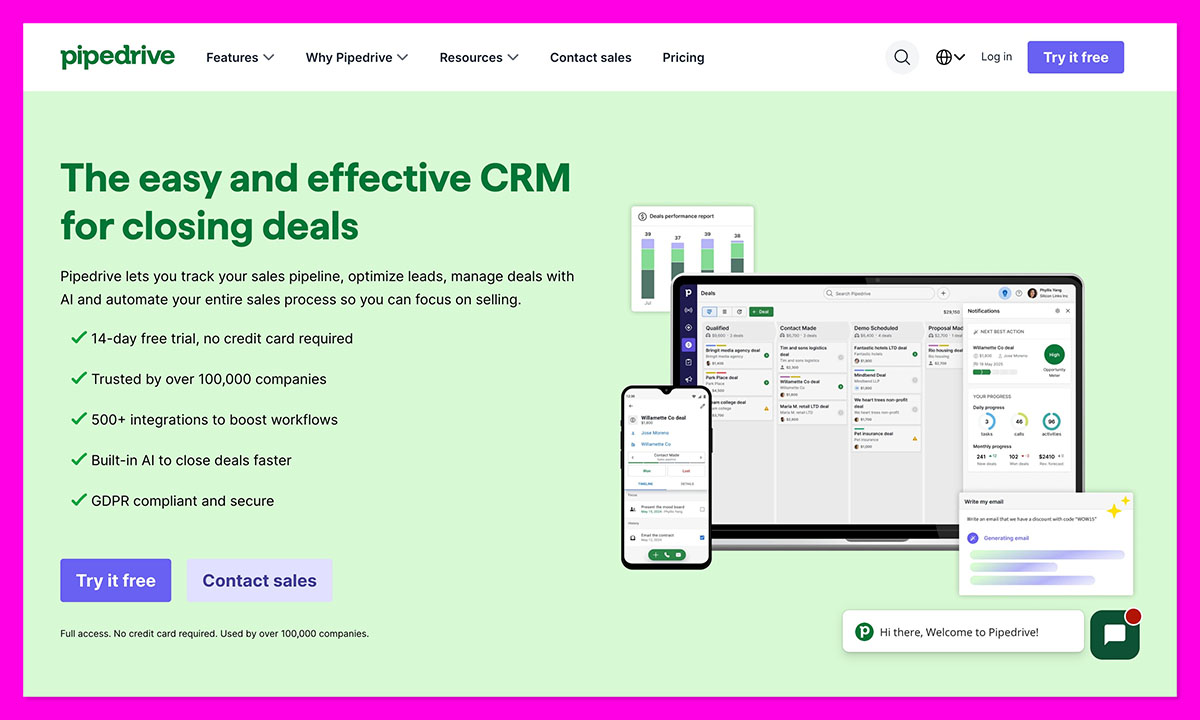
When I first opened Pipedrive, it felt smooth. No clutter. No five-minute load screens. Just a simple sales board that makes sense the second you see it. I linked it to a small wholesale shop I run on the side, and within half an hour, my entire pipeline was mapped out like I’d hired a project manager.
That’s what Pipedrive gets right. It’s built for people who just need to track leads, follow up, and close deals without tripping over automation settings. The visual pipeline is brilliant, and the new Pipedrive Pulse feature that dropped this year helps you focus on leads that are actually worth chasing.
What it doesn’t do is handle the marketing side. You won’t find big email workflows or campaign analytics here, it’s not that kind of CRM. But maybe that’s the point.
Key Features:
- Drag-and-drop deal pipelines
- AI Sales Assistant for next-step tips
- Gmail and Slack integrations
- New Pulse prospecting tool
Pros:
- Incredibly easy to learn
- Quick setup, clean interface
- Affordable for small teams
Cons:
- Limited marketing tools
- Some advanced features cost extra
3. Salesforce: Powerful but Complicated
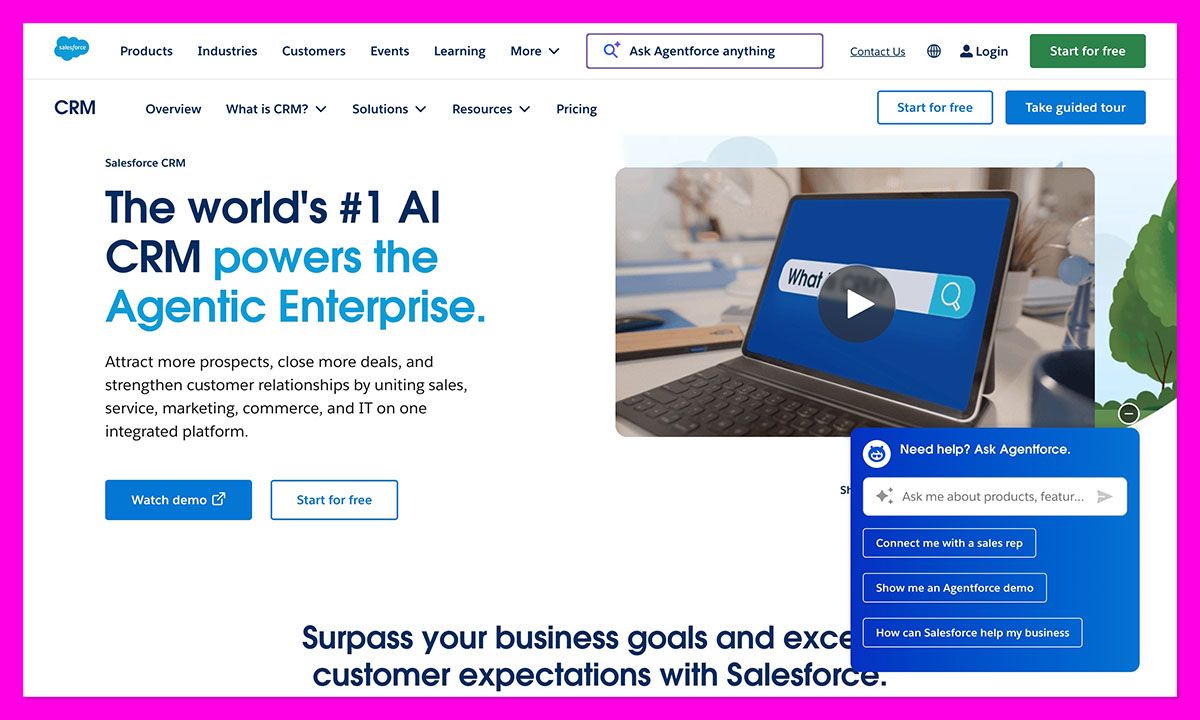
Salesforce scares most small business owners a little going in. It’s huge, the kind of system big companies build departments around. Still, I wanted to see how it’d hold up for a small ecommerce store. Spoiler: it’s impressive, but it’s also a lot.
Once it’s running, Salesforce gives you a god’s-eye view of your customers. The Data Cloud connects everything: sales, marketing, even support tickets. The AI, now powered by the Atlas Reasoning Engine and Agentforce, can predict deals, flag churn risks, and auto-send follow-ups better than most human reps. It’s genuinely next level.
You can’t rush this one. It needs a bit of time and a clear head – definitely not something to set up between orders. I spent longer than I planned poking around the settings, but when it finally all came together, it felt solid.
Key Features:
- Deep custom dashboards and reports
- Data Cloud for 360° customer tracking
- Agentforce AI for smarter automations
- Integrations across almost any platform
Pros:
- Extremely powerful and flexible
- Best-in-class analytics and forecasting
- Built to grow with big teams
Cons:
- Expensive and complex to manage
- Long onboarding process
- Overkill for smaller shops
4. Monday.com CRM: Perfect for Visual Thinkers
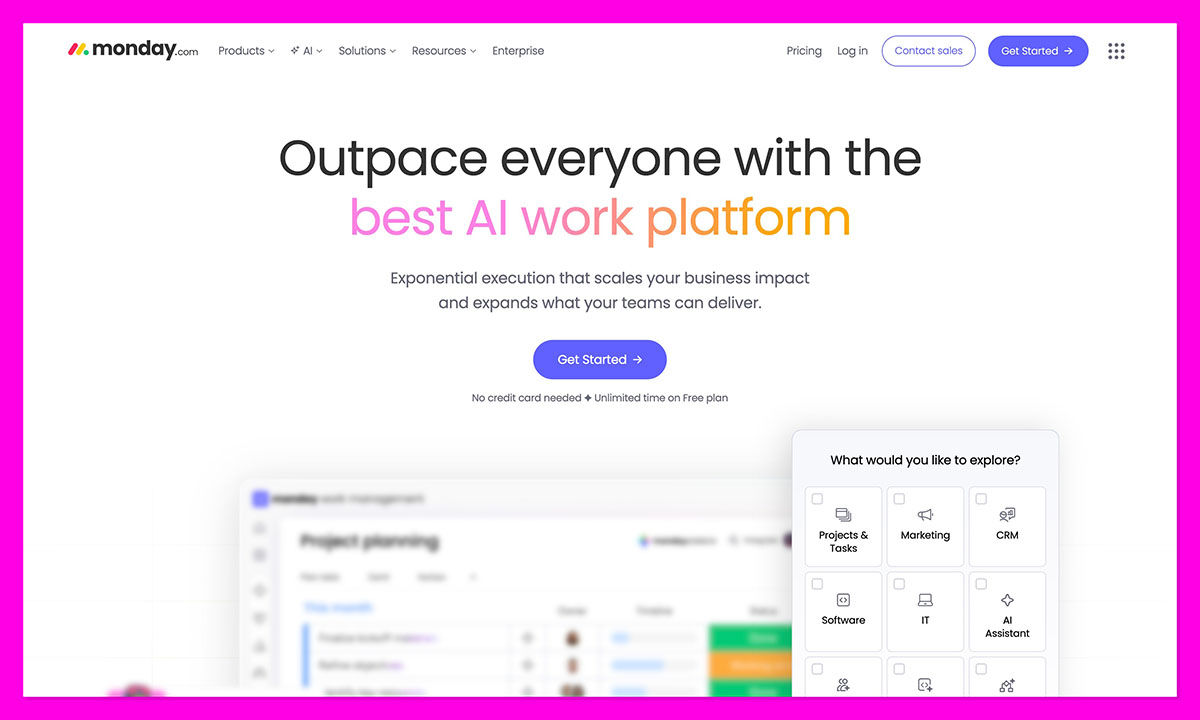
I’d used Monday.com before to manage projects, so trying out the CRM felt familiar, like running into an old friend who’s learned a few new tricks. It’s bright, clean, and made for people who like seeing their work instead of scrolling through rows and formulas. I hooked it up to my small print-on-demand shop and turned our jumble of Google Sheets into a single, clear board that actually made sense.
Leads, design tasks, fulfillment: everything sat in one place. Monday’s automations are simple but clever: “If a deal moves to ‘Won,’ send a Slack message,” that kind of thing. The new AI Form Builder and navigation updates added earlier this year made setup smoother, too.
It’s not the deepest CRM out there, if you need heavy analytics or marketing automation, you’ll outgrow it. But for small teams who live visually and love ticking boxes, it’s a great fit.
Key Features:
- Customizable boards for sales, tasks, and campaigns
- Automations for follow-ups and reminders
- New AI Form Builder (2025 update)
- Integrations with Gmail, Slack, Shopify
Pros:
- Fun, visual, and easy to customize
- Great collaboration features
- Fast learning curve
Cons:
- Limited native marketing tools
- Reporting can feel basic
5. Freshsales (Freshworks CRM) – Speed Meets AI
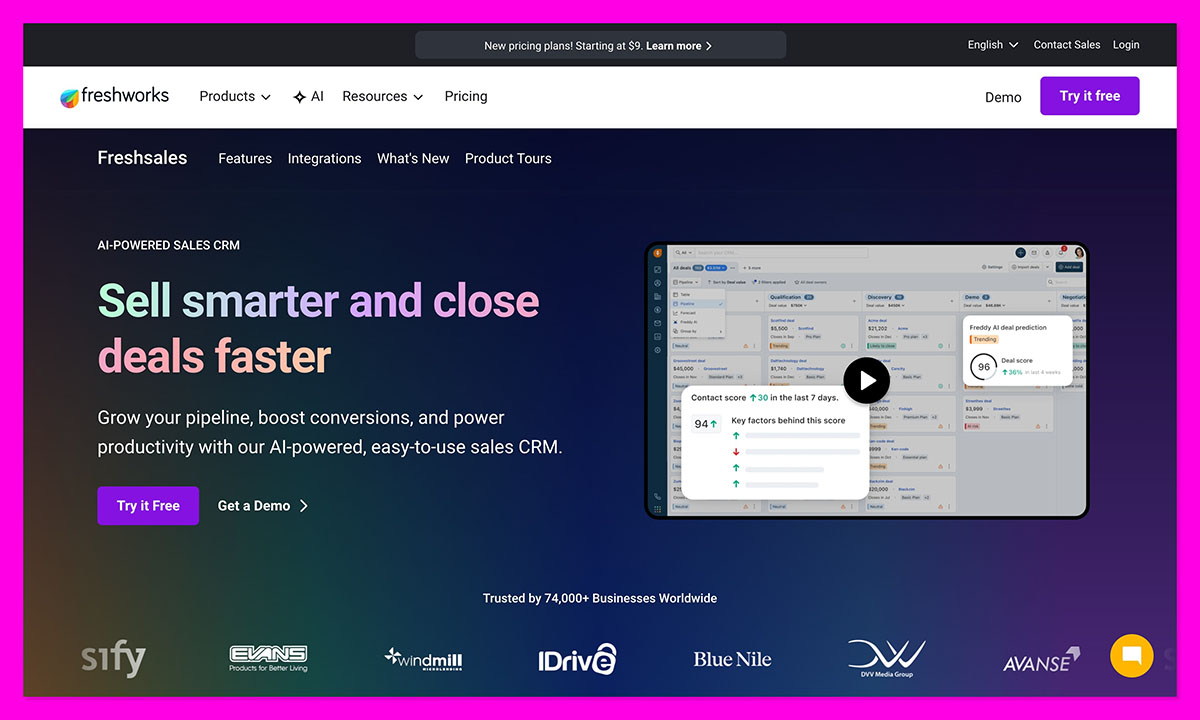
Freshsales was a pleasant surprise. I went in expecting “budget-friendly but basic,” and it turned out to be way more polished than I thought. Setup took maybe twenty minutes. I had my leads imported, Freddy AI scanning data, and automated follow-ups live before my coffee got cold.
This one’s all about speed. Calls, emails, and deals live on one screen. You can literally click a lead, make a call, send an email, and move the deal without changing tabs. For small ecommerce teams, that’s gold.
The new agentic AI tools Freshworks added this year make it even stronger. Freddy now predicts which leads will convert, summarizes interactions, and suggests next steps. It’s not perfect, deeper customization and marketing features still lag behind full-stack CRMs, but the day-to-day efficiency is outstanding.
Key Features:
- Built-in phone and email integration
- Freddy AI for scoring and follow-ups
- Pipeline management and task tracking
- Affordable paid tiers + free plan
Pros:
- Fast and intuitive
- AI actually helps, not hinders
- Great all-in-one sales view
Cons:
- Lighter on advanced marketing tools
- Reporting isn’t very detailed
6. Zoho CRM: Strong Value for Budget-Conscious Teams
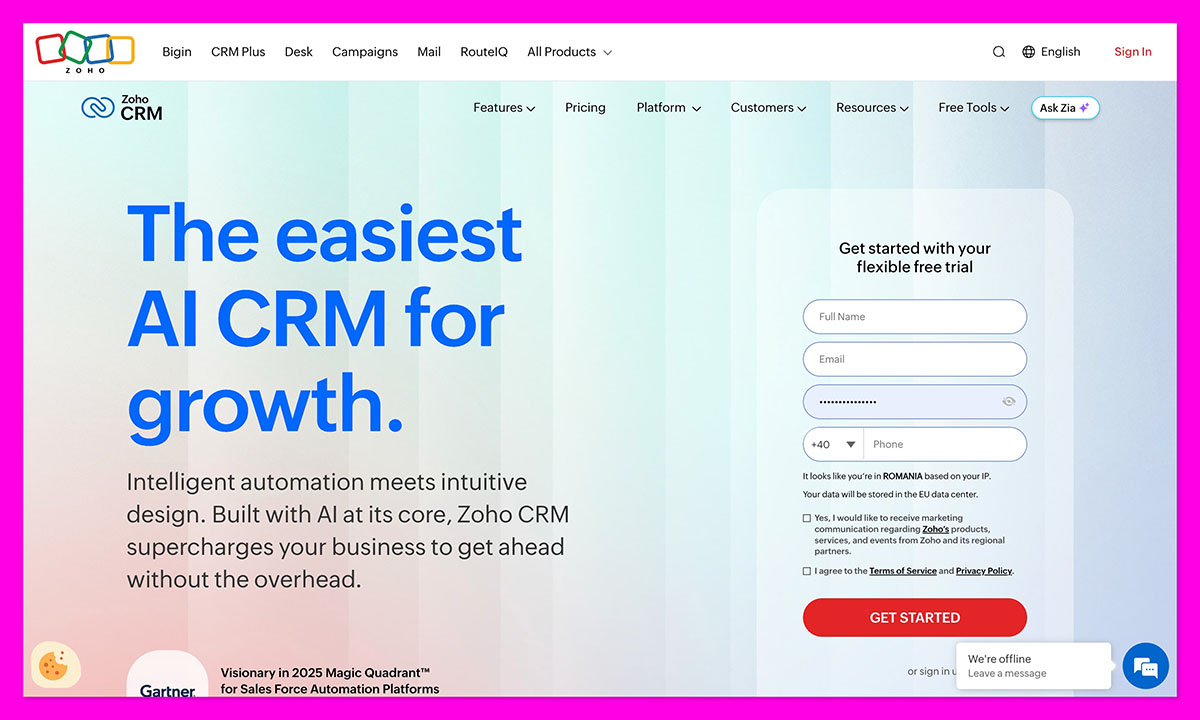
If you’ve ever stretched your budget to make a marketing tool fit, Zoho CRM will feel like a breath of relief. It’s one of the few platforms that’s both affordable and surprisingly deep. I hooked it up to a small print-on-demand setup with three team members, and within a day, we had lead capture, email automation, and deal tracking all running smoothly.
Zoho’s Zia AI is smarter than you’d expect. It can nudge you about follow-ups you’ve missed and even predicted which deals were cooling off. The new 2025 updates, like Zoho CRM for Everyone and team spaces, make collaboration easier for small teams who wear too many hats.
It’s not the prettiest interface out there, and setup can take a bit of clicking around, but once you’re inside, it’s hard to argue with the value.
Key Features:
- Zia AI insights and predictions
- Multichannel communication (email, WhatsApp, LINE)
- Custom workflows and automation
- Team spaces and improved UI (2025 update)
Pros:
- Great balance of features and cost
- Smart AI and automation tools
- Integrates with other Zoho apps easily
Cons:
- UI still feels dated
- Some advanced tools locked behind higher tiers
7. Agile CRM: For the Technical Small Business
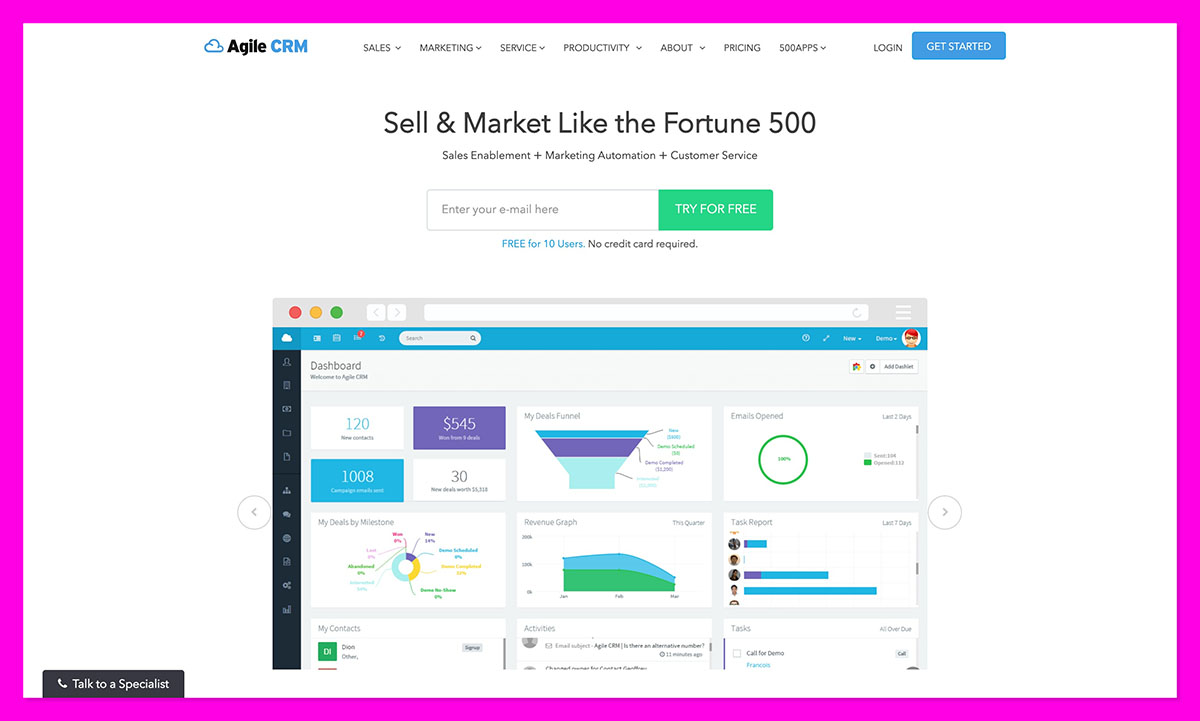
Agile CRM feels like a DIY kit for business automation, and I mean that in the best way possible. It’s light, flexible, and surprisingly powerful if you’re comfortable rolling up your sleeves.
If you’re going to integrate it into something like a dropshipping setup, expect the initial steps to take a while. But once everything’s ready, it should run like clockwork. Email campaigns, web tracking, and basic lead scoring all come included, even on the lower plans. For the price, that’s rare.
This CRM hasn’t had a major facelift in years, but under the hood, it still performs. Many small-business owners are still picking Agile over newer tools simply because it works reliably and affordably.
Key Features:
- Built-in email marketing and automation
- Sales, marketing, and service modules combined
- Open API for custom integrations
- Web engagement tracking
Pros:
- Extremely affordable
- Covers marketing and sales in one system
- Great for users who like to customize
Cons:
- Outdated design
- Limited support resources
- Setup takes time
8. SugarCRM: Data-Driven but Pricey
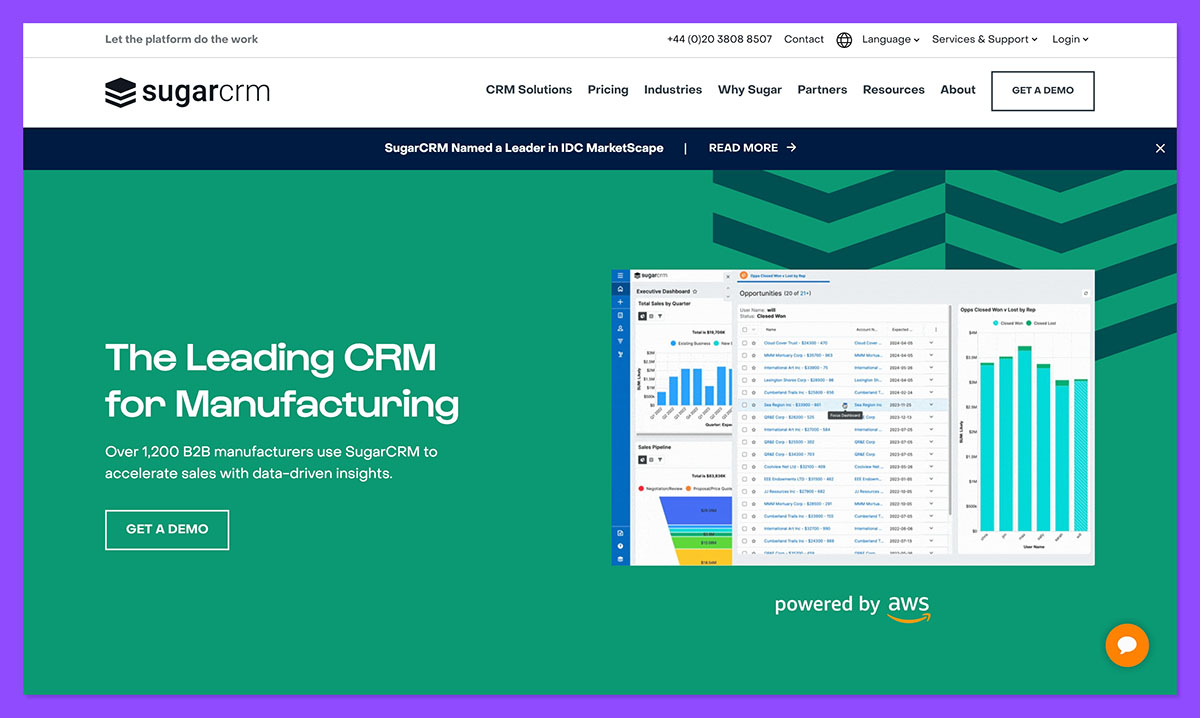
If your business decisions are all data-driven, SugarCRM will help. It’s built for analysis junkies; the kind of people who actually enjoy dashboards. When I first tested it with a small ecommerce brand that relied on repeat buyers, it immediately stood out for its depth. The system pulled together customer behavior, past orders, and campaign data to predict which accounts would buy again.
The newer versions make it even sharper. Sugar’s AI-powered predictive forecasting is genuinely impressive, it spotted patterns in our pipeline I hadn’t even noticed. But that precision comes with weight. Setup took time, and the pricing lands on the higher side for smaller teams. It’s definitely not a plug-and-play setup, more like a system you grow into as your business starts to scale.
Key Features:
- Predictive analytics and forecasting tools
- Deep custom dashboards and reporting
- AI-driven sales insights
- Scalable modules for sales, service, and marketing
Pros:
- Excellent analytics and forecasting
- Highly customizable
- Strong automation once configured
Cons:
- Expensive for small teams
- Steeper learning curve
- Slower setup process
Why HubSpot is The Best CRM for Small Business
There are countless great CRMs for small businesses out there, but for me, nothing matches up to HubSpot. No, it’s not the cheapest option, but it is the one that feels most built for real people running real businesses.
HubSpot CRM handles everything you throw at it, from ecommerce integrations, to intelligent, personalized lead follow-ups. The free tier alone gives you more tools than most paid plans elsewhere, and the 2025 updates to its Breeze AI Agents and Data Hub make it even stronger for small teams.
The other platforms have their moments. Pipedrive is unbeatable for simplicity. Freshsales is quick and clever. Zoho gives huge value for tight budgets. And Monday.com CRM turns messy teamwork into something almost fun.
If you’re after one system that actually ties sales automation, inbound marketing, and your store data into the same flow, HubSpot CRM gets it right. Start with the free version or book a quick demo, both give you a feel for how it fits. Once it’s part of your setup, it’s hard to imagine going back to juggling ten different tools.
FAQs
What should small businesses look for in a CRM?
Start simple. If you need a manual just to get going, it’s already slowing you down. Pick something that automates the basics, connects neatly with your store, and doesn’t eat up your time when you need help. HubSpot CRM manages that balance – capable but still easy to live with day to day.
What’s the average cost of a small-business CRM?
Most paid plans sit somewhere between £10 and £50 per user each month, though several platforms still offer strong free versions. HubSpot’s free plan is still one of the best with full access to contacts, pipelines, and email tools without a trial ticking down.
Which CRM is easiest to set up?
From what I’ve tested, Pipedrive and Monday.com CRM get top marks for speed. They’re visual, intuitive, and you can figure them out without a manual. HubSpot takes a bit longer to explore, but its setup guide walks you through everything — even syncing your store data.
What’s the best free CRM for small businesses?
That one’s simple – HubSpot CRM. It gives you up to two free users, full contact tracking, pipelines, email templates, and basic automation with zero time limit or credit card needed. For small teams, that’s almost unheard of.
When should I upgrade from a free plan?
When you start hitting the ceiling, usually when you want deeper automation, multiple pipelines, or advanced reports. For example, HubSpot’s paid hubs add Marketing Hub, Commerce Hub, and Data Hub, which unlock full growth tracking.



