If you want the short version: Fourthwall is the best Buy Me a Coffee alternative for most creators, because it replaces the tip jar with something you actually own. You get a branded site, memberships, digital products, and print-on-demand merch under one roof, with no monthly fee to start.
Buy Me a Coffee is one of the easiest ways to accept support online. That is exactly why so many creators outgrow it. The flat 5% platform fee applies to everything you earn there, tips, memberships and shop sales alike, and the page you build lives on someone else’s domain with someone else’s design language.
I checked every price in this guide against each platform’s own pricing page or help centre while writing it, because creator platform fees move constantly. Two of the platforms here had changed their plans since the last time I looked. In this roundup, I will walk through ten alternatives, what each one actually costs after processing fees, and which type of creator each one suits.
The 10 Best Buy Me a Coffee Alternatives at a Glance
- Fourthwall is best overall for creators who want merch, memberships and digital products on their own branded site.
- Ko-fi is the closest like-for-like swap, and it charges nothing on one-time tips.
- Patreon is best for creators building serious recurring membership revenue.
- Gumroad is best for selling digital downloads fast with zero setup.
- Substack is best for writers monetising a paid newsletter.
- Ghost is best for publishers who want paid subscriptions with a 0% platform fee.
- Memberful is best for adding memberships to a site you already run.
- Podia is best for courses, coaching and community alongside products.
- Stan Store is best for social creators selling from a link in bio.
- Liberapay is best for open source maintainers who want zero platform fees.
| 5%Buy Me a Coffee’s flat platform fee on tips, memberships and shop sales | 0%What Ko-fi charges on one-time tips, on its free option | 10%Patreon’s standard platform fee for creators who publish a page now | 6 of 10Alternatives in this guide that cost nothing to start |
Buy Me a Coffee Alternatives Compared
| Platform | Best for | Entry cost | Platform fee | Sells merch? |
|---|---|---|---|---|
| Fourthwall | All-in-one branded creator business | Free, Pro at $19 per month | 0% on physical products, 5% on memberships and digital | Yes, print on demand built in |
| Ko-fi | Tips and light selling | Free, Gold at $12 per month | 0% to 5% depending on option, 0% on Gold | Limited, self-fulfilled only |
| Patreon | Recurring memberships | Free to start | 10% standard for new creators | Via integrations |
| Gumroad | Digital downloads | Free to start | 10% plus $0.50 per sale, 30% via Discover | Self-fulfilled only |
| Substack | Paid newsletters | Free to start | 10% of paid subscription revenue | No |
| Ghost | Publishing with no revenue share | From $15 per month, $29 to monetise | 0% | No |
| Memberful | Memberships on your own site | $49 per month | 4.9% transaction fee | No |
| Podia | Courses and community | From $42 per month billed annually | 5% on entry plan, 0% above it | No |
| Stan Store | Link in bio selling | $29 per month | 0% | No |
| Liberapay | Open source funding | Free | 0% | No |
Payment processing fees, typically around 2.9% plus $0.30 for US card transactions, apply on top of platform fees on almost every platform listed.
Key Takeaways
- Fourthwall is the strongest all-round replacement. It is the only pick here that combines tips, memberships, digital products and print-on-demand merch on a site carrying your own branding, with no monthly cost required.
- A lower headline fee is not the same as more money. Every percentage in this guide sits on top of payment processing, and fixed per-transaction charges hit small tips hardest.
- Ko-fi is the easiest one-for-one swap. If your income is mostly one-time tips, Ko-fi’s free option charges nothing on them, which beats Buy Me a Coffee’s flat 5% outright.
- Flat monthly pricing wins once you scale. Ghost, Podia and Stan Store all charge a monthly fee with no cut of your revenue, which starts paying off far earlier than most creators expect.
- Check what happens to your audience list. Owning supporter email addresses and being able to export them matters more in the long run than a one or two point fee difference.
1. Fourthwall: Best Buy Me a Coffee Alternative Overall
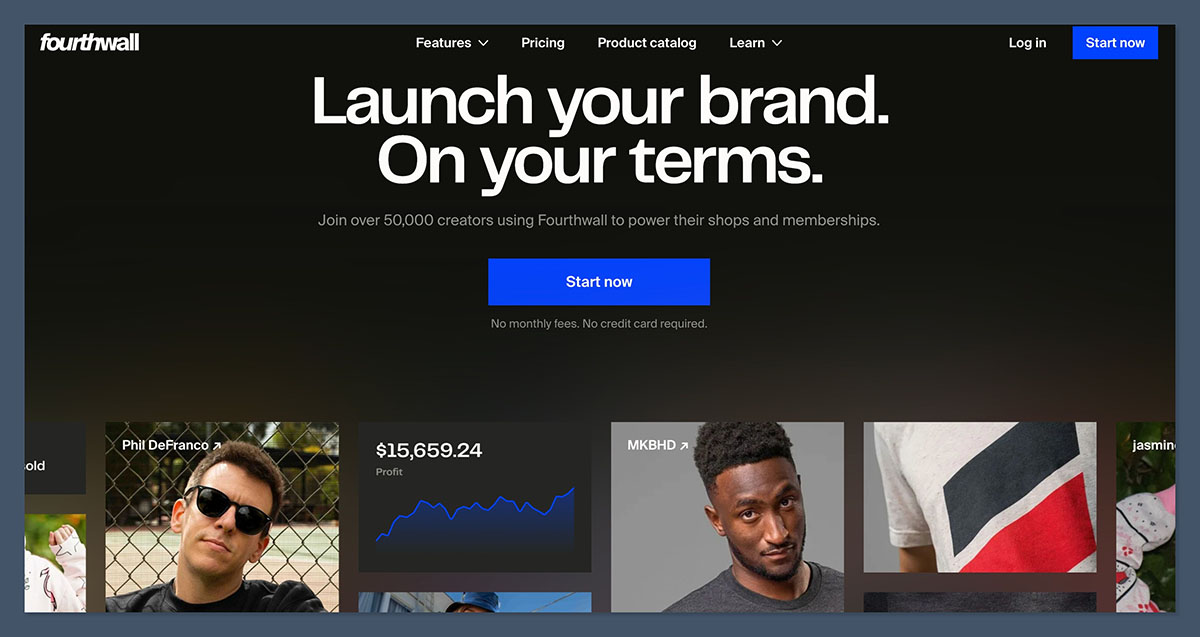
Best for: Creators who want merch, memberships, digital products and supporter tips in one branded place
Pricing: Free plan, Fourthwall Pro at $19 per month or $180 per year
Platform fee: No fee on physical products, 5% on memberships, 5% on digital products and 0% on digital with Pro
Standout feature: A fully branded site with print-on-demand fulfilment and customer support handled for you
Buy Me a Coffee gives you a page. Fourthwall gives you a business. That is the honest difference, and it is why this sits at number one rather than any of the tip jar clones further down the list.
The reason most creators end up on Buy Me a Coffee is that assembling a proper creator stack is exhausting. You need somewhere for merch, somewhere for memberships, somewhere for downloads, and a link in bio holding it all together. Fourthwall collapses that into a single site on your own domain, with your logo and your colours rather than a platform’s supporter page template.
On the product side, you design from a catalogue of print-on-demand items with the manufacturing cost listed openly, so you set the retail price and keep the margin. There is no upfront inventory and no minimum order. Memberships sit alongside the shop with tiers, gated content, video hosting and community messaging, so you are not sending supporters to a second platform to subscribe.
What I Like
- Your storefront runs on your own domain and branding, not a shared platform page
- No monthly fee is required, and physical product sales carry no platform fee at all
- Print-on-demand production and fulfilment are built in, with costs shown before you set your price
- Fourthwall acts as merchant of record and handles customer support and sales tax
- Memberships include gated video, community features and digital badges without a separate tool
What I Dislike
- The 5% membership fee applies on both the free plan and Pro, so it never fully disappears
- The free plan caps you at 50 products and two team members for accounts opened after August 25, 2025
- Print-on-demand base costs mean you need to price deliberately to protect margin
- Setup takes longer than pasting a tip button into a video description
Fourthwall Pricing
The free plan is genuinely usable rather than a trial. You can build the full storefront, sell catalogue products, offer memberships, run promo codes and giveaways, and sell across YouTube, Instagram and TikTok without paying a monthly fee. Digital products carry a 5% platform fee on this plan, alongside a 5 GB storage limit.
Fourthwall Pro costs $19 per month, or $180 billed annually, which saves $48 over the year. Pro removes the platform fee on digital products entirely, raises the product cap to 500, allows unlimited team members, adds $10 of monthly sample credit that rolls over, includes a free .store domain, and adds priority support. Memberships stay at 5% on both plans. As with every platform here, card processing of 2.9% plus $0.30 applies on US transactions.
Why Use Fourthwall
Because it is the only option in this guide where the money you make and the brand you build both belong to you. Supporters land on your site rather than a directory of creators, and you can sell a hoodie, a membership and a preset pack in the same checkout. If you have an audience and you are tired of paying for four tools to serve it, this is the consolidation move.
Suitable for: YouTubers, streamers, podcasters and artists with an existing audience who want merch and memberships without managing inventory or juggling platforms.
Not suitable for: Someone who only ever wants a one-line tip button and has no interest in products, memberships or a website.
For a deeper look at how the platform performs day to day, see our full Fourthwall review and pricing breakdown.
2. Ko-fi: Best Direct Swap for Tips
Best for: Creators whose income is mostly one-time tips and small digital sales
Pricing: Free, or Ko-fi Gold at $12 per month
Platform fee: 0% on tips on the free option, 5% on memberships, shop sales and commissions, 0% across the board on Gold
Standout feature: Money lands in your own Stripe or PayPal account instantly
Ko-fi is the platform Buy Me a Coffee is most often compared with, and for tip-led creators the maths is not close. Ko-fi’s free option charges nothing on one-time tips, where Buy Me a Coffee takes 5% of everything.
Beyond tips, Ko-fi covers memberships, a simple shop and a proper commissions workflow, which is why illustrators and writers gravitate to it. Clients can submit a brief, pay, and track status without you stitching together email and PayPal invoices. There are Twitch and YouTube stream integrations, Discord role automation, funding goals, polls and a gallery, all included at no extra cost.
What I Like
- No platform fee on one-time tips, which is the single biggest saving versus Buy Me a Coffee
- You get paid directly into your own PayPal or Stripe account with no payout threshold
- The commissions system is genuinely useful and rare at this price point
- Widgets and embeds work well on WordPress sites and blogs
What I Dislike
- Memberships, shop sales and commissions still carry 5% unless you pay for Gold
- The page design is functional rather than polished, and customisation is limited
- It is competent across four features without being best in class at any of them
- There is no print-on-demand fulfilment, so physical goods are on you
Ko-fi Pricing
Setting up a Ko-fi page is free with no monthly charge. On the free setup you keep every one-time tip, and memberships, shop sales and commissions carry a 5% service fee. New creators default to a Standard option that applies 5% across all payment types in exchange for extra tools such as supporter-only content, scheduled posts and a shorter page name.
Ko-fi Gold costs $12 per month and removes the service fee on every payment type, so tips, memberships, commissions and shop sales all run at 0%. Standard card processing fees apply on top regardless of which route you take. Gold starts making sense once your fee-bearing revenue clears roughly $240 per month.
Why Use Ko-fi
Because it does everything Buy Me a Coffee does, charges less on the thing most creators earn from, and pays you directly rather than holding your money. If you want the smallest possible migration with an immediate fee saving, this is the one.
Suitable for: Artists, writers, open source developers and hobby creators who want low-friction support and occasional commissions.
Not suitable for: Anyone building a serious recurring subscription business or selling physical merchandise at volume.
If Ko-fi is already your main platform, our guide to the best Ko-fi alternatives covers the next step up.
3. Patreon: Best for Recurring Memberships
Best for: Creators converting a loyal audience into predictable monthly income
Pricing: Free to start, fees taken as a percentage of earnings
Platform fee: 10% standard for creators who publish a page now, with legacy rates of 5%, 8% and 11% for older accounts
Standout feature: The membership model supporters already recognise and trust
Patreon is the default answer for a reason. The model has barely changed in a decade: monthly tiers, gated posts, a member feed, and a payment flow that millions of supporters have used before. That familiarity converts, particularly for podcasters, video creators and musicians.
The trade-off is cost and control. Patreon’s fee is materially higher than Buy Me a Coffee’s, and your page lives inside a marketplace where your supporters can browse other creators. You are renting an audience relationship rather than owning it, which is the exact critique that pushed a lot of creators toward branded alternatives.
What I Like
- Supporters already know how it works, which removes friction at checkout
- Membership tiers, free trials and special offers are mature and well tested
- It handles VAT collection automatically in the EU, UK and many other regions
- You can also sell one-time digital products, posts and collections
What I Dislike
- The standard 10% fee is double what Buy Me a Coffee charges
- Unpublishing a legacy page loses your grandfathered rate permanently
- Your branding sits inside Patreon’s, not the other way round
- Tiers priced at $3 or less get hit by higher micropayment processing rates
Patreon Pricing
There is no upfront cost to launch. Creators who published a page after August 4, 2025 pay a flat 10% platform fee, which covers the full feature set including tiers, analytics, and promotional tools. Creators from before that date sit on legacy plans at 5%, 8% or 11% and keep those rates as long as the page stays published.
Payment processing is charged separately and varies by tier price, payout currency and member location. Tiers priced above $3 use standard rates of around 2.9% plus $0.30, while tiers at $3 or below fall under micropayment pricing. One-time product sales are subject to the same platform fee as membership payments.
Why Use Patreon
Because recurring revenue beats sporadic tips, and Patreon remains the shortest path to it. If your audience is used to supporting creators monthly and you value conversion over margin, the 10% buys you a system that works out of the box.
Suitable for: Podcasters, video creators and musicians with an engaged following who publish regularly enough to justify a subscription.
Not suitable for: Creators optimising for margin, or anyone who wants supporters landing on their own brand rather than a marketplace.
4. Gumroad: Best for Selling Digital Products Fast
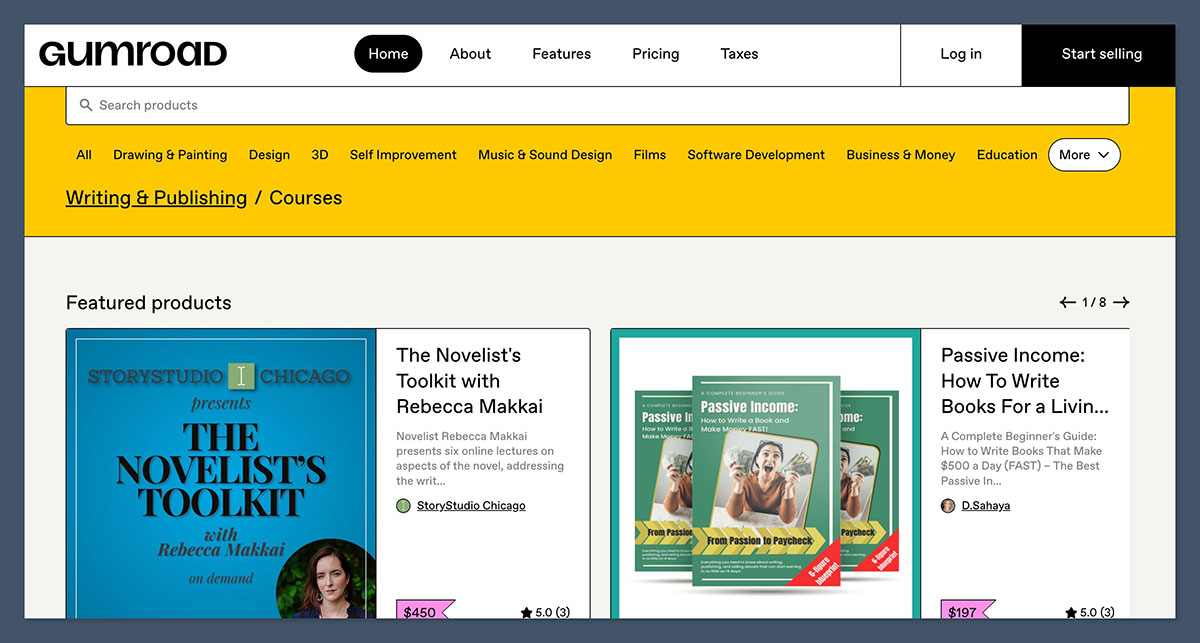
Best for: Creators who want a product live and selling within minutes
Pricing: Free to start, no monthly plans
Platform fee: 10% plus $0.50 per direct sale, 30% flat on marketplace sales via Discover
Standout feature: Merchant of record status covering global tax compliance
Gumroad’s appeal is speed. You can upload a file, set a price, and have a working checkout link before you have finished your coffee. There is no store to design, no theme to pick, and no monthly commitment, which makes it the natural first stop for anyone testing whether a digital product sells at all.
Since January 2025 Gumroad has operated as a full merchant of record, calculating, collecting and remitting sales tax, VAT and GST worldwide on your behalf. For a solo creator selling to an international audience, that removes a genuinely painful admin burden.
What I Like
- You can go from idea to live checkout in a few minutes with no setup cost
- Merchant of record status means global tax compliance is handled for you
- Built-in affiliate tools, email and analytics are included rather than gated
- Zero-revenue months cost you nothing at all
What I Dislike
- The 10% plus $0.50 structure is among the most expensive in the category
- Discover sales are charged at 30%, and you have limited control over which sales get tagged that way
- The fixed $0.50 punishes cheap products, which is bad news for tip-sized transactions
- Storefront customisation is minimal, so it never really looks like your brand
Gumroad Pricing
There is one model and no tiers. Sales made through your own link, profile or storefront are charged 10% plus $0.50 per transaction, and credit card processing of 2.9% plus $0.30 is charged separately on top. That means a $20 sale gives up roughly $3.38 in combined fees before anything reaches your account.
Sales that come through Gumroad Discover, the platform’s own marketplace and search, are charged a flat 30% instead, and that rate does include all processing costs. Fees are not refunded when you refund a customer, so a returned order still leaves you out of pocket on the processing share.
Why Use Gumroad
Because paying nothing until you sell something beats every subscription platform when you do not yet know whether anyone will buy. Use it to validate a product, then move the winners somewhere cheaper once volume is proven.
Suitable for: Creators validating a first digital product, or anyone with irregular sales who cannot justify a monthly subscription.
Not suitable for: Established sellers bringing their own traffic, where 10% plus processing becomes an expensive checkout page.
5. Substack: Best for Paid Newsletters
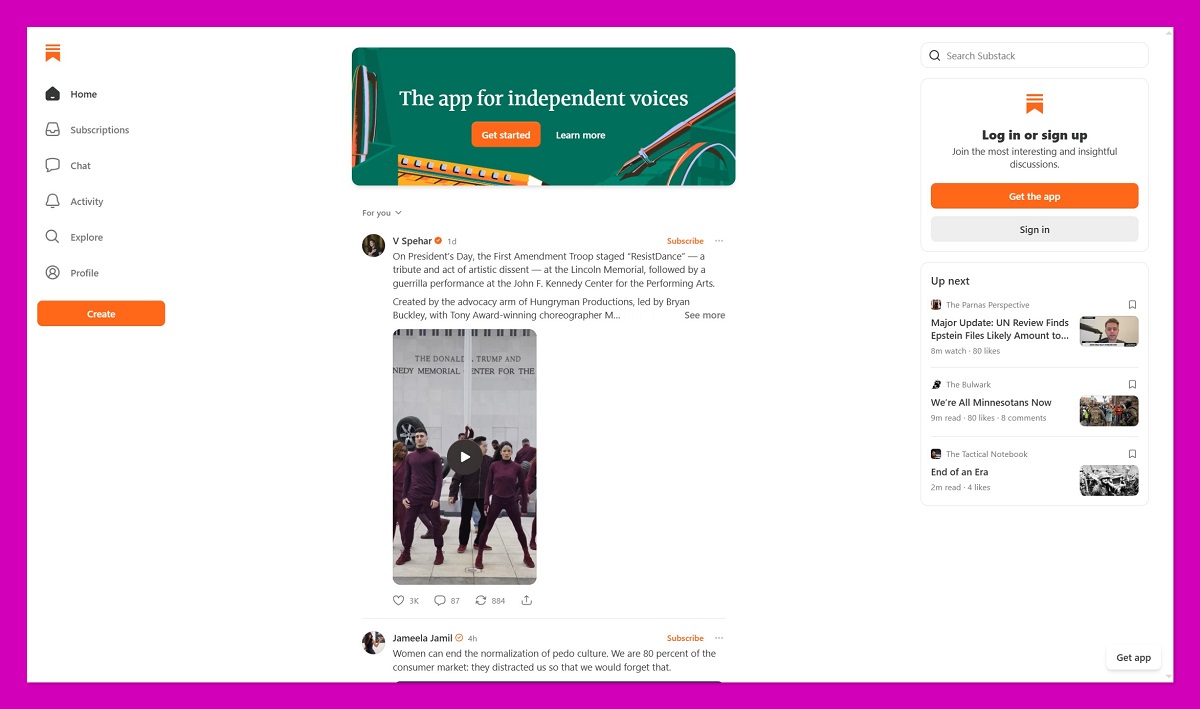
Best for: Writers turning an email list into recurring subscription income
Pricing: Free to publish, fees only apply once you charge readers
Platform fee: 10% of paid subscription revenue
Standout feature: A built-in reader network that recommends your publication to similar audiences
If what your supporters really want is your writing, a paid newsletter converts better than a tip jar. Substack removes every technical decision from that process: hosting, email delivery, payments, a website, podcast hosting and mobile apps are all included, with unlimited subscribers and no sending limits.
The catch is scope. Substack sells subscriptions and very little else. There is no one-time product sale, no pay-what-you-want tipping in the Buy Me a Coffee sense, and no merch. If your monetisation plan is broader than recurring reading access, this is a supplement rather than a replacement.
What I Like
- Free newsletters cost nothing regardless of list size
- Recommendations and Notes provide real discovery, which most creator platforms lack
- You keep ownership of your content and can export your subscriber list
- Custom domains, podcast hosting and comments are included at no extra cost
What I Dislike
- The 10% cut scales with your success and has no ceiling
- Stripe’s recurring billing fee sits on top of standard card processing
- You can only really sell subscriptions, which limits your revenue mix
- A flat-fee platform like Ghost becomes cheaper once paid revenue reaches a few hundred dollars a month
Substack Pricing
Publishing is free. You can build a list of any size, send unlimited emails and use every feature without paying anything, and Substack only starts charging once you switch on paid subscriptions.
At that point Substack takes 10% of each paid transaction. Stripe adds a credit card fee of 2.9% plus $0.30 per transaction, plus a billing fee of 0.7% on recurring payments introduced in July 2024. Enabling local currencies can add a further 1% to 2% where conversion is required. On a $10 monthly subscription, the combined deductions leave you with roughly $8.40.
Why Use Substack
Because readers who value your writing will pay for more of it far more reliably than they will drop a one-off tip. If words are your product, this converts casual followers into a subscription business without any technical setup.
Suitable for: Journalists, essayists, analysts and anyone whose main output is written or spoken content on a schedule.
Not suitable for: Creators selling one-off products, merch or commissions, or high earners for whom 10% forever is hard to justify.
6. Ghost: Best for Keeping 100% of Your Subscription Revenue
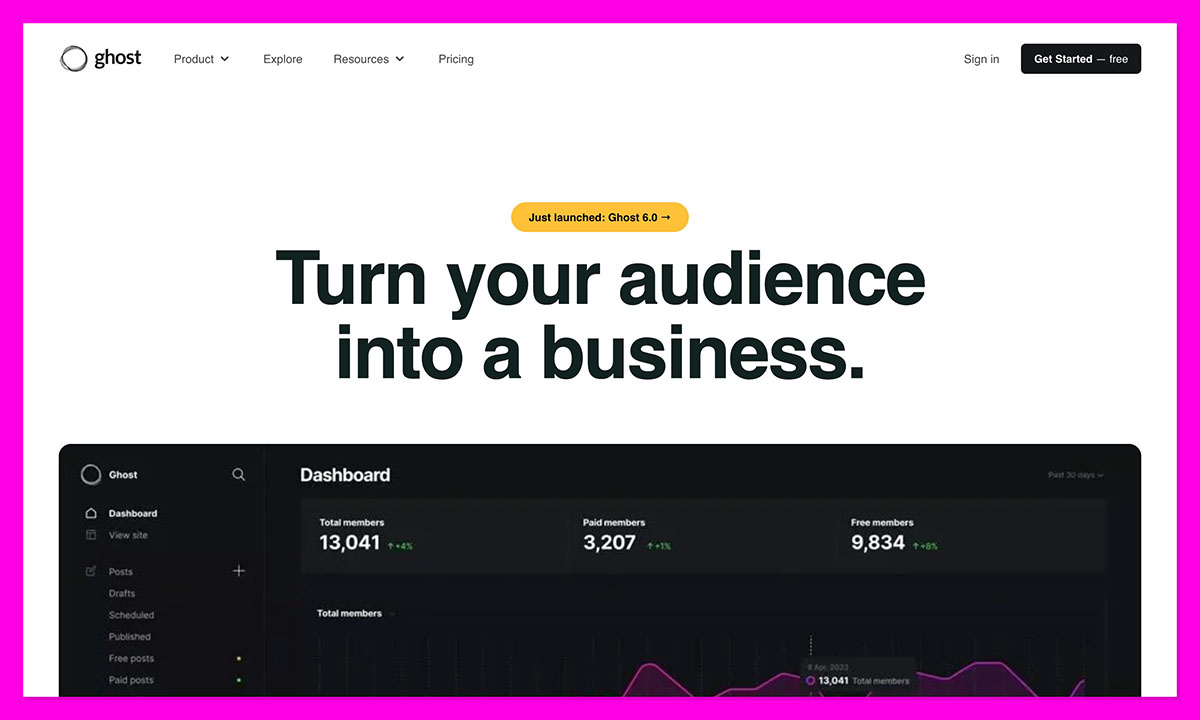
Best for: Writers and publishers who want paid subscriptions without handing over a revenue share
Pricing: Self-hosting is free, Ghost(Pro) starts at $15 per month billed annually, with Publisher from $29 per month
Platform fee: 0% on subscription revenue
Standout feature: Open source software you can export and run on your own server at any time
Ghost is what creators move to when the platform’s cut starts to sting. It does much the same job as Substack, combining a website, a newsletter and paid memberships, but it takes none of your subscription revenue. You pay a flat monthly hosting fee and keep everything else.
It is also the most genuinely ownable option in this guide. Ghost is run by a non-profit and the software is open source, so if you ever dislike the pricing you can export your content and members and self-host the identical platform on your own server. That is a meaningfully different relationship from renting a page on someone’s marketplace.
What I Like
- A 0% platform fee means growing your revenue never increases what the platform takes
- Open source under an MIT licence, so there is no vendor lock-in at any point
- You get a real website with SEO, custom themes and a proper CMS, not a newsletter archive
- Native Stripe integration, tiered memberships, tips and a built-in Substack import tool
What I Dislike
- There is no free plan on Ghost(Pro), only a 14-day trial
- Paid subscriptions require the Publisher plan, since the July 2025 update removed them from Starter
- Publisher and Business pricing scales with your total member count, free subscribers included
- There is no discovery network, so every reader has to come from you
Ghost Pricing
The software itself is free. Ghost is open source, and self-hosting costs you only a server and an email delivery service, though it also hands you the maintenance. Most creators use Ghost(Pro), the managed service run by the Ghost team, which bundles hosting, email delivery, SSL and backups into one fee.
On Ghost(Pro), Starter costs $15 per month billed annually, or $18 billed monthly, and covers a custom domain, unlimited newsletters and up to 1,000 members. It cannot take payments, so treat it as a free-newsletter tier. Publisher is the real entry point for monetising at $29 per month billed annually, or $35 monthly, unlocking paid tiers, tips, custom themes, integrations and extra staff accounts. Business starts at $199 per month billed annually, or $239 monthly. Publisher and Business prices rise as your member count grows, so check the slider on Ghost’s own pricing page against your list size. Stripe processing of 2.9% plus $0.30 applies, and the 0% figure refers to Ghost’s own cut.
Why Use Ghost
Because a percentage cut buys you nothing extra once your audience already exists. Somewhere around a few hundred dollars a month in subscription revenue, Ghost’s flat fee costs less than a 10% share, and the gap widens every month after that.
Suitable for: Writers, journalists and independent publishers running paid subscriptions who want to own the platform as well as the audience.
Not suitable for: Creators who want casual tips, merch or one-off products, and anyone not monetising yet, since the entry plan cannot take payments.
7. Memberful: Best for Memberships on Your Own Site
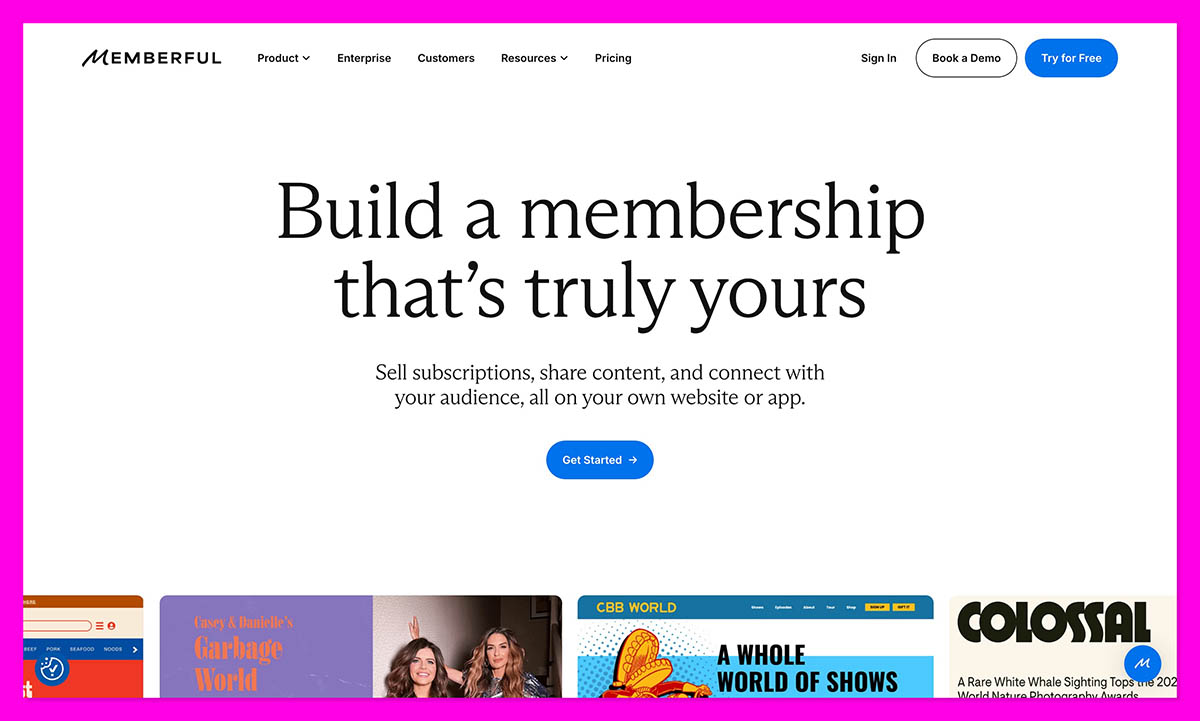
Best for: Creators who already have a website and want to gate part of it
Pricing: Standard at $49 per month, plus custom Enterprise pricing
Platform fee: 4.9% transaction fee
Standout feature: Native WordPress integration that keeps members on your domain
Memberful takes the opposite approach to Patreon. Rather than hosting your membership on its own marketplace, it plugs subscription infrastructure into the site you already run. Members sign up, pay and access gated content without ever leaving your brand. It is now owned by Patreon, but operates as a separate product.
That makes it the natural pick for publishers, podcasters and bloggers with an established WordPress site who want the paywall to feel native. It handles checkout, gift purchases, group plans, coupons, retention discounts, cancellation surveys and a built-in referral programme, then hands access control to your CMS.
What I Like
- Members stay on your domain and your branding throughout
- Managed integrations with WordPress, Mailchimp, Discord and Kit are native rather than bolted on
- Private podcast feeds, newsletters, courses and downloads are all supported
- Global tax collection and 15 language translations are included
What I Dislike
- The $49 monthly cost makes it the most expensive entry point in this guide
- The 4.9% transaction fee sits on top of the subscription rather than replacing it
- Stripe is required, so it is unavailable in countries Stripe does not serve
- It gates content but does not host it, so you still need your own CMS
Memberful Pricing
Memberful has consolidated to a single Standard plan at $49 per month plus a 4.9% transaction fee, which unlocks the entire feature set rather than tiering it. You can build and test for free for as long as you like, and billing only begins once you go live and start accepting payments.
An Enterprise tier is available with custom volume-based pricing, premium services, success management and migration support. Stripe processing of 2.9% plus $0.30 applies on top of the platform fee, so your effective rate lands close to 7.8% plus the fixed charge, on top of the monthly subscription.
Why Use Memberful
Because if you have spent years building a site and an audience, sending them to a third-party page to subscribe undoes some of that work. Memberful keeps the transaction on your property.
Suitable for: Independent publishers, newsrooms and podcasters with an existing site and enough revenue to absorb $49 per month.
Not suitable for: Creators without a website, or anyone whose current earnings would be swallowed by the base subscription.
8. Podia: Best for Courses, Coaching and Community
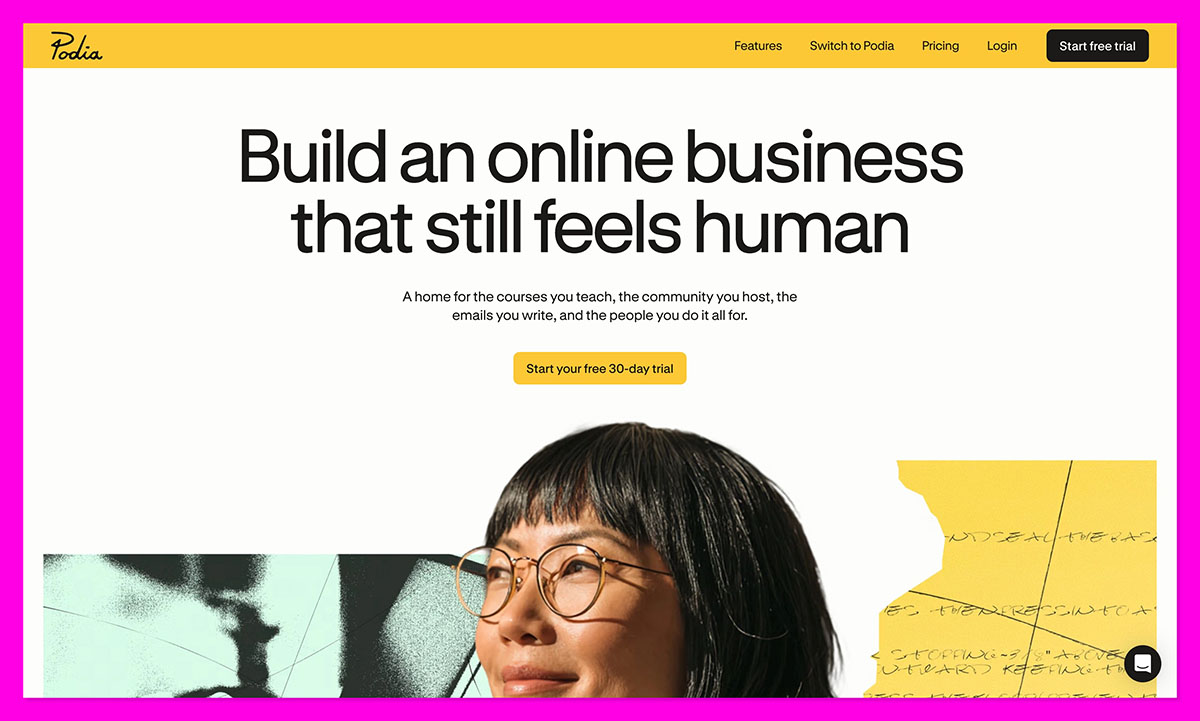
Best for: Creators packaging knowledge into courses, coaching or a paid community
Pricing: Mover at $42, Shaker at $84 and Earthquaker at $150 per month billed annually
Platform fee: 5% on Mover, 0% on Shaker and Earthquaker
Standout feature: Courses, community, email marketing and a website builder in one subscription
Tips have a low ceiling. A course or a coaching package does not. Podia is the option here for creators whose audience would pay properly for structured help rather than dropping the price of a coffee into a jar.
Everything runs from one place: a no-code website with custom domain support, online courses, digital downloads, coaching, events, community spaces and built-in email marketing. Sales tax is handled across 230 countries and more than 20 currencies are supported, which matters if your audience is spread internationally.
What I Like
- Website, store, courses, community and email marketing come in a single subscription
- The higher plans remove Podia’s transaction fee completely
- A 30-day free trial covers every feature with no card required
- Migration help is included, with up to 150 products moved on higher plans
What I Dislike
- There is no free plan, so the cost starts before the revenue does
- Email is only free up to 100 subscribers on the entry plan, and scales in cost after that
- The entry plan’s 5% fee stacks on top of an already meaningful monthly cost
- PayPal, upsells, affiliates and Zapier are locked behind the second tier
Podia Pricing
Mover costs $42 per month billed annually and is the entry point, covering the website, courses, downloads and email for up to 100 subscribers, with limits of 50 products, 500 videos and 25 community spaces. It carries a 5% transaction fee, which is the number to watch as sales grow.
Shaker costs $84 per month billed annually and removes Podia’s transaction fee entirely, raises limits to 150 products and 500 email subscribers, and adds affiliate marketing, upsells, PayPal and Zapier. Earthquaker costs $150 per month billed annually with unlimited products, videos, spaces and assistants, and email for up to 1,000 subscribers. Stripe or PayPal processing of 2.9% plus $0.30 applies on all plans.
Why Use Podia
Because moving from tips to teaching is the single biggest revenue jump available to most creators. Fifteen people paying $200 for a course beats a very large number of coffees.
Suitable for: Coaches, educators and creators with a skill their audience actively wants to learn.
Not suitable for: Creators with no product yet, or anyone whose support model is genuinely casual and tip-based.
9. Stan Store: Best for Selling From a Link in Bio
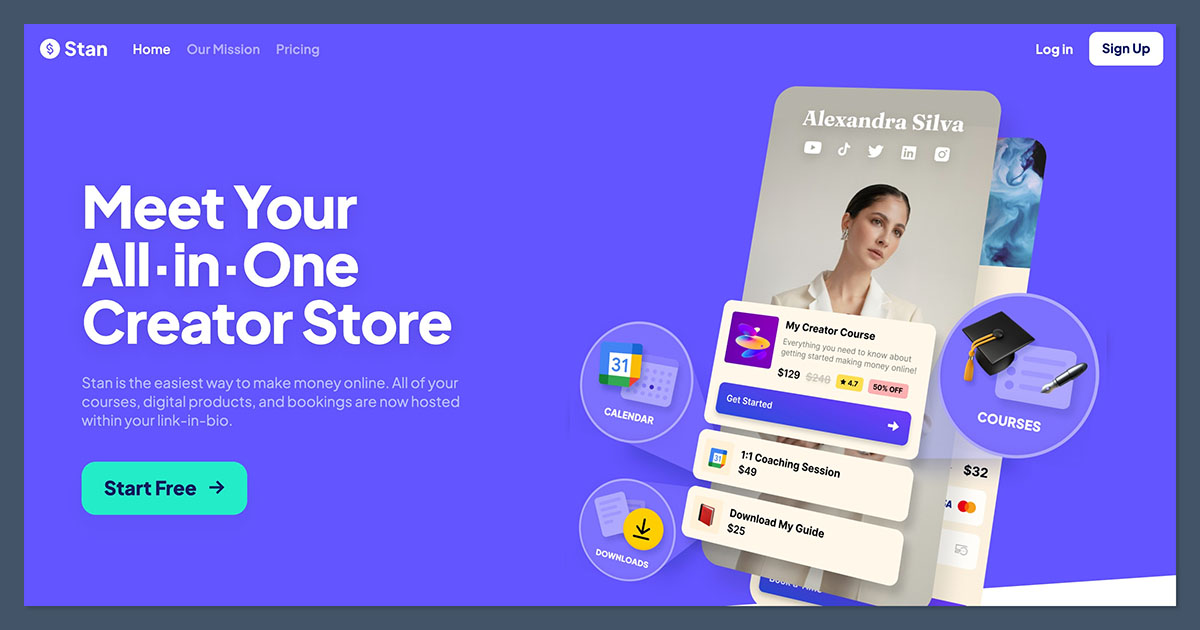
Best for: Instagram and TikTok creators selling directly from their profile link
Pricing: Creator at $29 per month, Creator Pro at $99 per month
Platform fee: 0% on both plans
Standout feature: A mobile-first storefront designed around the link in bio, with no percentage cut
If most of your traffic arrives from a social profile, Stan Store is built for exactly that journey. It replaces the link tree and the tip jar with a mobile-optimised storefront where followers can buy a product, book a call or join a subscription without leaving the flow they were already in.
The pricing model is the sharpest thing about it. Stan takes no percentage of your sales on either plan, which makes it unusually cheap once volume picks up. Against a 10% platform, Stan’s entry plan starts paying for itself at around $290 per month in sales.
What I Like
- Zero platform transaction fees on both plans
- Built specifically for mobile traffic coming from social profiles
- Digital products, courses, bookings and subscriptions all sit on the same page
- Annual billing brings the entry plan down to $300 per year
What I Dislike
- There is no free plan, only a 14-day trial, so costs start immediately
- The $29 plan is thin on marketing tools, and many creators end up needing Pro
- The course builder is basic and better suited to delivery than real teaching
- It assumes you already have social traffic, and offers no discovery of its own
Stan Store Pricing
The Creator plan costs $29 per month, or $300 paid annually, which saves $48 across the year. It covers the storefront, unlimited products, courses, bookings, subscriptions and basic lead capture, which is enough for most creators moving off a tip jar.
Creator Pro costs $99 per month, or $948 paid annually, saving $240. It adds email marketing, funnels, upsells, order bumps, discount codes, affiliate management, ad pixel tracking and payment plans. Neither plan charges a platform fee, so your only per-sale cost is standard card processing of around 2.9% plus $0.30.
Why Use Stan Store
Because a flat $29 with no percentage cut is the cheapest way to stop giving away a slice of every sale, provided you actually sell enough to clear the subscription.
Suitable for: Social-first creators with steady monthly sales who want predictable costs and no revenue share.
Not suitable for: Anyone with irregular income, since a quiet month still costs $29.
10. Liberapay: Best for Zero-Fee Donations
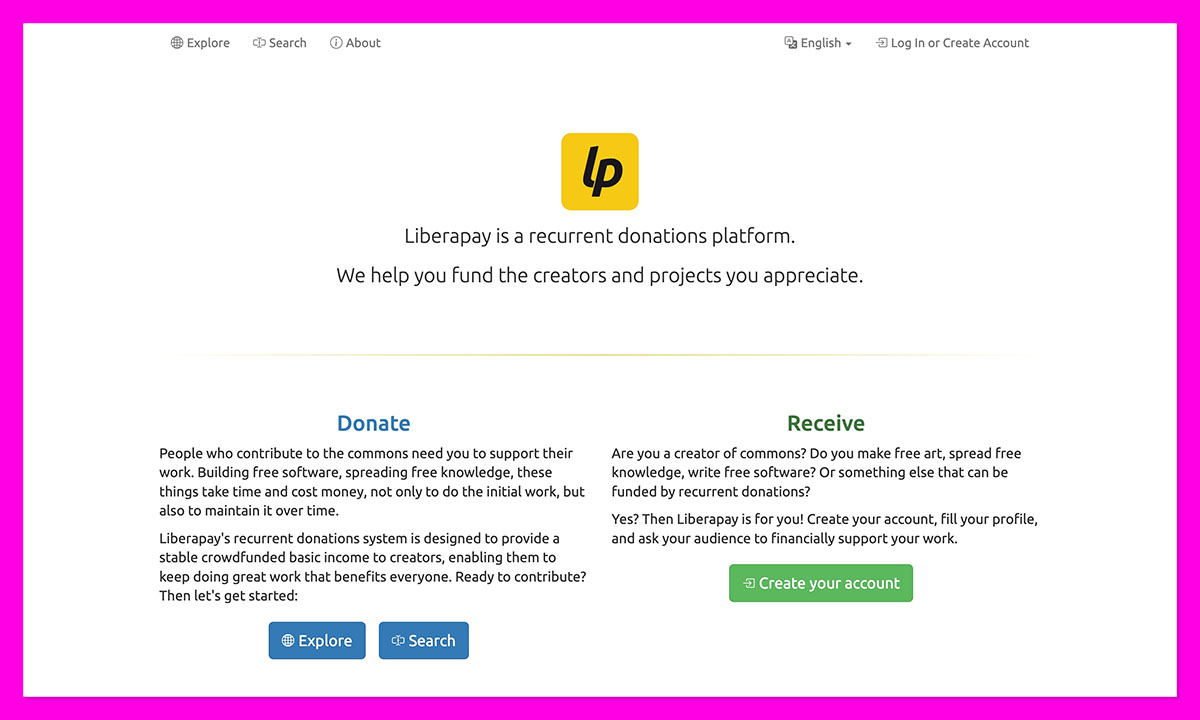
Best for: Open source maintainers and creators of freely available work
Pricing: Free, funded by donations to the platform itself
Platform fee: 0%
Standout feature: A non-profit, open source platform that takes no commission at all
Liberapay is the ideological opposite of a creator marketplace. It is a non-profit registered in France, its own source code is public, and it takes no commission on donations. What reaches you is your donation minus the payment processor’s cut and nothing else.
The trade-off is deliberate. Liberapay is for recurring donations only, and creators cannot offer rewards or perks in exchange. That restriction is the point: it keeps the model as pure patronage rather than a transaction, which has tax implications worth checking in your jurisdiction. Donations are funded in advance, and sending larger amounts less often reduces the percentage lost to fees.
What I Like
- No platform commission whatsoever, which no commercial alternative can match
- Non-profit governance and open source code make the model transparent
- Team accounts let project contributors receive and split money without a legal entity
- You can link accounts from GitHub, Mastodon and several other platforms to your profile
What I Dislike
- You cannot offer rewards, tiers or gated content in exchange for support
- There is no shop, no digital product delivery and no merch
- Discovery is minimal, so you need to drive every supporter yourself
- PayPal-processed payments carry noticeably higher fees than Stripe ones
Liberapay Pricing
Liberapay charges creators nothing. The organisation is itself funded by recurring donations made through its own service, which is a reasonable proof that the model works.
Your only cost is payment processing, and Liberapay publishes what that actually looks like. Over the last year, average fee percentages have been around 3% for payments processed by Stripe and around 5% for payments processed by PayPal. Because donations are funded in advance, supporters who top up larger amounts less frequently lose less to fixed transaction charges.
Why Use Liberapay
Because if you build things people use for free, a platform that takes nothing is the honest fit. Every commercial alternative in this guide is charging you for features you may not need.
Suitable for: Free software maintainers, wiki editors, archivists and anyone contributing to the commons.
Not suitable for: Creators who want to sell products, gate content or reward supporters with perks.
How to Choose the Right Buy Me a Coffee Alternative
The fee percentage is where everyone starts and it is rarely the thing that matters most. Work through these four questions instead.
What is your actual revenue mix?
If 80% of your income is one-time tips, Ko-fi’s free option saves you 5% immediately and you are done. If your income is memberships, the calculation changes completely, and Patreon’s 10% starts looking expensive against Fourthwall’s 5% or a flat monthly fee. Write down where your money currently comes from before comparing anything.
Do you want to own the relationship?
A Buy Me a Coffee page, a Patreon page and a Gumroad profile all live on someone else’s domain. Fourthwall, Memberful and Podia put the transaction on your brand instead. That difference compounds over years in a way a two-point fee gap does not, particularly for supporter email addresses and repeat purchase behaviour.
Where is your break-even on flat pricing?
Percentage models cost nothing in a quiet month and punish you in a good one. Flat monthly pricing does the reverse. The rough crossover points are worth knowing: Ko-fi Gold at roughly $240 per month in fee-bearing revenue, Ghost Publisher at a few hundred dollars a month against Substack’s 10%, Stan Store’s entry plan at about $290 against a 10% competitor, and Podia’s zero-fee tier once the 5% on its entry plan outweighs the $42 price gap.
Do you want to sell things or just receive support?
Tips have a natural ceiling because they depend on generosity rather than value exchange. Merch, courses and memberships do not. If you are considering this move at all, it is usually worth choosing a platform that can carry you two steps further than where you are now, rather than one that matches your current setup exactly.
How I Evaluated These Platforms
| Criteria | What I checked | Why it matters |
|---|---|---|
| Verified pricing | Every fee and plan price checked against the platform’s own pricing page, help centre or current published documentation at the time of writing | Creator platform pricing changes frequently, and third-party roundups go stale fast. Two platforms here had changed plans since my last check |
| True cost after processing | Platform fee plus card processing plus any recurring billing or payout charges | A 5% headline fee and a 10% headline fee can end up much closer once fixed per-transaction charges are counted on small payments |
| Revenue model fit | Whether the platform supports tips, memberships, digital products, merch, courses or a combination | Buy Me a Coffee covers several of these at once, so a replacement that only does one leaves a gap |
| Ownership and portability | Whether you keep your domain, branding, supporter list and payment relationship | Platform risk is real, and the ability to export and move matters more as your income grows |
| Barrier to starting | Free plan availability, trial length, approval waits and setup time | Creators switching platforms usually cannot afford a paid subscription before the first sale lands |
Final Verdict
Fourthwall is the best Buy Me a Coffee alternative for most creators, because it is the only option here that replaces the whole tip jar model rather than a slice of it. Merch, memberships, digital products and supporter payments run through one branded site, physical products carry no platform fee, and you can start without paying anything monthly.
If your income really is mostly one-time tips and you want the smallest possible change, Ko-fi is the right answer, and its free option beats Buy Me a Coffee’s flat 5% on the exact thing you earn from. If you are ready to build recurring revenue and your audience already understands the model, Patreon still converts better than anything else despite the 10% cut. And if you maintain something people use for free, Liberapay takes nothing at all.
The rest of this list solves narrower problems well. Choose based on what you sell, not on which fee looks smallest on a pricing page.
Frequently Asked Questions
What fees does Buy Me a Coffee charge?
Buy Me a Coffee applies a flat 5% platform fee on every transaction, covering tips, memberships and shop sales alike, with no monthly subscription. Stripe processing of 2.9% plus $0.30 applies on top, along with a 0.5% payout processing fee, and an additional 1% on transactions from outside the US.
Is Ko-fi cheaper than Buy Me a Coffee?
For one-time tips, yes. Ko-fi’s free option charges 0% on tips where Buy Me a Coffee charges 5% on everything. Memberships, shop sales and commissions carry 5% on Ko-fi’s free plan, which is level with Buy Me a Coffee, and Ko-fi Gold at $12 per month removes the fee across all payment types.
Which Buy Me a Coffee alternative has the lowest fees?
Liberapay takes no platform commission at all, so you only pay payment processing, though it is limited to recurring donations with no rewards. Among platforms that let you sell, Ghost, Stan Store and Podia’s higher plans all charge 0% platform fees, but you pay a monthly subscription instead, so the cheapest option depends entirely on your monthly volume.
Can I move my supporters to a new platform?
You can usually export your supporter list, and Buy Me a Coffee lets you export supporter contact details for anyone who did not donate privately. Recurring memberships are harder, because subscribers generally need to re-subscribe on the new platform rather than being transferred automatically. Plan for a transition period where both run in parallel.
Do I have to pay payment processing on top of the platform fee?
On almost every platform, yes. Standard US card processing is around 2.9% plus $0.30 per transaction, and it applies whether the platform fee is 0% or 10%. The main exception is Gumroad’s Discover marketplace, where the 30% rate includes processing. That fixed $0.30 is why very small tips lose a disproportionate share to fees.
What is the best Buy Me a Coffee alternative for selling merch?
Fourthwall, by a clear margin. It is the only platform in this guide with print-on-demand production and fulfilment built in, so you design products, set your own retail price above the listed manufacturing cost, and never handle inventory. Physical product sales also carry no platform fee.
Should I use more than one creator platform?
Many creators do, though it costs you focus and splits your audience across multiple links. A common approach is one primary platform where your products and memberships live, plus a zero-fee donation option for supporters who want their full contribution to reach you. If you find yourself managing four separate tools, consolidating is usually the better move.