
You know that feeling when a customer calls asking if their order’s ready, and you can’t remember which email thread their proof approval was in? For most print businesses, HubSpot CRM solves that — one place for every quote, message, and follow-up, free to start, and built to grow with you.
But it’s not the only option. Between quoting, artwork revisions, production schedules, and checking in with suppliers, keeping everything straight is almost impossible without the right system.
That’s what got me testing different CRMs made for small businesses and online sellers. I didn’t want a sales pitch or demo videos, I wanted to see how they’d handle real print jobs. So I ran a few through each system myself. HubSpot CRM, Printavo, Pipedrive, Zoho, you name it, I tried it to see which one could actually keep up.
What I found was that today’s CRMs, especially with all the 2025 updates around AI, automation, and ecommerce integration, can transform how you manage every stage of your business.
If you’re tired of chasing emails and ready to run your print shop like a well-oiled press, this guide will show you which systems actually deliver, and why HubSpot sits at the top of the stack.
What Makes a CRM Work for the Printing Industry?
If you run a print shop, or print on demand company, you know no two days are the same. One minute you’re quoting 50 branded mugs for a café, the next it’s 500 flyers for a local event.
Every order comes with its own set of proofs, revisions, and delivery deadlines, and if you’re not tracking every touchpoint, you’re losing time, money, and probably a little bit of your cool.
That’s why you need a CRM. But not every CRM understands the printing world. You don’t just need sales tracking; you need a tool that can keep pace with the way you work; quoting, production, customer communication, and repeat orders all happening at once.
A good CRM for printing should tick a few crucial boxes:
- Job tracking from quote to shipment: You should be able to see where every project stands: pending proof, in production, out for delivery, at a glance
- Proof approvals and communication in one place: If you’ve ever lost an approval buried in your inbox, you know the pain. A solid CRM keeps those messages attached to the actual deal, so nothing slips through
- Invoicing and payment integration: The best CRMs connect directly to payment tools or accounting software. That means fewer manual steps between a signed quote and a paid job
- Ecommerce compatibility: If you sell print-on-demand or take custom orders through Shopify or WooCommerce, your CRM should sync automatically, not rely on half-broken spreadsheets.
- Automation and inbound marketing: This is the game-changer. Imagine sending personalized follow-ups to customers who haven’t ordered in six months or automatically reminding clients about reprints. That’s sales automation, and it’s where platforms like HubSpot CRM truly shine.
Before, you pick your platform, think less about fancy dashboards and more about what will actually keep your shop moving. A great printing CRM doesn’t just track sales; it tracks everything that matters between your first quote and your customer’s next reorder.
Quick Comparison Table: The Best CRMs for Printing
| CRM | Best for | Key printing features | Starting price | Standout point |
|---|---|---|---|---|
| HubSpot CRM | Best overall for print businesses | Quote tracking, client portals, ecommerce + marketing automation, new 2025 AI & data features | $0 | Unified inbound + ecommerce system with 200+ new upgrades |
| Salesforce | Large or multi-site print operations | Multi-branch data management, AI forecasting, custom workflows | ~$25/user | Enterprise-grade power with 2025 Agentforce AI tools |
| Pipedrive | Small local print shops | Visual pipelines for quotes → proofs → delivery | ~$14/user | Fast setup and easy daily use |
| Printavo | Screen-printing & merch shops | Approvals, production calendars, invoicing | ~$99/mo | Industry-specific CRM built for print shops |
| Freshsales | B2B / wholesale printers | Built-in calling, lead scoring, quote management | ~$15/user | Strong outbound tools with Freddy AI suggestions |
| Zoho CRM | Budget-friendly print shops | Automation, invoice/job tracking, AI insights | ~$14/user | Great balance of cost and functionality |
| Monday.com CRM | Collaborative print studios | Visual boards for proofs, job status, design tasks | ~$12/user | Excellent visibility for creative teams |
| Less Annoying CRM | Solo printers & freelancers | Simple contact + task tracking | ~$15/user | Light, minimal, and easy to maintain |
In-Depth Reviews: The Best CRMs for Printing Businesses in 2026
Once you’ve narrowed it down, the real test is how these systems hold up under pressure. Because the truth is, managing a printing business isn’t just about “sales pipelines” and dashboards. It’s about staying sane when you’ve got three proof approvals pending, a reorder coming through Shopify, and a client who’s ghosted on an invoice.
Here’s what I learned:
1. HubSpot CRM: Best Overall for Printing Businesses
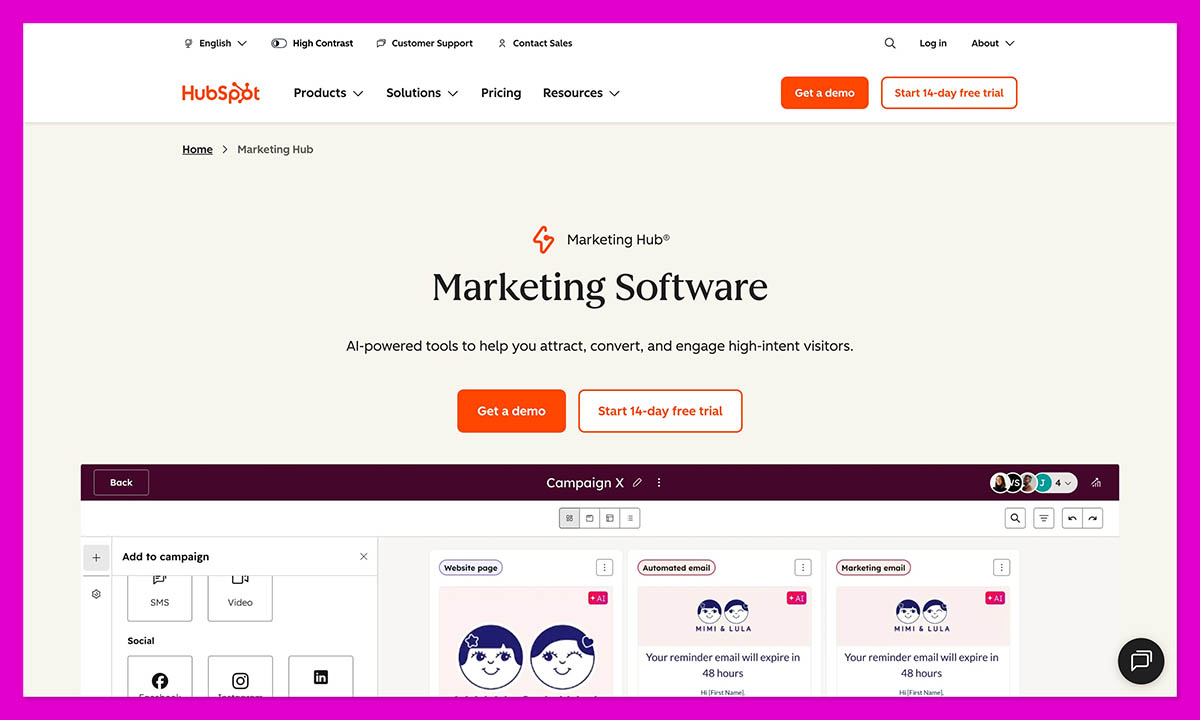
If you run a busy print shop or print-on-demand business, HubSpot CRM brings everything together; all your quotes, customer messages, artwork approvals, payments, and marketing strategies in one system. It’s the most complete all-in-one platform for printers who want to scale without drowning in admin.
Most CRMs stop at tracking leads. HubSpot doesn’t. It ties together your sales, marketing, ecommerce, and service work so you can actually follow what’s happening with each customer.
You can build a workflow that fits how you already run jobs, and then automate the small stuff you usually forget. It can remind clients who haven’t approved a proof yet, send a quick check-in to customers who haven’t ordered in a while, or ping your team when artwork finally gets signed off.
The newer Breeze AI Agents take it further by handling short messages and tidying up your inbox summaries, which saves a surprising amount of time during busy weeks.
Pros
- Combines marketing, sales, and service in one platform
- AI-powered automation for quotes, proofs, and follow-ups
- Deep ecommerce integrations with Shopify and WooCommerce
- Excellent free tier with scalable paid upgrades
- Centralized dashboards for clear customer visibility
Cons
- Takes time to configure pipelines and workflows
- Advanced tools can raise costs as you expand
Start with HubSpot CRM for free — no credit card required.
2. Salesforce: Best for Enterprise Print Networks
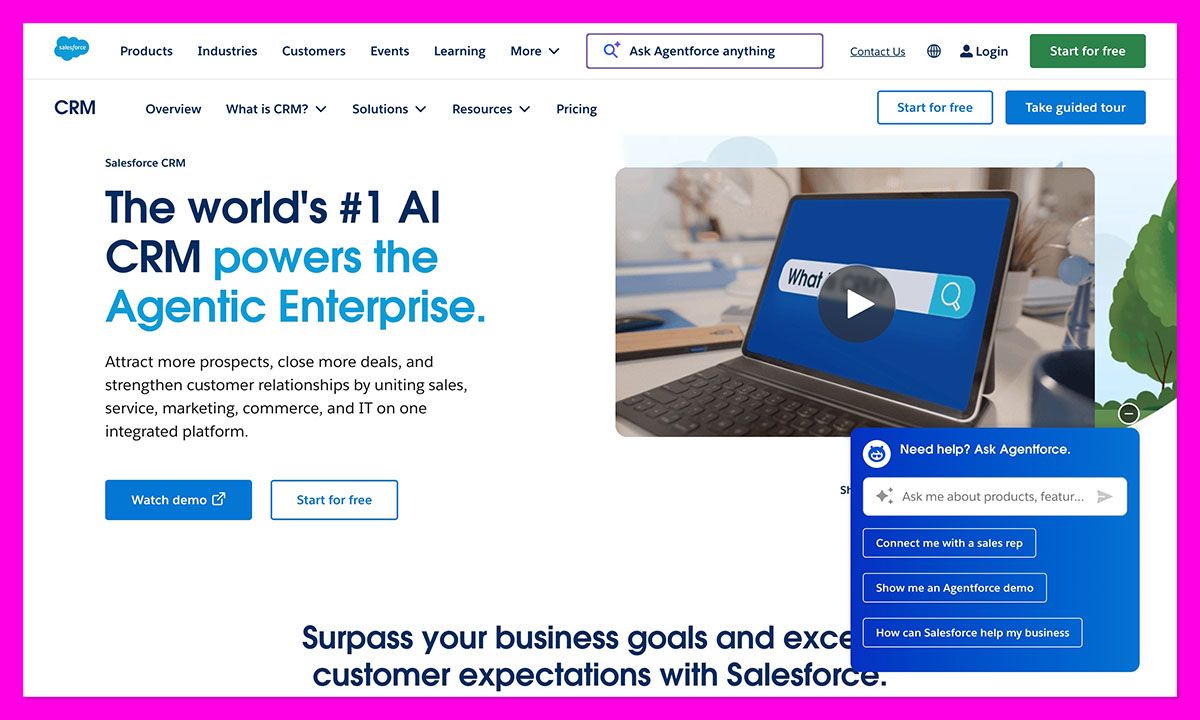
If you’re running several print locations, franchises, or managing corporate accounts, Salesforce is built for that kind of scale. It’s a big system, but once set up, you get full visibility across sales, production, and customer service.
It really shines in larger print operations where estimating, scheduling, and fulfillment teams all need access to the same live data. You can design detailed pipelines for each branch, set approval rules for large orders, and connect your quoting process right into the CRM.
With Salesforce’s Agentforce AI and Data Cloud, you can forecast demand, track high-value clients, and automatically surface opportunities for reorders or upsells. It’s ideal for high-volume printers working with recurring B2B accounts.
Pros
- Highly customizable for large print networks
- Deep automation and AI forecasting capabilities
- Scales easily with enterprise operations
- Excellent reporting and analytics tools
Cons
- Expensive compared to most CRMs
- Steep learning curve for setup and admin
- Too complex for small or medium print shops
3. Pipedrive: Best for Quick Quote & Order Tracking
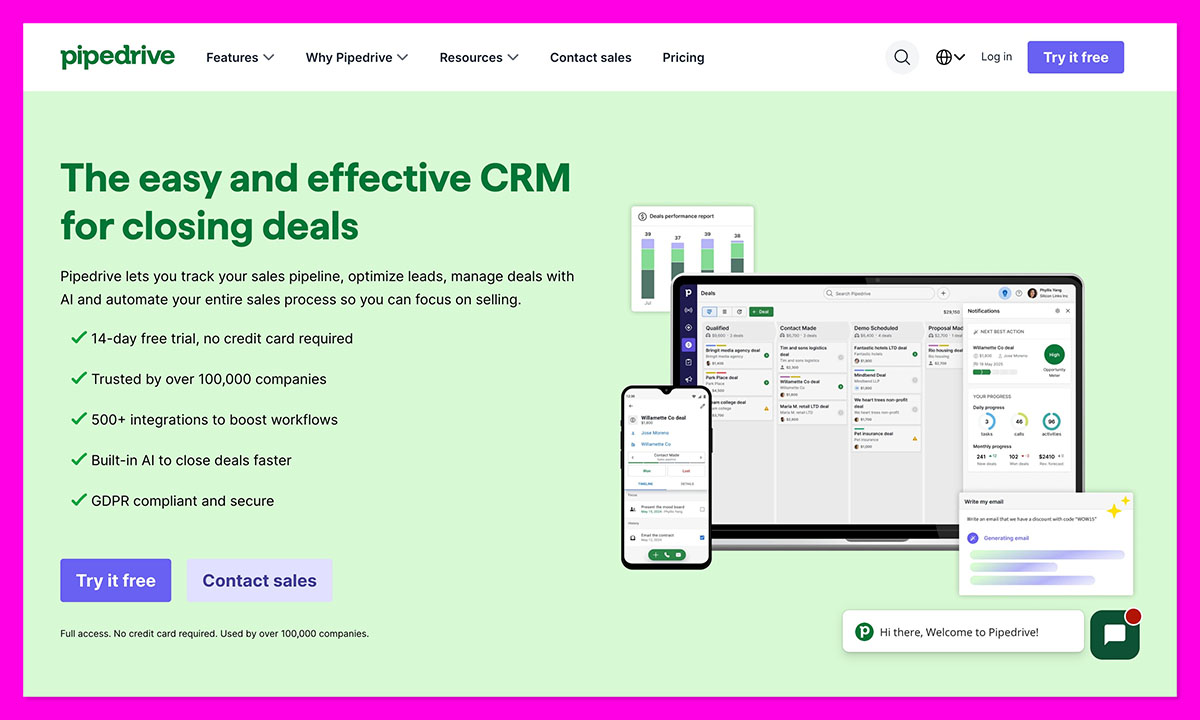
For smaller print shops or teams that just want to stay on top of quotes and follow-ups, Pipedrive is one of the most user-friendly CRMs out there. It’s quick, visual, and simple to learn. You can drag deals from “Quote Sent” to “Printing” to “Delivered” without digging through menus. Every job’s right in front of you.
The built-in AI assistant, Pulse, flags deals that might be slipping through the cracks so you can step in before they go cold. For small print shops that live on quick turnarounds and local orders, it’s an easy win, no clutter, no long setup, no spreadsheets.
You can set reminders for follow-ups, track lost deals, and use Pipedrive’s AI sales assistant (Pulse) to highlight jobs that are going cold, all without a complicated setup. It’s ideal for owners who want clarity without spreadsheets or admin bloat.
Pros
- Clean, intuitive interface, no training needed
- Visual pipelines perfect for tracking print jobs
- Quick to set up and customize
- Affordable, with strong value for small teams
Cons
- Limited marketing automation features
- No built-in proofing or artwork approval tools
- Lacks deeper ecommerce integrations
4. Printavo: Best Industry-Specific CRM
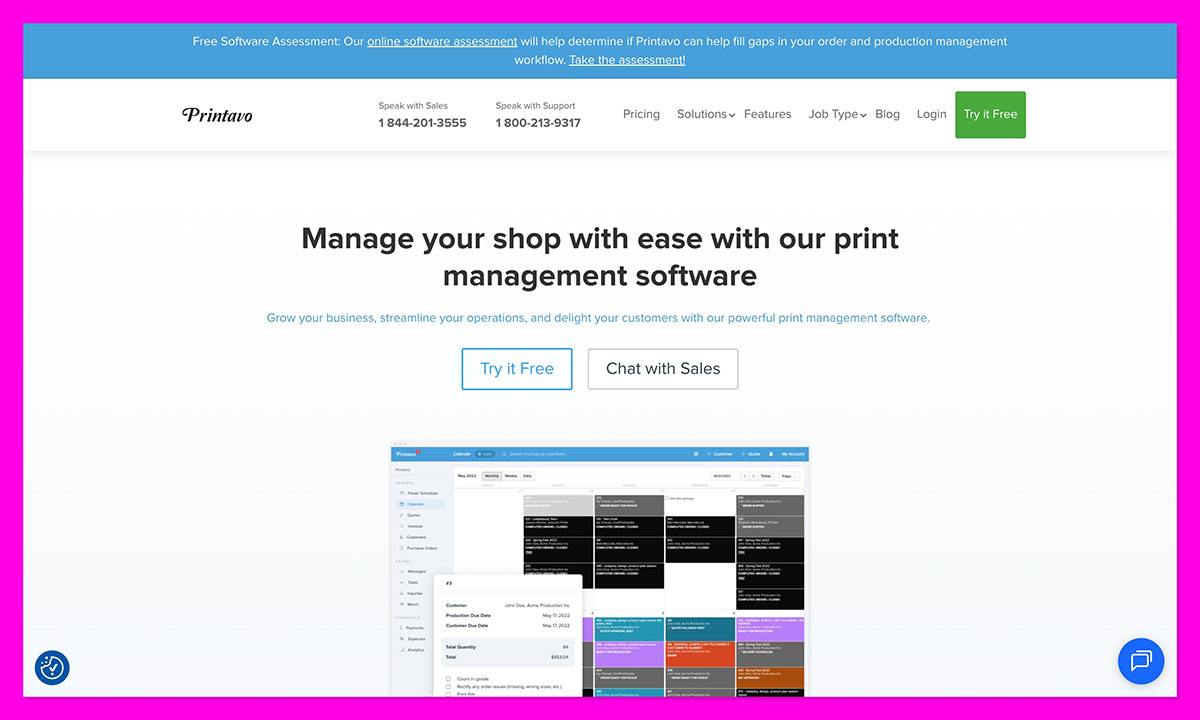
If your business focuses on screen printing, embroidery, or custom merchandise, Printavo is one of the few CRMs built just for you. It’s less of a traditional CRM and more of a full production manager, purpose-built for print workflows.
Printavo gets how print shops run. You can build quotes, approve artwork, plan the production schedule, and track every order in one place. Its built-in calendar shows what’s being printed, what’s behind, and which orders still need client feedback.
Tasks can be assigned to designers or press staff, invoices sent straight from the platform, and customers can approve proofs or make payments through their own portal. If your main struggle is staying on top of jobs, not marketing, Printavo handles that perfectly.
Pros
- Designed specifically for screen-printing and merch production.
- Excellent job tracking and approval tools
- Clear production scheduling and invoicing workflows
- Strong client-facing portals for approvals and payments
Cons
- Limited marketing and sales automation
- Few ecommerce or inbound marketing tools
- Not ideal for lead generation or remarketing
5. Freshsales: Best for Wholesale & B2B Printing
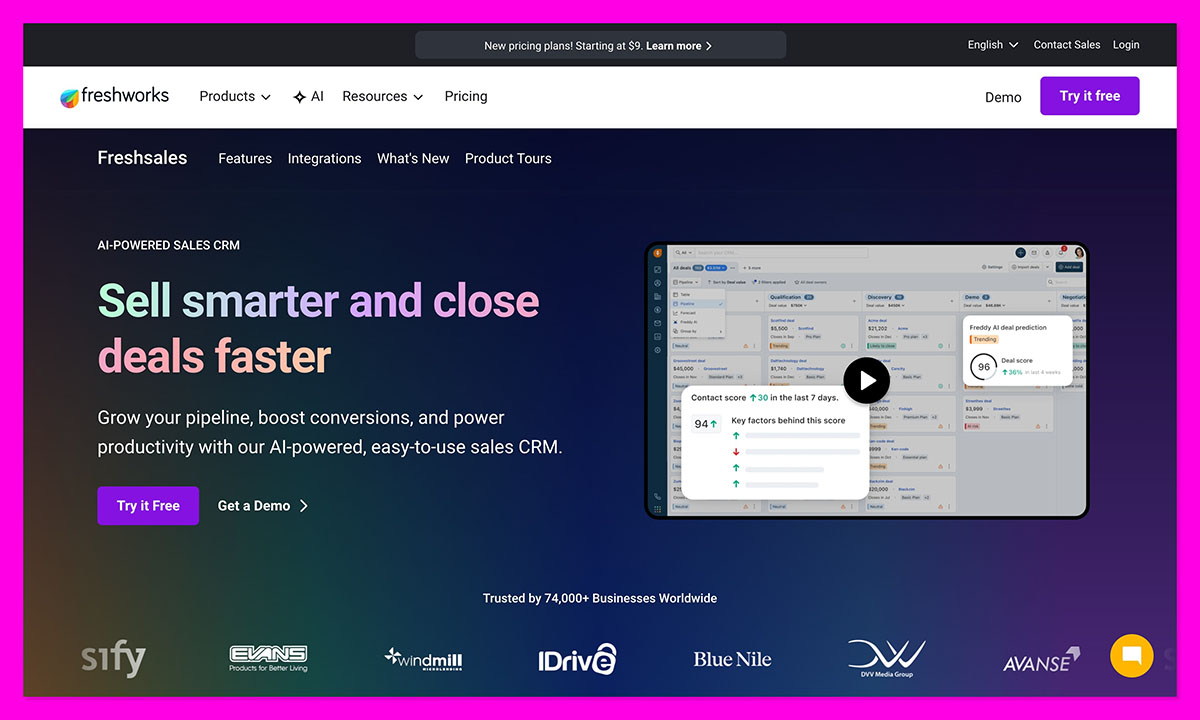
For print companies that deal primarily with business clients like trade printers, promotional product suppliers, or large-format wholesale orders, Freshsales is a smart, streamlined choice. It’s fast, intuitive, and geared toward relationship-driven sales.
Freshsales is really well designed for B2B workflows, where you’re quoting high-value jobs, managing multiple contacts per client, and handling long-term contracts. Its built-in phone system and email tracking make communication simple. You can log calls, track conversations, and see when clients open quotes or proposals.
The CRM’s Freddy AI assistant also helps prioritize leads and suggests next steps, making sure you never miss a follow-up or reorder opportunity.
Pros
- Excellent for B2B sales pipelines and account management
- Built-in calling and lead tracking
- Affordable and quick to implement
- Freddy AI improves productivity without complexity
Cons
- Limited marketing automation or ecommerce tools
- Fewer integrations with design or production systems
- Less suited for smaller retail print shops
6. Zoho CRM: Best Value for Growing Print Shops
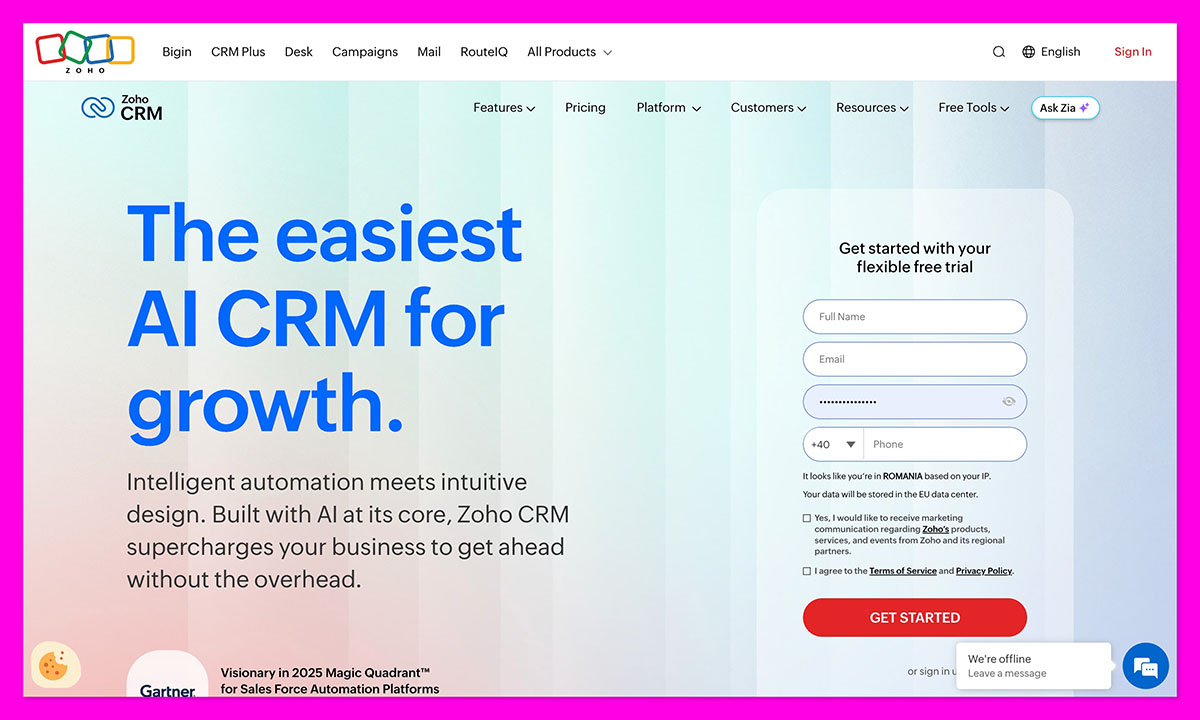
If you’re trying to run a growing print shop without spending a fortune on software, Zoho CRM gives you a solid foundation. It’s one of those tools that doesn’t look like much at first, but it easily handles most of what you need, like customer tracking, automation, and team coordination at a price that makes sense.
Repeat business keeps most print shops alive, and Zoho CRM makes it easier to hold onto those customers. It keeps everything in one place (jobs, notes, emails) and quietly reminds you to reach out when someone’s been quiet too long.
You can tag clients by what you do for them: shirts, packaging, or signage, so you’re never guessing what they ordered last time. If you use Zoho Books or Projects, it all syncs up automatically. Their AI tool, Zia, even picks up on your habits and gives gentle nudges, like when it’s probably time to follow up or send a quick message.
Pros
- Great automation and tracking for the price
- Works well with Zoho’s accounting and project tools
- Easy to scale as your business grows
- Solid reporting for client history and sales
Cons
- The interface still feels dated
- Takes time to customize
- Not tailored specifically to printing
7. Monday.com CRM: Best for Collaborative Print Studios
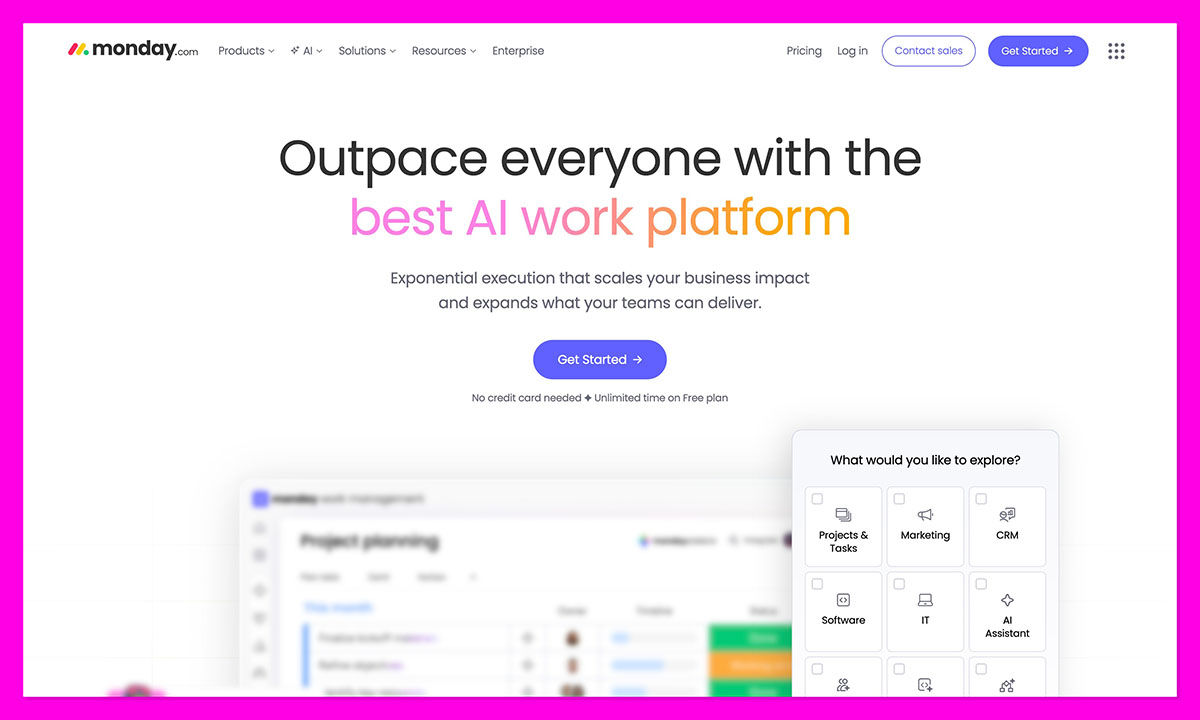
Some print teams run more like creative agencies, with designers, account managers, and production all working together on tight deadlines. Monday.com CRM fits perfectly into that kind of setup. It’s visual, flexible, and easy for everyone to use, even if they’ve never touched a CRM before.
With Monday.com, you can lay out your whole workflow and actually see where everything sits. Each stage sits on a simple, color-coded board. You can glance once and know what’s moving and what’s stuck. It’s straightforward, and for teams running lots of jobs at once, that kind of clarity keeps the day from spinning out.
Because Monday is so customizable, you can add columns for artwork status, due dates, or delivery tracking. Recent updates also added AI summaries, which help you catch up on client updates without reading through every note.
Pros
- Great visibility across jobs and deadlines
- Customizable to match your print workflow
- Excellent for design-heavy or collaborative teams
- Easy to pick up and use right away
Cons
- Not built for deep CRM or sales tracking
- Lacks built-in invoicing or ecommerce tools
- Best used alongside a dedicated CRM for client management
8. Less Annoying CRM: Best for Solo Printers
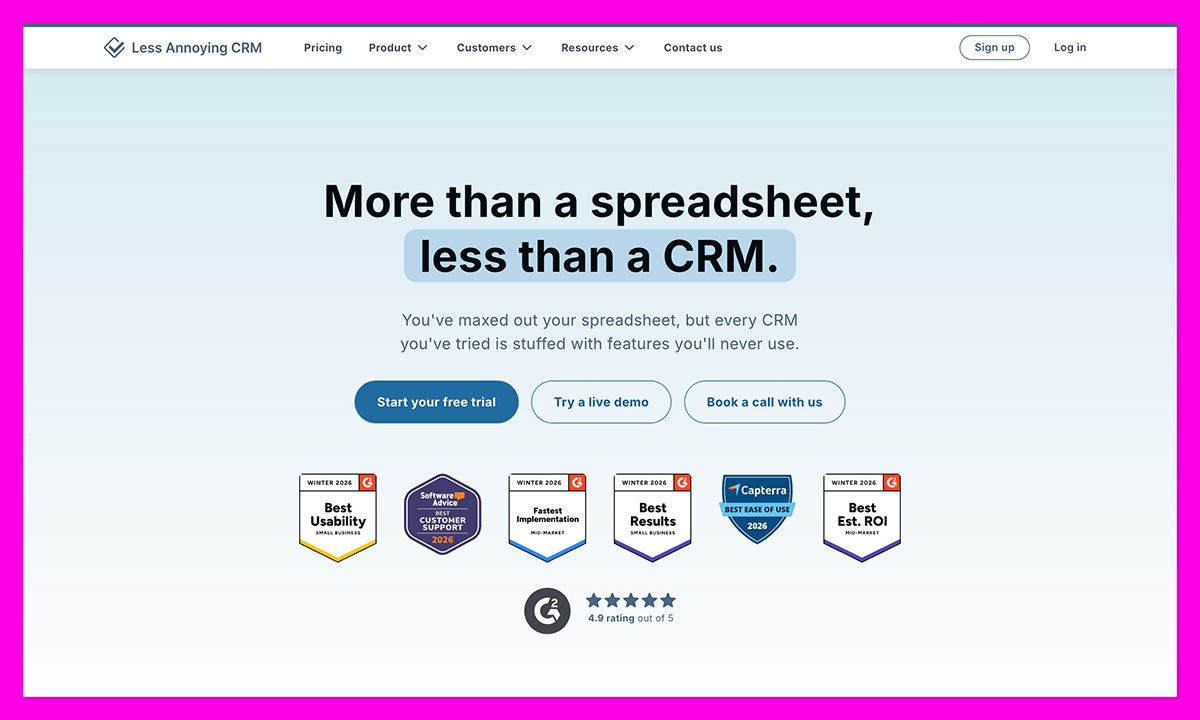
If you’re a one-person print operation, maybe you run a small signage business or handle custom apparel orders on the side, Less Annoying CRM is exactly what it sounds like: simple, clear, and genuinely easy to live with.
You don’t always need automation or analytics. Sometimes you just want a clean way to track clients, follow up on quotes, and remember who’s waiting for a proof. Less Annoying CRM keeps that process straightforward.
You can add contacts, set reminders, and see your pipeline on one screen. There’s no learning curve, so if you can use email, you can use this.
For solo printers or freelancers managing recurring customers, that simplicity means fewer distractions and less time lost to admin. You log in, see what’s due, and get back to printing.
Pros
- Extremely easy to set up and navigate
- No unnecessary features or confusing menus
- Low monthly cost with clear pricing
- Reliable support from a small, responsive team
Cons
- Very limited automation or integrations
- No invoicing or proofing tools
- Not designed for team use or scaling
Choosing the Right CRM for Your Print Business
Every print business has its own rhythm. Some are fast-moving shops that live and die by their production schedule. Others run on long-term client relationships or ecommerce orders that never stop flowing in. The right CRM depends on which of those worlds you live in.
Printavo handles production better than anyone else. Pipedrive and Monday.com are perfect if you need clarity and quick setup. Freshsales and Salesforce are great for B2B and enterprise-level print networks. Zoho and Less Annoying CRM shine when budget and simplicity matter most.
But if you’re looking for a system that covers everything, HubSpot CRM remains the strongest overall choice for 2026. It’s built for small businesses but powerful enough to grow with you, and with its latest AI and data tools, it’s ready for the next stage of how printers work.
You can start with a free HubSpot CRM account and see how much smoother your workflow becomes when your quotes, proofs, and client communication finally live in one place.
FAQs
Do print shops really need a CRM?
If you’re still using email threads and sticky notes to keep up with quotes, probably yes. A CRM doesn’t have to be complicated, it just gives you one clean place to see who’s waiting on what, and what stage each job’s at. Makes the day feel less like firefighting.
I only run a small shop. Is a CRM worth it?
It can be, if you pick something simple. A free option like HubSpot keeps contacts, quotes, and reminders tidy without adding extra work. You don’t need fancy automation, just enough structure so nothing gets lost.
What’s the main difference between HubSpot and Printavo?
They handle different sides of the business. HubSpot looks after customers: the quotes, marketing, payments, follow-ups. Printavo focuses on production once the order’s confirmed. One keeps sales moving; the other keeps the presses on schedule.
Is automation actually useful?
Definitely. Even small automations like a reminder for an unapproved proof or a nudge about reorders make a difference. It’s not about replacing your work; it just saves you from repeating the same little tasks all week.
What’s the best all-round choice right now?
If you want one system that connects your quotes, sales, and follow-ups without being a pain to use, HubSpot CRM’s still the one to beat. It works for small shops, grows with you, and actually makes your week run smoother.
How long does it actually take to get HubSpot CRM set up for a print business?
Most print shops are up and running within a day. Here’s how HubSpot makes it straightforward: connecting your email takes minutes, importing your existing client list is a simple CSV upload, and HubSpot’s setup wizard walks you through building your first pipeline. If you’re running Shopify or WooCommerce, the integration syncs your order data automatically. The parts that take longer — custom workflows and automation — are optional, and you can build those out gradually as you get comfortable with the platform.



