
Zazzle and Redbubble are two of the most well known names in the print on demand space, but can either of them actually deliver the best results for sellers?
I’ve spent over 200 hours digging into these major POD platforms, testing and comparing them, and I’ve used both Zazzle and Redbubble to build stores, upload designs and track results.
So, after all that hands on testing I have to say that Redbubble comes out on top – especially if you’re focusing on scaling a store around trends, art or niche communities.
Zazzle vs Redbubble: How Do They Stack Up?
Redbubble – Great for artists and sellers who want to scale fast
Zazzle – Perfect for custom, event focused products and personalising things
In this review, I’ll walk you through the key differences between Zazzle and Redbubble across core areas like pricing, product range, setting up shop, payouts, SEO and more.
Zazzle vs Redbubble: A Quick Look
Want a quick overview of the two platforms? Check out the table below for a rundown of the key differences:
| Feature | Zazzle | Redbubble |
| Best For | Custom gifts, events, bulk orders | Artists, trend-focused sellers |
| Customization Options | Extensive | None |
| Product Range | 1,500+ products | ~70 products |
| SEO Control | High | Limited |
| Monthly Traffic | ~16 million | ~30 million |
| Payout Threshold | $20 (PayPal), $50 (check) | $20 (PayPal) |
| Royalties | Set your own (5–99%) | Default 20%, adjustable per product |
| Learning Curve | Steep | Beginner-friendly |
| Setup Speed | Slower | Fast and simple |
Best for Customisation: Zazzle
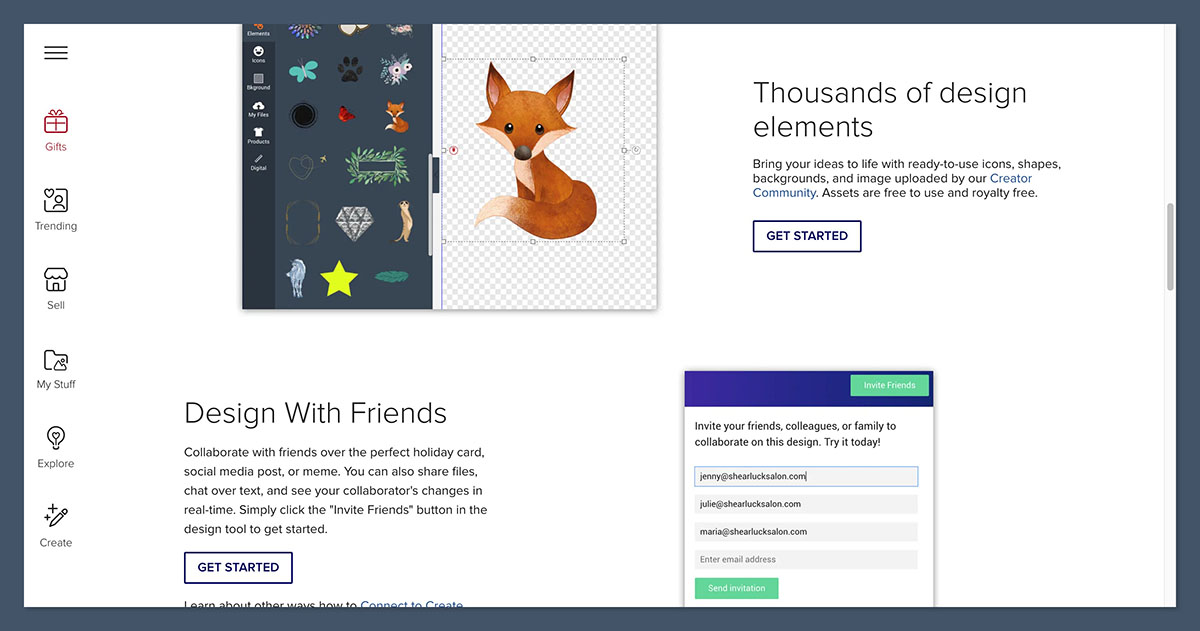
If personalisation is your game, then Zazzle is the way to go. You can create templates that customers can edit directly on the product page.
For example, if you’re designing wedding invitations or business cards, you can create placeholders for names, dates or company logos. The buyer gets a live editor experience – something Redbubble doesn’t offer at all.
Here are some examples of what you can customise on Zazzle:
- Text fields (eg names, messages)
- font style, color and size
- layout positioning
- images and photos
Redbubble, on the other hand, doesn’t offer any customisation – what you upload is what the customer sees. It’s more about artistic expression than making it personal for each buyer.
The Winner
Zazzle takes the win in this category thanks to its awesome customisation tools and focus on making things personal for each buyer.
Best for Product Range: Zazzle

Zazzle has an absolute ton of products to choose from – over 1,500 items to be exact. That includes paper goods, homeware, accessories and office supplies.
Some popular categories on Zazzle include:
- business – business cards, binders and letterheads
- events – invitations, signs and save the dates
- gifting – wrapping paper, wine bags and puzzles
- apparel – t shirts, baby clothes and tote bags
- niche markets – skateboards, ping pong paddles and luggage tags
Redbubble on the other hand has a much smaller product range (around 70 items) but its focus is on products that are perfect for visual design. Stickers, apparel, phone cases and homeware are its main focuses.
Redbubble’s product focus:
- art-focused products (posters, prints)
- apparel with designs front and centre
- stickers (currently its top seller)
- niche fandom merchandise
The Winner
Zazzle wins again because of sheer volume and product diversity, especially for sellers targeting events, corporate gifts or personalised items.
Best for Ease of Use: Redbubble
I found Zazzle’s backend to be a bit overwhelming at first.
The dashboard has dozens of options and menus to get through. While that’s great for advanced users it can be daunting for someone trying to set up a store quickly.
Zazzle setup involves:
- creating templates with editable layers
- choosing product categories manually
- adjusting SEO fields and visibility settings
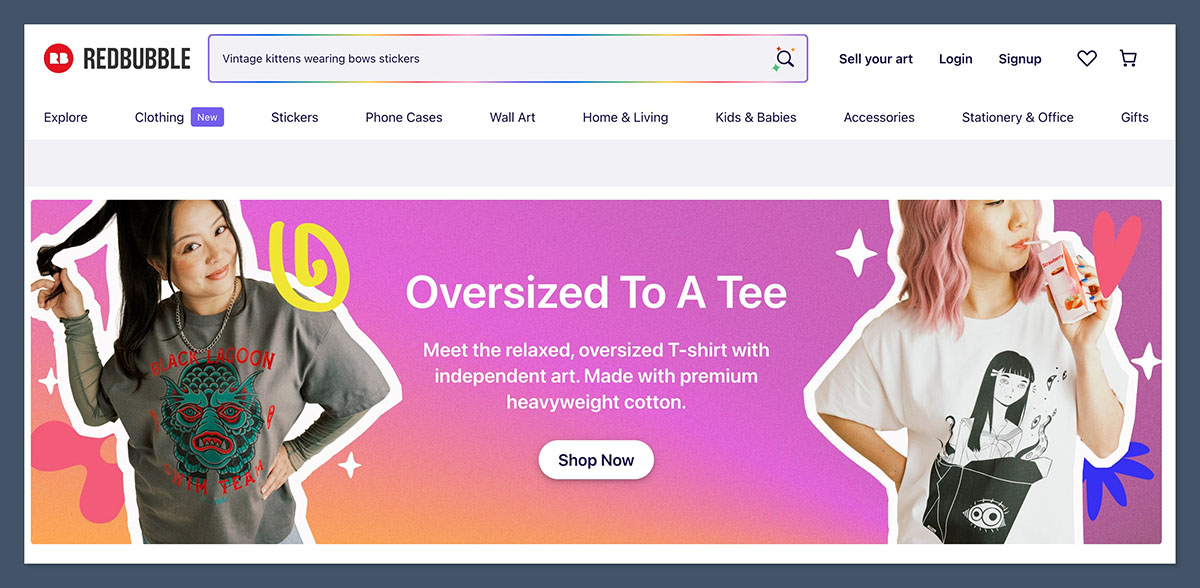
By contrast, Redbubble is a real breeze to use. Just upload your design, choose which products to apply it to and hit publish.
Redbubble’s upload process:
- add a title and description
- select up to 50 tags
- choose your products
- adjust placement per product
- hit publish – done
The Winner
Redbubble is the clear winner here, it’s much easier to use, especially for beginners or anyone managing multiple designs at once.
Best for SEO and Organic Traffic: Zazzle
Zazzle lets you take control of how your products show up in search results – both on Zazzle and on Google.
Here are the key areas to optimise on Zazzle:
- Meta title and description: make sure these both accurately reflect what your product is, and why it’s great
- Product tags: these are like keywords – make sure you use the terms people are searching for
- Product visibility: this just means making sure your products are visible in search results – so double check the category filters you’ve set up
- URL structure: make sure your product URLs are clean and easy to read
- Category placement: where you place your products in a category can really affect search visibility
Redbubble has some okay domain authority, and often ranks well for niche keywords. BUT – individual creators can’t optimise meta titles or edit URLs. You’re pretty much at the mercy of internal ranking and tags.
Comparing SEO Options:
| SEO Feature | Zazzle | Redbubble |
| Meta Titles | Yes | No |
| Tags | Yes | Yes (50 max) |
| Custom URLs | Yes | No |
| Category Structure | Yes | No |
The Winner: Zazzle
Zazzle just has so many more options for SEO, which makes it a better choice for creators who are after long-tail, precisely-targeted product searches.
Earning Potential: Redbubble and Zazzle Tie
This one’s pretty close to being a tie – and it all depends on your strategy.
Zazzle lets you set your royalty rate between 5% and 99% – which means you’ve got a lot of control over your margins. BUT – be careful not to go too high, or Zazzle will just bump up the price of your product, which can kill sales.
Redbubble defaults to a 20% markup, but you can adjust this by product. You don’t control the base price, just the markup.
How The Earnings Work:
| Platform | Product | Base Price | 20% Royalty | Your Cut |
| Zazzle | Mug | $15.00 | $3.00 | $3.00 |
| Redbubble | T-shirt | $20.00 | $4.00 | $4.00 |
Other Payout Details:
- Zazzle: Paid monthly, net 30, $20/$50 threshold
- Redbubble: Paid monthly around the 15th, $20 threshold
The Winner: It’s a tie
Zazzle gives you more control, but Redbubble is just more consistent for passive income if you focus on trends and high-volume designs.
Trends and Niche Designs: Redbubble
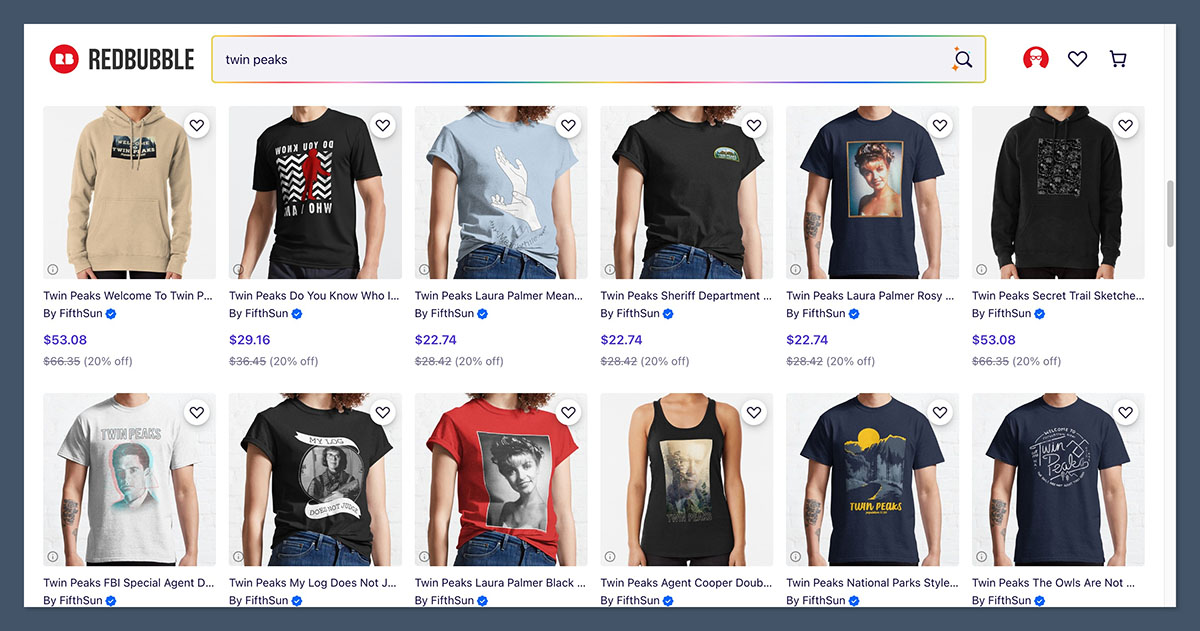
If you’re an artist or meme-maker, Redbubble is a dream come true.
The platform is built around niche subcultures, trends, and fandoms. I’ve seen simple designs go viral just by riding a trend (like a quote or meme).
Where To Find Trends On Redbubble:
- Stickers with funny phrases
- Political satire
- Pop culture quotes
- Aesthetic art (grunge, vaporwave, etc.)
- Internet memes and viral moments
Zazzle just doesn’t have that same kind of trend-driven discovery mechanism – it’s more of a “find something specific” kind of platform.
The Winner
Redbubble wins here. It’s built for trend-riding, niche fandoms, and viral designs that can scale fast.
Support and Trust: Zazzle
Both platforms have decent help centres and documentation, but Zazzle has some major advantages when it comes to copyright and intellectual property.
Redbubble has had some issues with art theft – designs uploaded by one artist being resold by others. They’ve tried to improve things, but it still happens.
Zazzle takes a stricter approach – it requires you to confirm you have the rights to use all images. Which is a big plus if you’re worried about your IP.
The Winner
Zazzle provides better IP protection and support for sellers.
The Verdict: Redbubble Is Best For Most Sellers
| Category | Winner |
| Customization | Zazzle |
| Product Range | Zazzle |
| Ease of Use | Redbubble |
| SEO Control | Zazzle |
| Earning Potential | Tie |
| Trends and Virality | Redbubble |
| Support and IP Protection | Zazzle |
If you’re an artist, trend-chaser, or want to scale fast without fuss – Redbubble is the best print-on-demand platform to start with.
If you sell custom gifts, event stationery, or want deep SEO control – Zazzle is the better long-term option.
Still not sure? Try both. Sign up for a free account, upload a few designs, and see which dashboard feels more natural to you.



