When you first start selling online, you track everything in a single Google Sheet: orders, leads, customer notes, all jammed together. It works fine until it doesn’t. Once sales pick up, the file lags so badly it crashes every time you try to do something. I get it.
That’s when I started testing CRM software built for B2C. Not the kind made for enterprise sales teams with endless pipelines, but tools that fit the pace of ecommerce. Over the past year, I’ve tried a bunch of the most talked-about options.
I ran each one in real stores, connecting them to Shopify, Meta Ads, and customer support inboxes. I tracked setup time, data accuracy, automation results, and how each platform handled day-to-day chaos: returns, upsells, repeat customers.
Each system brought something useful. Pipedrive made deal tracking simple. Monday.com helped coordinate my team. Zoho offered strong automation for the price. But one stood out for handling the full picture: HubSpot’s platform tied marketing, sales, and support together without breaking anything else.
Quick Comparison: The Best B2C CRMs
After testing these CRMs across multiple ecommerce stores, here’s what I found: every platform claims to “streamline your sales,” but only a few genuinely make day-to-day work easier.
Here’s how the seven best B2C CRMs stacked up when put to work in real stores:
| CRM | Best for | Pricing (start) | Key features | Limitations |
|---|---|---|---|---|
| HubSpot CRM | Best overall for ecommerce & inbound marketing | Free | Unified Hubs for Marketing, Sales & Service; automation workflows; AI lead scoring; 2,000+ integrations; email & ad tracking; real-time analytics. | Advanced features in paid plans; learning curve for beginners. |
| Pipedrive | Streamlined sales pipelines | ~$14 / user / month | Drag-and-drop pipeline management; deal tracking; activity reminders; email sync; revenue forecasting. | Limited ecommerce & marketing tools; fewer native integrations. |
| Monday.com CRM | Collaborative ecommerce teams | ~$12 / seat | Visual boards for workflows; task automation; integrated email tracking; strong collaboration tools; custom dashboards. | Basic marketing tools; not built for complex automations. |
| Freshsales | Speed and simplicity for startups | Free tier available | Built-in phone & email; AI lead scoring (Freddy AI); contact tracking; workflow automation; deal insights. | Fewer third-party integrations; reporting can feel light. |
| Zoho CRM | Growing small businesses | Free tier available | Zia AI predictions; multichannel contact management; sales forecasting; customizable automations; native Zoho suite integration. | Dated interface; can be complex to configure. |
| Salesforce | Enterprise-scale B2C operations | Custom pricing | Custom objects; advanced analytics; omnichannel communication; AI-driven insights; deep ecosystem (Slack, Tableau, Marketing Cloud). | Expensive; requires admin support to maintain. |
| Insightly | Small business hybrid CRM + project ops | Free tier available | Simple contact management; project tracking; task management; workflow automation; email templates. | Limited scalability; light on ecommerce features. |
The Best CRMs for B2C Sellers: Tested
After a few months of switching between dashboards, exports, and late-night integrations that didn’t always work, I got a clear sense of what each CRM actually feels like to use. Some made life easier. Others made me want to go back to spreadsheets.
Here’s what happened when I ran each CRM through actual stores.
1. HubSpot CRM: The Best B2C CRM for Growth
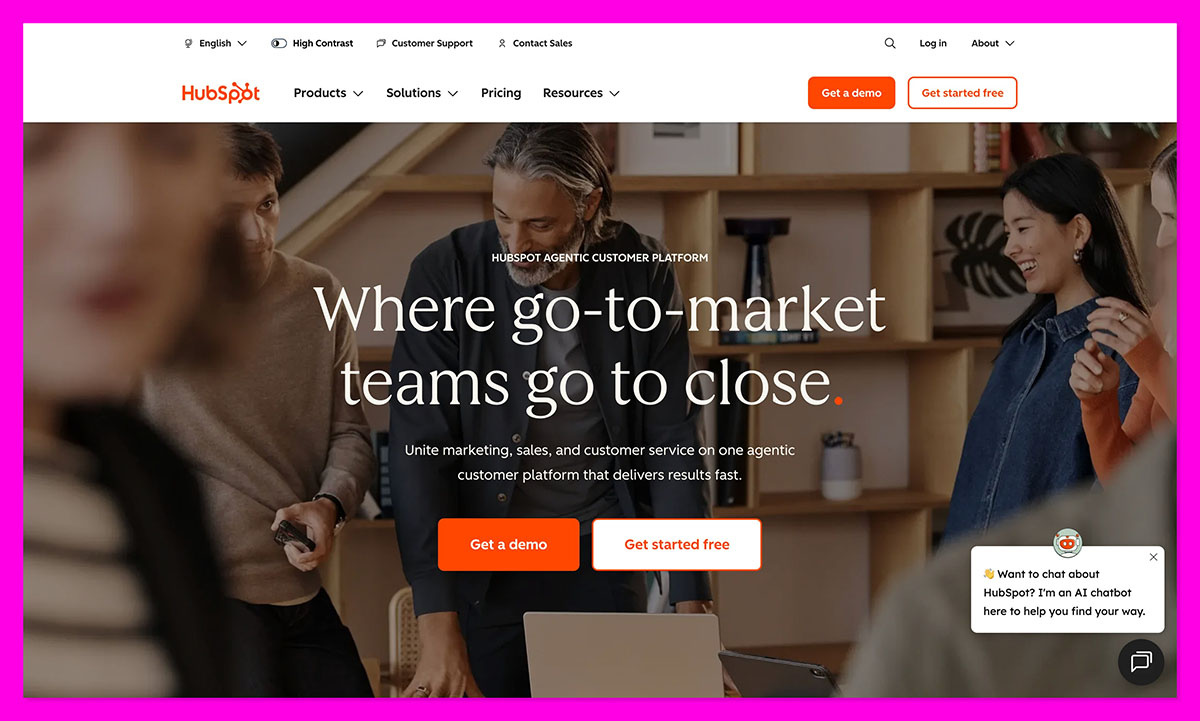
If you sell direct to customers, HubSpot CRM just clicks. It ties everything together: the ad that brought someone in, the purchase they made, and the follow-up that keeps them coming back. What impressed me most wasn’t the tech; it was how natural it felt in real use.
In a Shopify store, HubSpot pulls customer data, syncs orders, and builds marketing segments automatically. The Marketing Hub handles abandoned-cart emails and retargeting. Sales Hub tracks deal stages without me touching a spreadsheet. The Service Hub even logs refund requests straight from Gmail.
For B2C companies, this means fewer blind spots and faster repeat sales. The built-in Commerce Hub (with payment and quoting tools) is surprisingly powerful for small ecommerce teams. Reporting is clean, and HubSpot’s dashboards actually make sense to non-marketers, too.
Pros:
- Unified data across marketing, sales, and service
- Free tier includes core CRM and automation
- 2,000+ integrations with ecommerce and ad tools
- Reliable analytics and email tracking
Cons:
- Some advanced automation features require paid tiers
- Can feel heavy at first setup for solo founders
2. Pipedrive CRM: Best for Streamlined Sales Teams
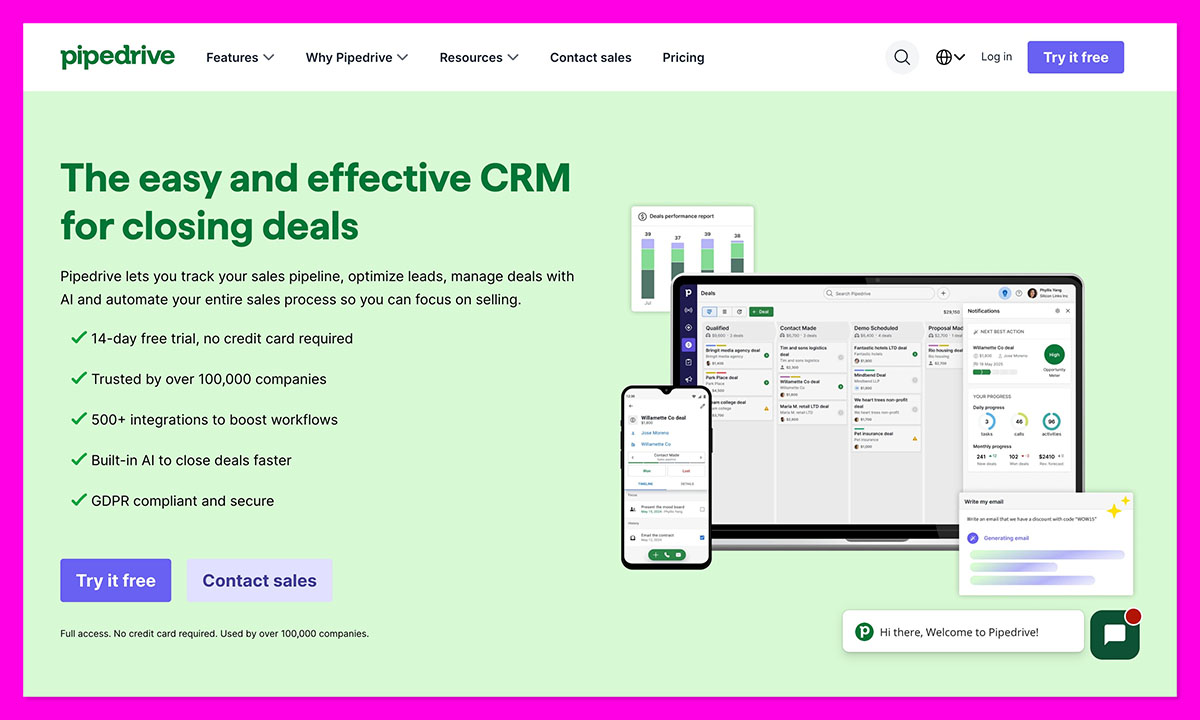
If your B2C business runs on quick transactions and a tight sales pipeline, Pipedrive is one of the easiest CRMs to live in. It’s designed for people who’d rather sell than manage software, everything’s drag-and-drop, and it takes less than an hour to get your first deal board up and running.
When you use Pipedrive for a small print-on-demand brand, it becomes your “deal control center.” Every lead from Facebook Ads drops neatly into a stage, and the team can see at a glance who replies, who needs a nudge, and who’s ready to buy.
The layout makes sense right away: clean, visual, and easy to scan. It’s great if you juggle multiple products or customer groups. I liked how it linked my email automatically, reminded me about follow-ups, and forecasted sales. Still, it’s built mainly for selling, so connecting a store or automating post-purchase flows takes extra tools like Zapier.
Pros:
- Fast setup and easy-to-use pipeline interface
- Excellent visibility into deals and sales stages
- Strong reminders and forecasting tools
- Affordable for small teams
Cons:
- Limited native ecommerce or marketing tools
- Automation and integrations require add-ons
3. Monday.com CRM: Best for Collaborative Ecommerce Teams
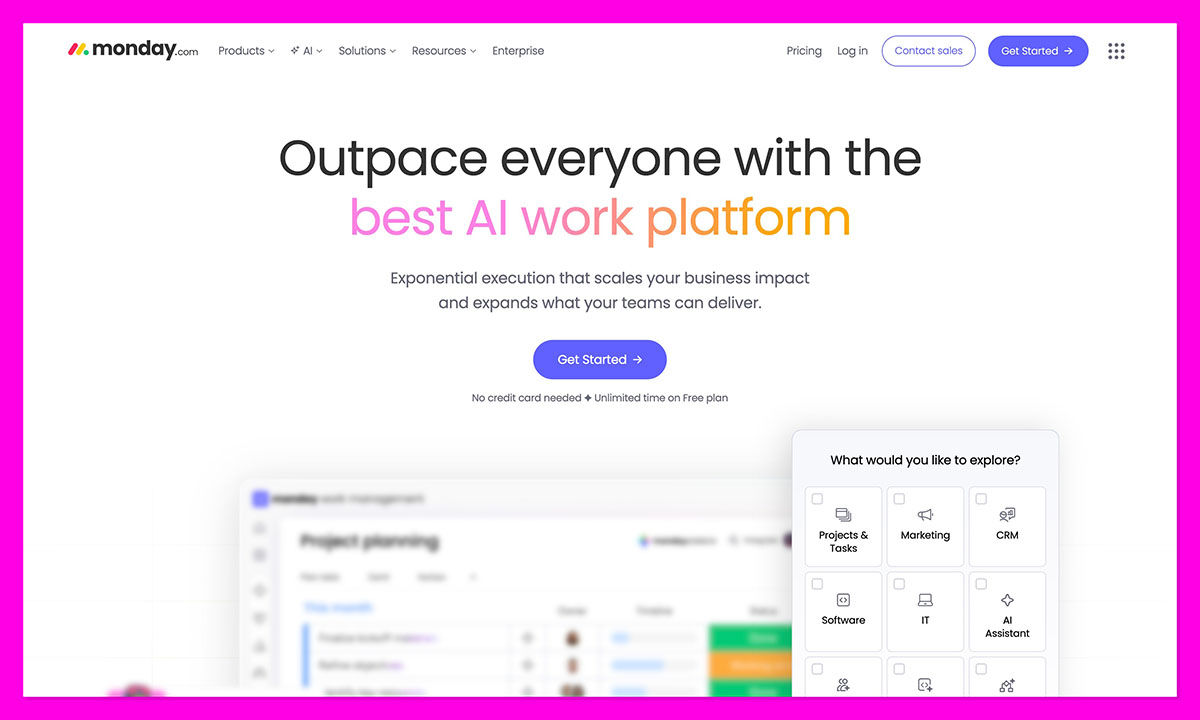
Monday.com CRM feels less like a CRM and more like an all-in-one workspace. For ecommerce teams juggling design, logistics, and customer service, that’s actually a big win.
Monday is ideal as a shared command center. Teams can track supplier updates, campaign tasks, and customer conversations all in one visual board. The color-coded workflow makes it obvious who’s behind on follow-ups or which orders are getting stuck in fulfillment.
What I like most is the flexibility, you can build dashboards, connect Gmail, automate updates, or trigger Slack messages when deals move forward. The new AI Hub is handy too, summarizing customer threads and helping plan outreach.
But Monday.com isn’t a true sales automation powerhouse. It’s great for collaboration, light CRM work, and managing a B2C team, less so for deep ecommerce tracking or nurturing sequences.
Pros:
- Beautiful, intuitive interface
- Excellent for teamwork and project visibility
- Highly customizable boards and automations
- Integrates with key ecommerce tools and email
Cons:
- Limited marketing automation
- Reporting is simpler than full CRMs like HubSpot
4. Freshsales: Best for Speed and Simplicity
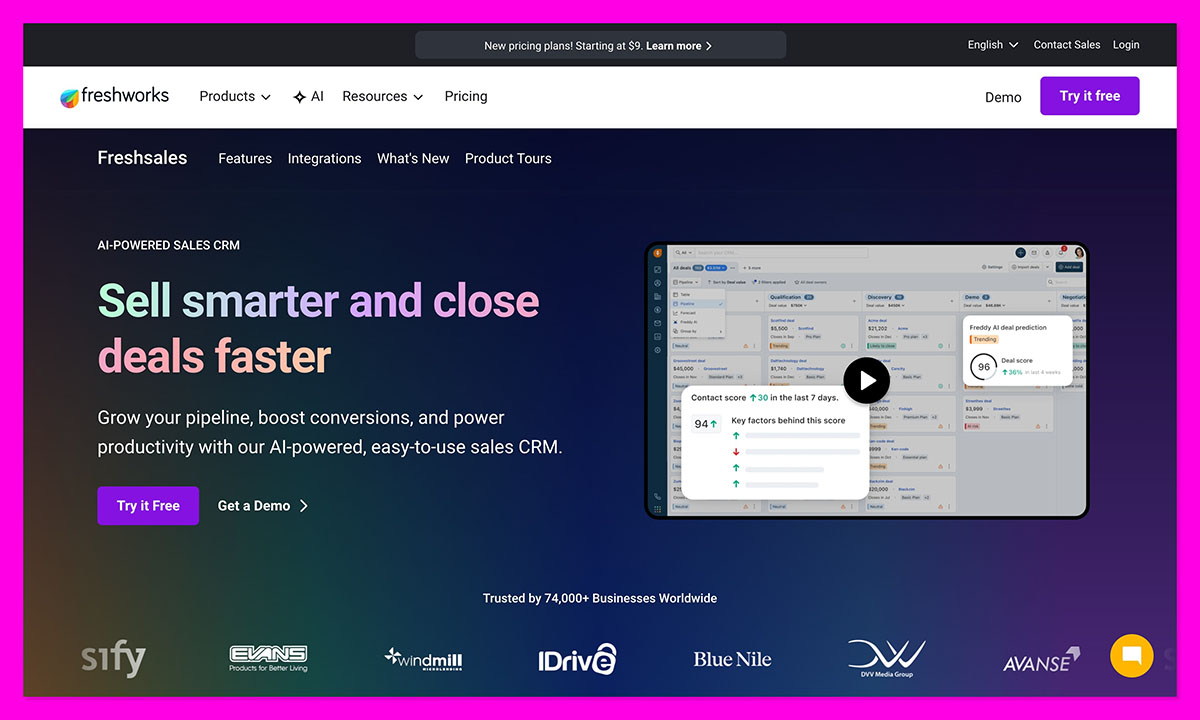
If you’re setting up a new ecommerce store and just want a system that doesn’t slow you down, Freshsales fits the bill. It’s quick to install, looks neat, and everything you need: calls, emails, lead scoring, already works out of the box.
It’s so easy to get started. Just import contacts, sync web forms, set up your automated follow-ups with Freddy AI, and everything starts to run smoothly. The system can even score leads automatically and flag repeat visitors on your site, that can help you convert casual browsers into paying customers.
The whole platform feels built for momentum. There’s no hunting through menus or wasting time on training videos. That said, it’s very much a sales CRM, not a marketing suite. If you’re running multi-channel ads or need deep ecommerce reporting, you’ll outgrow it fast.
Pros:
- Quick setup with minimal learning curve
- Built-in phone, email, and deal tracking
- Freddy AI for lead scoring and engagement insights
- Free tier available for smaller teams
Cons:
- Limited analytics and ecommerce integrations
- Marketing automation feels basic compared to HubSpot
5. Zoho CRM: Best for Growing Small Businesses
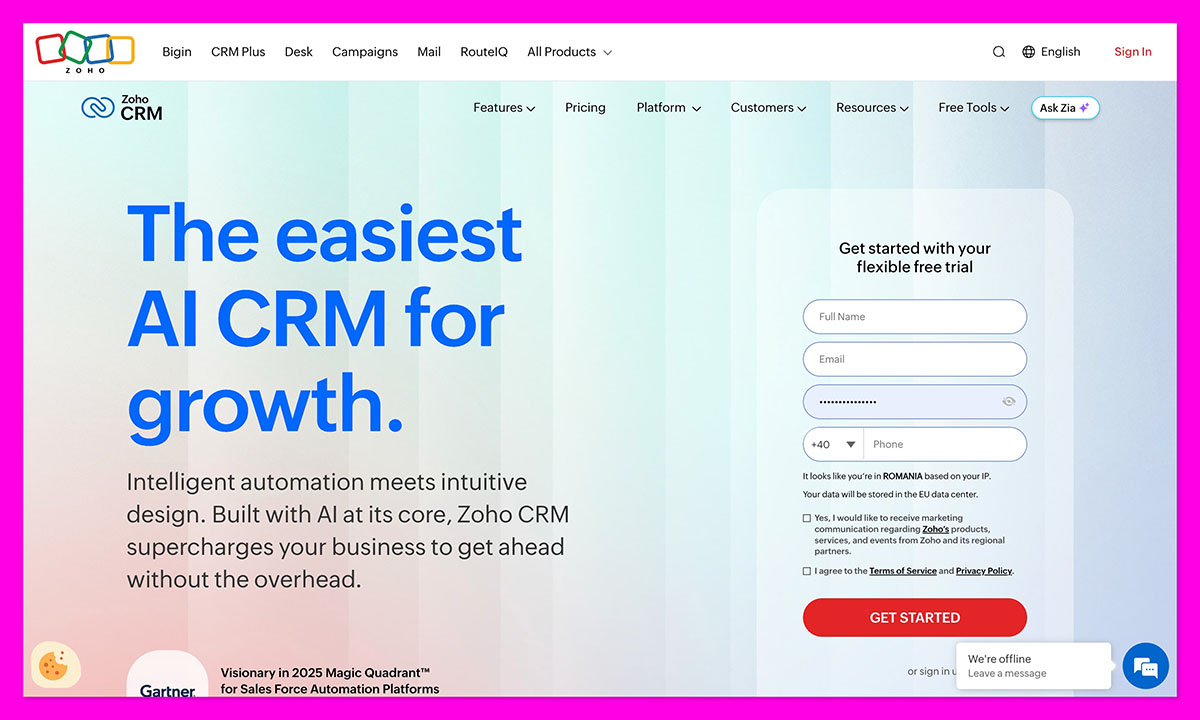
Zoho CRM is the quiet overachiever in the group. It’s packed with automation and customization options that cost way more elsewhere, perfect if your B2C store is growing but not quite “enterprise” yet. When I tested it with a lifestyle brand, Zoho pulled leads from Facebook, email, and our site into one view — which was really useful.
AI is a pretty big deal with Zoho too. Its Zia AI tool predicts who’ll buy next, and automations chase up abandoned carts automatically. Once you get everything connected to Zoho Campaigns and Books, it starts running like a full system.
The downside: setup takes patience. The design feels dated, and learning the automation builder takes some trial and error. But once it’s tuned, it’s steady.
Pros:
- Excellent value for automation and analytics
- Zia AI for predictive insights
- Integrates across the full Zoho suite
- Handles multichannel communication well
Cons:
- Older interface design
- Initial setup can be slow for beginners
6. Salesforce: Best for Enterprise-Level B2C
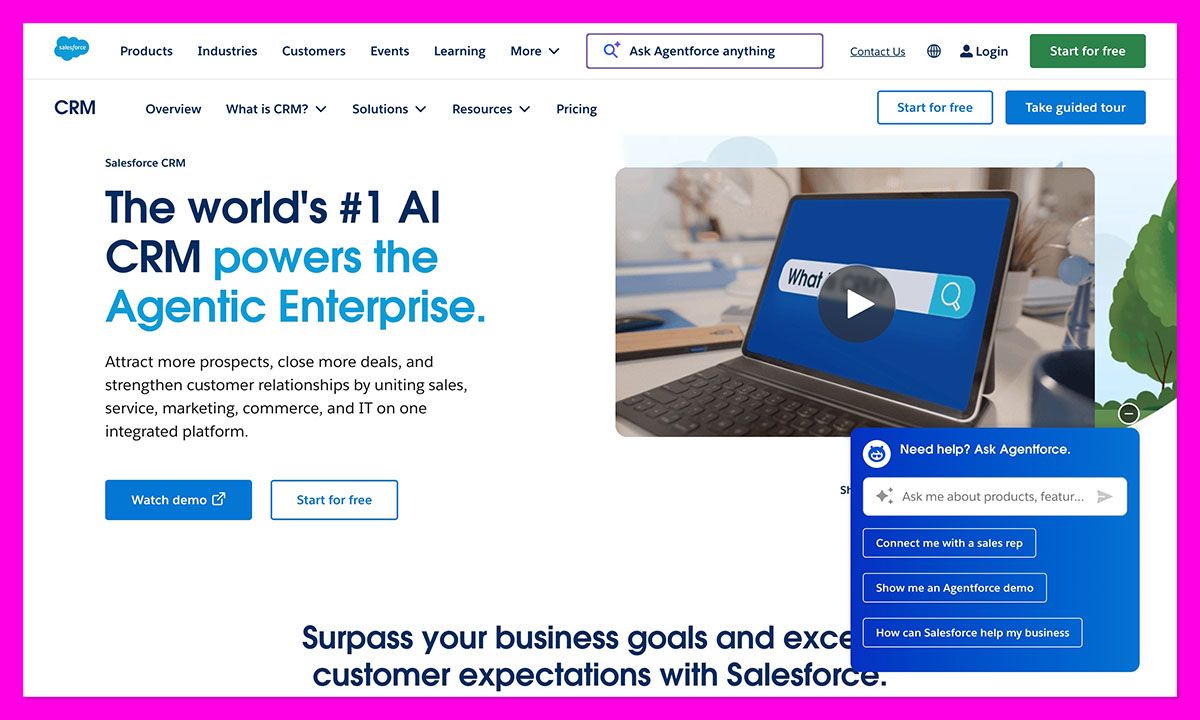
If your B2C brand is running at scale with multiple storefronts, thousands of customers, and a global audience, Salesforce can feel like mission control. It’s the most powerful CRM I’ve ever used, but also the most demanding.
With Agentforce AI and its deep Data Cloud integrations, you can see purchase patterns, trigger personalized offers, and predict repeat buyers weeks in advance. It’s unbelievably granular. Plus, you can customize absolutely everything you can think of.
The downside? Setup and management. You’ll need technical support or an admin to make the most of it. But once it’s dialed in, Salesforce can automate almost everything — from loyalty tracking to refund workflows. It’s less about “ease” and more about control at scale.
Pros:
- Immense customization for large B2C brands
- Agentforce AI delivers predictive insights
- Handles millions of records with ease
- Integrates with Slack, Tableau, and major ecommerce platforms
Cons:
- Expensive; setup requires expertise
- Overkill for small or mid-size sellers
7. Insightly: Best CRM for Small B2C Teams on a Budget
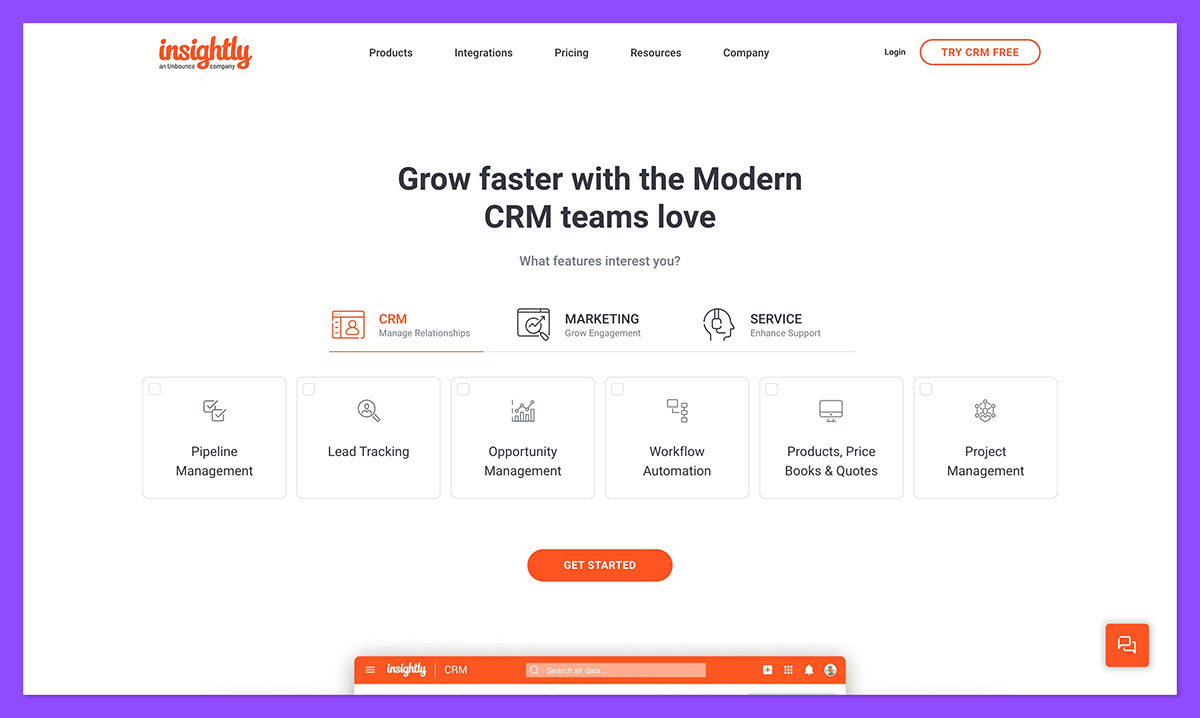
If you’re a small team or a solo ecommerce founder, Insightly is like the easy middle ground: a simple, affordable CRM that also handles projects and tasks.
I’ve seen teams use it to track customer orders, collaborations with suppliers, and even social campaigns all from the same dashboard. The new AI email reply feature is surprisingly useful, it can suggest responses and create contacts automatically from new emails.
Insightly isn’t as big as something like HubSpot, but it’s steady. You get pipelines, task tracking, and light automation in one place. It’s not built for deep marketing funnels or ecommerce analytics, but for small B2C teams, it keeps everything visible and consistent.
Pros:
- Combines CRM and project management
- Easy to use, clean interface
- Low-cost entry with a usable free tier
- Handy AI reply and contact creation tools
Cons:
- Limited integrations
- Shallow analytics for larger stores
Why HubSpot CRM Remains the B2C Champion
All the CRMs I tested have something going for them. But when I asked myself which one actually helped me grow sales and keep things under control, HubSpot came out on top. It links ecommerce, marketing, and support in a way that fits how real online stores work.
The automation saved hours, the data stayed clean, and the free plan was enough to build a solid customer journey before paying anything. If you run a DTC brand, HubSpot’s platform gives you a clear view of your customers and real control as you scale.
You can create a free HubSpot CRM account here and see how it handles your store’s data before you ever upgrade. For me, that’s the real test of good software, when it starts earning its keep before you’ve even paid for it.
FAQs
What’s the main difference between a B2C and a B2B CRM?
B2C CRMs are made for speed – hundreds or even thousands of quick, smaller sales. B2B CRMs focus on slower, relationship-driven deals. If you sell direct to customers, you’ll want fast automation and store integrations over long, pipeline-heavy setups.
What features matter most for a B2C brand?
You need automation that actually saves time, not adds clutter. A good CRM should handle cart recovery, send personalized offers, and help you spot repeat buyers. It also needs clear data: one place where emails, ads, and customer chats all connect.
Can these CRMs integrate with Shopify or WooCommerce?
They can, and honestly, setup isn’t a headache. When I linked HubSpot CRM to my Shopify store, it pulled in customers and past orders almost instantly. Everything synced so I could see what sold and send quick follow-ups without juggling tools.
How much does a good B2C CRM cost?
Plenty start free, which makes testing easy. Once you need automation or team access, expect around $20–$50 per user monthly. It’s time to upgrade when you’re spending more hours chasing spreadsheets than serving customers.
Which CRM fits a new ecommerce store best?
Start with HubSpot’s free plan, it’s simple, integrates cleanly with Shopify, and grows with your business. If you’d rather keep things lightweight, Freshsales or Zoho CRM are both good starting points for smaller teams.



