
Stan Store and Beacons are two of the most popular link-in-bio tools, each designed to help creators and ecommerce sellers monetize their audience, promote their products, and simplify the buying experience.
But which one comes out on top if you’re selling digital products, building a print-on-demand business, or simply trying to grow your brand?
I’ve spent hours researching, testing, and reviewing both platforms to help you make the right decision.
Whether you’re launching your first Notion template, linking out to a Printify-powered Etsy store, or offering coaching alongside a product bundle, this side-by-side review breaks it all down.
Quick Verdict: Stan Store vs Beacons
Stan Store – Best for selling digital products, online courses, and lead magnets with built-in checkout
Beacons – Best for content creators curating multiple links, monetizing tips, and showcasing external stores
In this comparison, I’ll evaluate Stan Store and Beacons across the areas that matter most for ecommerce and POD creators: pricing, sales tools, ease of use, integrations, and monetization capabilities.
Quick Comparison Table
Here’s a snapshot of what each platform offers at a glance:
| Feature | Stan Store | Beacons |
|---|---|---|
| Best For | Selling digital products | Curating links + showcasing content |
| Native Checkout | Yes | No (external links only) |
| Digital Product Sales | Built-in | Requires integration or external app |
| Physical Product Links | Yes (manual links) | Yes (manual links + galleries) |
| Lead Capture | Built-in | Built-in |
| Free Plan | No | Yes |
| Payment Integrations | Stripe, PayPal | None native; link out only |
| Embeds and Layout | Limited customization | Highly customizable pages |
| Ideal User | Coaches, creators, educators | Influencers, affiliates, podcasters |
Pricing: Beacons Offers a Free Plan, but Stan Store Is More Sales-Ready
Pricing is often one of the first questions creators ask—and for good reason. Whether you’re bootstrapping or scaling up, knowing your monthly investment is crucial.
Stan Store Pricing
Stan Store offers just one plan at $29 per month.
There’s no free tier, but what you’re paying for is simplicity: an all-in-one platform designed to help you sell products and collect leads right away.
What’s included:
- Unlimited products
- Digital downloads
- Lead magnet pages
- Calendar booking for coaching
- Email list builder
- Stripe and PayPal payments
Beacons Pricing
Beacons offers a free plan, which includes the basics:
- Unlimited links
- Link tracking
- Tips and donations
- Basic customization
Their Entrepreneur plan is $10/month, and their Pro plan is $30/month, which unlocks features like:
- Full page customization
- Advanced analytics
- Email marketing integrations
- Embeds and product showcases
Verdict
If you’re on a tight budget or just getting started, Beacons gives you room to explore without committing to a paid plan.
But if you’re ready to sell from day one with a streamlined checkout and upsell funnel, Stan Store’s single-plan approach is designed for that.
Winner: It depends on your goal. Beacons wins on pricing flexibility, but Stan Store wins for sales functionality.
Selling Digital Products: Stan Store Has Native Checkout, Beacons Doesn’t
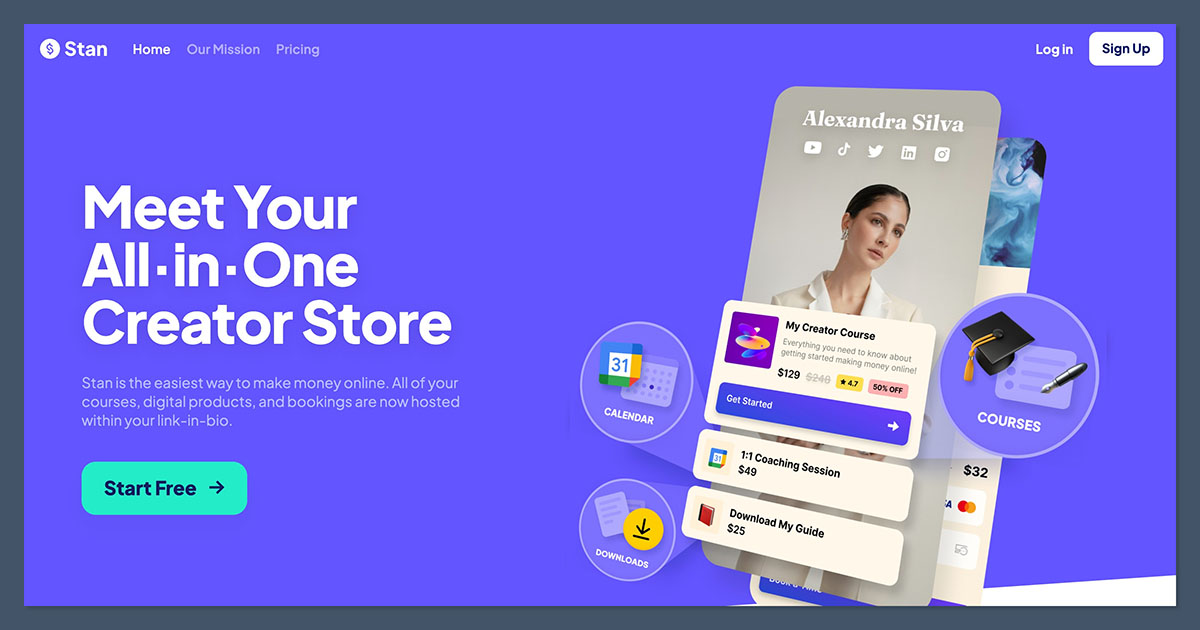
When selling digital products like templates, PDFs, or video courses, ease of checkout is everything.
Stan Store offers a no-code setup with full checkout built in. Beacons, on the other hand, requires workarounds—like linking out to Gumroad, Payhip, or other third-party tools.
Selling with Stan Store
Here’s what I loved about selling through Stan Store:
- Customers can purchase directly through the same page—no redirects
- You can offer free downloads to grow your list
- Upsells can be triggered post-purchase
- Accepts Stripe and PayPal for instant payouts
Setting up a simple Canva template pack takes less than 10 minutes, including payment configuration and lead capture.
There’s no need to embed external code or deal with third-party checkout tools, which keeps everything streamlined and beginner-friendly.
Selling with Beacons
With Beacons, I had to:
- Create a product on Gumroad
- Link the product manually
- Style the buttons to make them match my branding
While it worked, the experience wasn’t seamless. For creators who value a quick, mobile-first checkout, Stan Store is far more efficient.
Winner: Stan Store
If your goal is to sell fast with zero friction, Stan Store is built for it.
Print-on-Demand Selling: Beacons Is More Flexible for Linking to External Stores
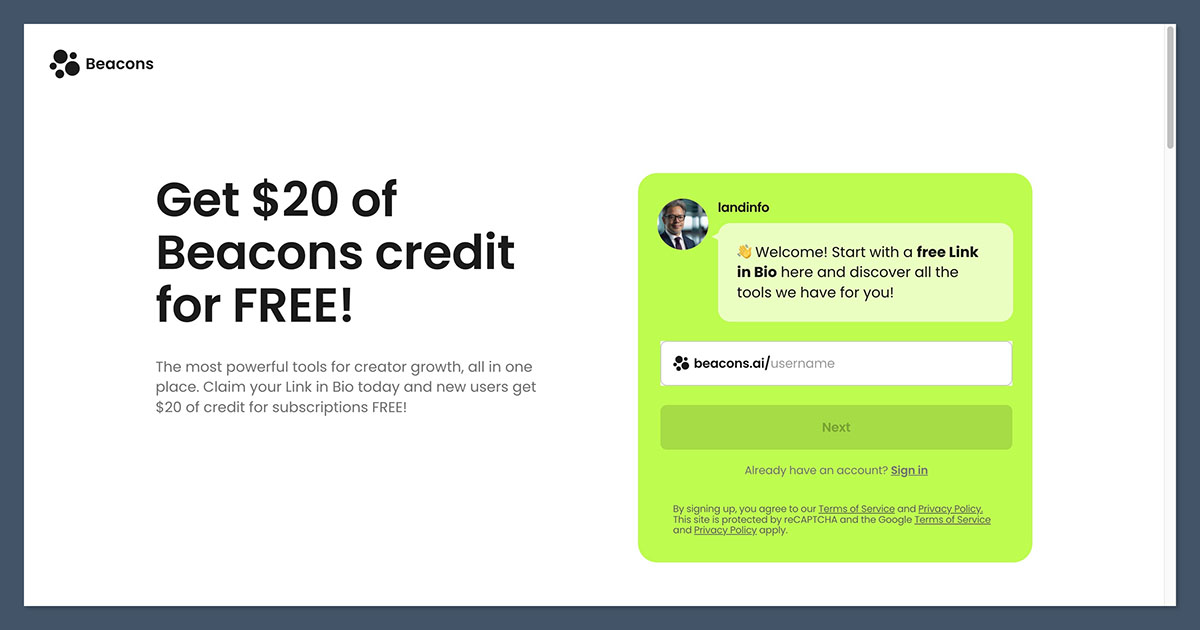
If you’re building a print-on-demand brand using platforms like Etsy, Printify, or Shopify, neither Beacons nor Stan Store integrates directly. But one gives you more room to showcase your shop.
Stan Store for POD
You can manually link to your Etsy or Shopify product pages, but there’s no native embed or gallery function.
You’ll need to use buttons or static links to point users toward your physical product listings.
Pros:
- Great for upselling digital add-ons (like a design bundle with your apparel)
- Works well as a knowledge product funnel
- Clean checkout for lead magnets
Cons:
- No product gallery
- No fulfillment integrations
- Not ideal for physical goods
Beacons for POD
Beacons shines when you want to showcase multiple print-on-demand stores or product lines:
- Add a gallery of product photos with links
- Embed YouTube reviews or product videos
- Use flexible layout blocks to group similar items
- Link to multiple platforms (Shopify, Etsy, Gumroad, etc.)
Pros:
- Visual layout for POD products
- Supports affiliate links to your own gear
- Great for cross-promoting between platforms
Cons:
- No built-in checkout
- Users leave the page to complete a purchase
Winner: Beacons
For physical products and multi-platform POD setups, Beacons gives you more layout control and link options.
Ease of Use: Stan Store Gets You Selling Faster
When it comes to setup and ease of use, both platforms are relatively simple—but Stan Store offers a faster route to monetization.
Stan Store Experience
The onboarding was frictionless. After answering a few quick questions about my niche and goals, I was dropped into a guided builder:
- No design knowledge required
- Simple product upload with drag-and-drop
- Pre-built templates for lead magnets, products, and coaching
- One-click Stripe integration
It’s possible to have a lead magnet and a couple of digital products live in under 20 minutes.
The simplicity is a big part of the appeal-there’s nothing complicated or overwhelming to figure out.
Beacons Experience
Beacons gives you much more flexibility, which is a double-edged sword. While the customization is impressive, it also means:
- More decisions to make during setup
- More time spent adjusting the layout
- Slight learning curve for embeds and third-party integrations
You’ll spend more time customizing, but the end result can look more branded and polished—especially if you want something that reflects a content-driven brand.
Winner: Stan Store
If you want to go from idea to live product quickly, Stan Store is the easiest tool I’ve tested.
Marketing and Email Tools: Stan Store Has Built-in Funnels
Email capture and conversion optimization are key for growing any ecommerce brand, especially in the creator economy. Stan Store makes this part nearly automatic.
Stan Store
Every product can include an email opt-in, freebie, or waitlist sign-up. The funnel is built right into the checkout flow.
You can:
- Collect emails through free products
- Offer discount codes post-purchase
- Send lead magnets automatically
It’s not a full CRM, but for solo creators or microbrands, it’s more than enough.
Beacons
Beacons offers email blocks, forms, and integrations—but they’re a bit more DIY:
- No native product-to-email funnel
- Requires external integrations for follow-ups
- Less intuitive lead magnet workflows
It’s fine if email isn’t your main focus, but if list-building is part of your growth strategy, Stan Store is better out of the box.
Winner: Stan Store
Stan gives creators an easy way to build a list and monetize it—all in one place.
Monetization Beyond Sales: Beacons Offers More Options
If you’re not just selling, but also looking to earn through content, affiliate links, or tipping, Beacons offers a wider mix of monetization tools.
Beacons Monetization Tools
- Tip jars and donations
- Paid shoutouts or services
- Affiliate link tracking
- Link out to Patreon, Ko-fi, or Substack
Beacons works well for creators who monetize through multiple income streams, including sponsorships, community access, and affiliate content.
Stan Store
Stan Store is built for selling, not curating.
It doesn’t support tipping, and it has no affiliate tracking. Everything centers around:
- Selling digital products
- Offering services (e.g., coaching)
- Building a list
Winner: Beacons
If your income is spread across different platforms, Beacons is better equipped to support it.
Final Verdict: Which One Should You Use?
If your focus is selling digital products or services, Stan Store is the clear winner.
It simplifies everything—from product setup to checkout—and gives you built-in lead capture and upsell tools.
But if your brand is more content-heavy, or you’re curating links across multiple platforms and monetization models, Beacons offers more flexibility and customization.
Choose Stan Store if you:
- Sell digital products, courses, or coaching
- Want fast setup with built-in payments
- Care about lead magnets and conversion funnels
- Need a streamlined way to get paid directly
Choose Beacons if you:
- Link out to multiple platforms (like Etsy, Patreon, YouTube)
- Monetize with affiliate links or donations
- Want flexible layouts and visual branding
- Aren’t focused on in-platform selling
And remember—you can always use both.
I know creators who use Stan Store for products and Beacons for broader brand promotion. You don’t have to choose just one.



